




CSS Gradient
Linear, radial and conic gradients with smooth OKLCH transitions. Export as CSS, SVG or image.
Open in editorDreamy backgrounds from large, strongly blurred color circles. Export as PNG, JPG, WebP, SVG or CSS.
Open the generatorRuns right in your browser. Your graphics are made on your device.

Pick a preset and it opens right in the editor, ready to adjust.
A blurry gradient is a background made of a few large color circles, blurred so strongly that only soft clouds of color remain. It works well behind text, as a website hero, in presentations and as a wallpaper.
Choose two to five circles and whether they sit in the corners or around the center, then set size, spread, opacity and blur. Press Space for a new variant, add grain if you like, and export as PNG, JPG, WebP, SVG or CSS.
Try the Blurry Gradient nowMore than 30 original gradients with CSS to copy, each one ready to adjust in the editor.
Browse the gradient collectionLinear, radial and conic gradients with smooth OKLCH transitions. Export as CSS, SVG or image.
Open in editor
Soft, flowing color gradients from several blurred color fields. Export as PNG, JPG, WebP, SVG or CSS.
Open in editor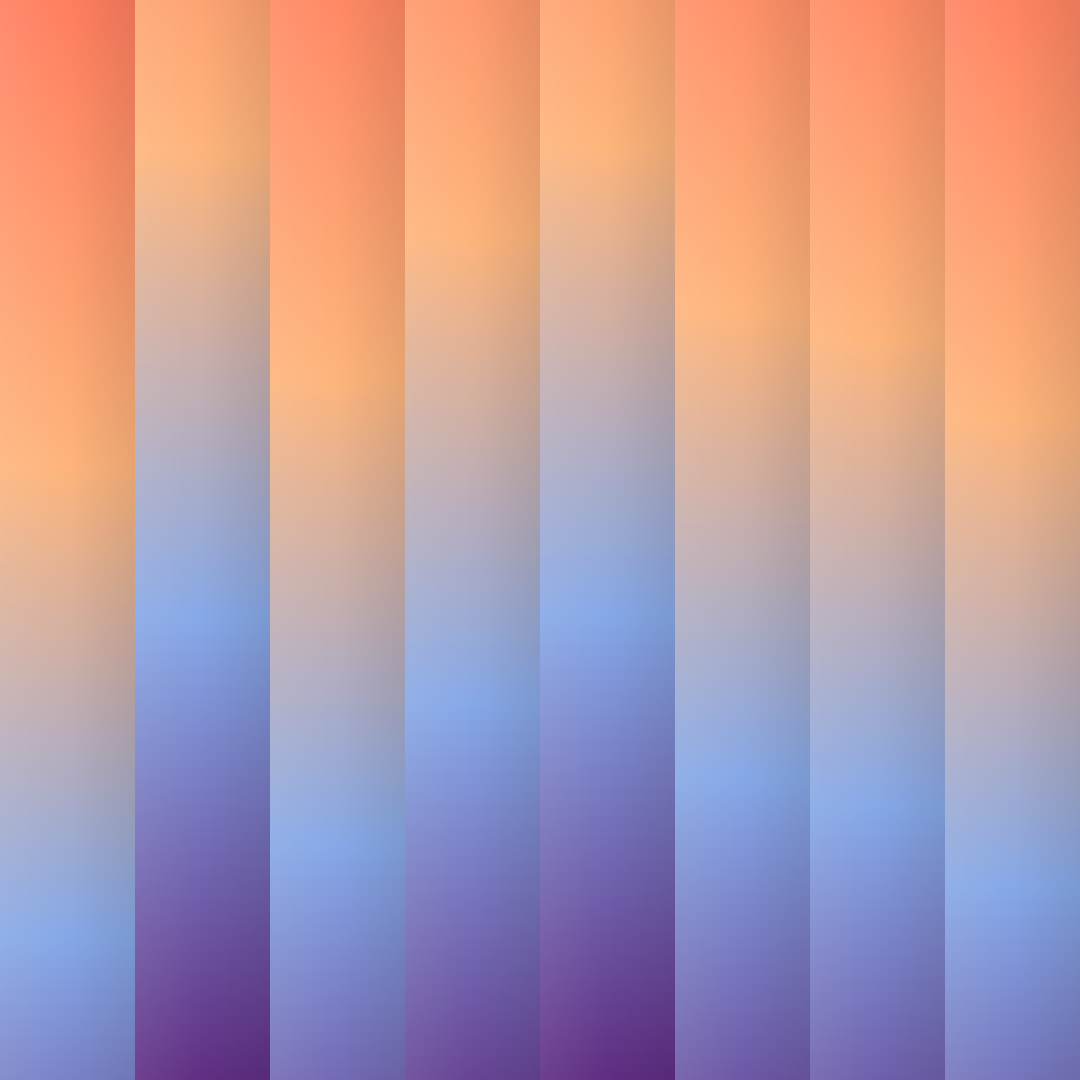
Vertical stripes, each with its own gradient, slightly offset against each other. Export as PNG, JPG, WebP, SVG or CSS.
Open in editor
Over 30 pure CSS patterns: dots, grids, stripes, waves and geometric shapes. Export as CSS, Tailwind, SVG or image.
Open in editor
Organic shapes in one click, filled, outlined or with a gradient. Export as SVG or image.
Open in editor
Layered waves for sections, headers and backgrounds. Export as SVG, CSS or image.
Open in editor