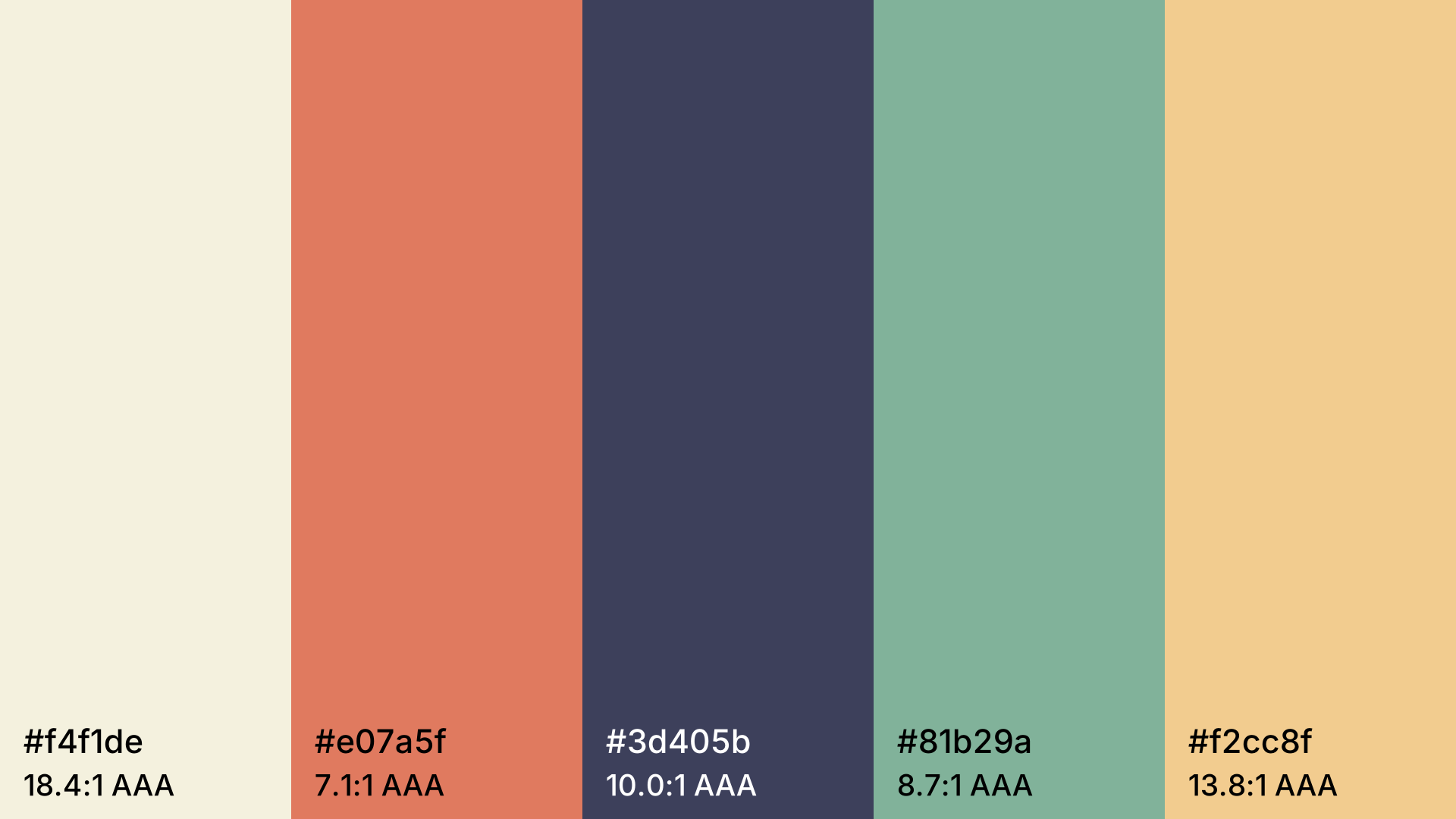
Color Palette Generator
Harmonious color palettes at the press of the space bar. Lock colors, pick a harmony, check contrast and export as CSS.
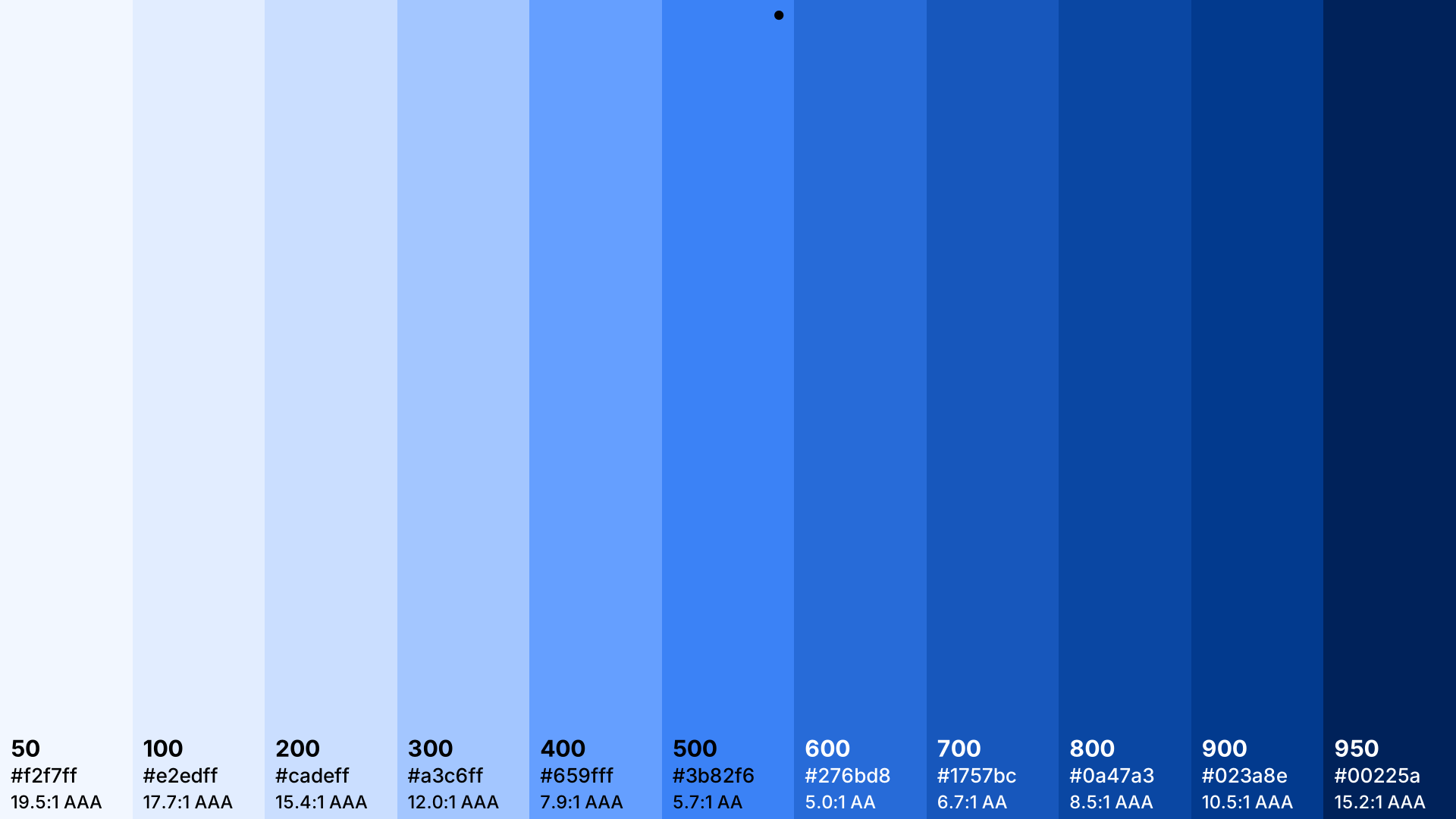
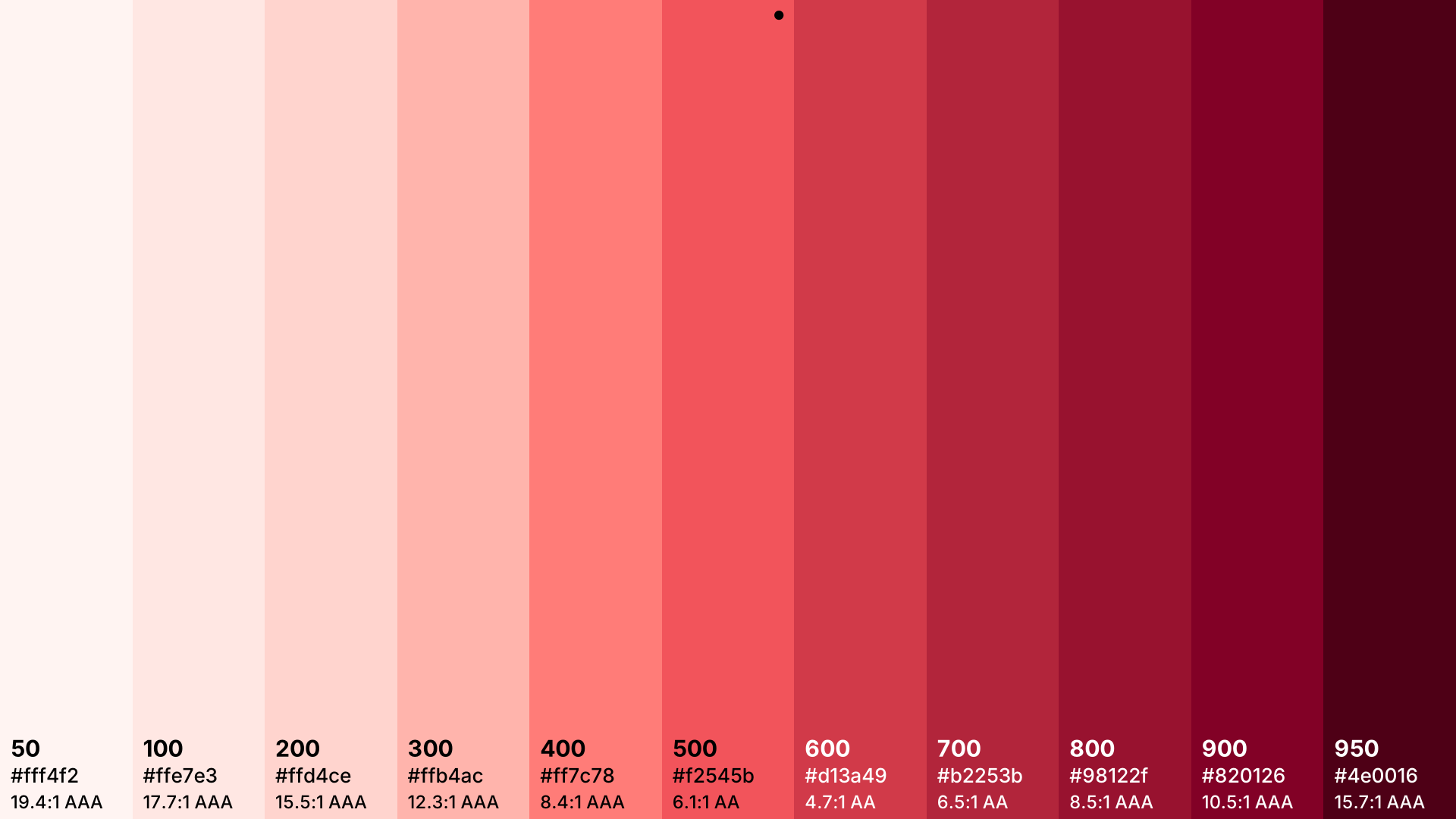
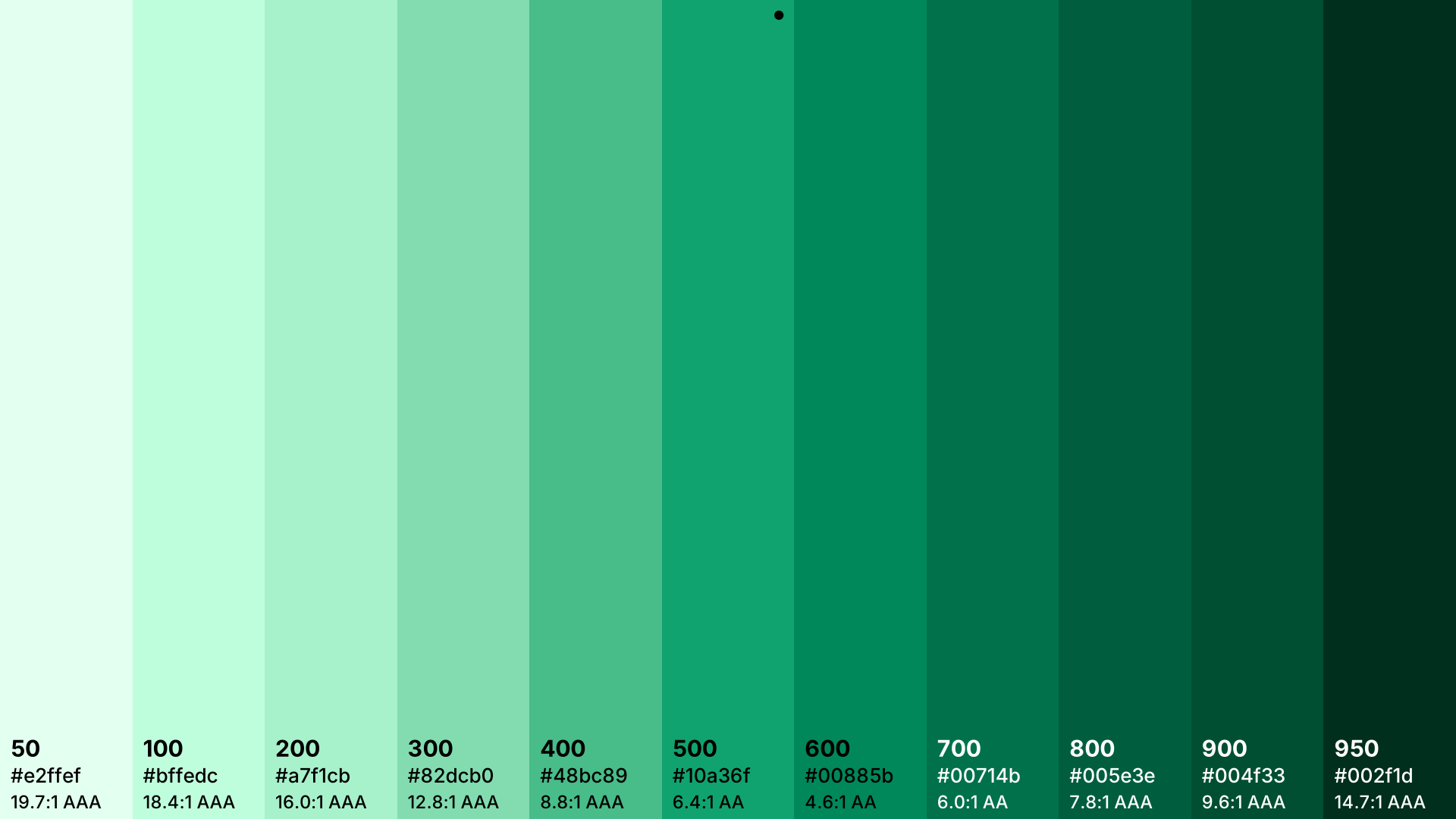
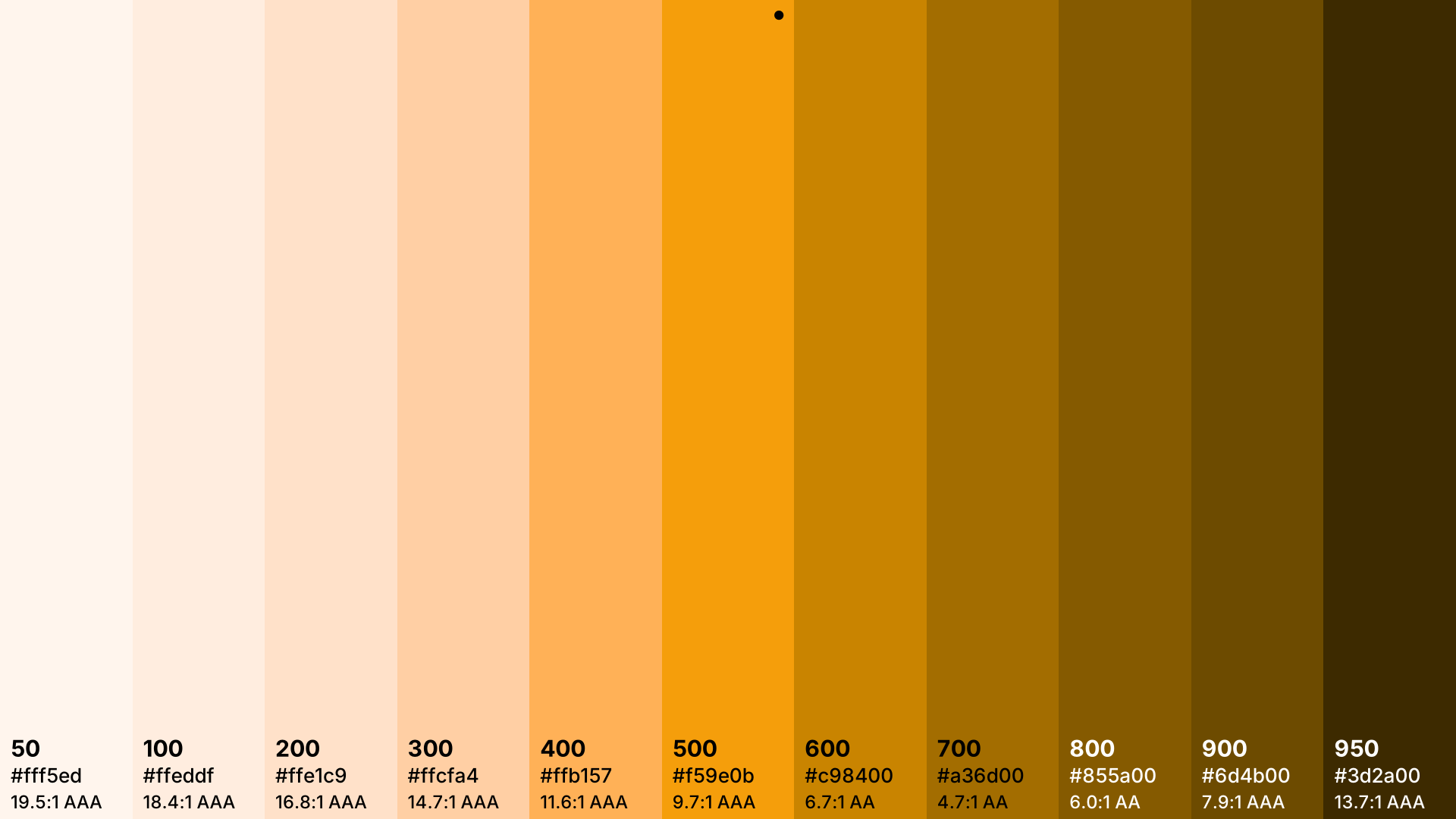
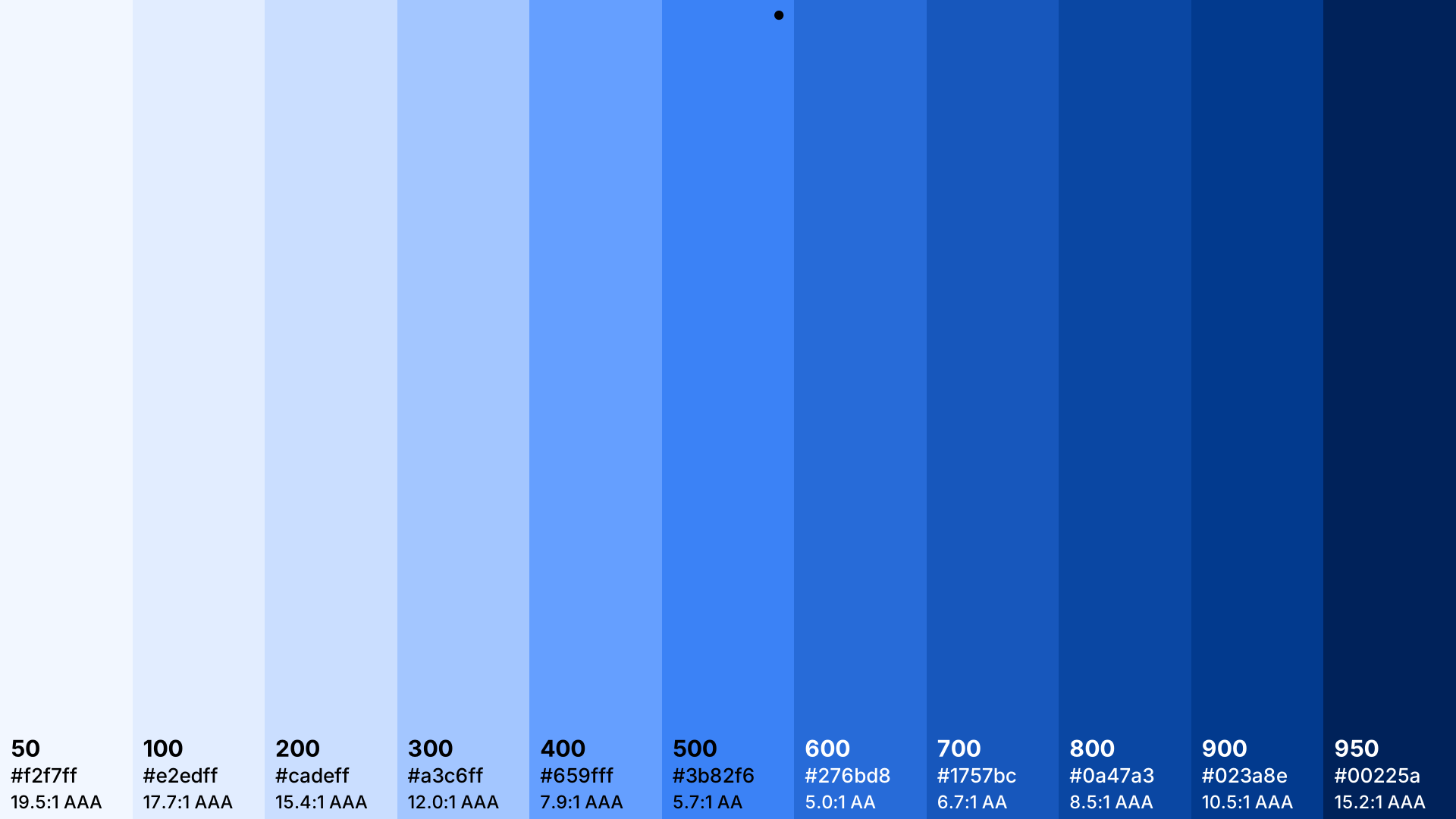
Open in editorThe eleven Tailwind steps 50 to 950 from one color. Export for tailwind.config.js, @theme, OKLCH and HEX.
Open the generatorRuns right in your browser. Your graphics are made on your device.
Pick a preset and it opens right in the editor, ready to adjust.
Tailwind CSS arranges every color in eleven steps from 50 (very light) to 950 (very dark). This generator builds such a scale from your brand color, with the color itself exactly on 500.
Pick your base color, give the palette a name and copy the code for tailwind.config.js or the @theme block for Tailwind v4.
Try the Tailwind Color Palette nowMore than 30 palettes by mood, with HEX, RGB and OKLCH values to copy.
Browse the palette collectionHarmonious color palettes at the press of the space bar. Lock colors, pick a harmony, check contrast and export as CSS.
Open in editor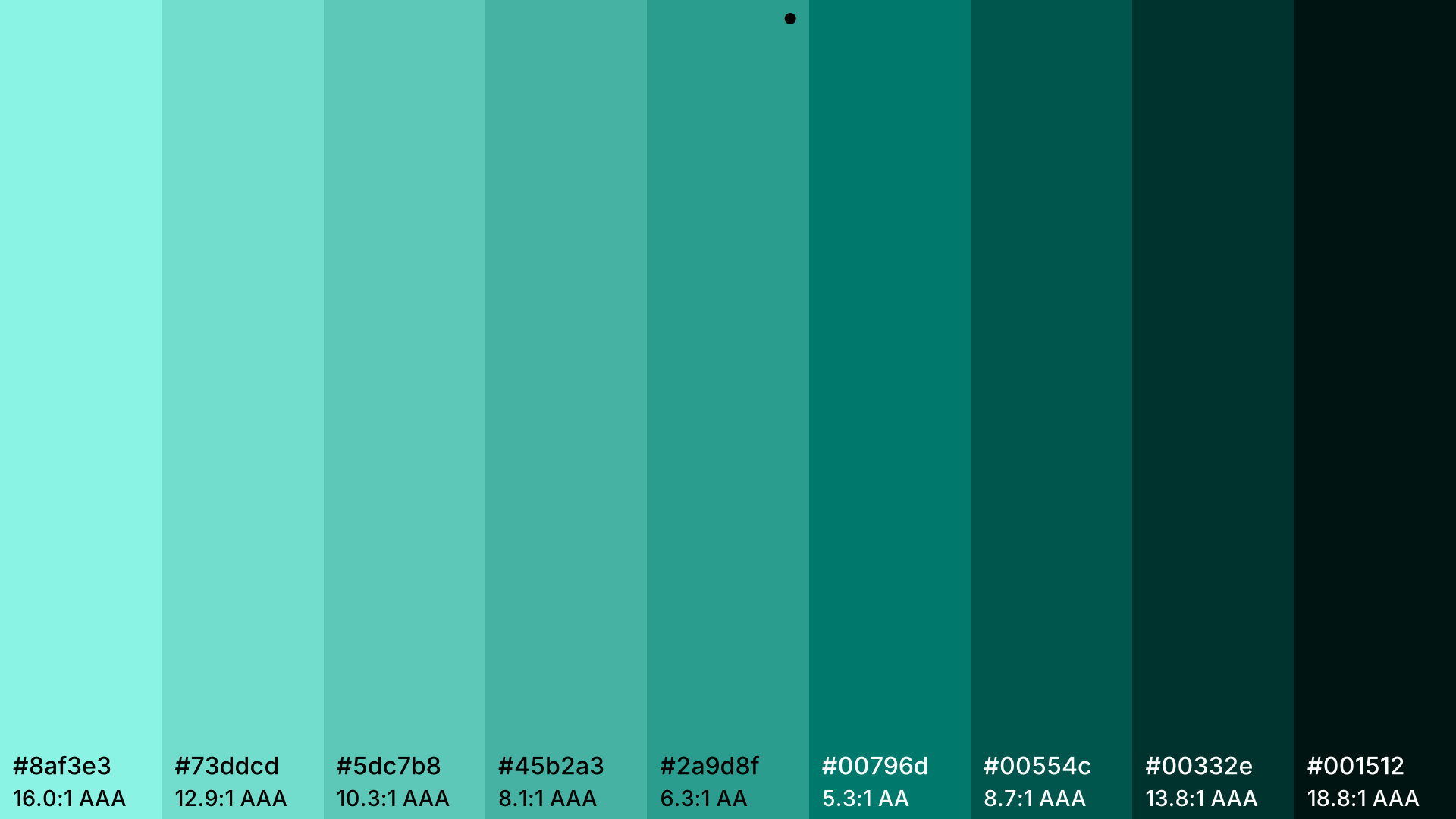
Lighter and darker steps of a color. Export as HEX, RGB, HSL or CSS variables.
Open in editor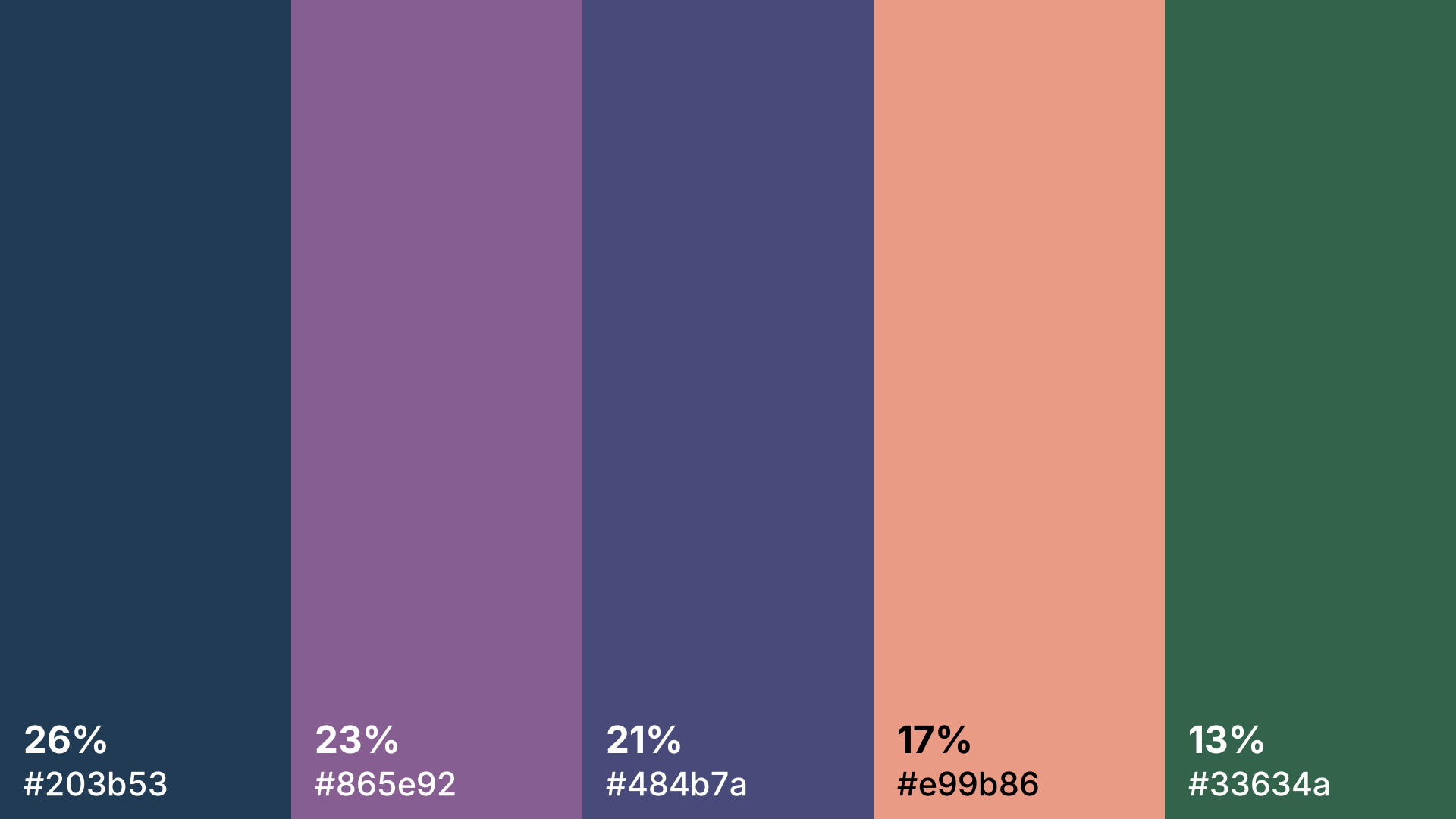
Drop in a photo and get its main colors with their share in percent. The image stays in your browser.
Open in editor