

Glass and Border Effects
Frosted glass, gradient borders and glows for cards and hero sections. Real CSS with a live preview, ready to copy as CSS, Tailwind or HTML.
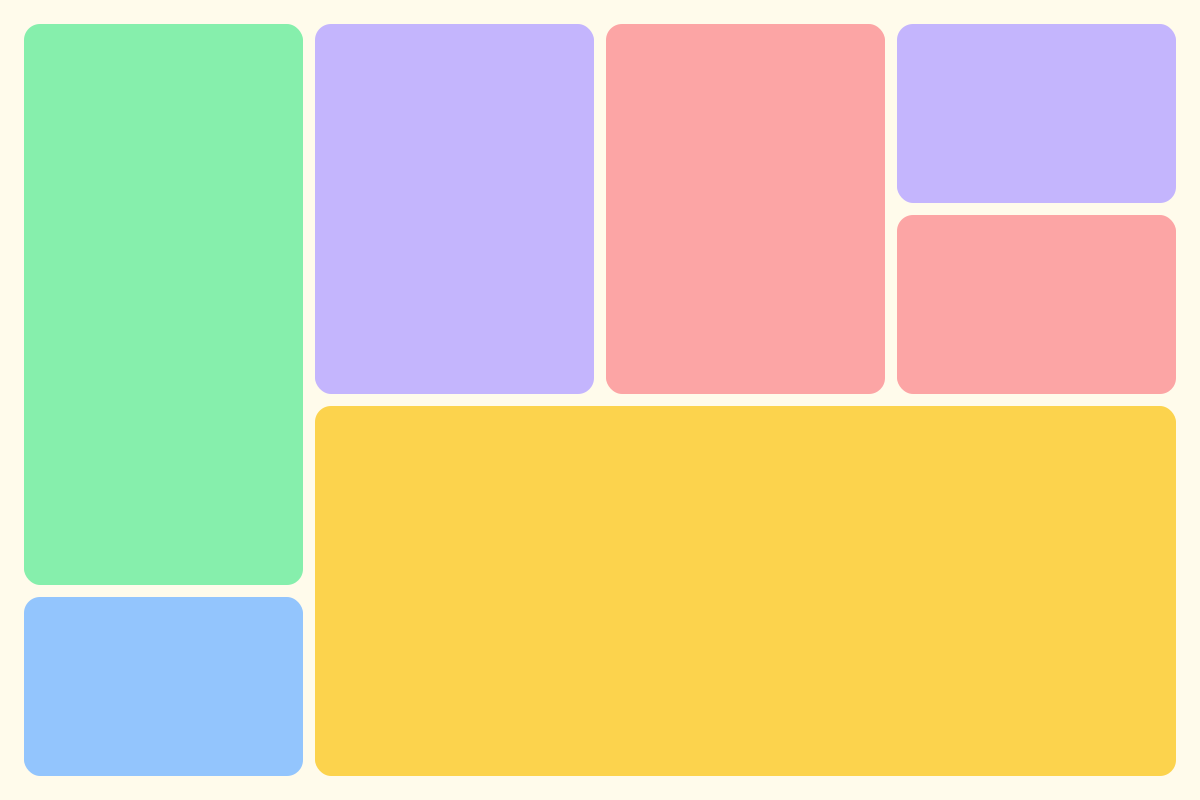
Open in editorRounded tiles of different sizes in a grid, without gaps. For feature sections, portfolios and social graphics, as CSS Grid, Tailwind or an image.
Open the generatorRuns right in your browser. Your graphics are made on your device.
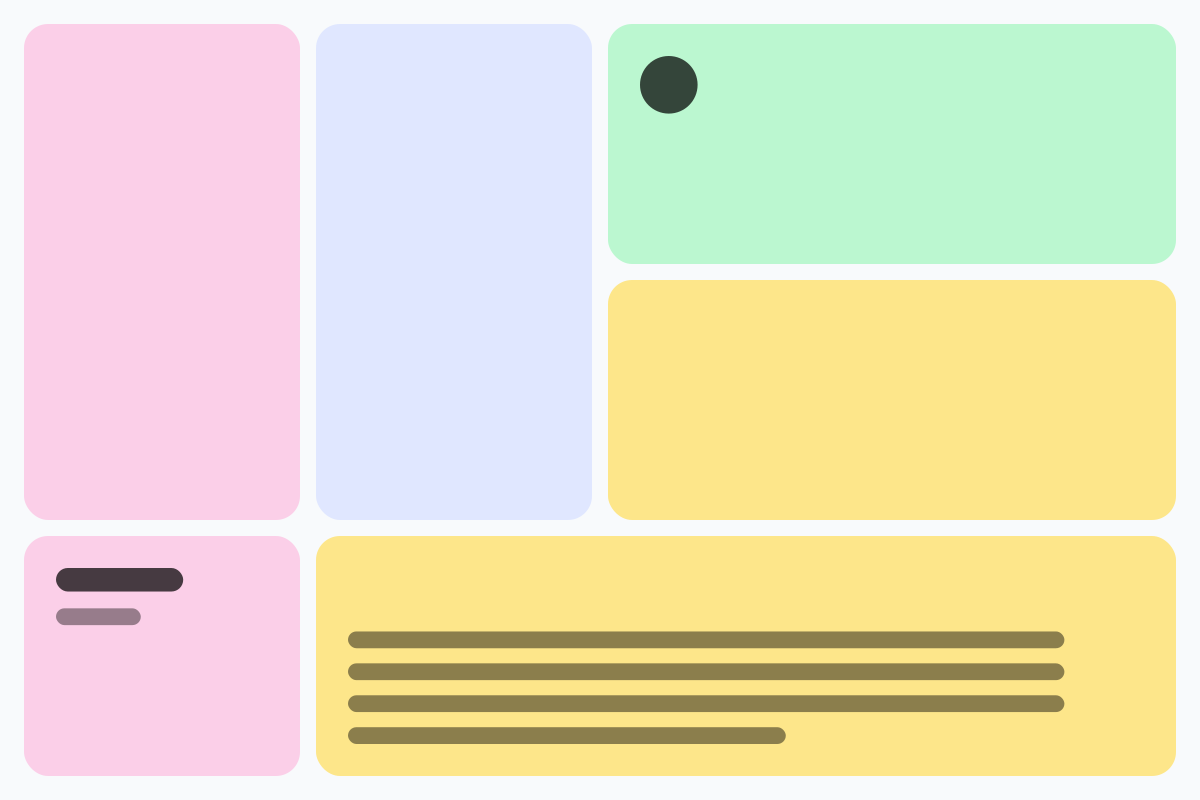
Pick a preset and it opens right in the editor, ready to adjust.
A bento grid arranges content in tiles of different sizes, like the compartments of a bento box. The layout is popular for feature sections, portfolios, dashboards and social media graphics. The generator always fills the whole grid, without gaps.
Set columns, rows and the number of tiles you want. The smallest and largest tile control how varied the tiles get. Press Space for a new layout, or lock the layout and roll new colors only. Export as CSS Grid with HTML, Tailwind classes, SVG or an image.
Try the Bento Grid nowFrosted glass, gradient borders and glows for cards and hero sections. Real CSS with a live preview, ready to copy as CSS, Tailwind or HTML.
Open in editor
Soft, layered shadows for cards and buttons. Real CSS preview, export as box-shadow, Tailwind or drop-shadow.
Open in editor
Linear, radial and conic gradients with smooth OKLCH transitions. Export as CSS, SVG or image.
Open in editor
Over 30 pure CSS patterns: dots, grids, stripes, waves and geometric shapes. Export as CSS, Tailwind, SVG or image.
Open in editor
Organic shapes in one click, filled, outlined or with a gradient. Export as SVG or image.
Open in editor
Layered waves for sections, headers and backgrounds. Export as SVG, CSS or image.
Open in editor