

Glass and Border Effects
Frosted glass, gradient borders and glows for cards and hero sections. Real CSS with a live preview, ready to copy as CSS, Tailwind or HTML.
Open in editorSoft, layered shadows for cards and buttons. Real CSS preview, export as box-shadow, Tailwind or drop-shadow.
Open the generatorRuns right in your browser. Your graphics are made on your device.
Pick a preset and it opens right in the editor, ready to adjust.
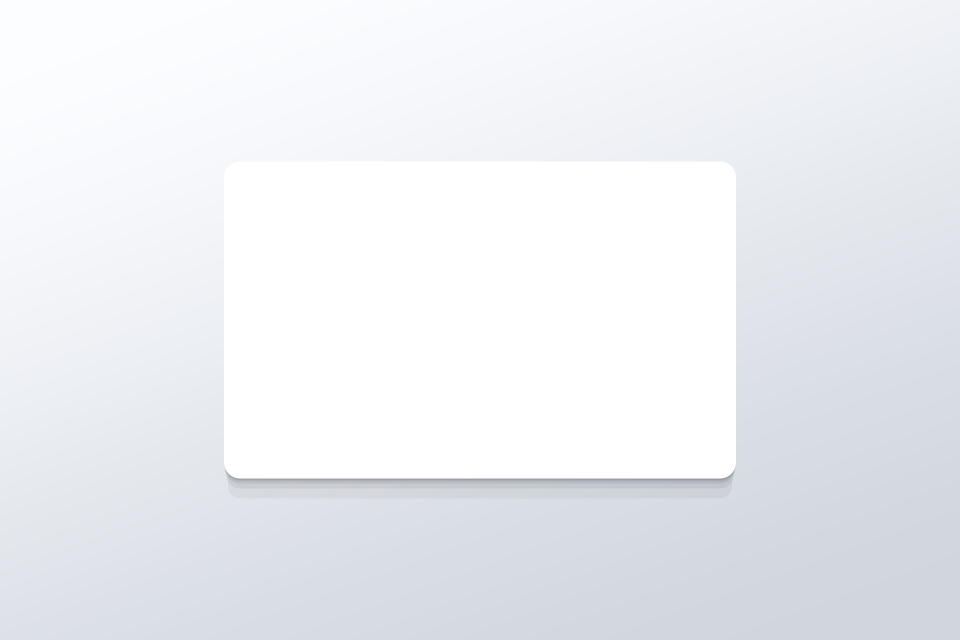
A CSS shadow generator writes the code for box-shadow. Instead of one hard shadow, Musterli stacks several layers whose distance and blur grow along a curve. Cards and buttons look soft and naturally lit.
Set layers, distance, blur and light direction, or press Space for a new variant. The preview is real CSS on a Musterli background. Then copy the box-shadow, the Tailwind class, the @theme variable or the drop-shadow version.
Try the CSS Shadow Generator nowFrosted glass, gradient borders and glows for cards and hero sections. Real CSS with a live preview, ready to copy as CSS, Tailwind or HTML.
Open in editor
Rounded tiles of different sizes in a grid, without gaps. For feature sections, portfolios and social graphics, as CSS Grid, Tailwind or an image.
Open in editor