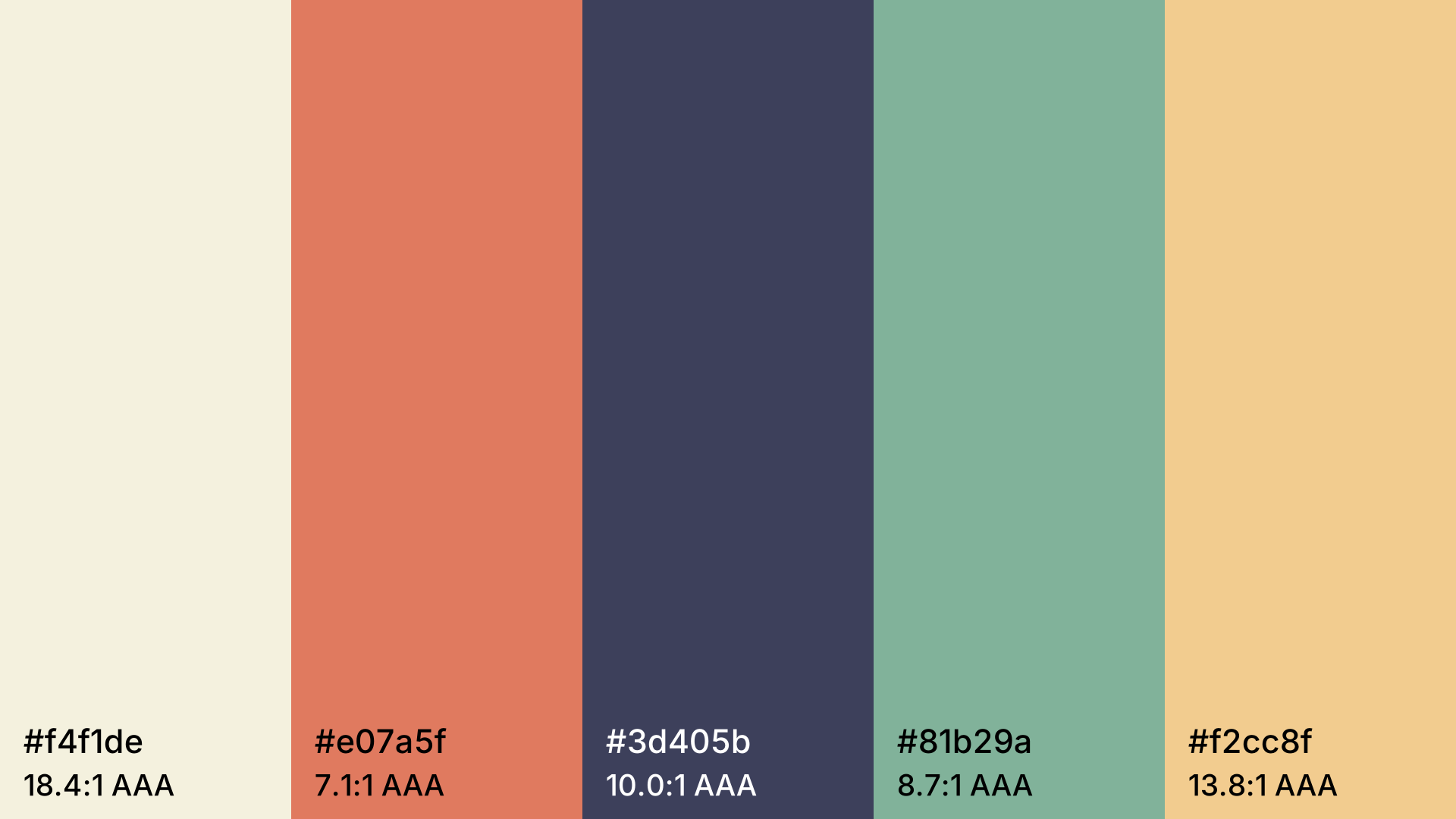
Color Palette Generator
Harmonious color palettes at the press of the space bar. Lock colors, pick a harmony, check contrast and export as CSS.
Open in editorCheck whether text and background are readable under WCAG, see the colors with color vision deficiency and apply better colors in one click.
Open the generatorRuns right in your browser. Your graphics are made on your device.
Pick a preset and it opens right in the editor, ready to adjust.
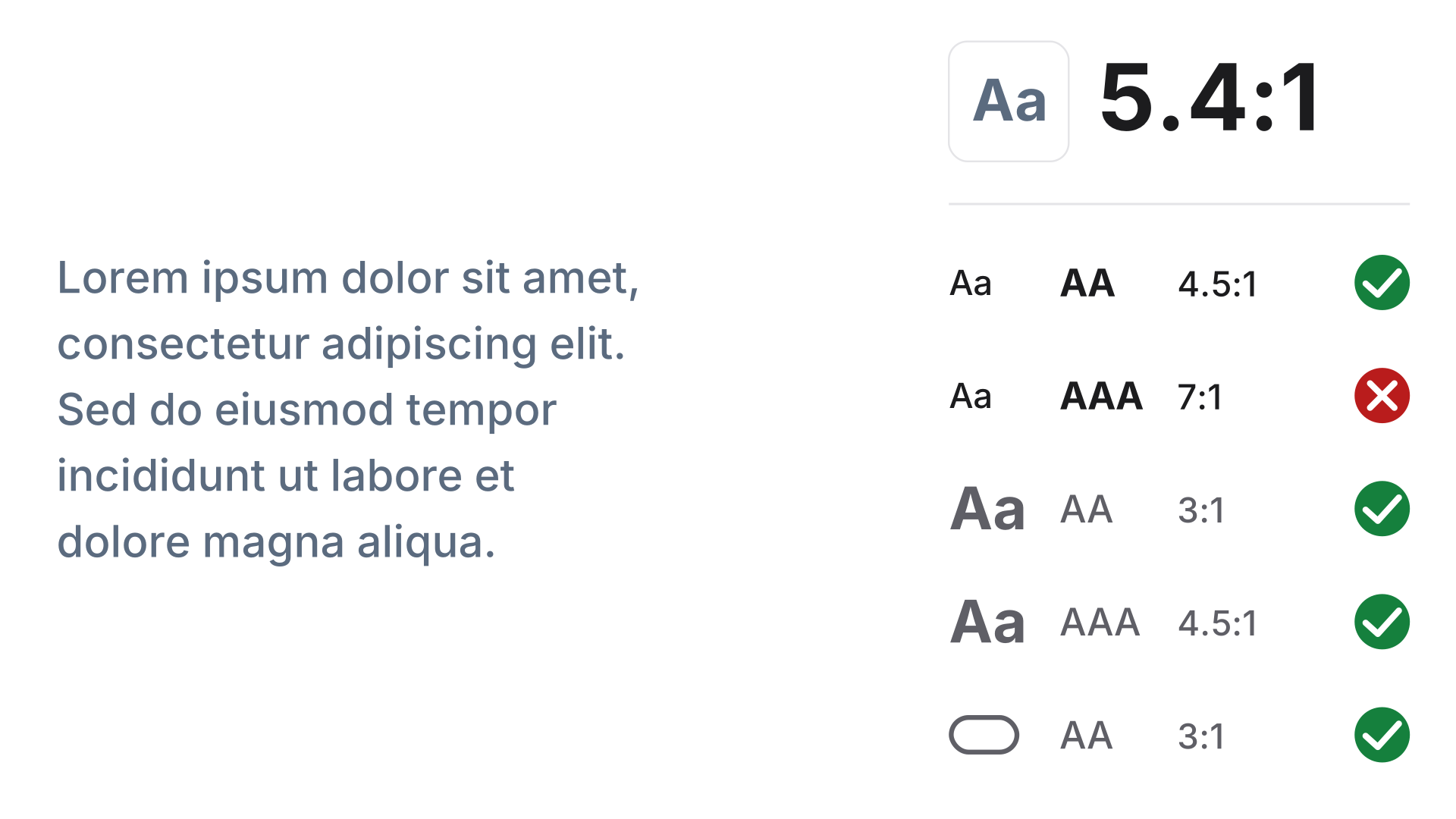
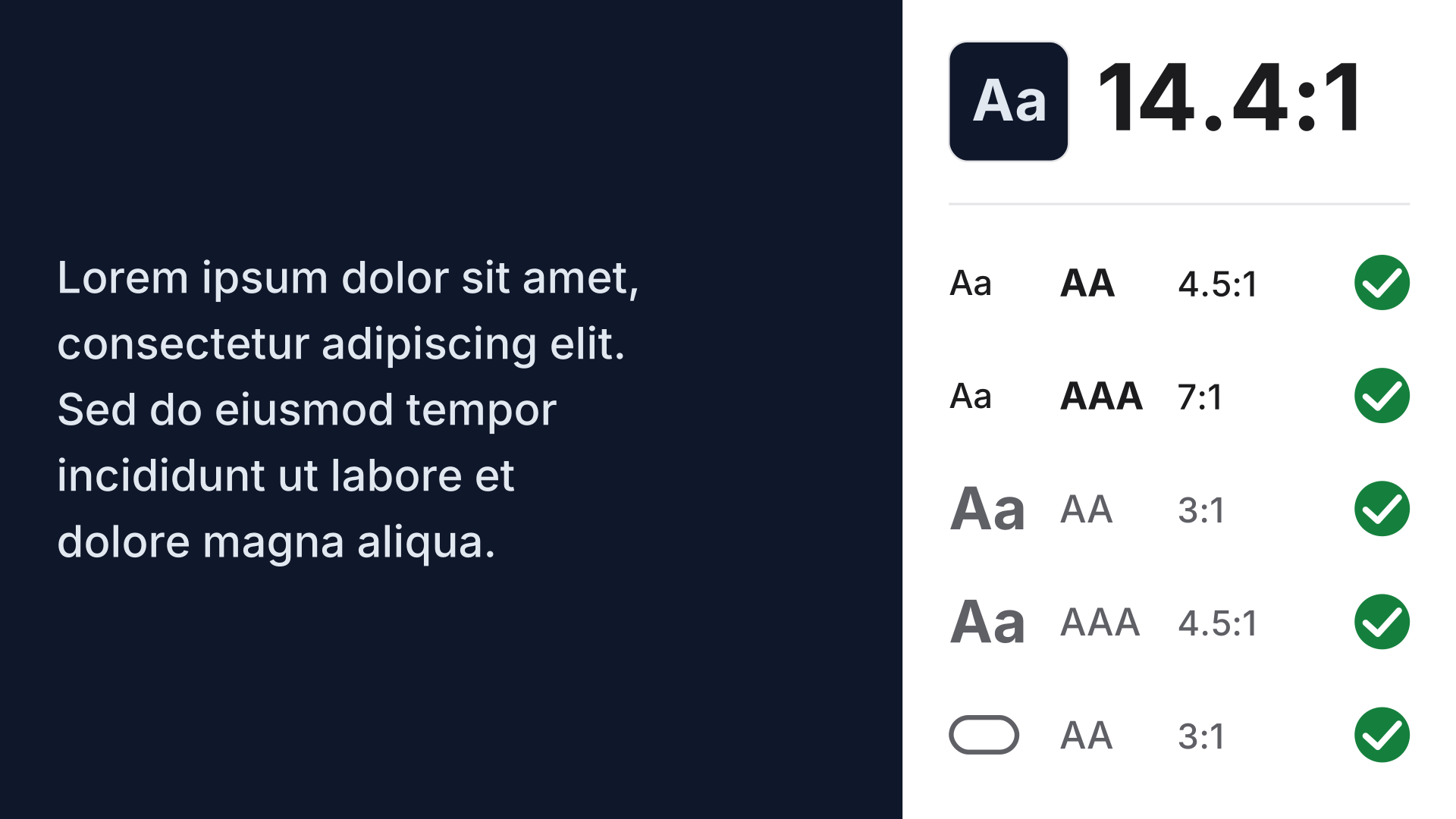
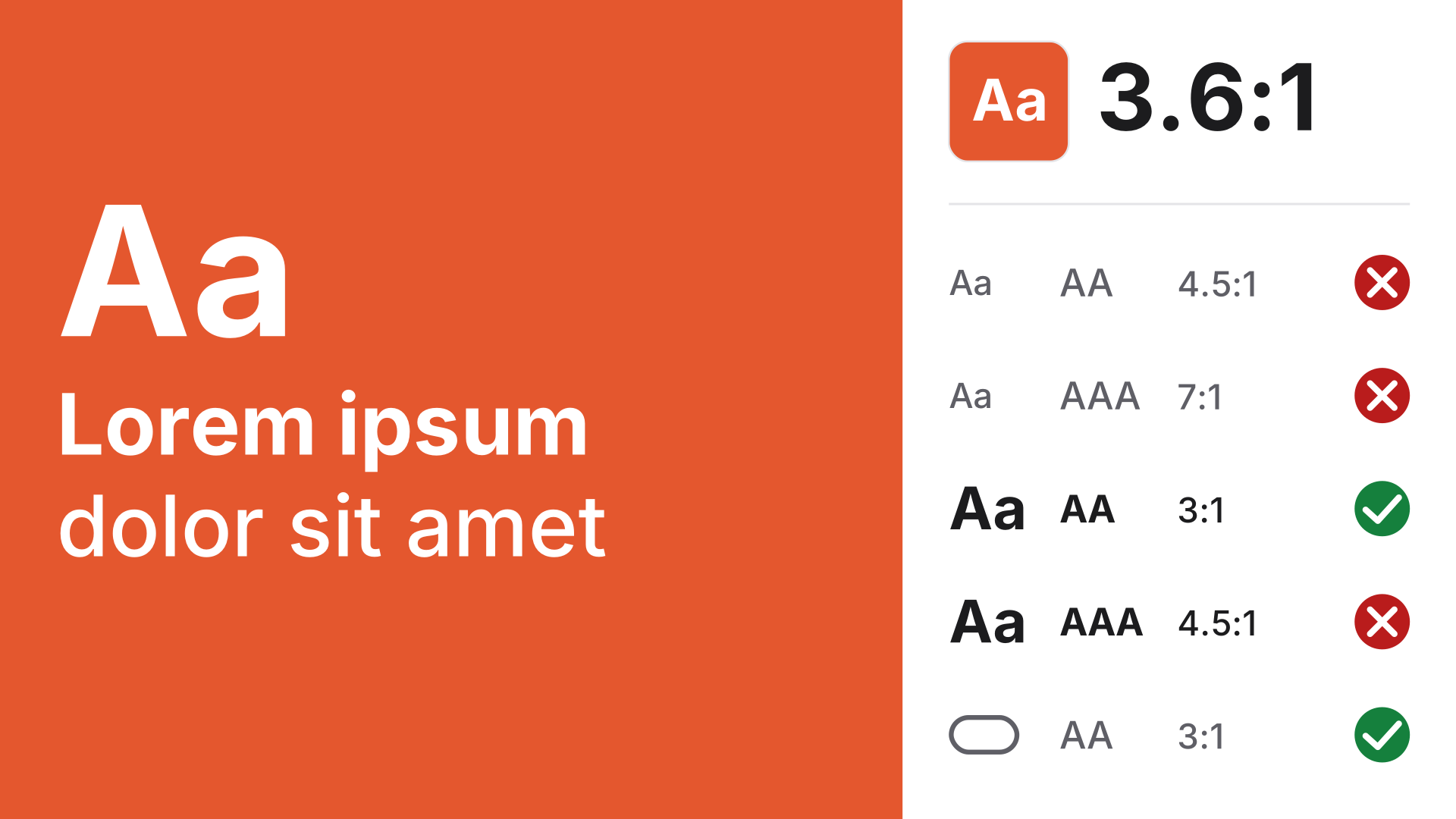
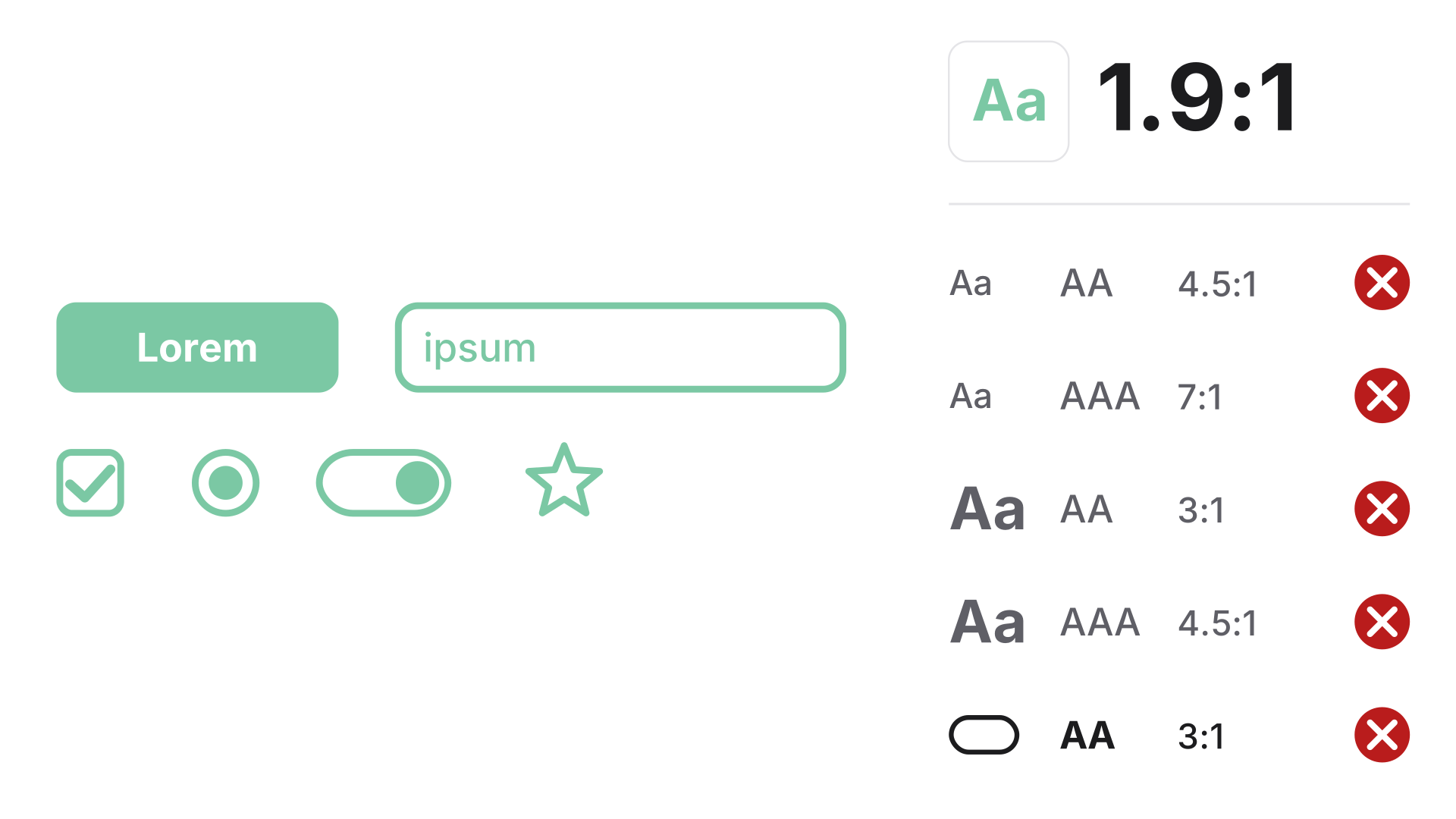
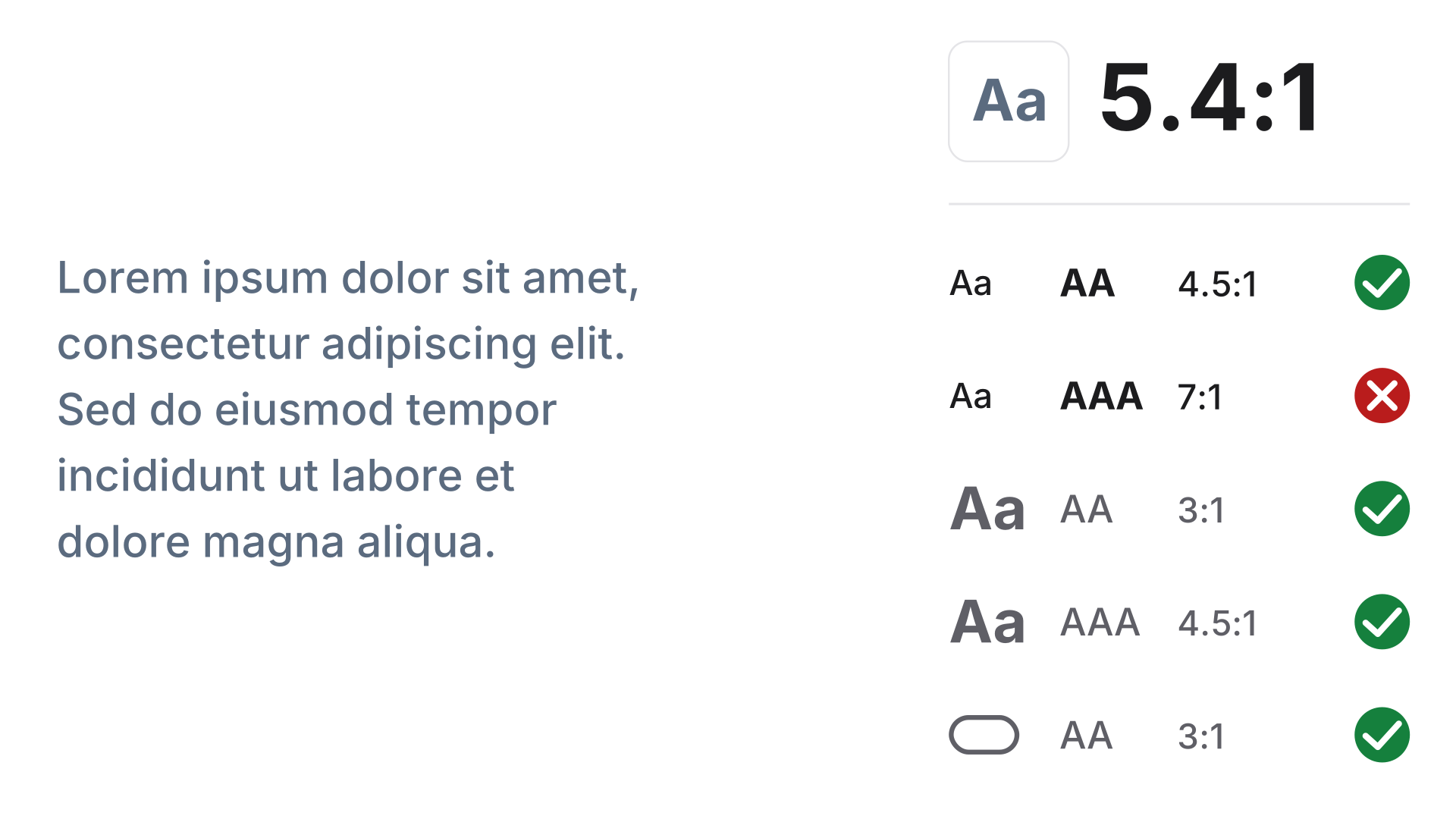
A contrast checker measures how much text and background colors differ in lightness. The Web Content Accessibility Guidelines (WCAG 2) set minimum ratios so text stays readable with low vision, glare or poor screens.
Pick the text and background colors with the color picker, a HEX value or the eyedropper and read which WCAG levels pass. If the contrast falls short, apply the nearest color that reaches AA or AAA in one click. The simulation shows how the pair looks with color vision deficiency.
Try the Contrast Checker nowMore than 30 palettes by mood, with HEX, RGB and OKLCH values to copy.
Browse the palette collectionHarmonious color palettes at the press of the space bar. Lock colors, pick a harmony, check contrast and export as CSS.
Open in editor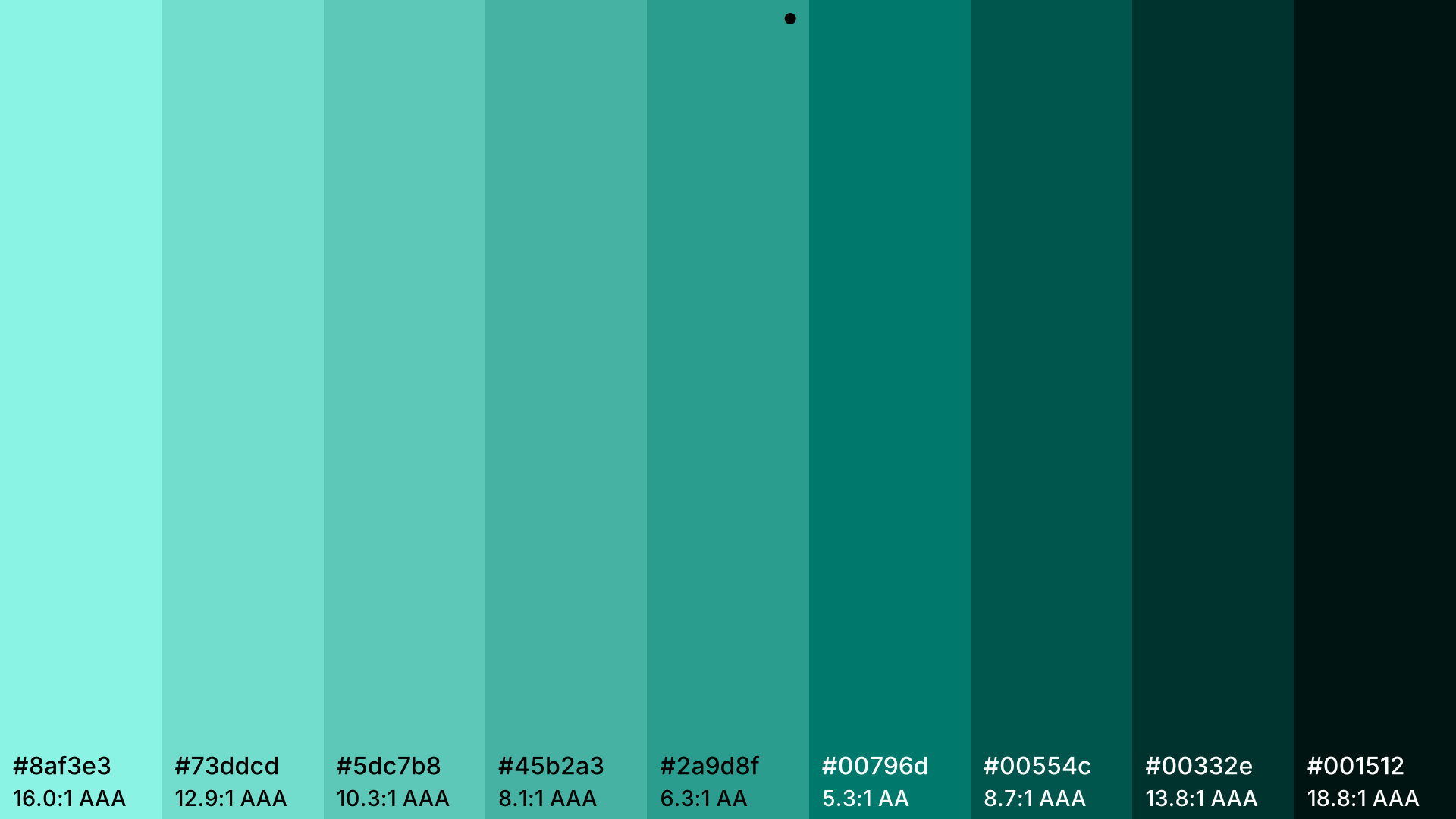
Lighter and darker steps of a color. Export as HEX, RGB, HSL or CSS variables.
Open in editor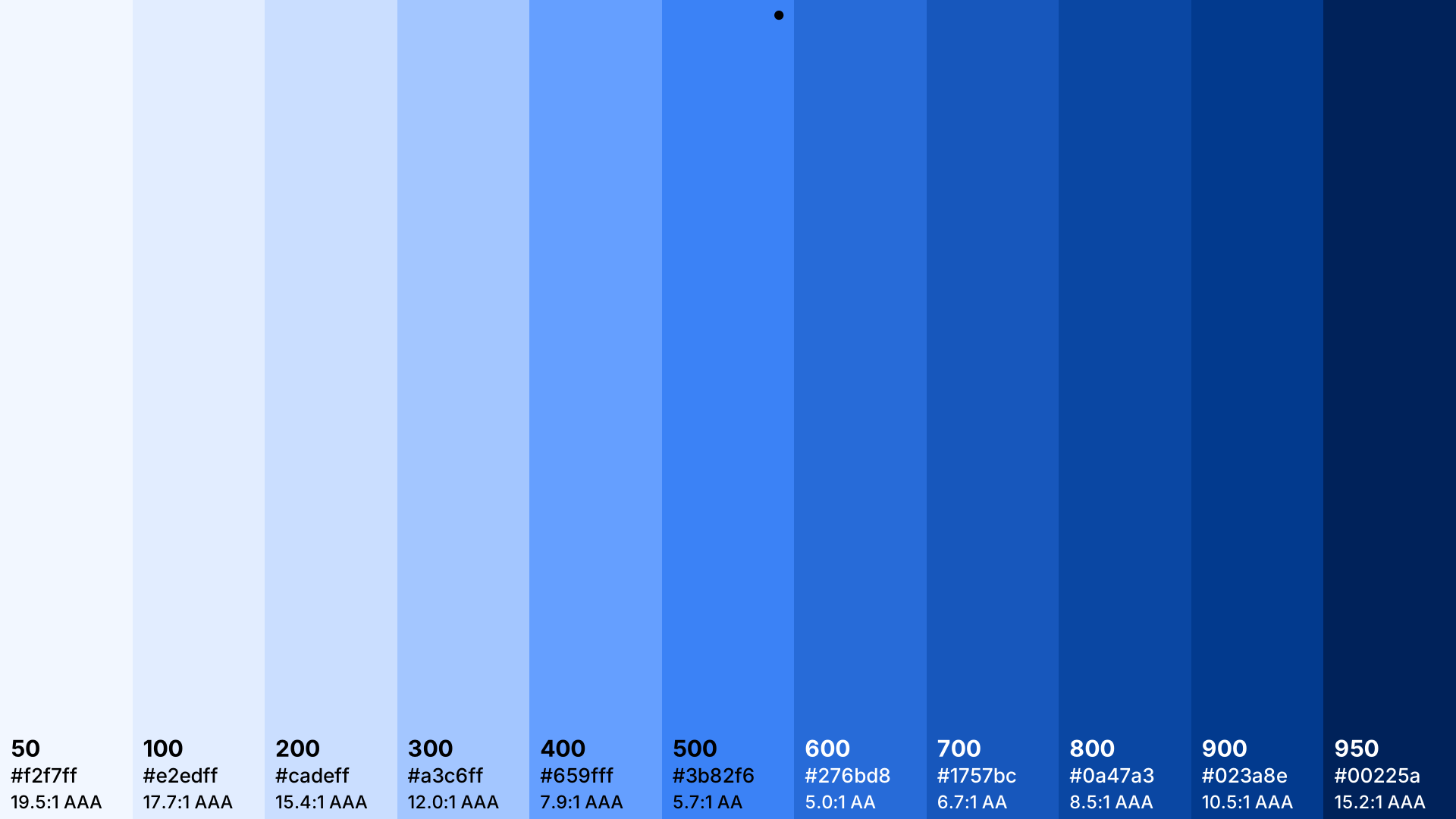
The eleven Tailwind steps 50 to 950 from one color. Export for tailwind.config.js, @theme, OKLCH and HEX.
Open in editor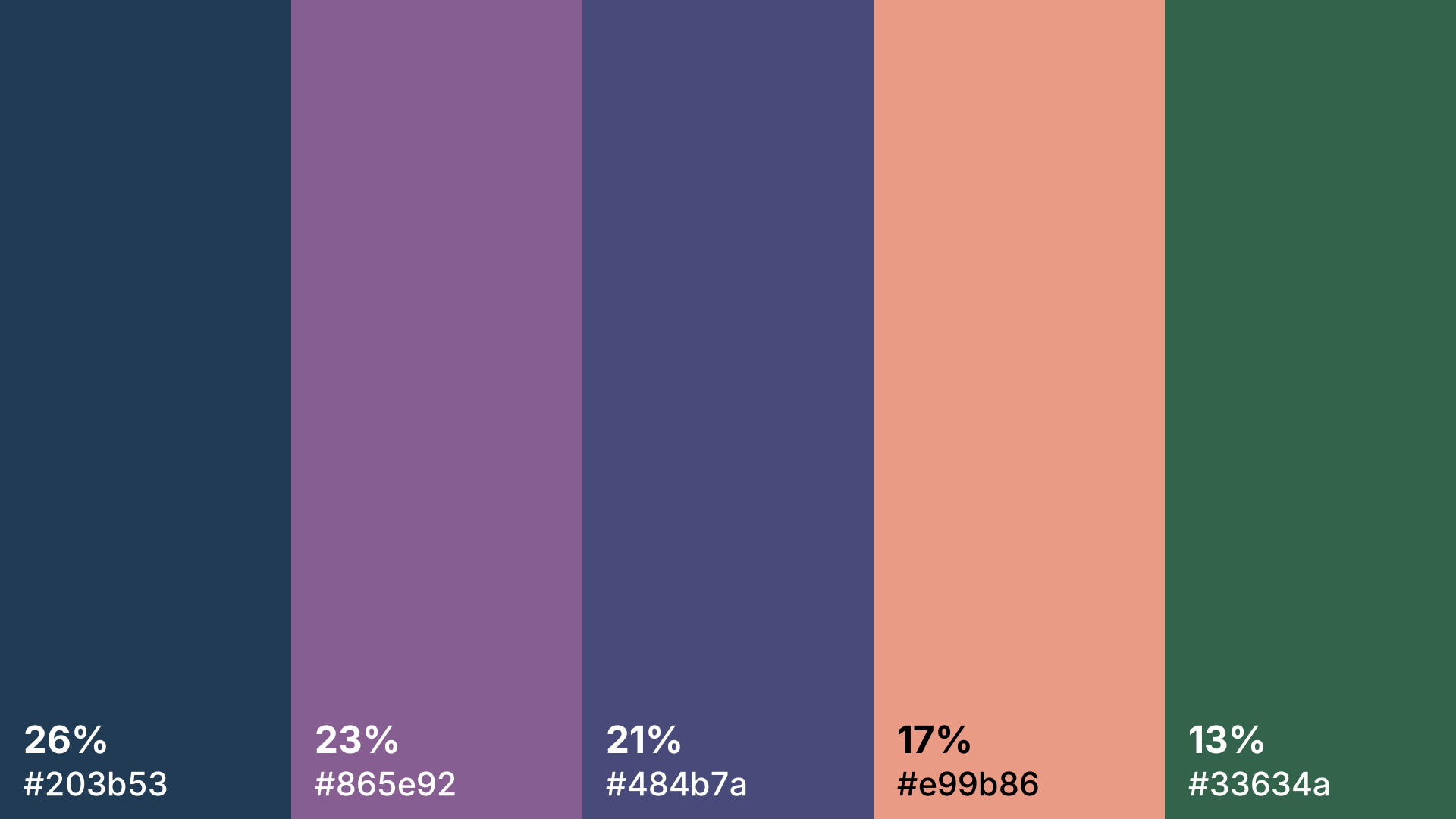
Drop in a photo and get its main colors with their share in percent. The image stays in your browser.
Open in editor