

Blob Generator
Organic shapes in one click, filled, outlined or with a gradient. Export as SVG or image.
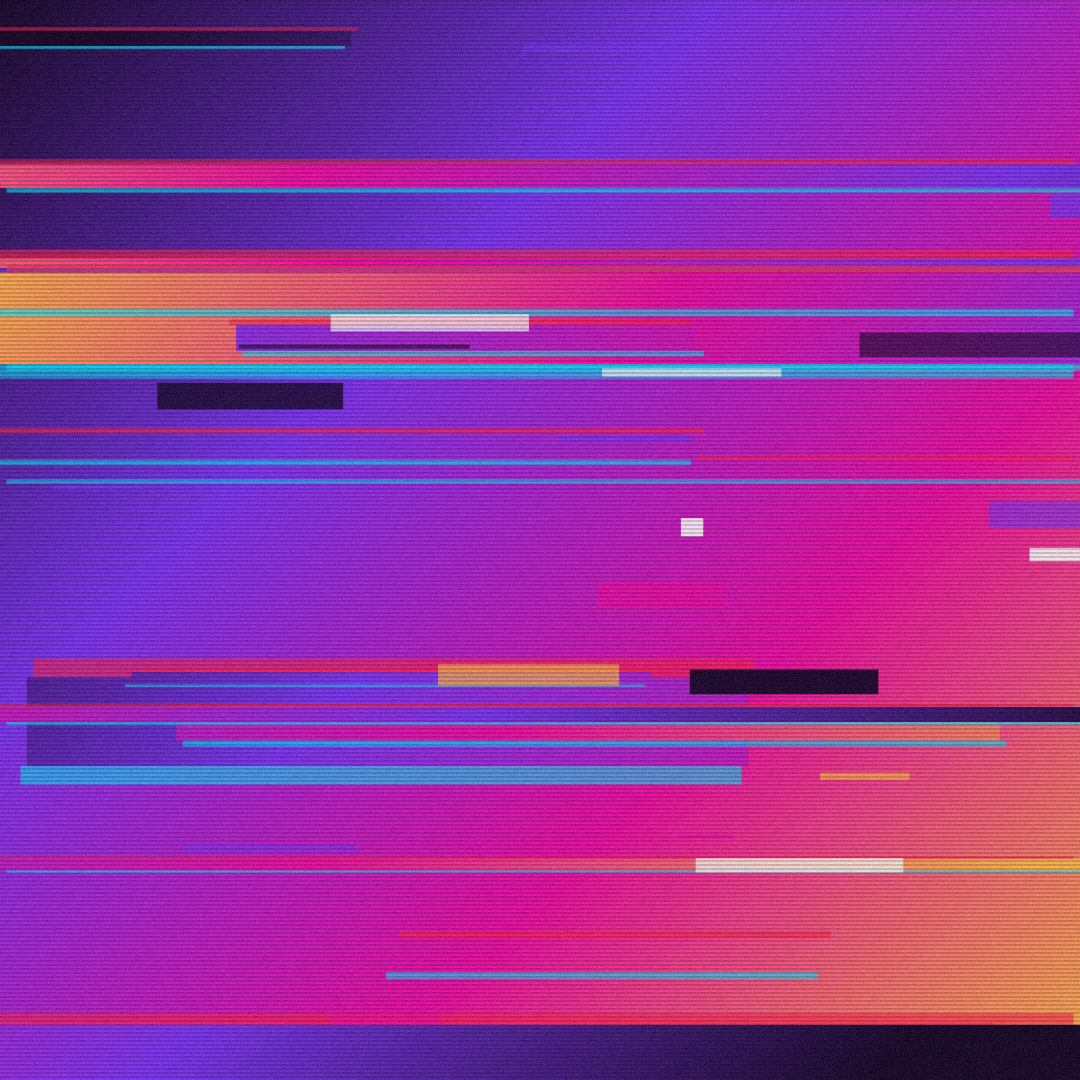
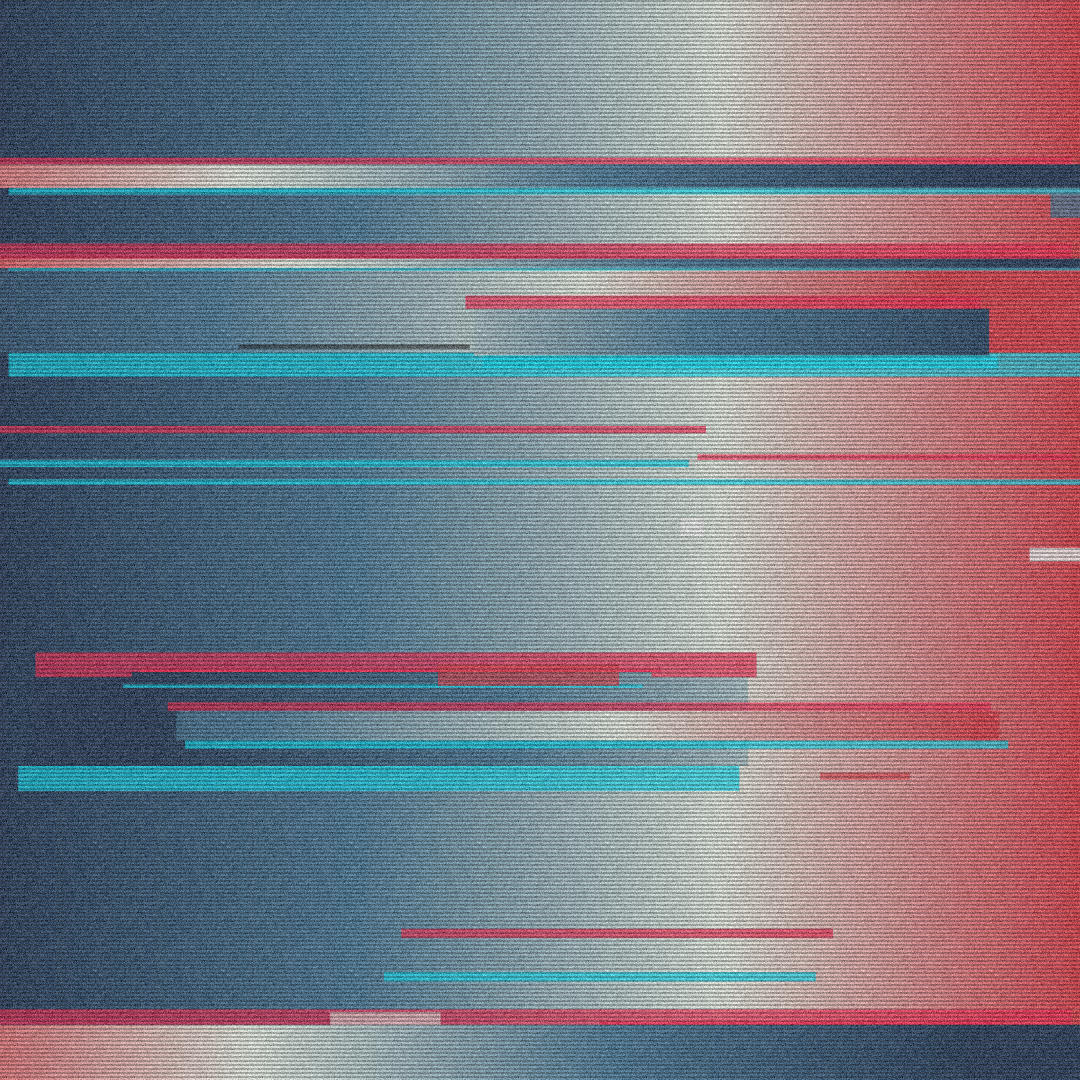
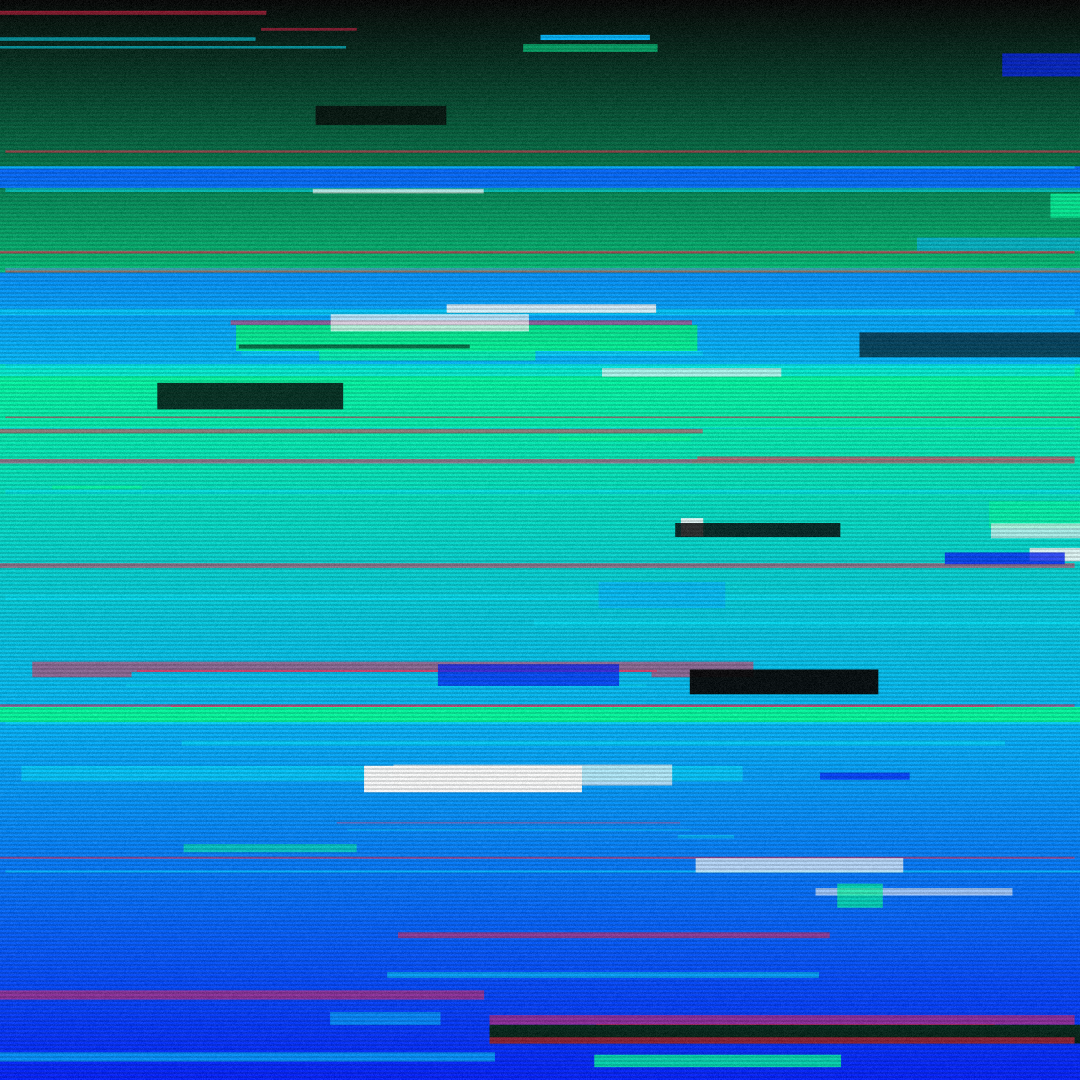
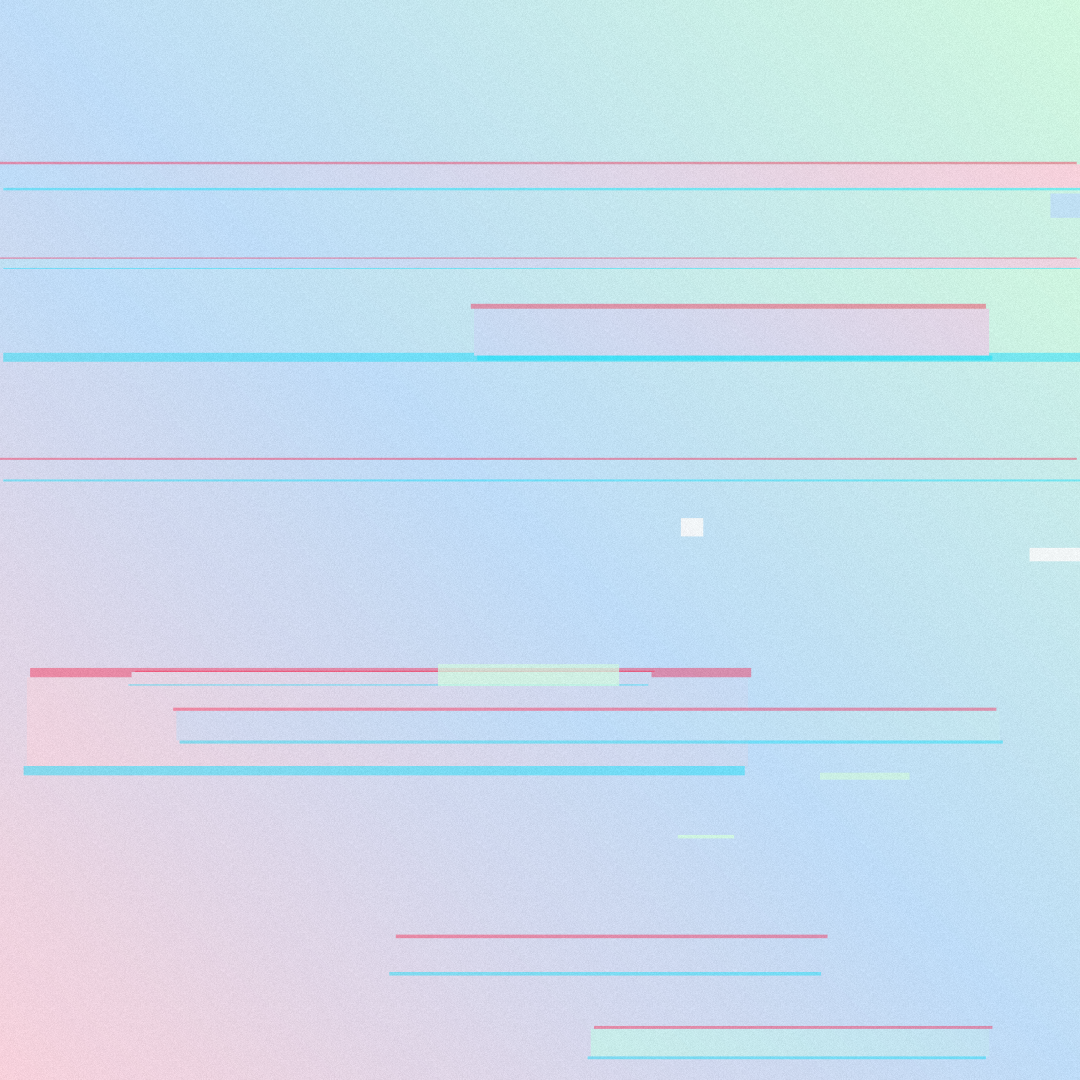
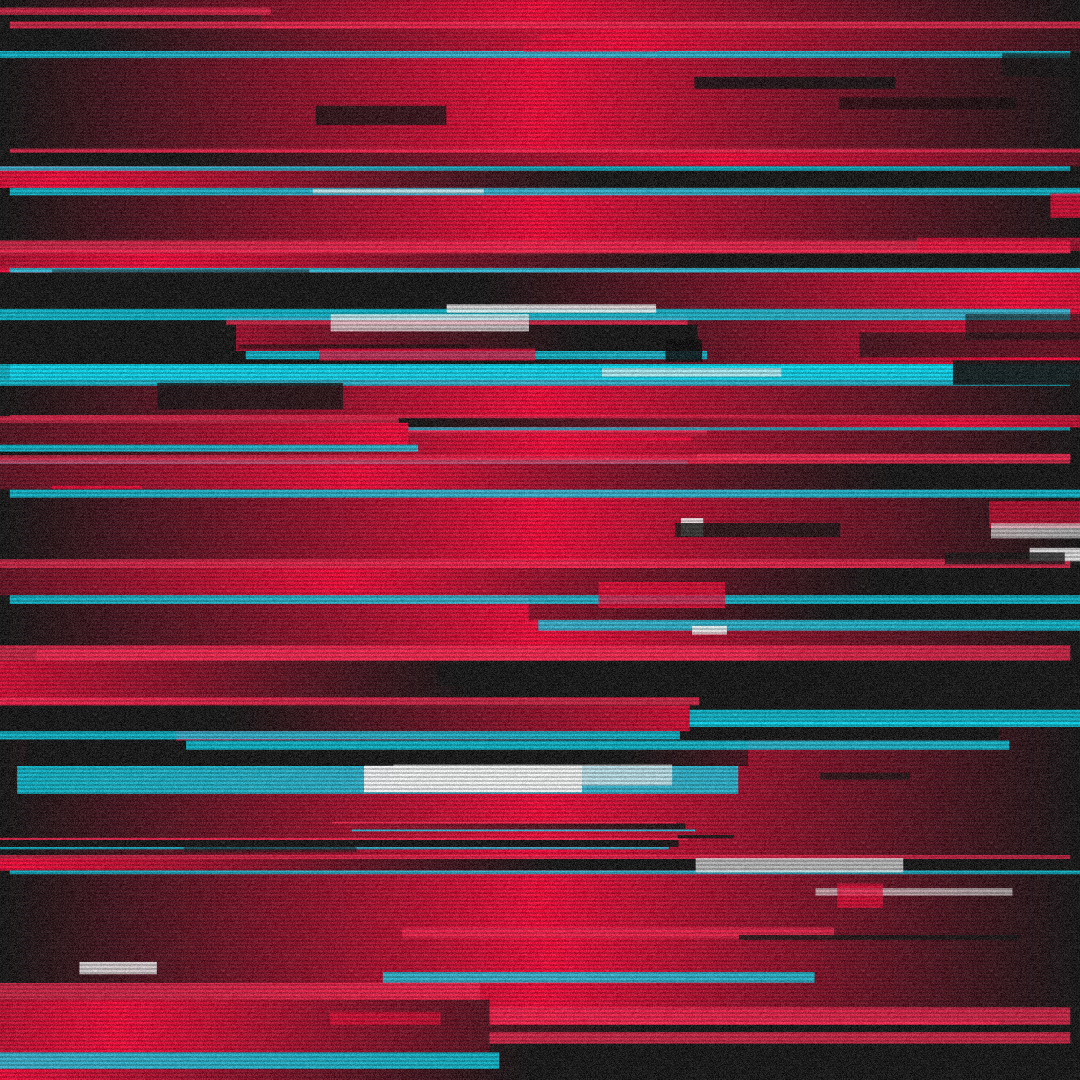
Open in editorTorn, shifted slices with RGB split, color blocks and scanlines, like a broken video signal. Export as PNG, JPG, WebP, SVG or GIF.
Open the generatorRuns right in your browser. Your graphics are made on your device.
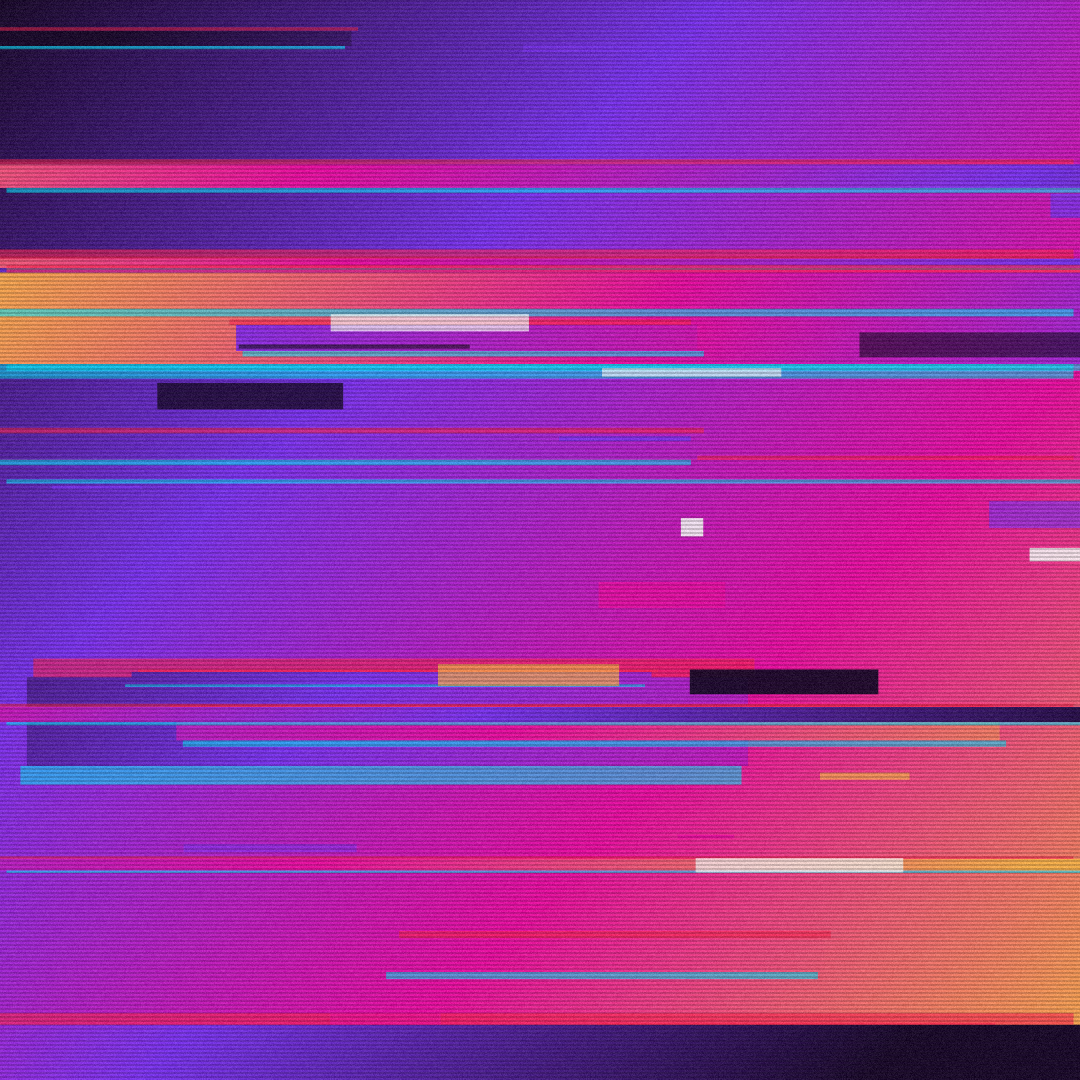
Pick a preset and it opens right in the editor, ready to adjust.
A glitch background imitates a disturbed digital or video signal: slices of the image are torn and shifted, colors split into red and cyan, and scanlines run across. It suits tech, gaming, music and cyberpunk designs.
Glitch backgrounds give product launches, hackathons and tech talks an edgy, digital look.
Electronic music, visualizers and event posters love the broken signal look.
Exported as a GIF with new seeds, every frame tears differently and the image flickers like a faulty screen.
Pick the colors and direction of the base gradient, then set how many tears there are and how far they shift. RGB split adds the red and cyan fringes, blocks and scanlines add noise. Press Space for new variants. Export as PNG, JPG, WebP, SVG or as a flickering GIF.
Try the Glitch Background nowMore than 30 original gradients with CSS to copy, each one ready to adjust in the editor.
Browse the gradient collectionOrganic shapes in one click, filled, outlined or with a gradient. Export as SVG or image.
Open in editor
Layered waves for sections, headers and backgrounds. Export as SVG, CSS or image.
Open in editor
Several blobs at corners and edges that adapt to any canvas size. Export as SVG or image.
Open in editor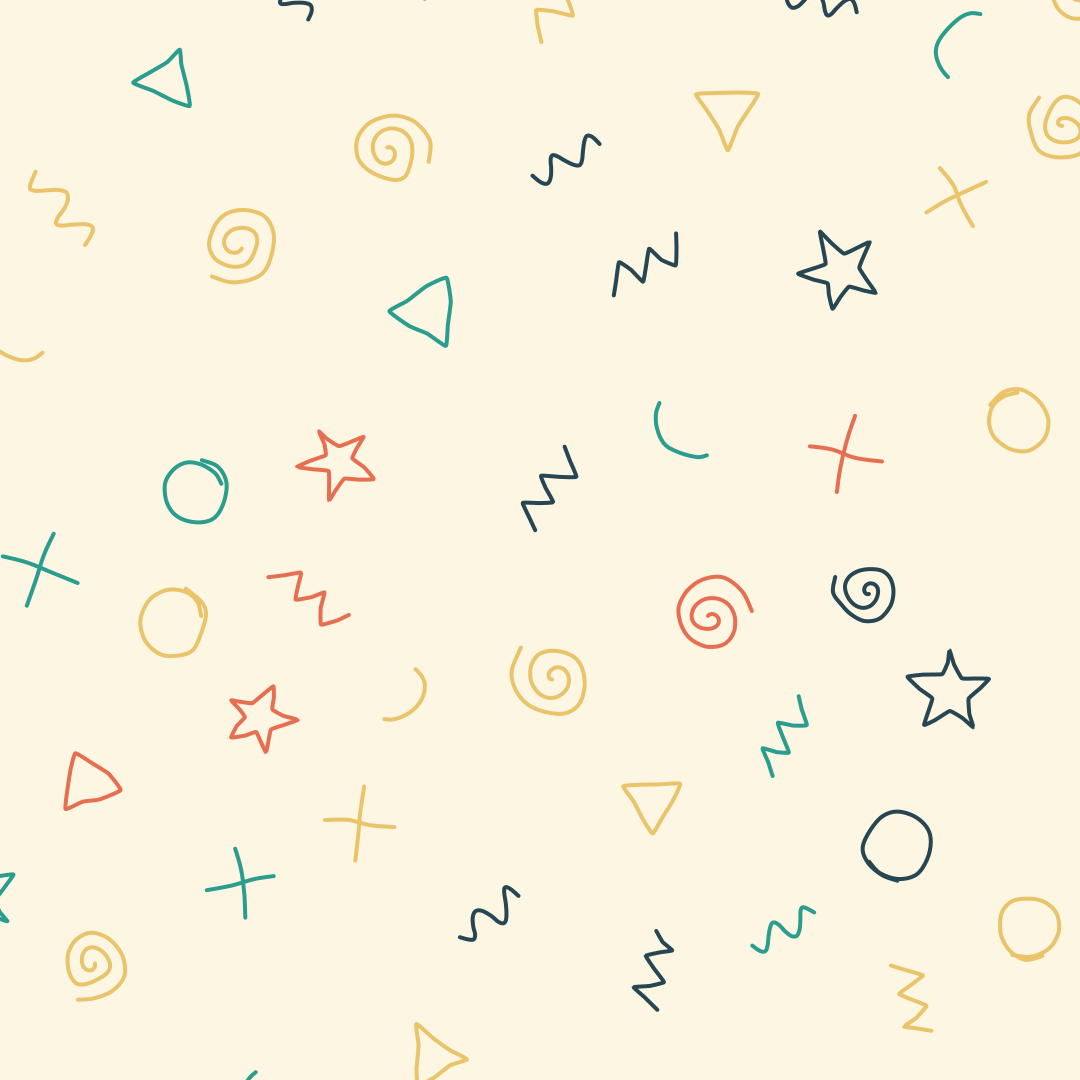
Hand-drawn looking squiggles, spirals, stars and zigzags as a background. Export as SVG or image.
Open in editor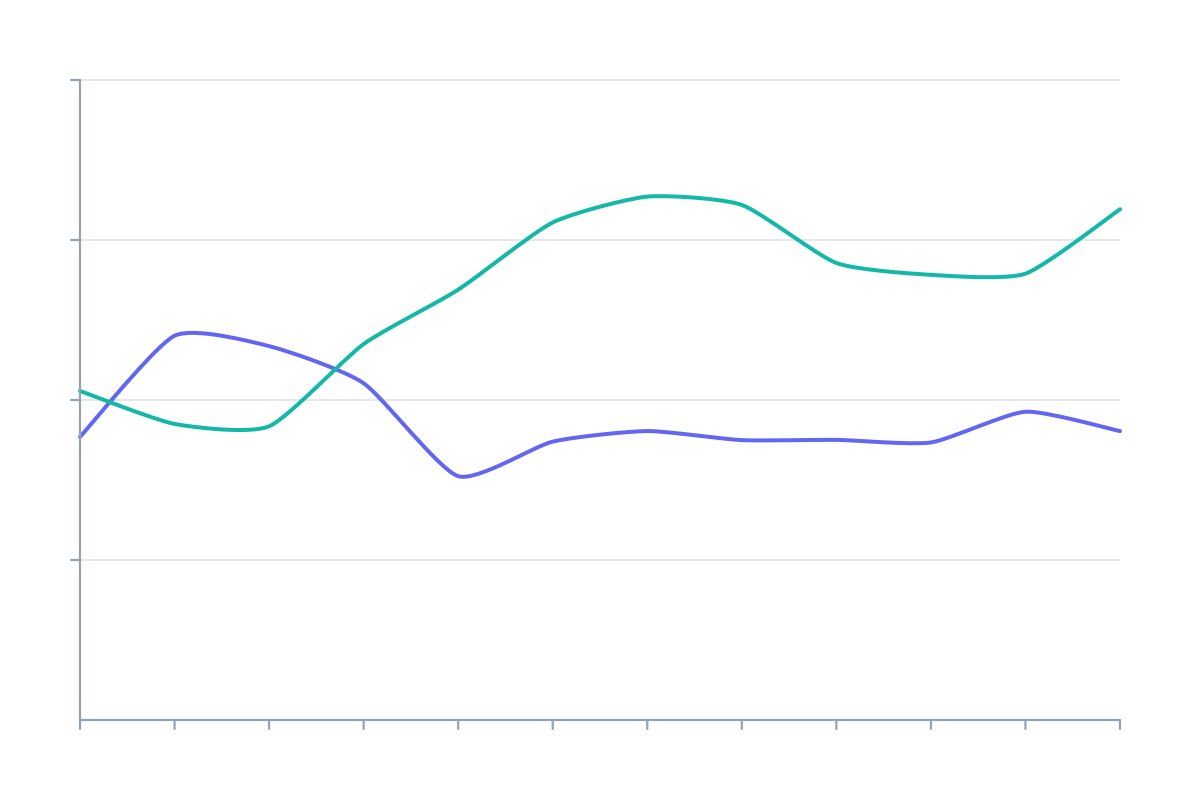
Placeholder charts with random data for mockups: lines, areas and bars. Export as SVG or image.
Open in editor
A starry night sky with a color gradient, twinkling stars and sparkles. Export as SVG or image.
Open in editor