Blob Generator
Organic shapes in one click, filled, outlined or with a gradient. Export as SVG or image.
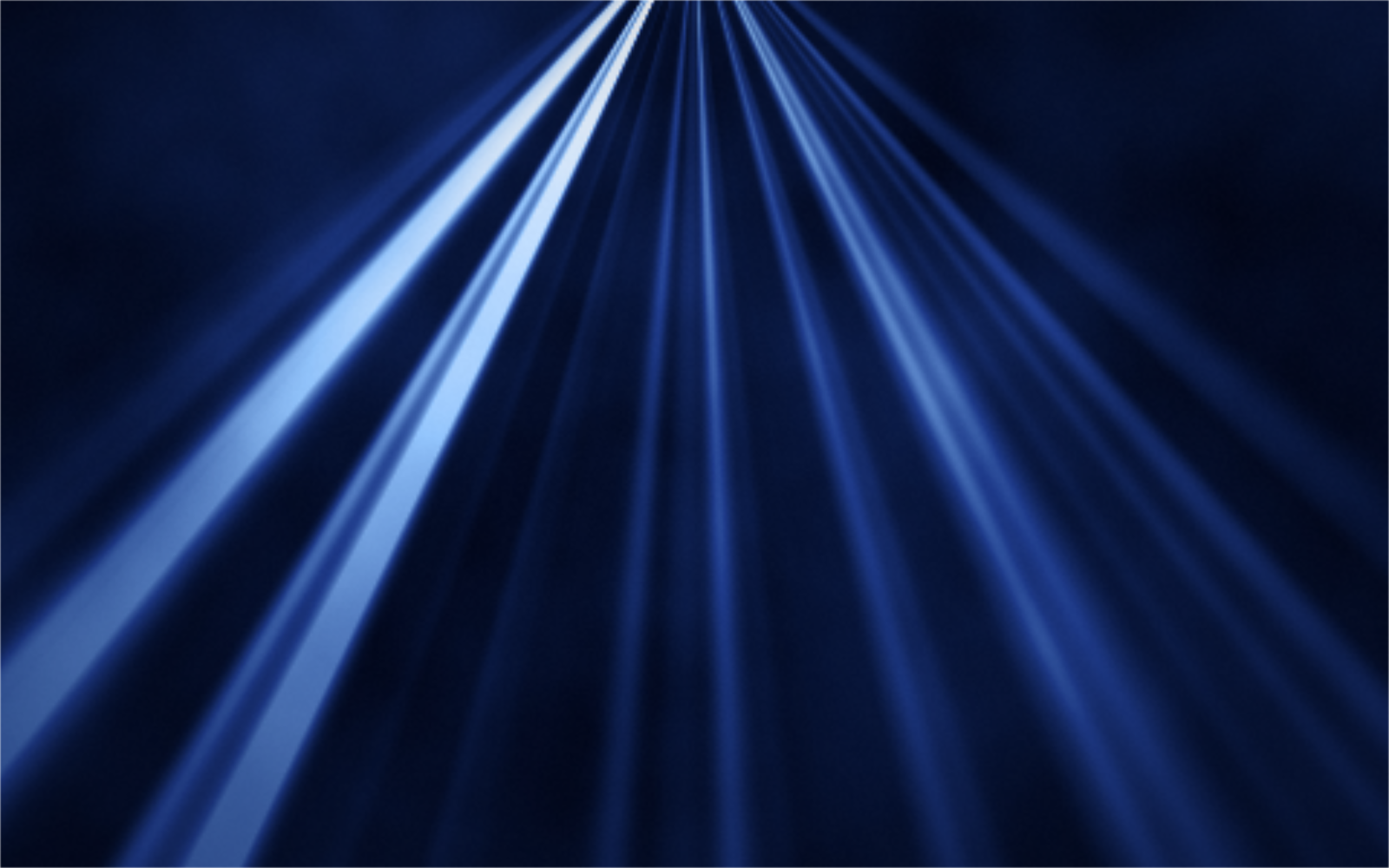
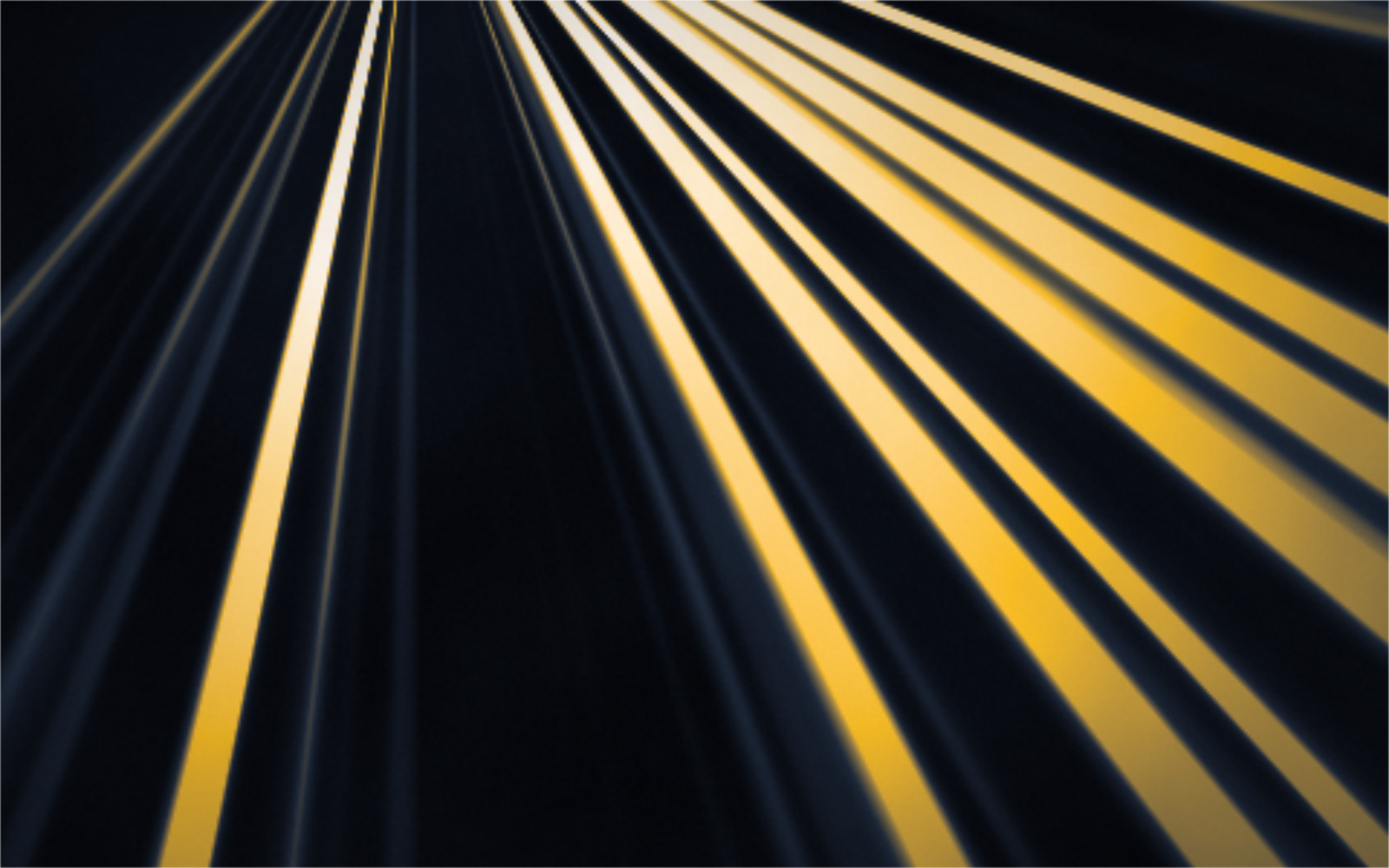
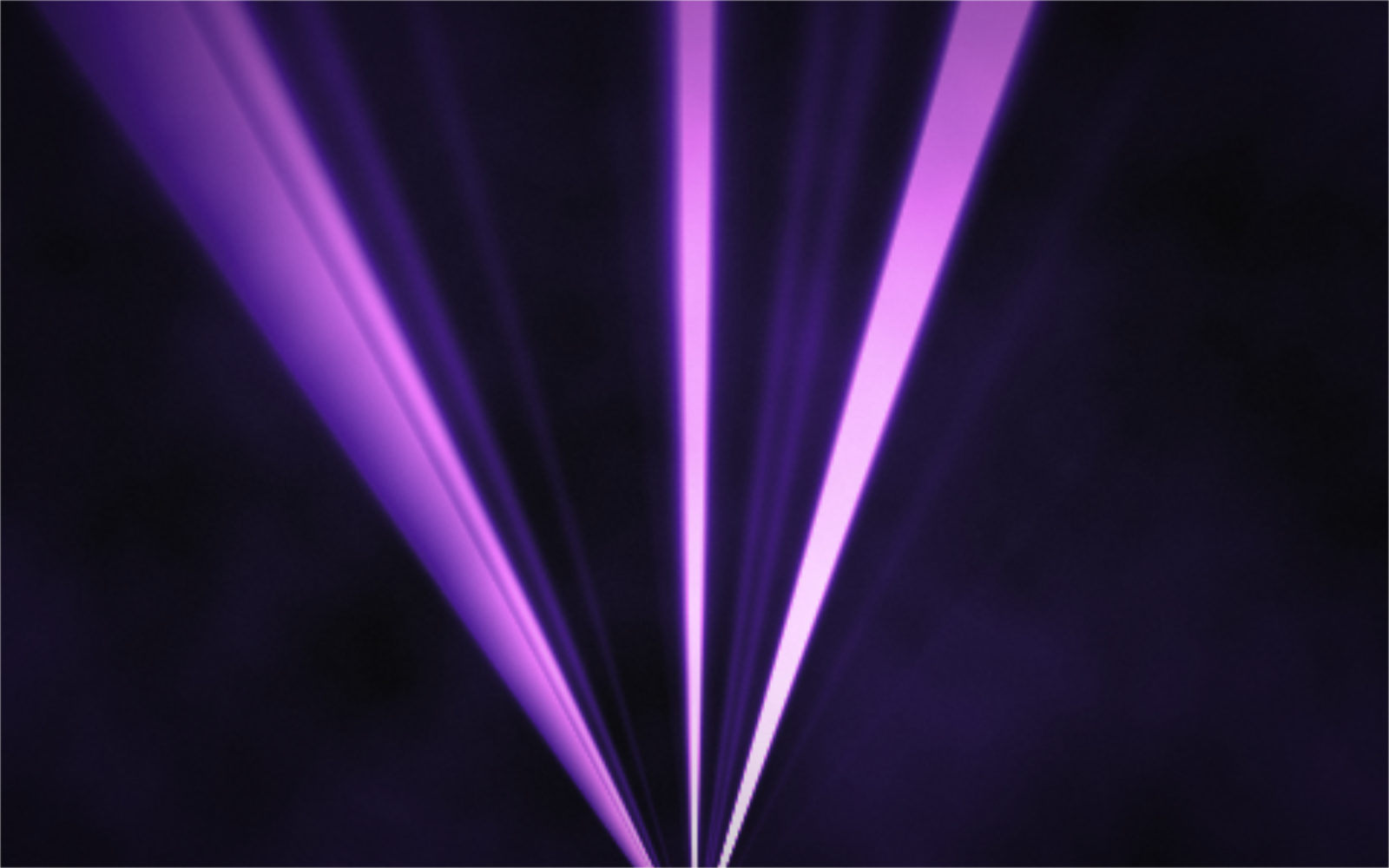
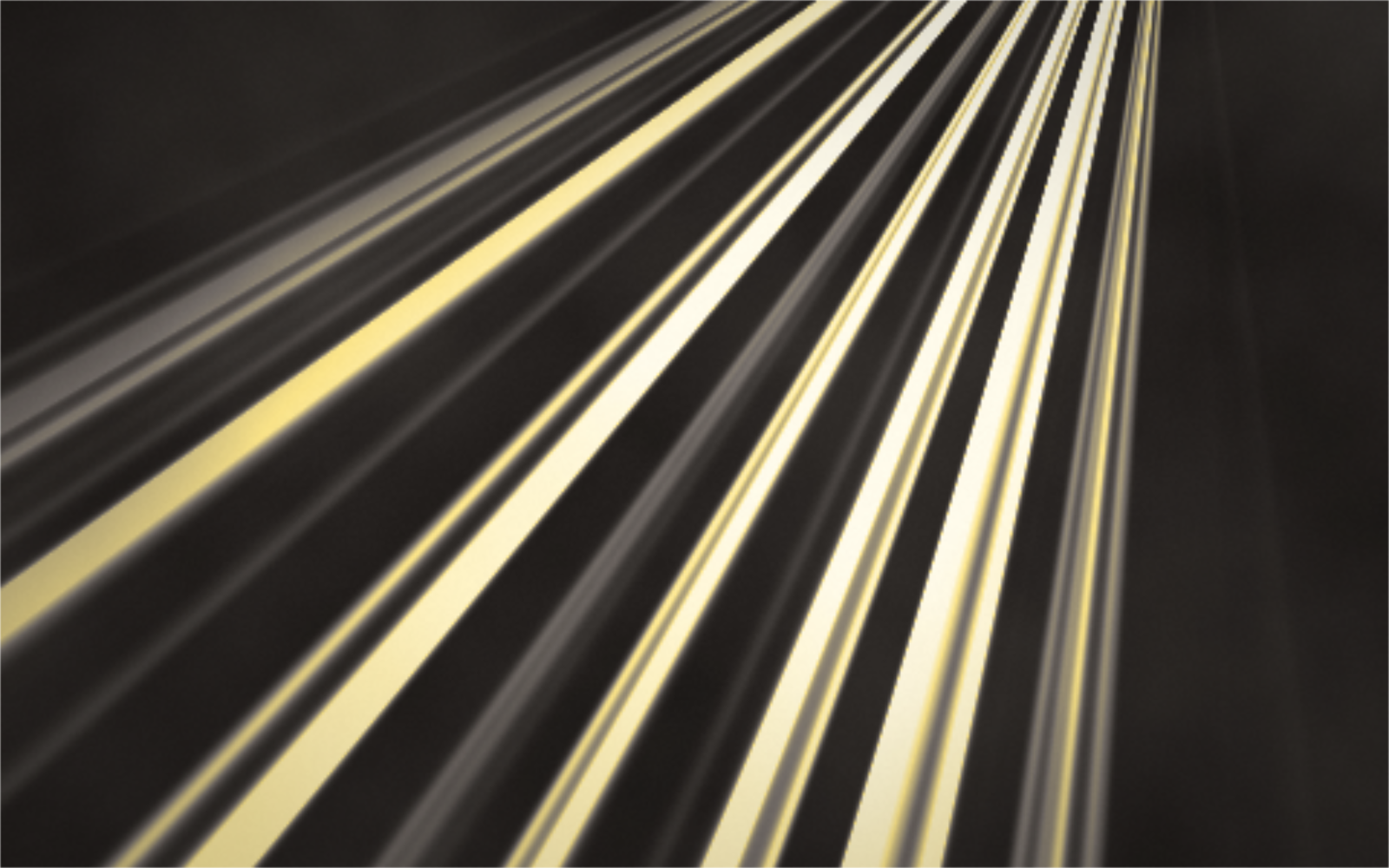
Open in editorSoft rays of light from a source of your choice, with haze and slow motion. A GPU shader as PNG up to 8K, seamless GIF loop or live code for your website.
Open the generatorRuns right in your browser. Your graphics are made on your device.
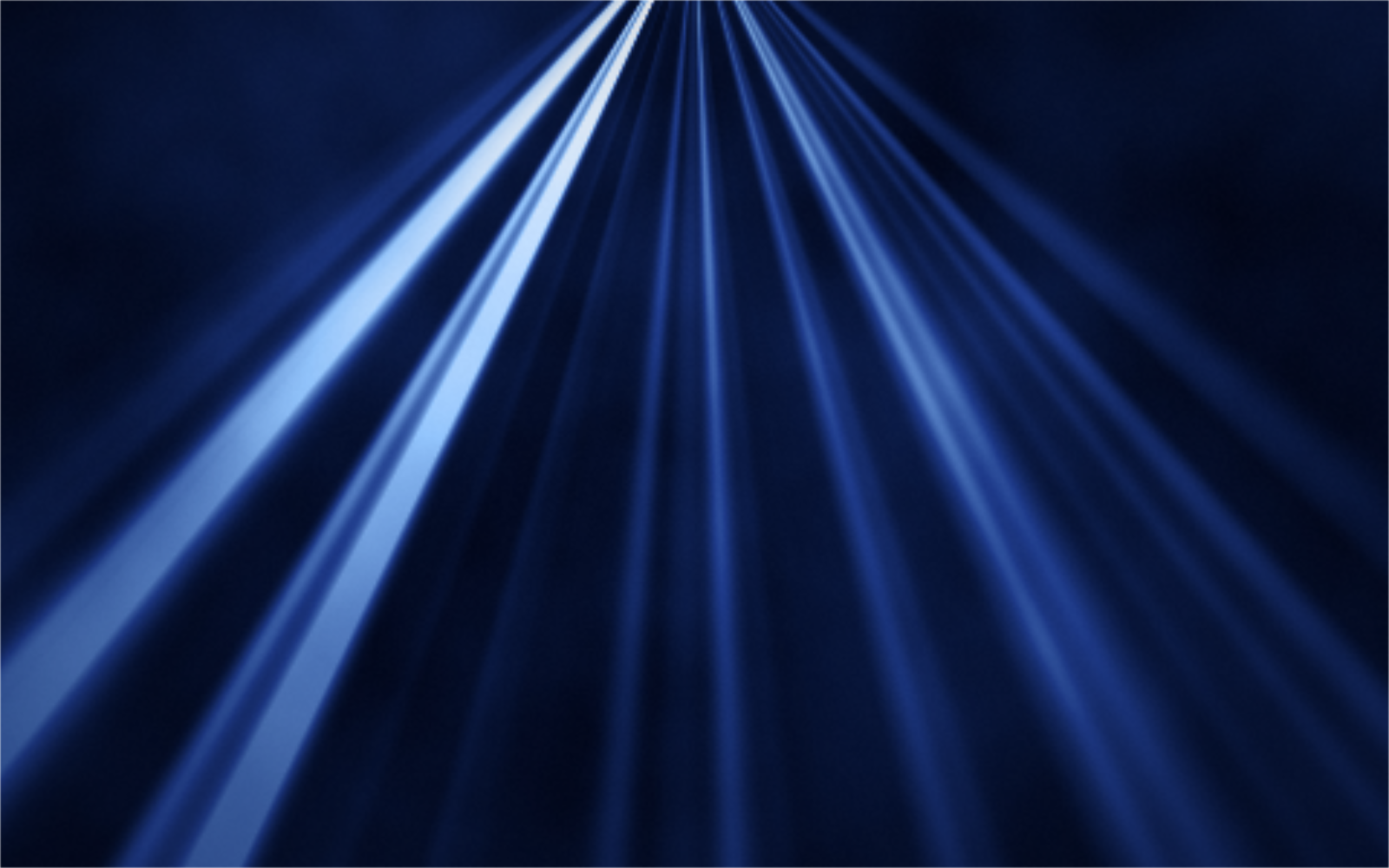
Pick a preset and it opens right in the editor, ready to adjust.
Light beams are rays that fan out from a bright source, like sunlight through clouds, a spotlight on a stage or light falling into water. This tool creates them from scratch as a background, without a photo. If you want rays on top of your own picture, use the God Rays effect instead. Musterli computes the beams with a shader in your browser, nothing leaves your device.
Light falling from above draws the eye to a headline or product. Use it live as a slow, moving background.
Spotlights in brand colors suit event announcements, tickets and concert posters.
Underwater or forest light makes quiet backgrounds for phones and desktops, sharp up to 8K.
Place the light source with Source X and Y; it can also sit outside the canvas. Direction and spread set the cone, ray count and sharpness set the look of the rays, and falloff decides how far the light reaches. Haze adds soft mist. Pick two to six colors from dark background to brightest light. Press Space for a new variant. Export PNG, JPG or WebP up to 8K, a seamless GIF loop, or live code for your website.
Try the Light Beams nowOrganic shapes in one click, filled, outlined or with a gradient. Export as SVG or image.
Open in editor
Layered waves for sections, headers and backgrounds. Export as SVG, CSS or image.
Open in editor
Several blobs at corners and edges that adapt to any canvas size. Export as SVG or image.
Open in editor
Hand-drawn looking squiggles, spirals, stars and zigzags as a background. Export as SVG or image.
Open in editor
Placeholder charts with random data for mockups: lines, areas and bars. Export as SVG or image.
Open in editor
A starry night sky with a color gradient, twinkling stars and sparkles. Export as SVG or image.
Open in editor