Blob Generator
Organic shapes in one click, filled, outlined or with a gradient. Export as SVG or image.
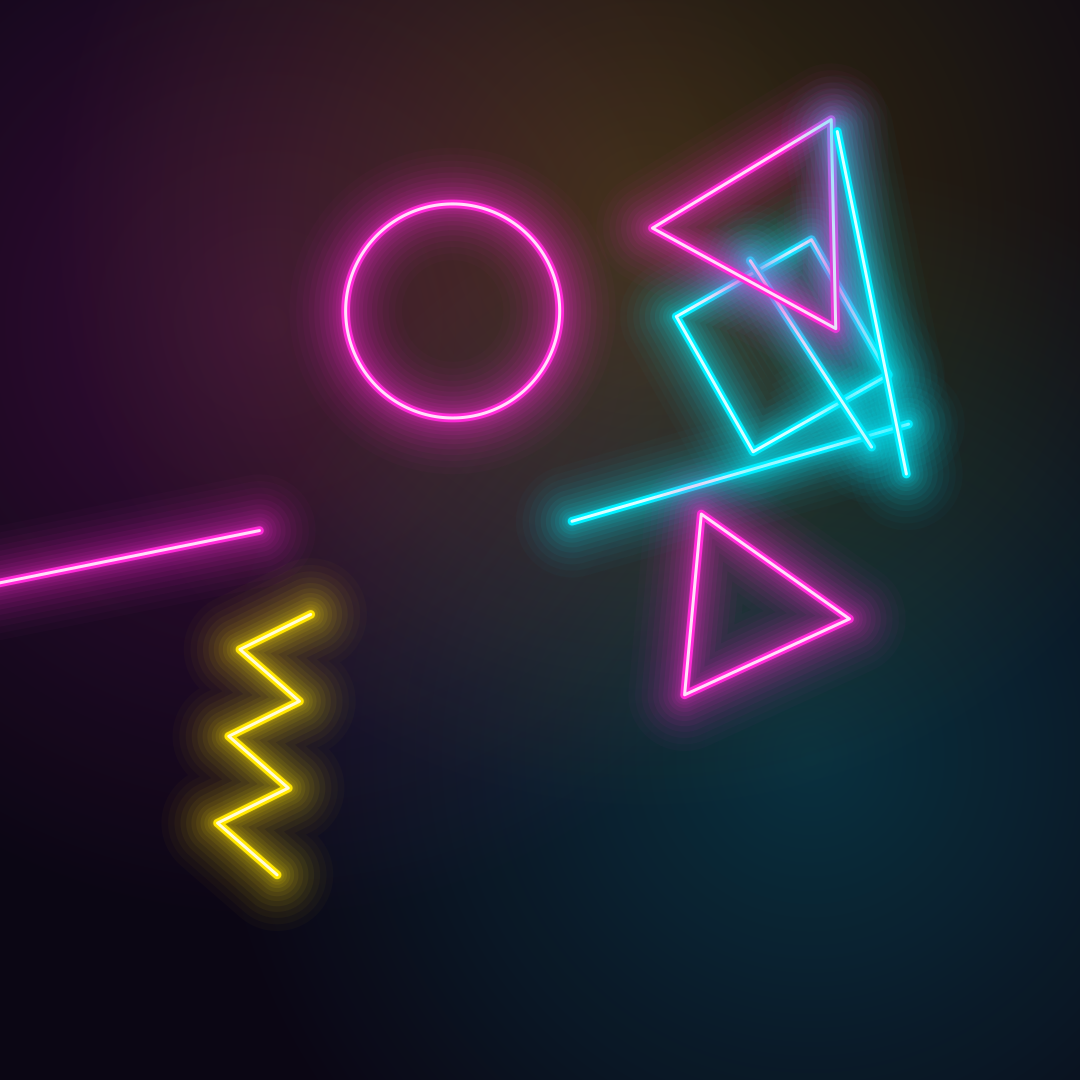
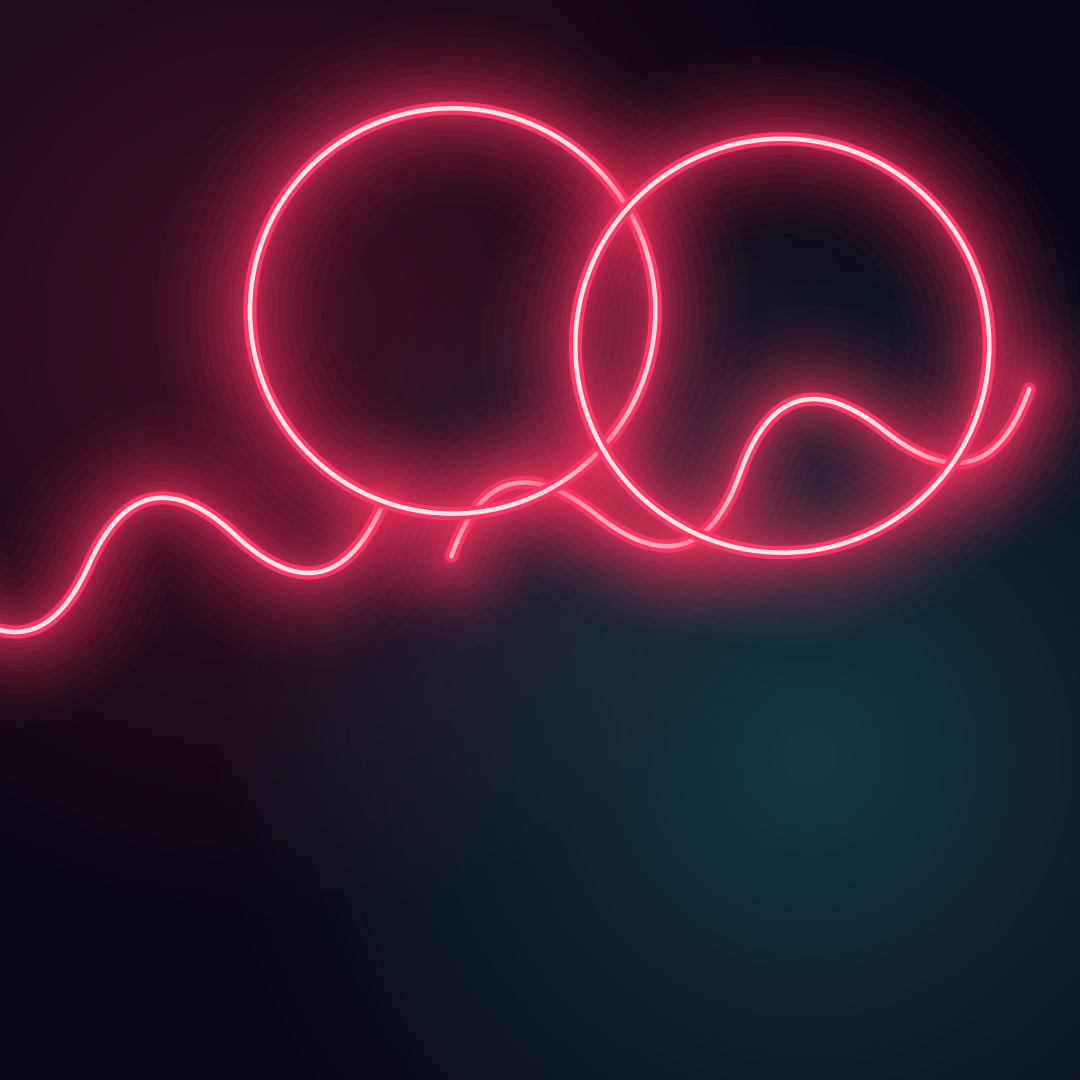
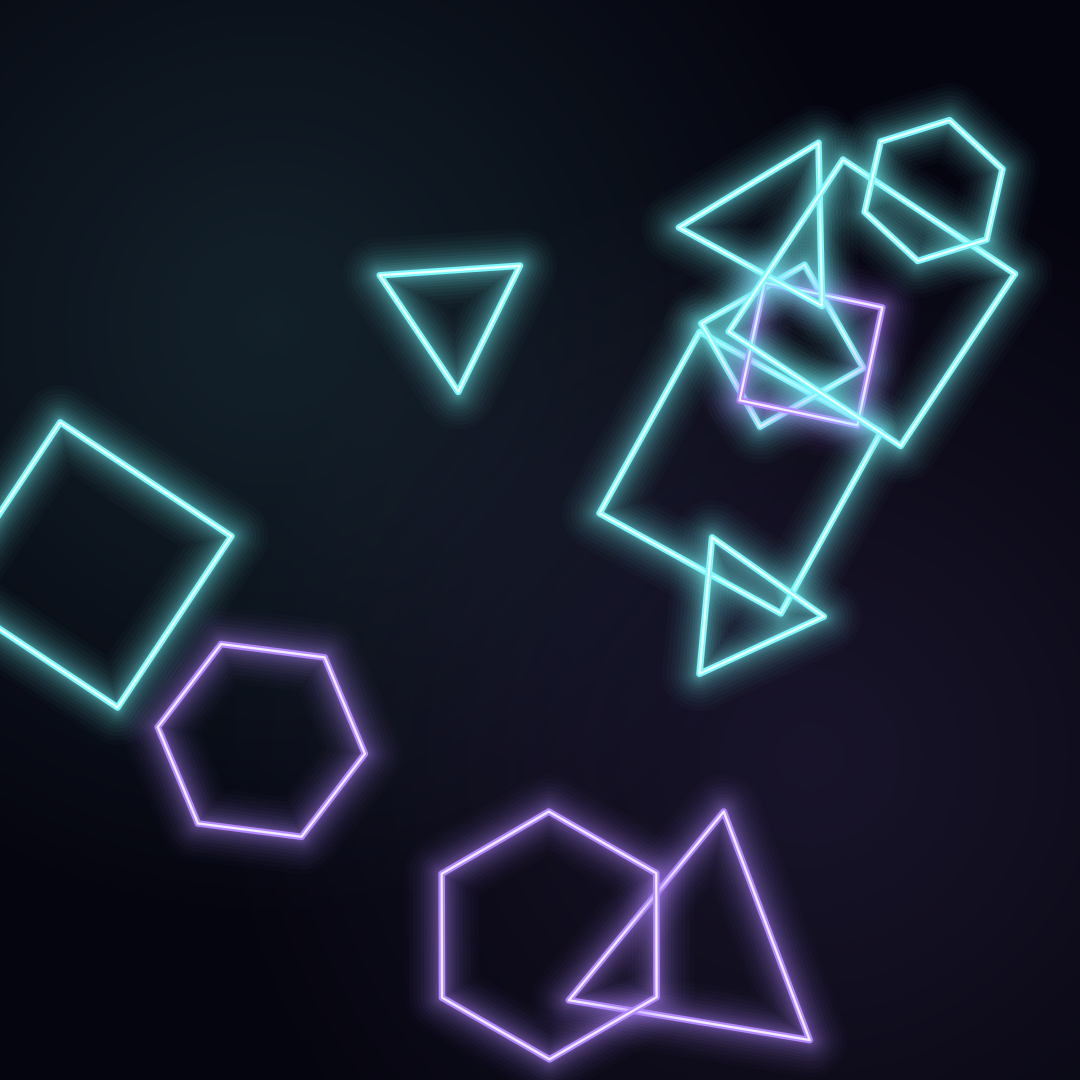
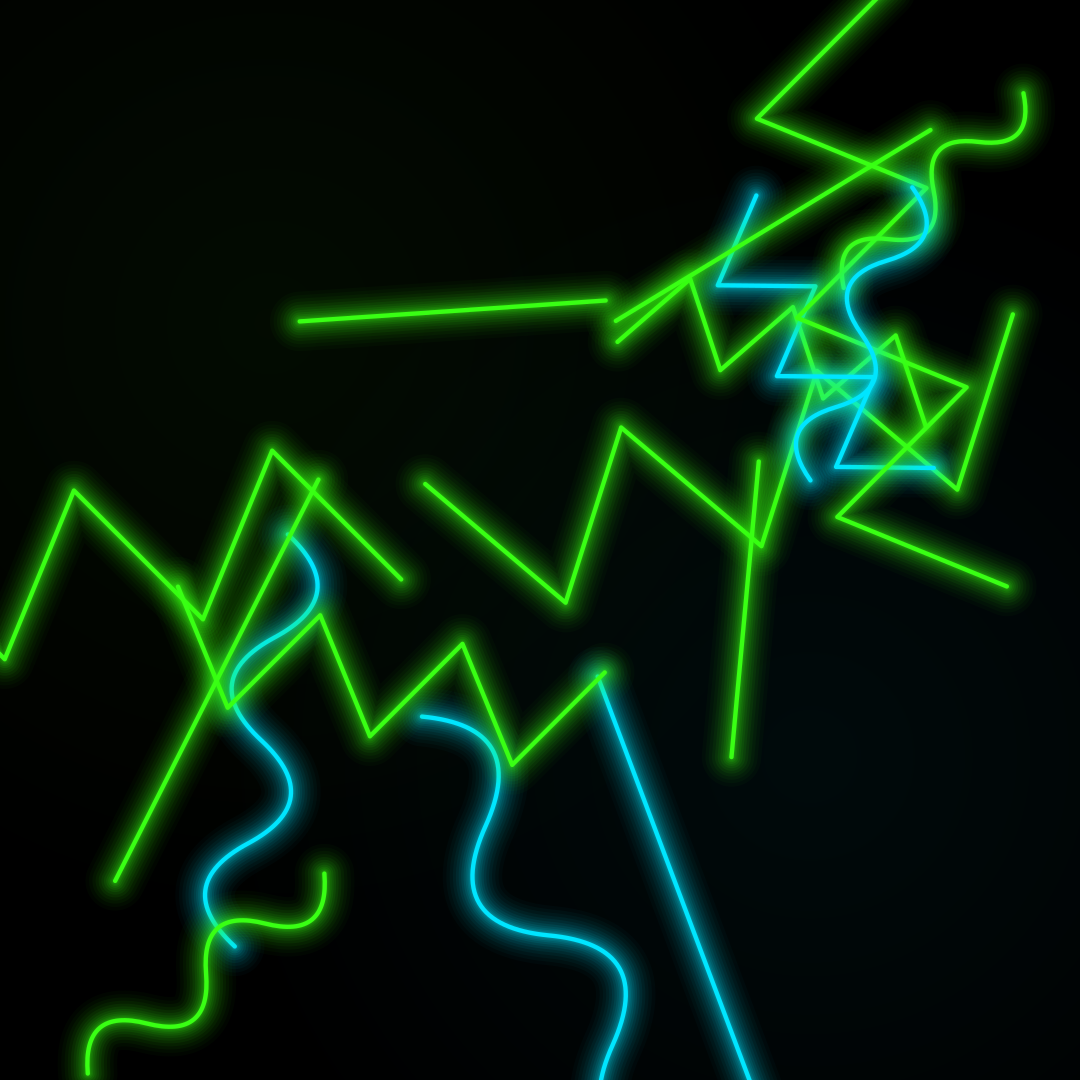
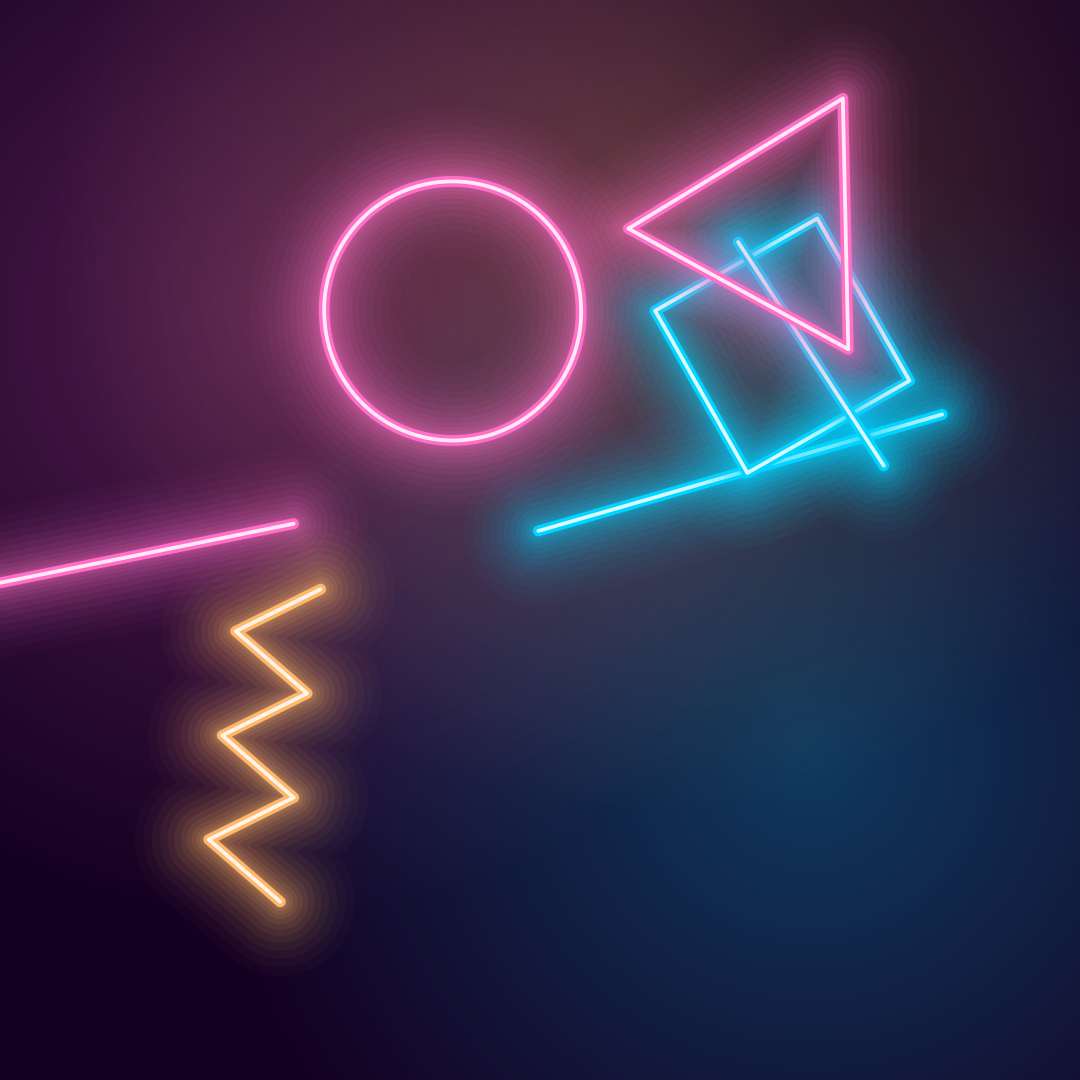
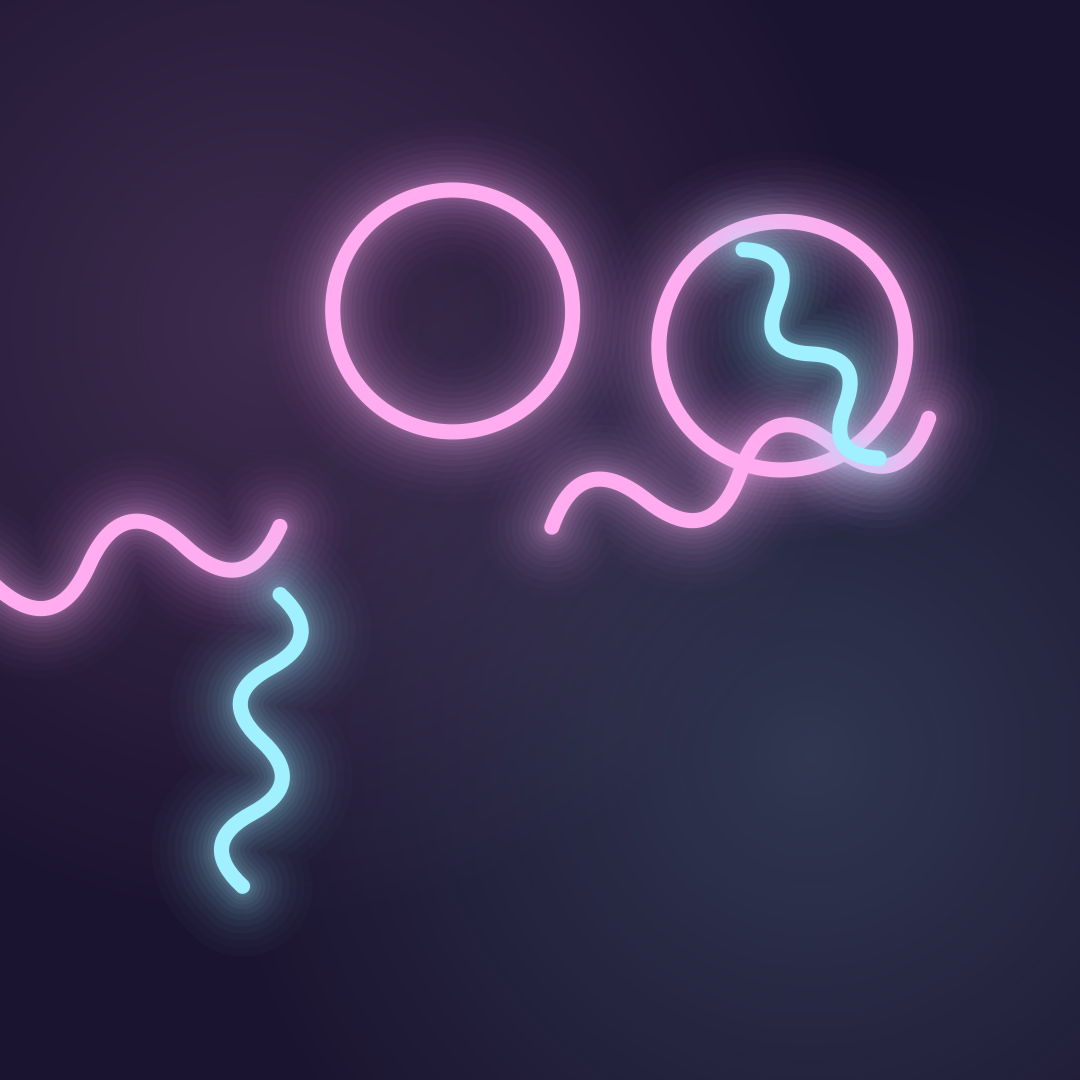
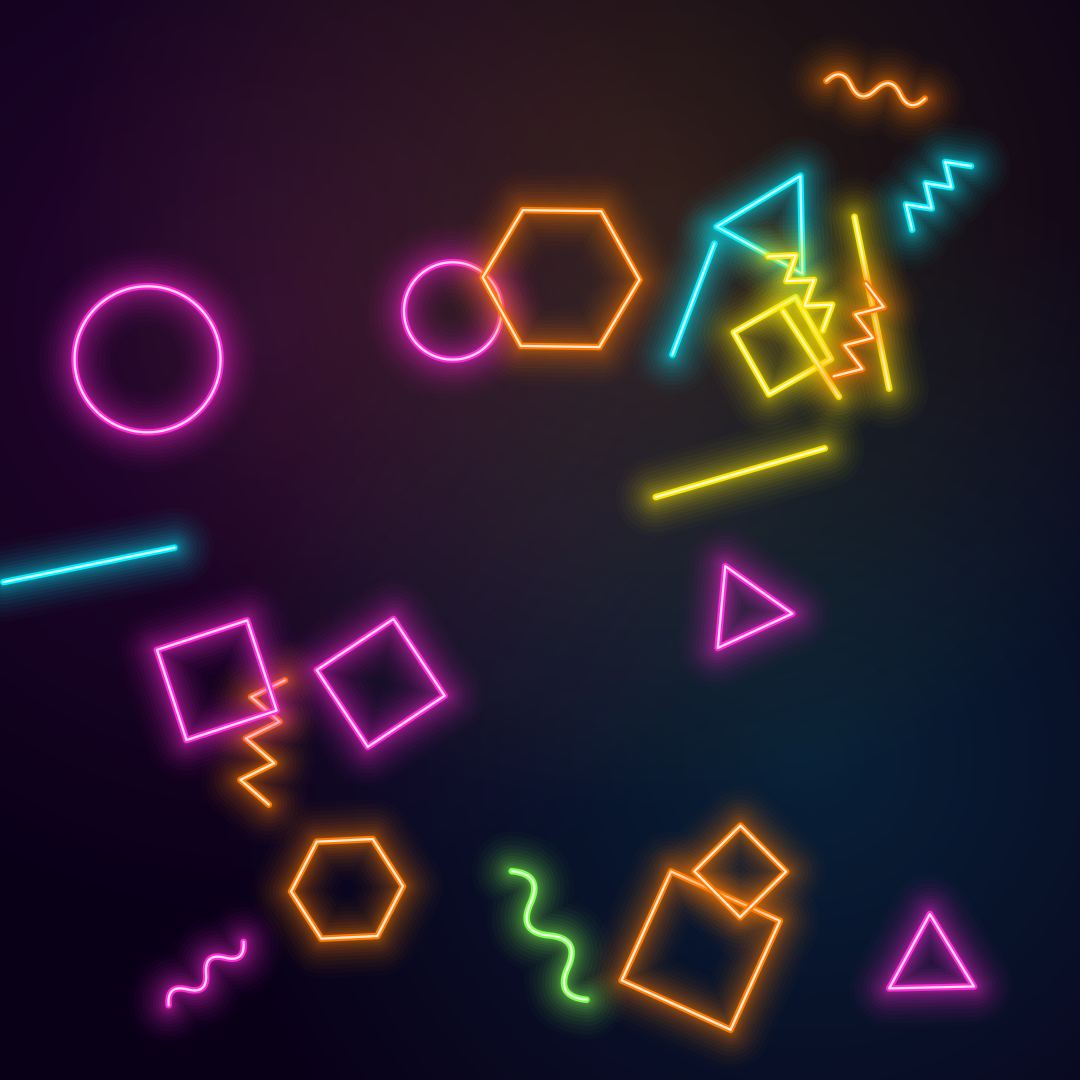
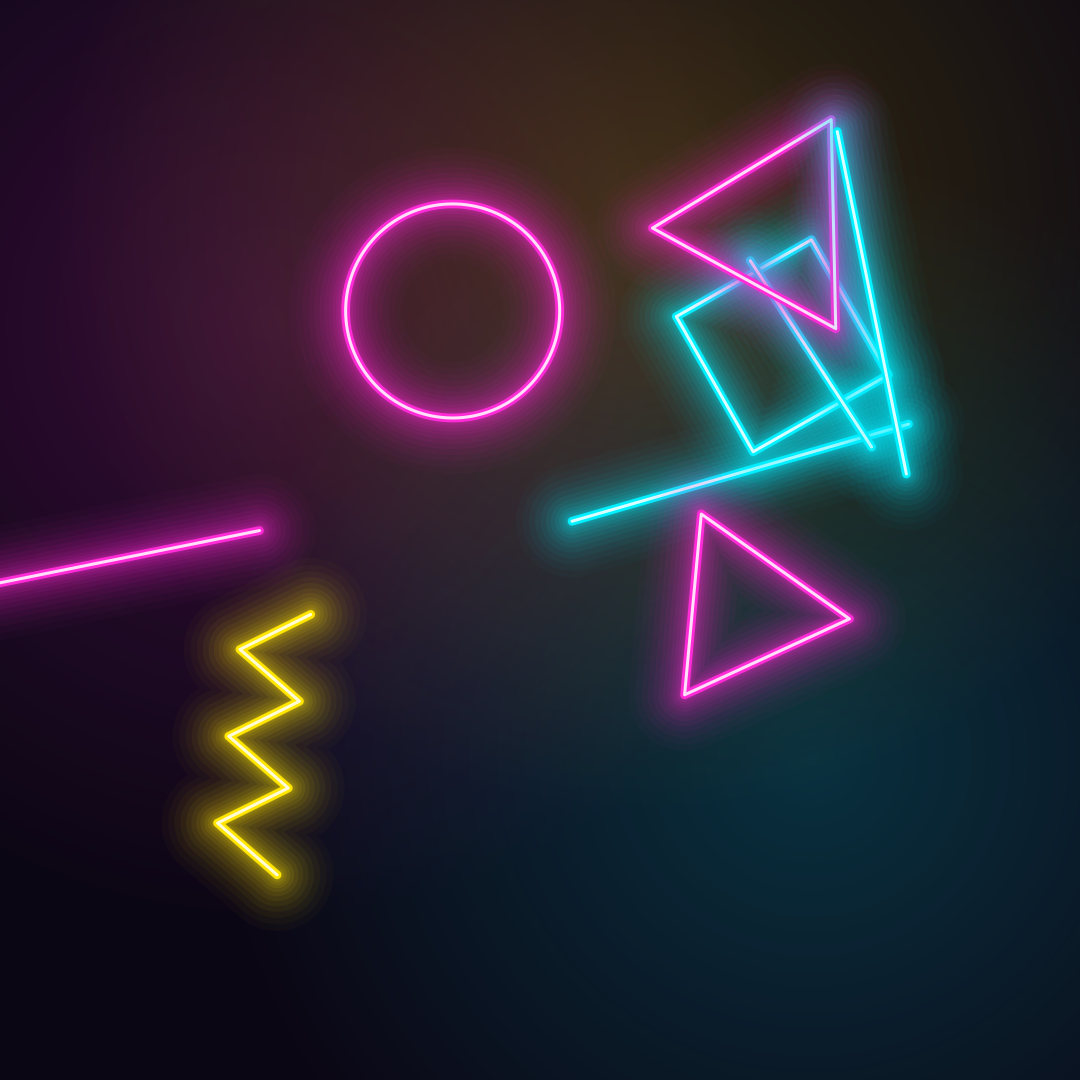
Open in editorGlowing neon outlines (circles, triangles, lines and waves) on a dark background. Export as PNG, JPG, WebP, SVG or GIF.
Open the generatorRuns right in your browser. Your graphics are made on your device.
Pick a preset and it opens right in the editor, ready to adjust.
Neon shapes are bright outline shapes that glow on a dark background, like bent glass tubes in a bar sign. The look fits gaming, music, nightlife and retro 80s designs.
Neon shapes make strong backgrounds for stream overlays, thumbnails and Discord banners.
Party posters, DJ flyers and club graphics get a night-time feel without a photo.
Combined with the 3D perspective grid, neon shapes complete the 80s look.
Choose which shapes appear and how many, then set their size, the tube width and the glow. A white core makes the tubes look hot, the haze lights up the background softly. Press Space for new variants and export as PNG, JPG, WebP, SVG or animated GIF.
Try the Neon Shapes nowOrganic shapes in one click, filled, outlined or with a gradient. Export as SVG or image.
Open in editor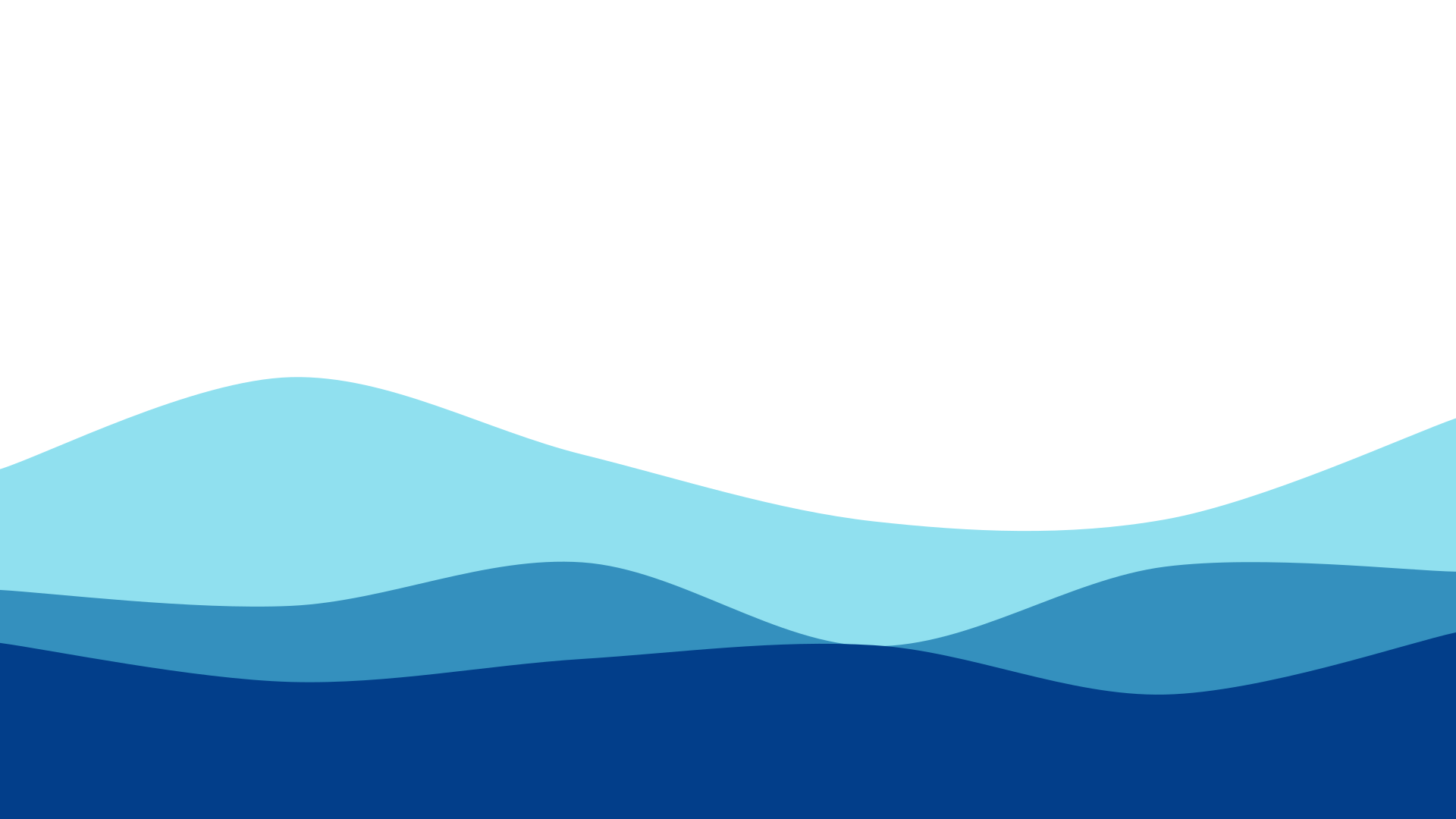
Layered waves for sections, headers and backgrounds. Export as SVG, CSS or image.
Open in editor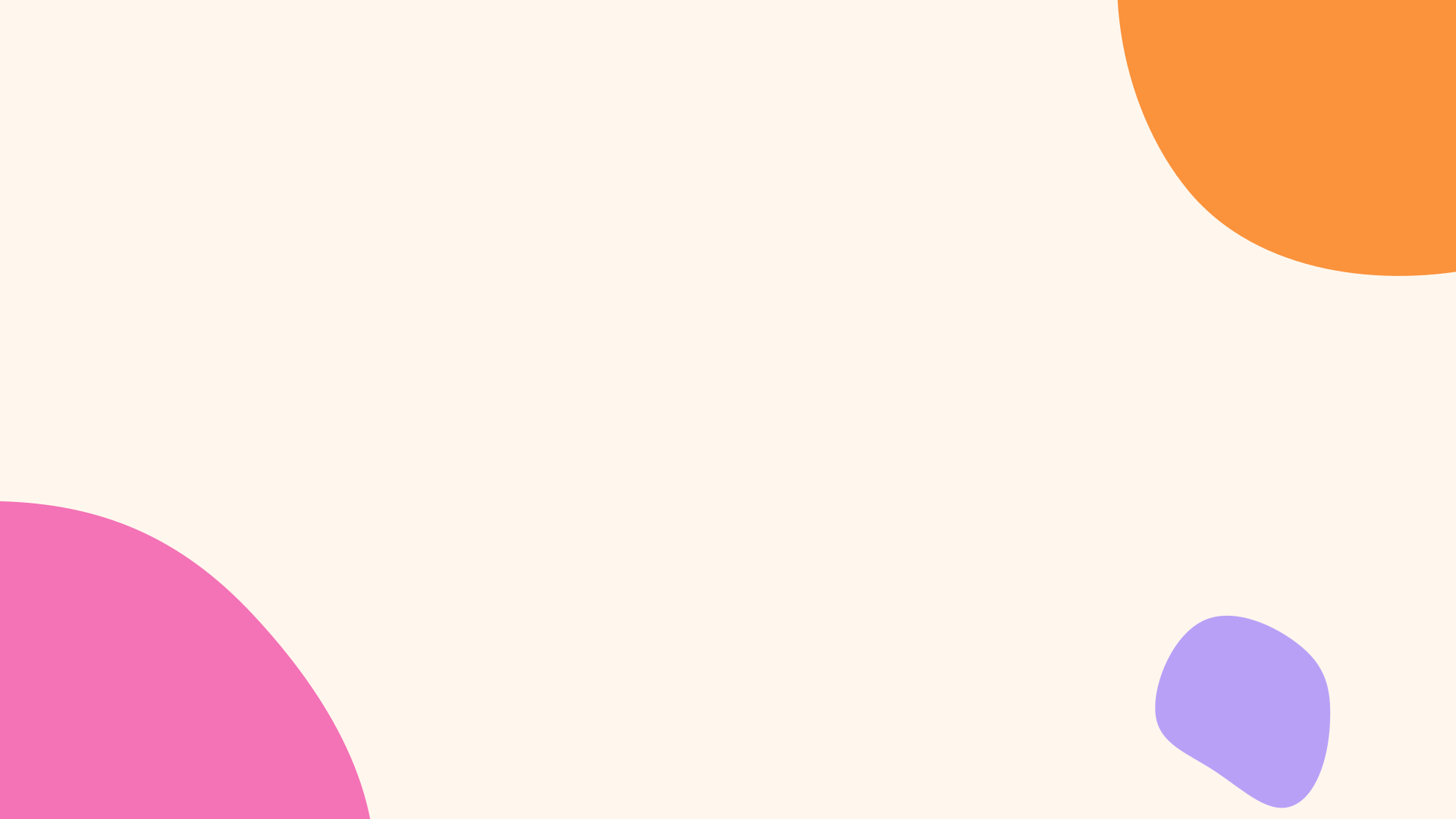
Several blobs at corners and edges that adapt to any canvas size. Export as SVG or image.
Open in editor
Hand-drawn looking squiggles, spirals, stars and zigzags as a background. Export as SVG or image.
Open in editor
Placeholder charts with random data for mockups: lines, areas and bars. Export as SVG or image.
Open in editor
A starry night sky with a color gradient, twinkling stars and sparkles. Export as SVG or image.
Open in editor