
Noise and Grain
Grainy textures and backgrounds with fine noise over a color or gradient. Export as PNG, JPG, WebP or SVG.
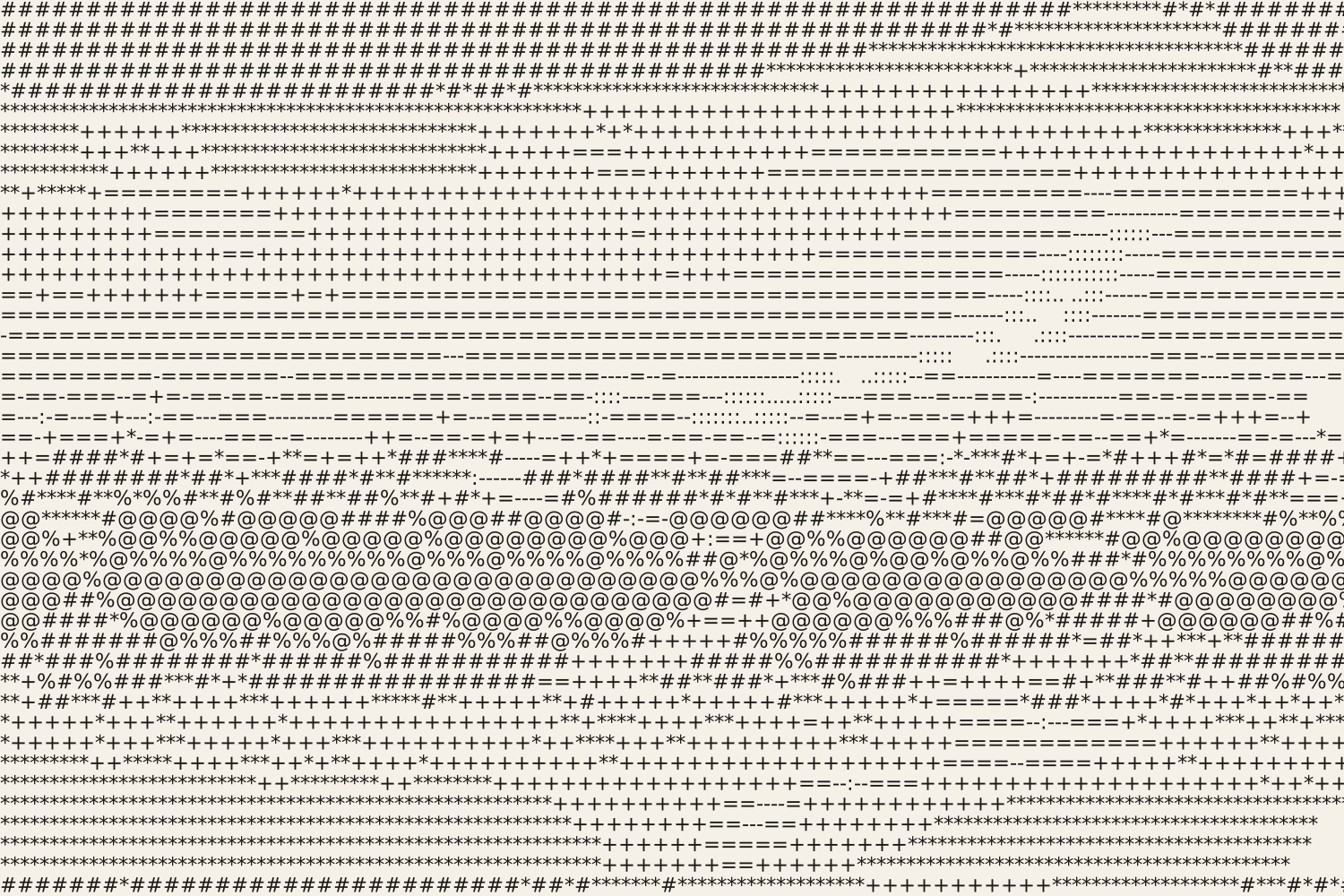
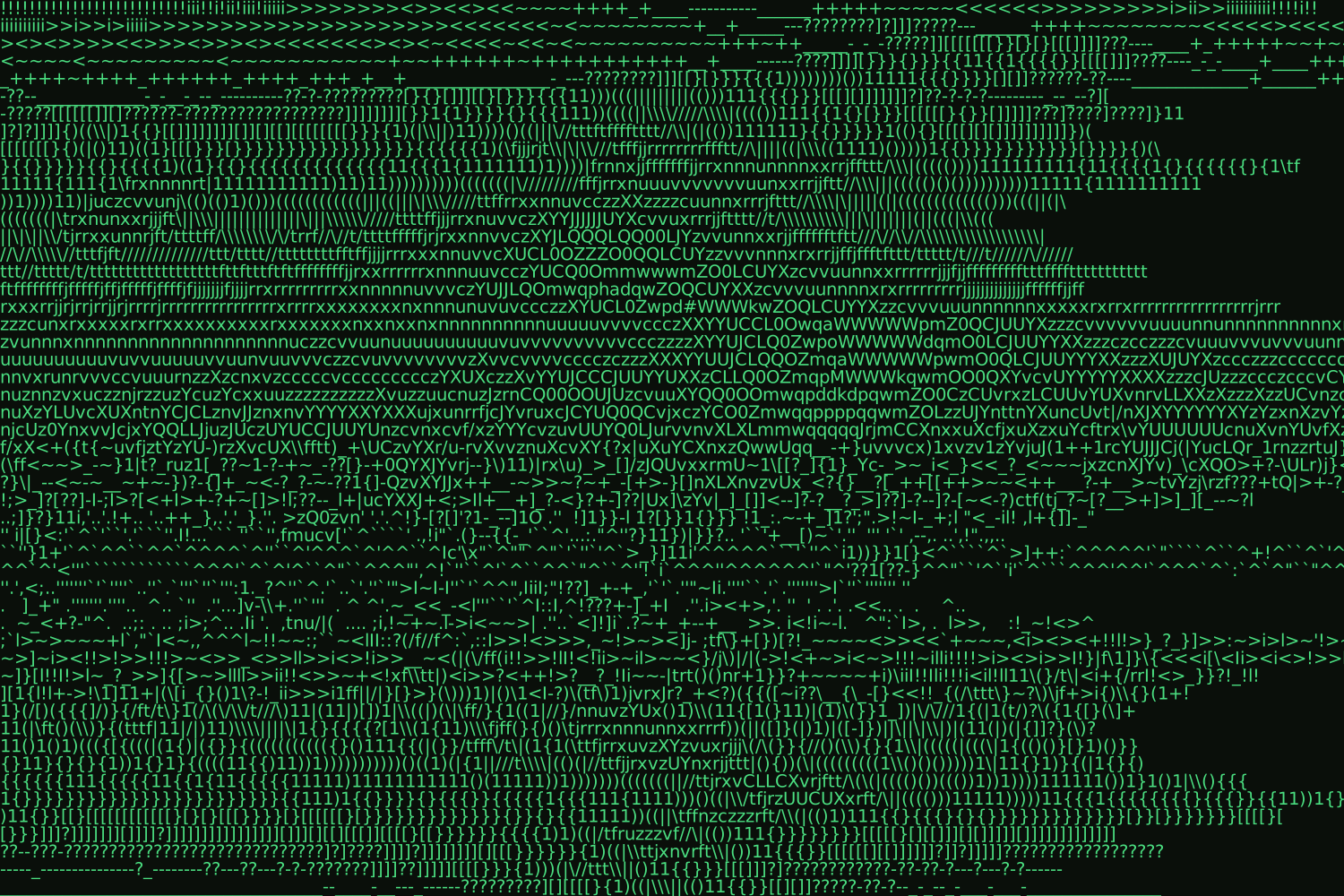
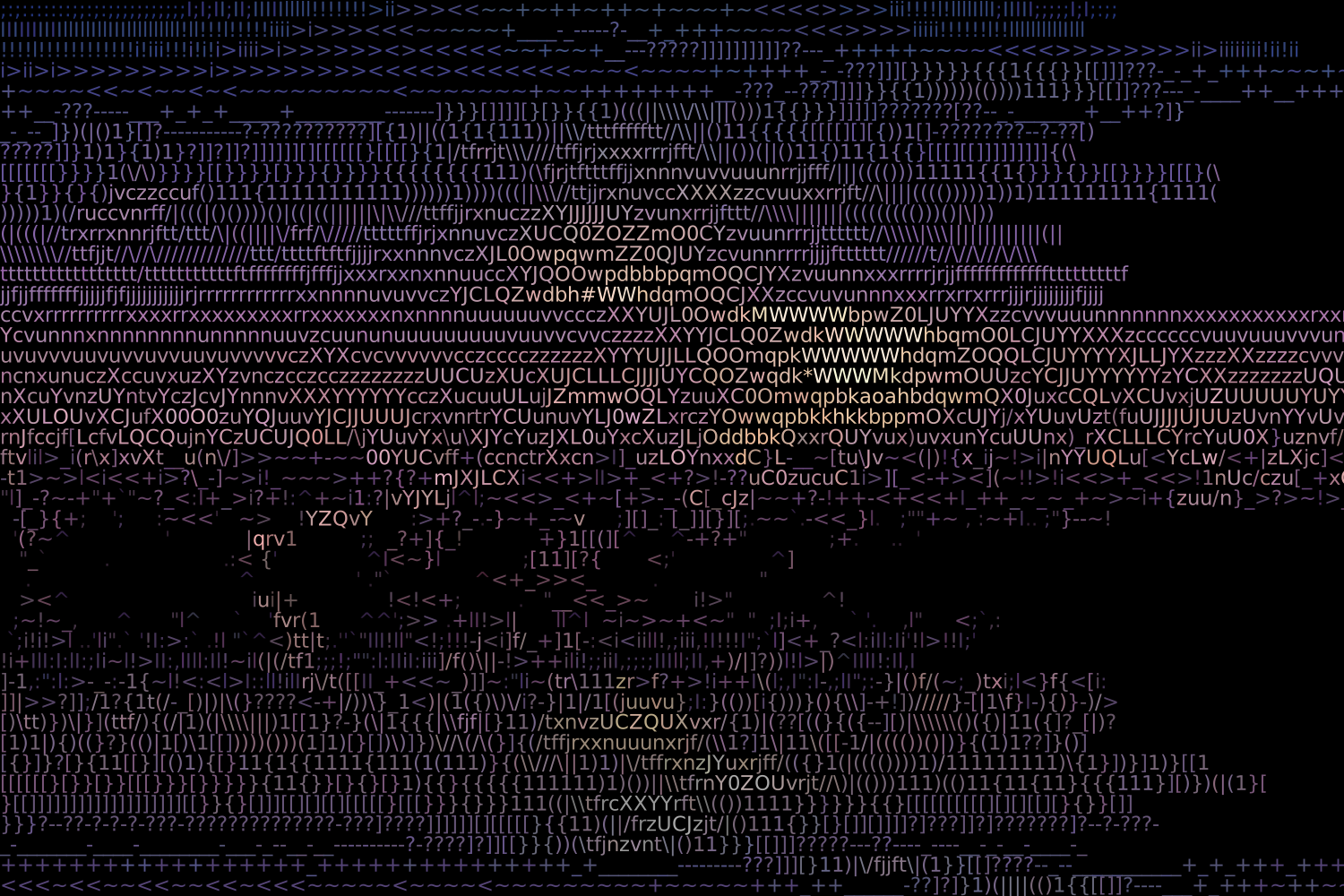
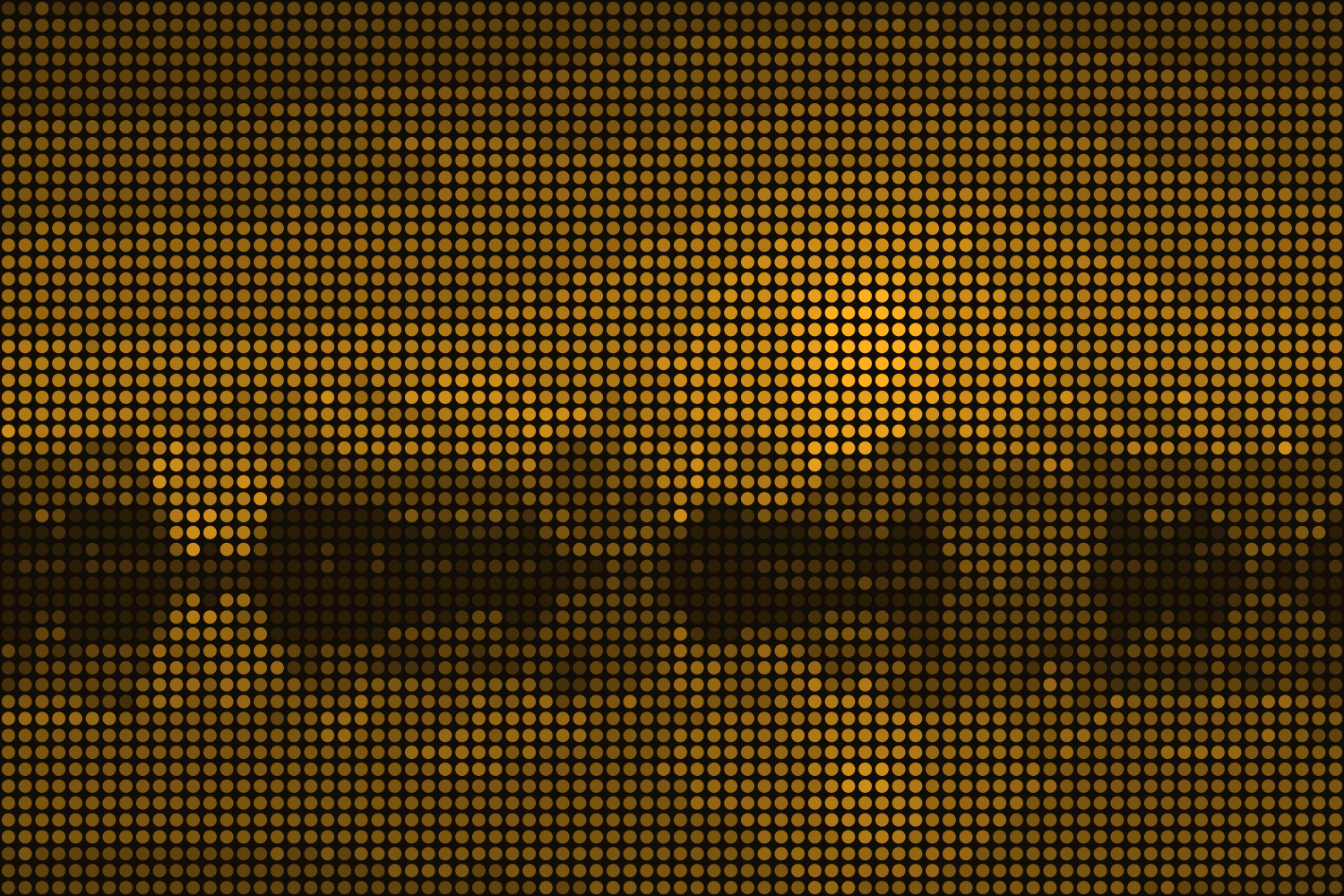
Open in editorTurn photos into ASCII art from characters, colored characters, an LED dot matrix or braille. Export as SVG, PNG, text or HTML.
Open the generatorRuns right in your browser. Your graphics are made on your device.
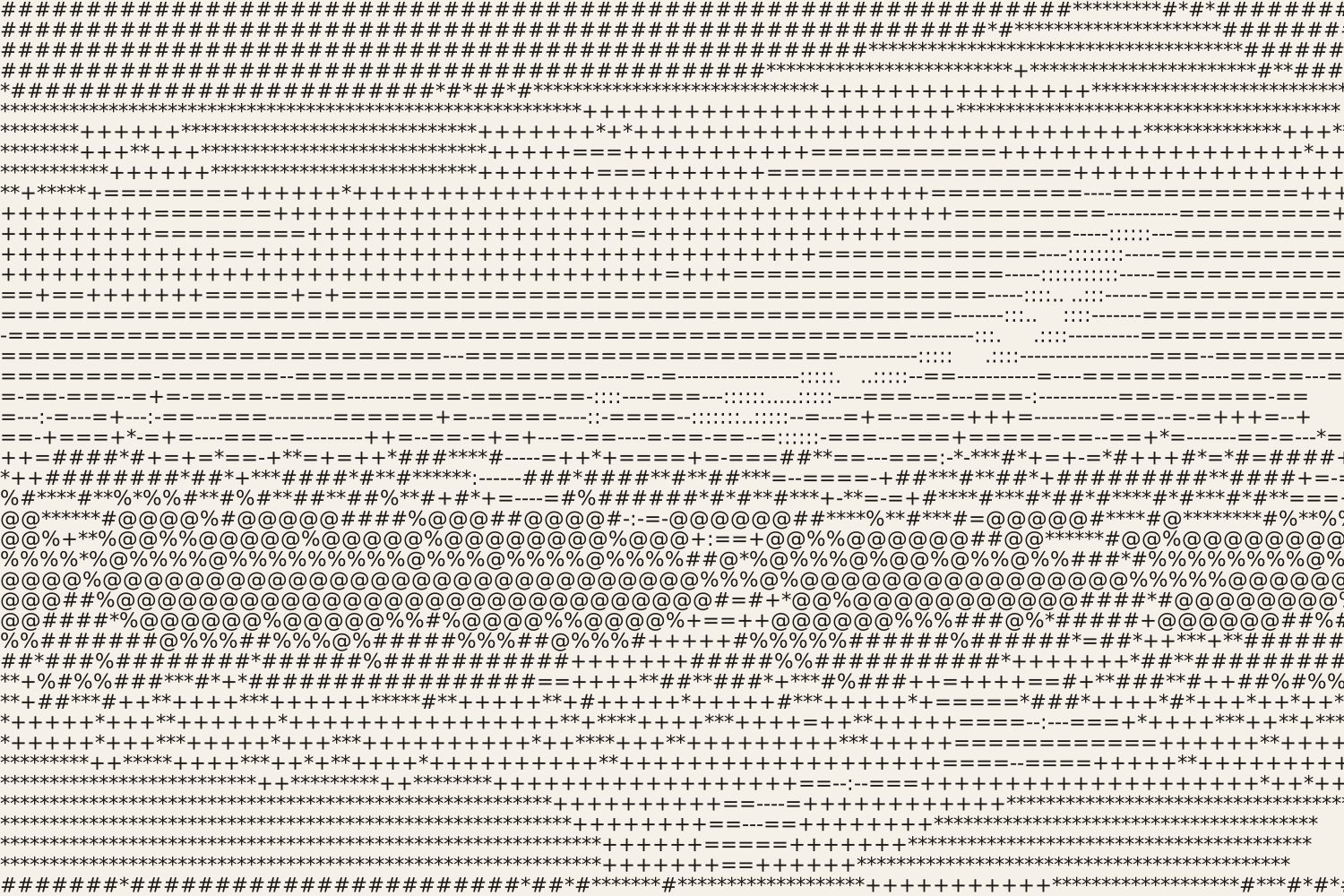
Pick a preset and it opens right in the editor, ready to adjust.
ASCII art is a picture made of text characters: dark areas get dense characters such as @ or #, light areas dots or spaces. From a little distance the photo appears again. Musterli also draws colored characters, an LED or dot matrix and braille patterns, for posters, terminal aesthetics, README files and websites.
Upload a photo or start with the sample picture. Choose characters, dots or braille, the number of columns and a character set, including your own characters. Brightness, contrast and gamma decide how much detail shows; invert fits the picture to a dark background. Export as SVG, PNG, JPG or WebP, or as text and an HTML snippet.
Try the ASCII Art nowGrainy textures and backgrounds with fine noise over a color or gradient. Export as PNG, JPG, WebP or SVG.
Open in editor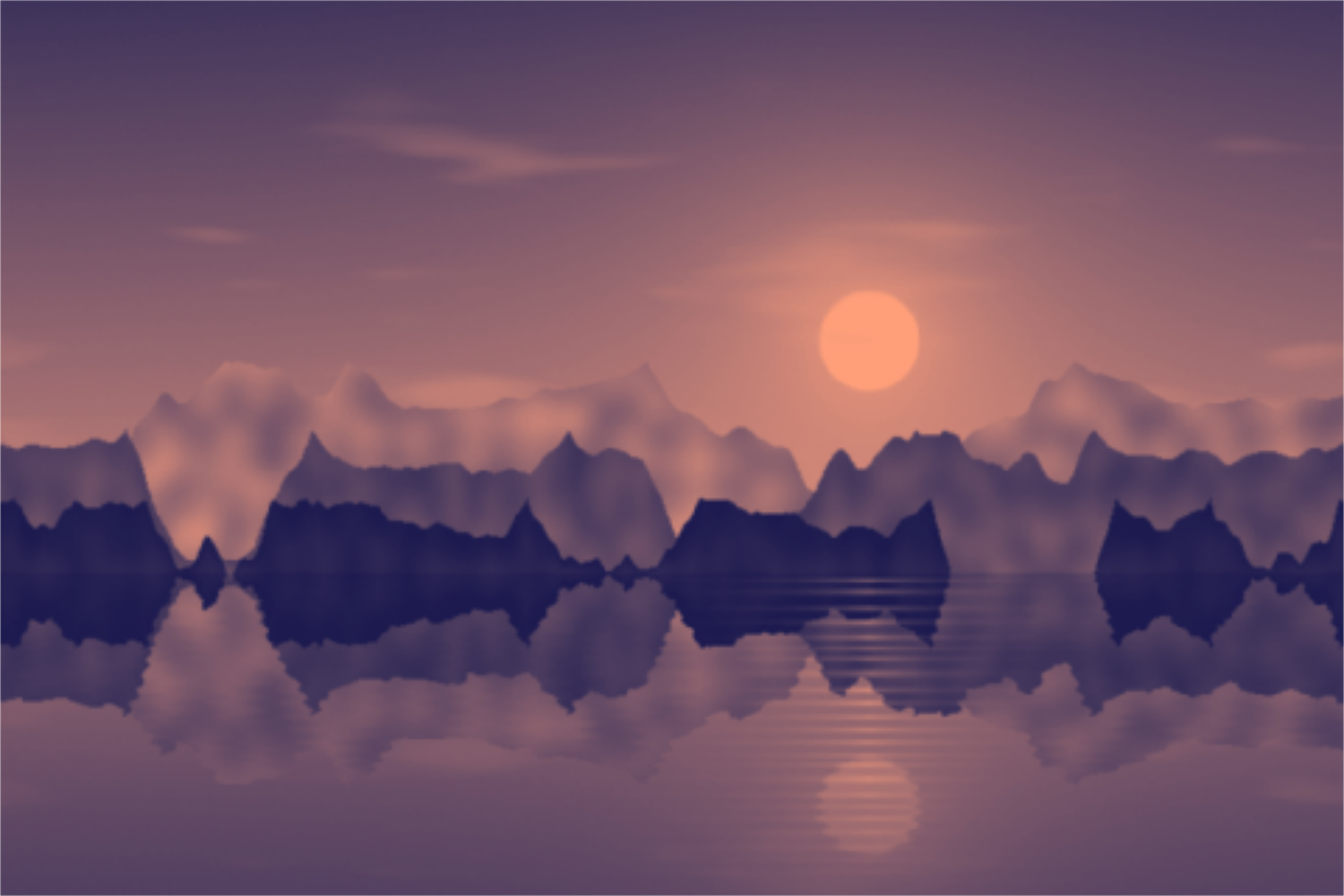
Tint photos in two, three or more colors: duotone, tritone and gradient map with a tone curve and grain. Your picture stays on your device.
Open in editor