
Noise and Grain
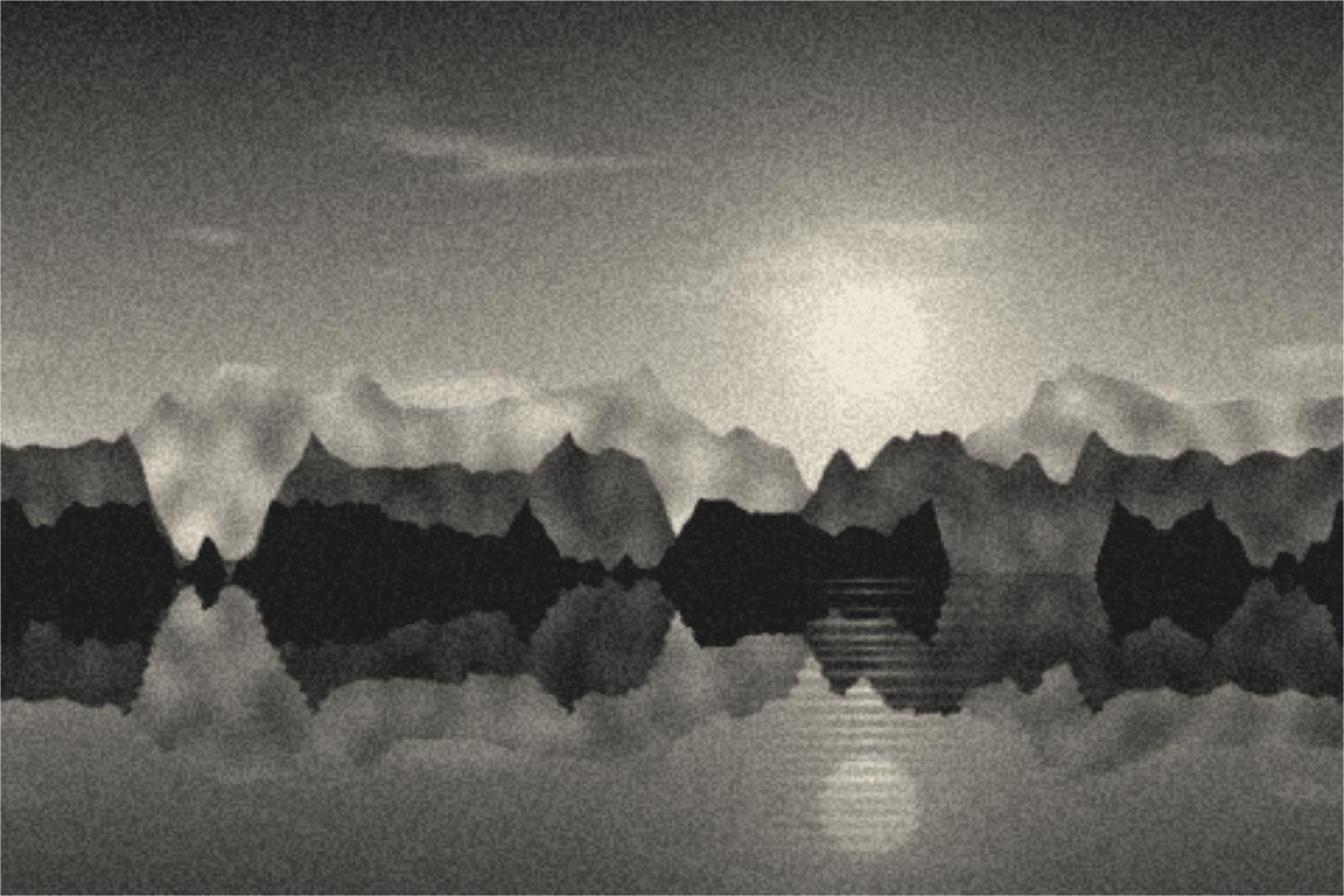
Grainy textures and backgrounds with fine noise over a color or gradient. Export as PNG, JPG, WebP or SVG.
Open in editorTint photos in two, three or more colors: duotone, tritone and gradient map with a tone curve and grain. Your picture stays on your device.
Open the generatorRuns right in your browser. Your graphics are made on your device.
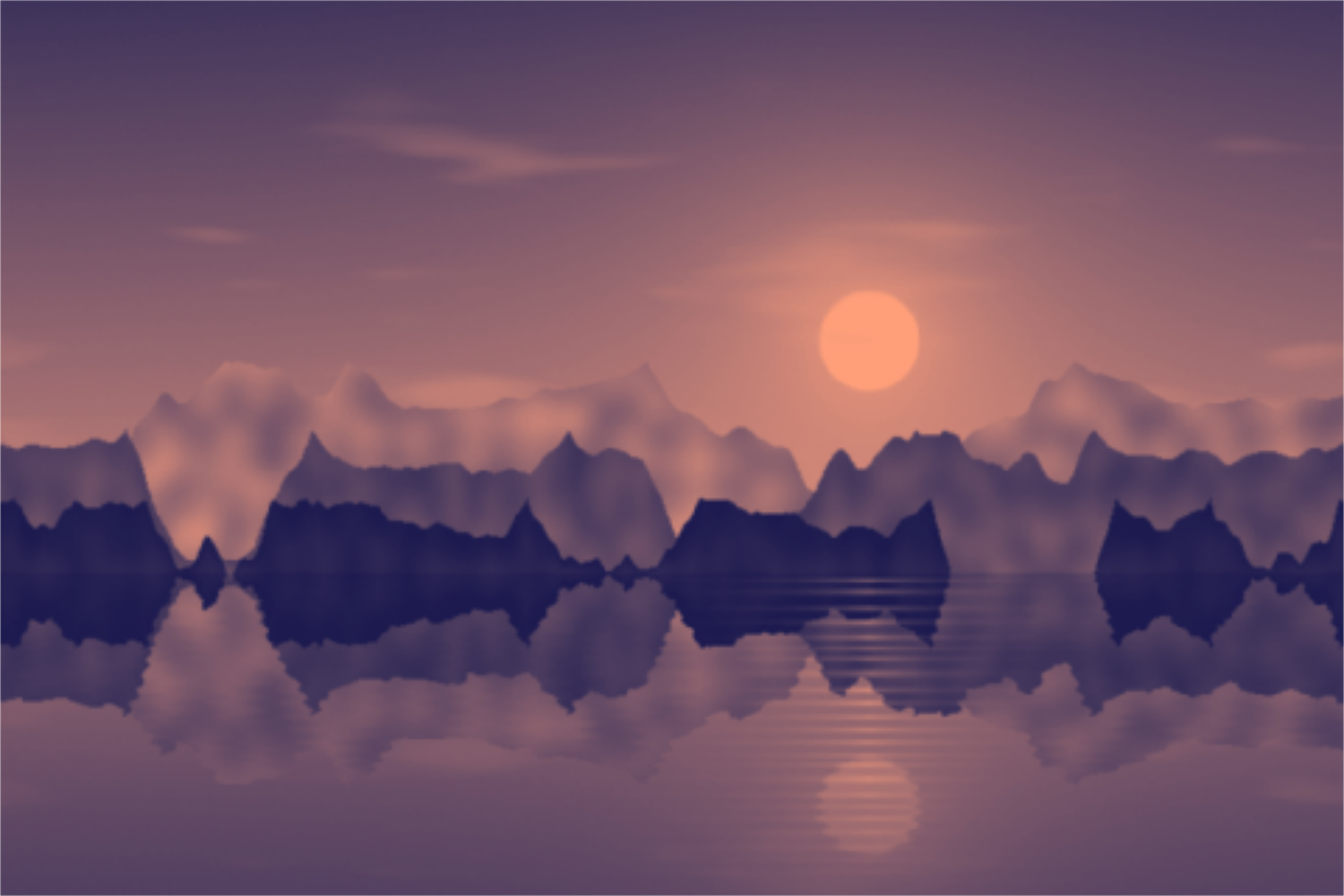
Pick a preset and it opens right in the editor, ready to adjust.
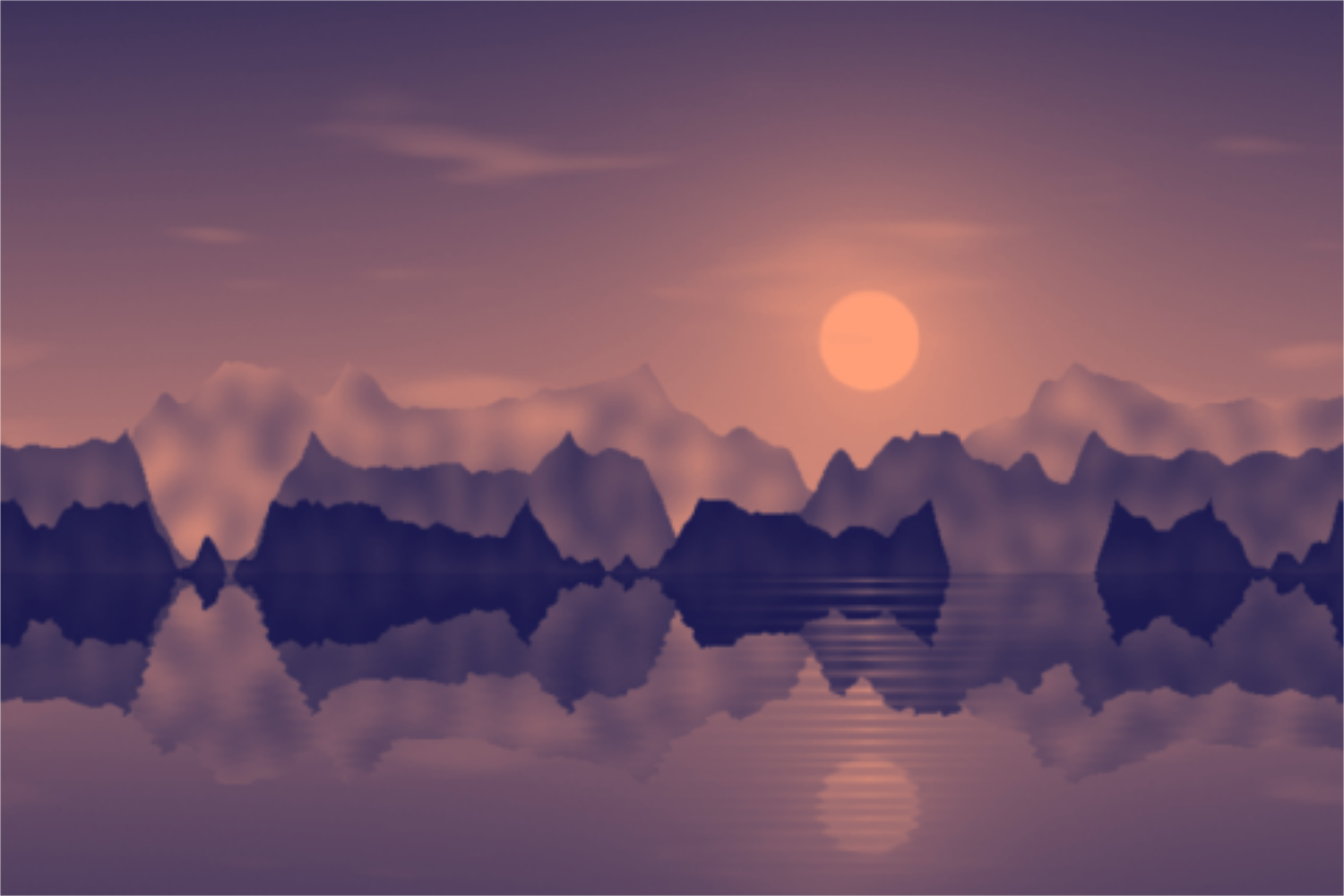
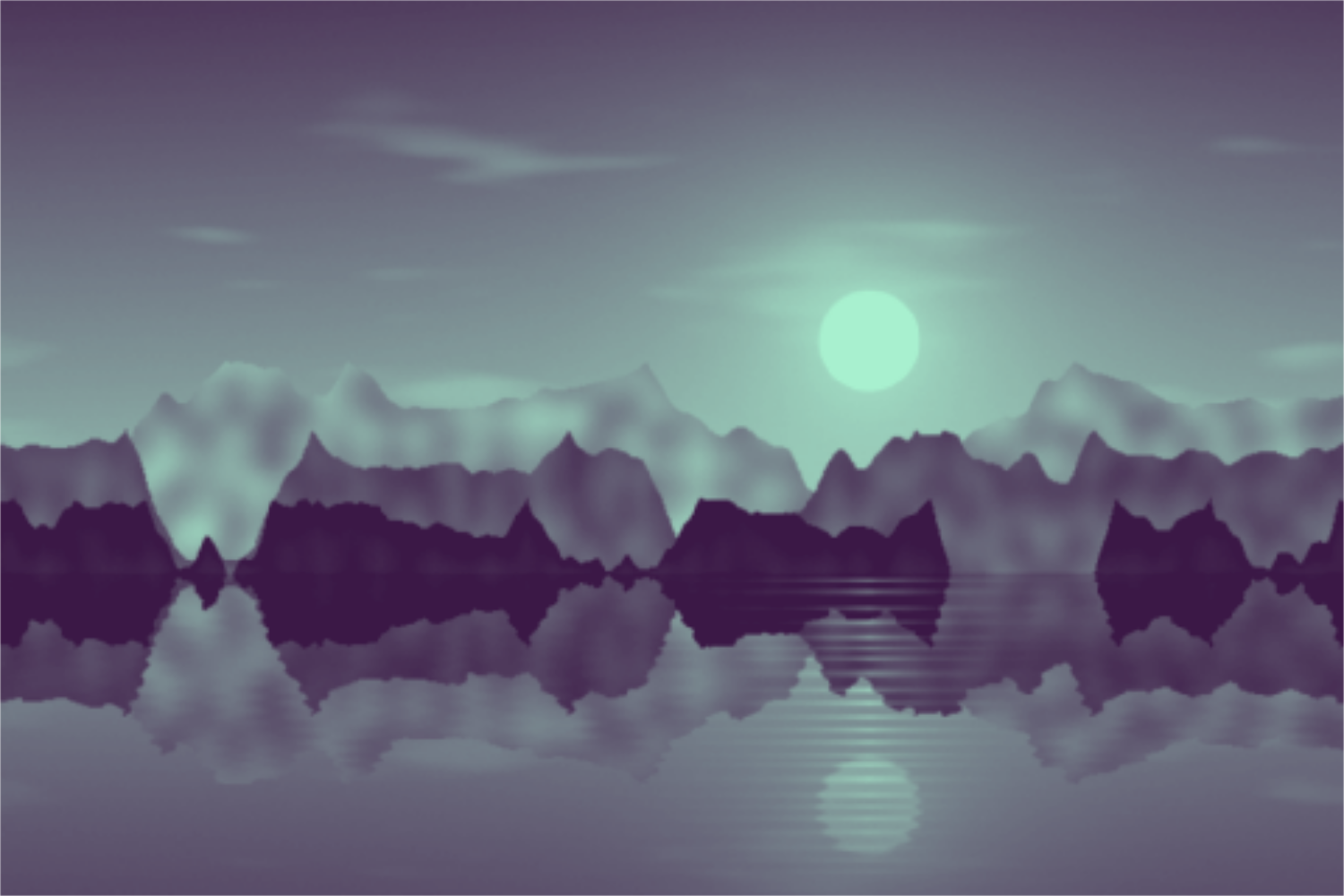
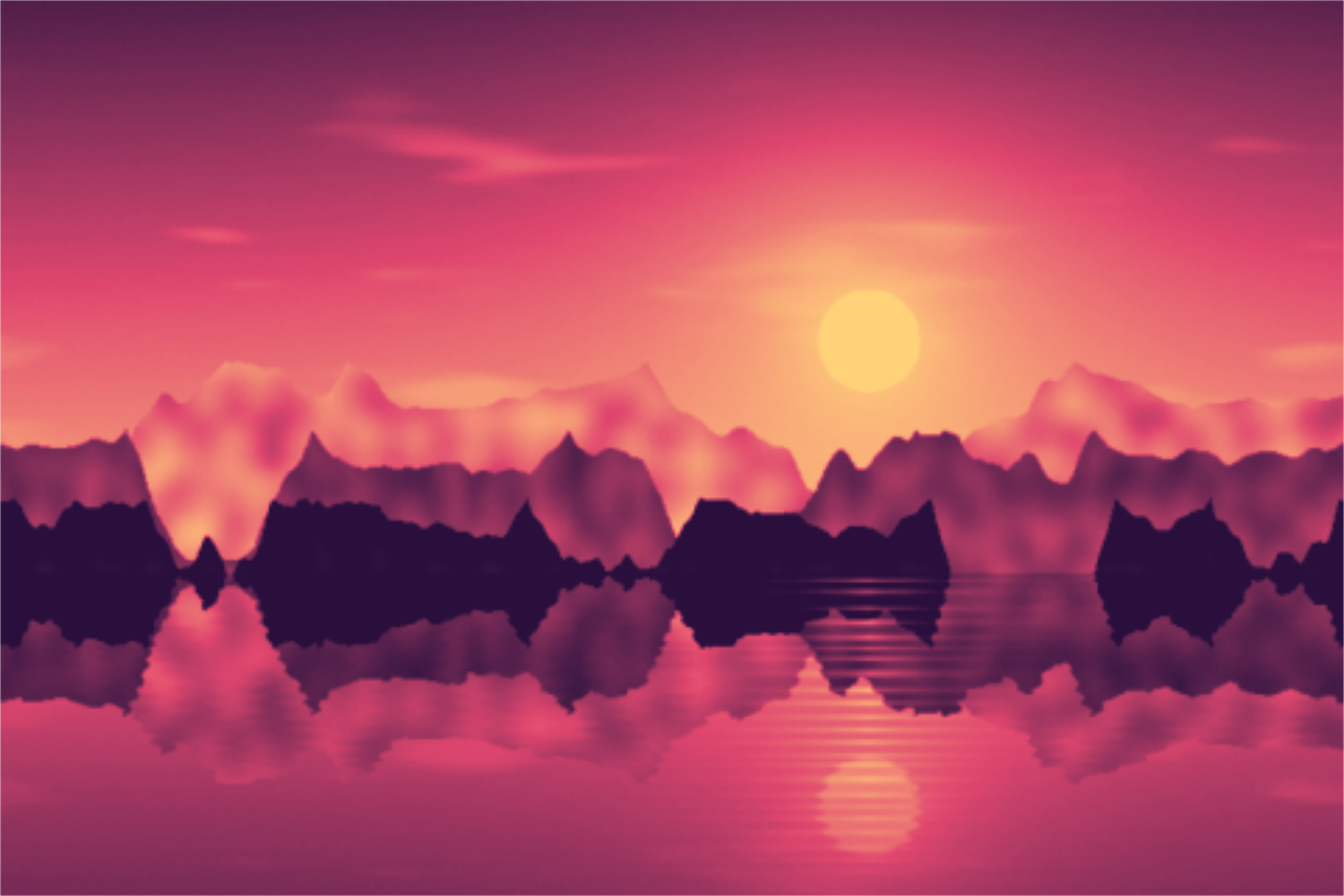
Duotone is an image effect that reduces a photo to two colors: dark areas take the shadow color, light areas the highlight color, with a smooth blend in between. With three colors it is called tritone, with any number a gradient map. The look is popular for posters, album covers, social media and websites because it tints photos in brand colors.
Upload a photo or try the presets on the sample picture. Choose duotone, tritone or gradient and set the shadow and highlight colors. Brightness, contrast and gamma decide how much area each color gets. Grain adds an analog print look, strength blends the original back in. Space rolls new color pairs. Export as PNG, JPG or WebP at full resolution.
Try the Duotone and Gradient Map nowGrainy textures and backgrounds with fine noise over a color or gradient. Export as PNG, JPG, WebP or SVG.
Open in editor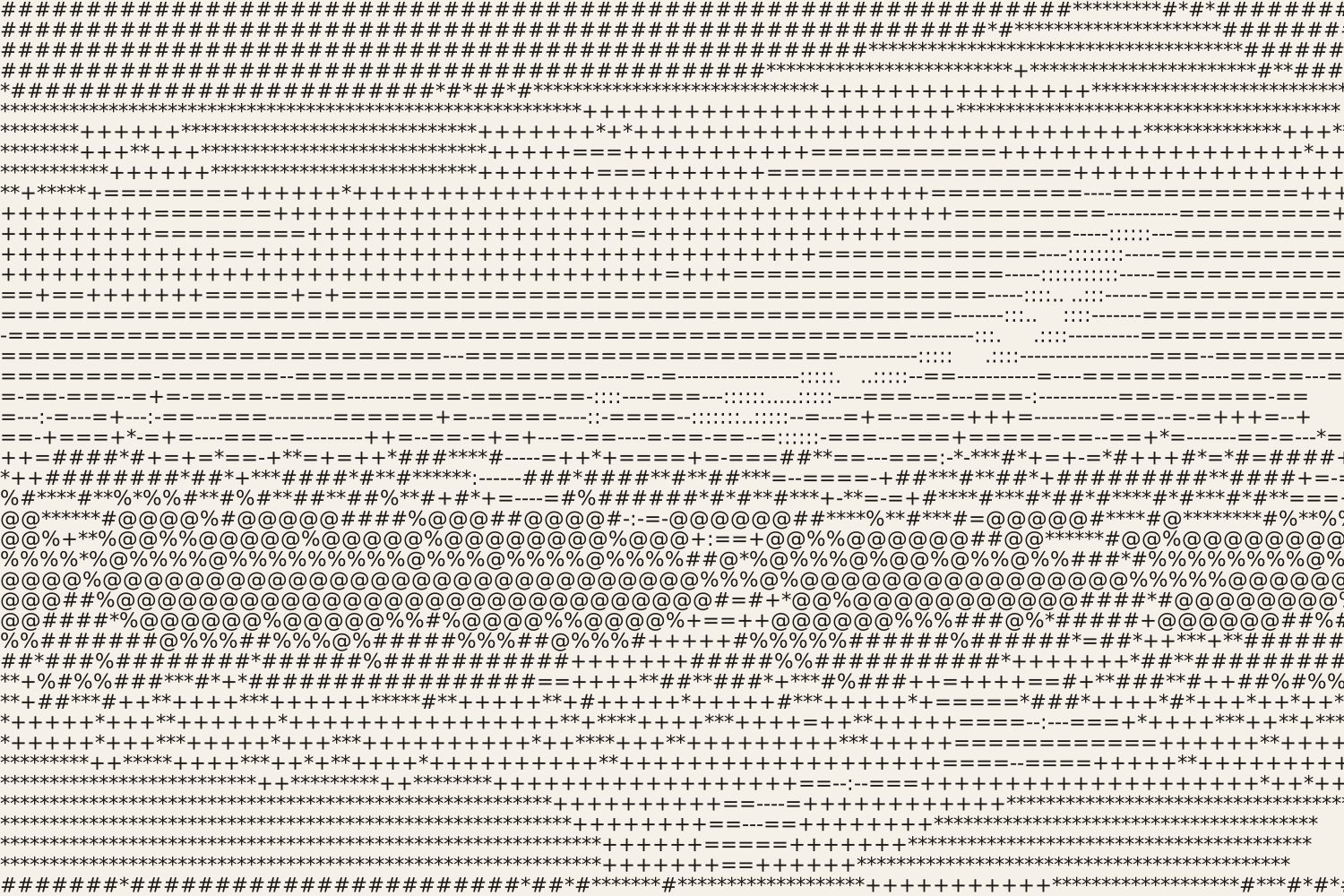
Turn photos into ASCII art from characters, colored characters, an LED dot matrix or braille. Export as SVG, PNG, text or HTML.
Open in editor