
CSS Gradient
Linear, radial and conic gradients with smooth OKLCH transitions. Export as CSS, SVG or image.
Open in editorIridescent foil backgrounds with shifting rainbow bands, folds and sheen. Export as PNG, JPG, WebP, SVG or GIF.
Open the generatorRuns right in your browser. Your graphics are made on your device.
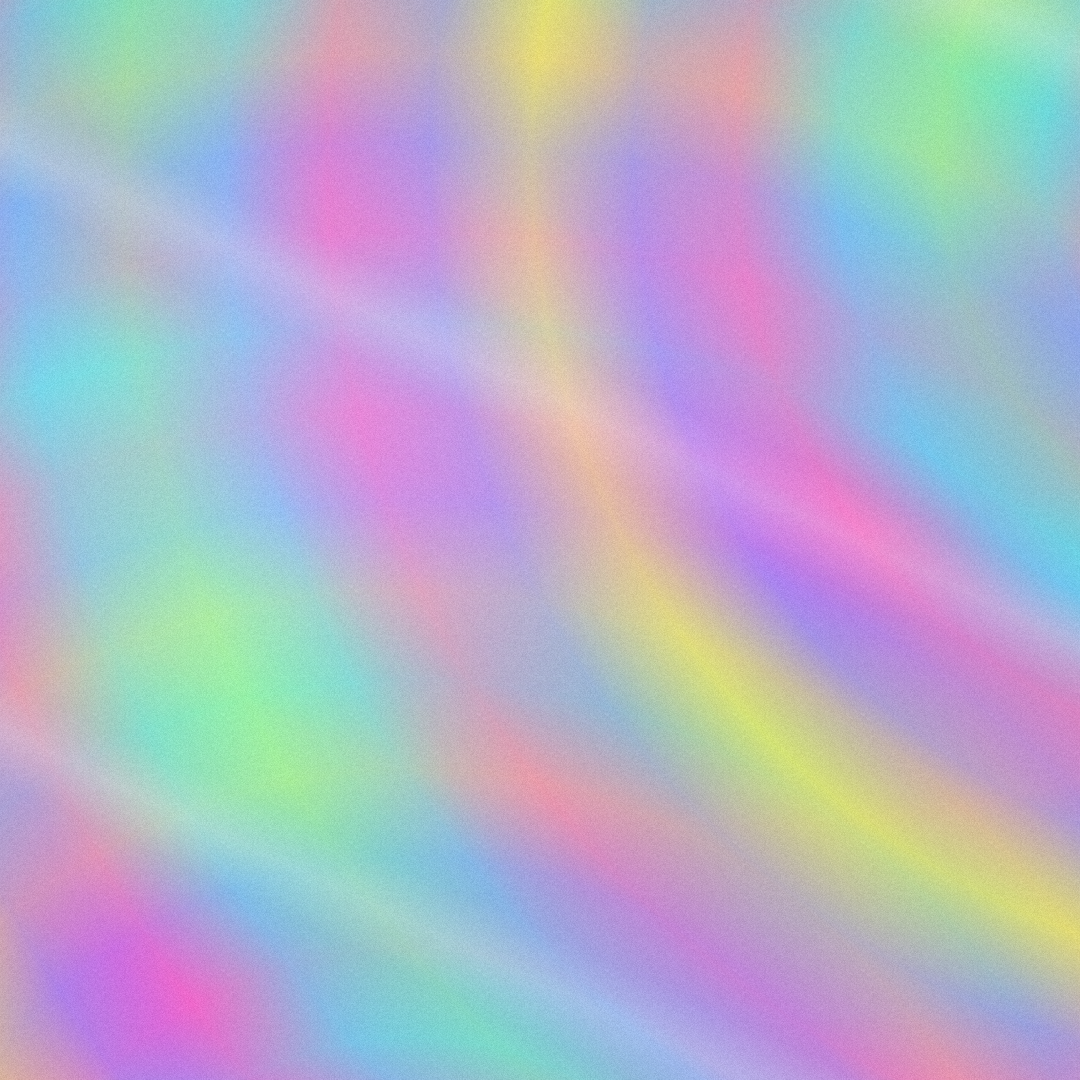
Pick a preset and it opens right in the editor, ready to adjust.
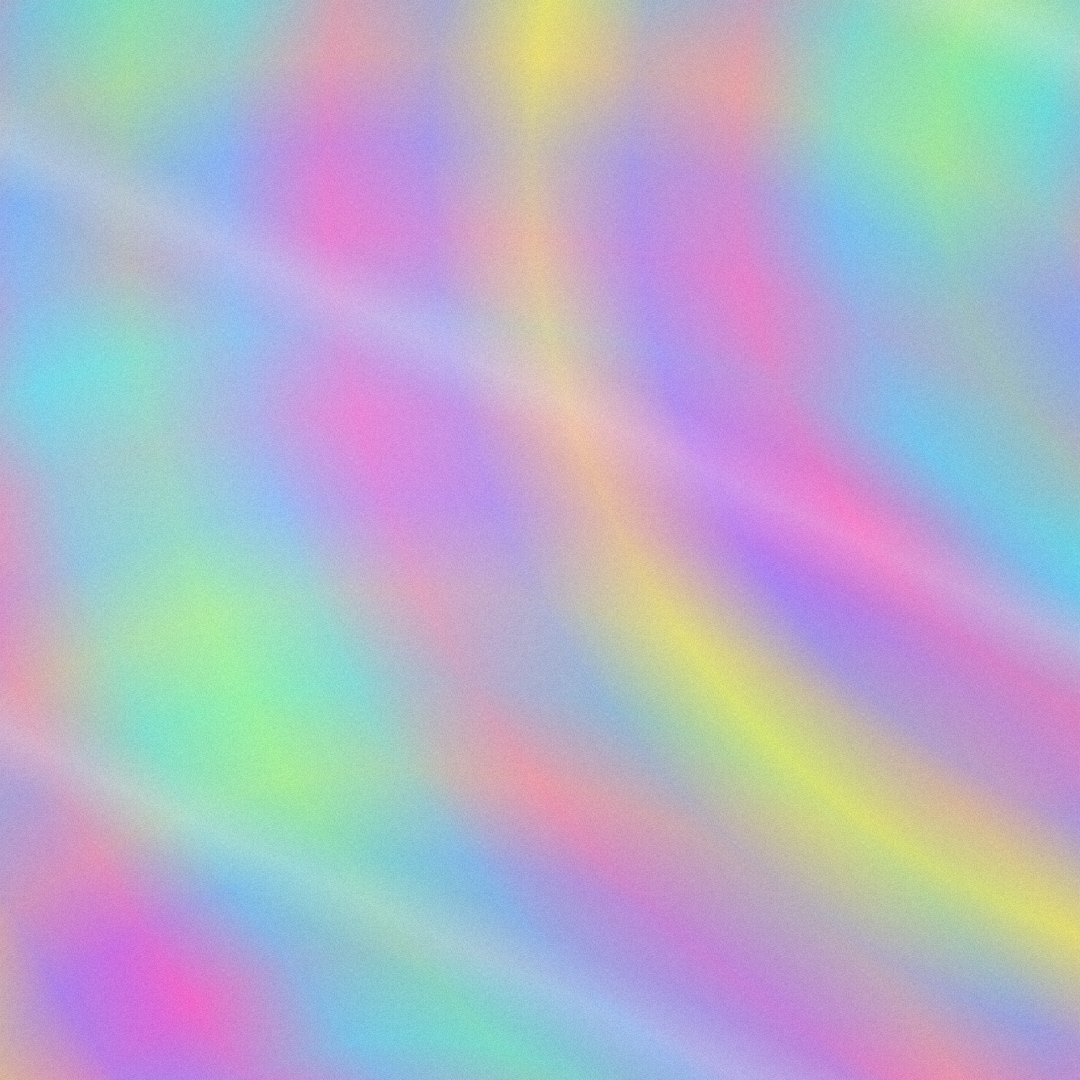
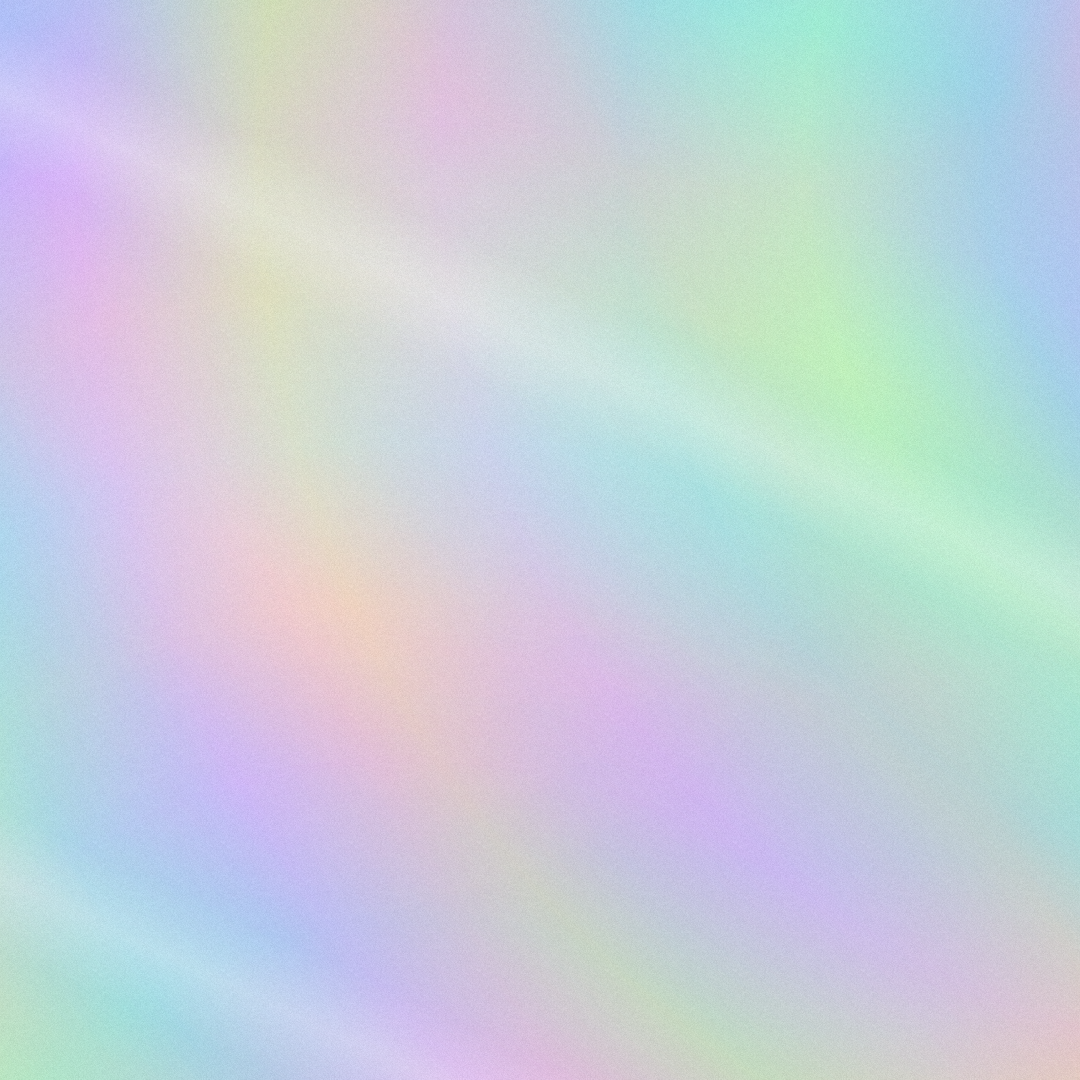
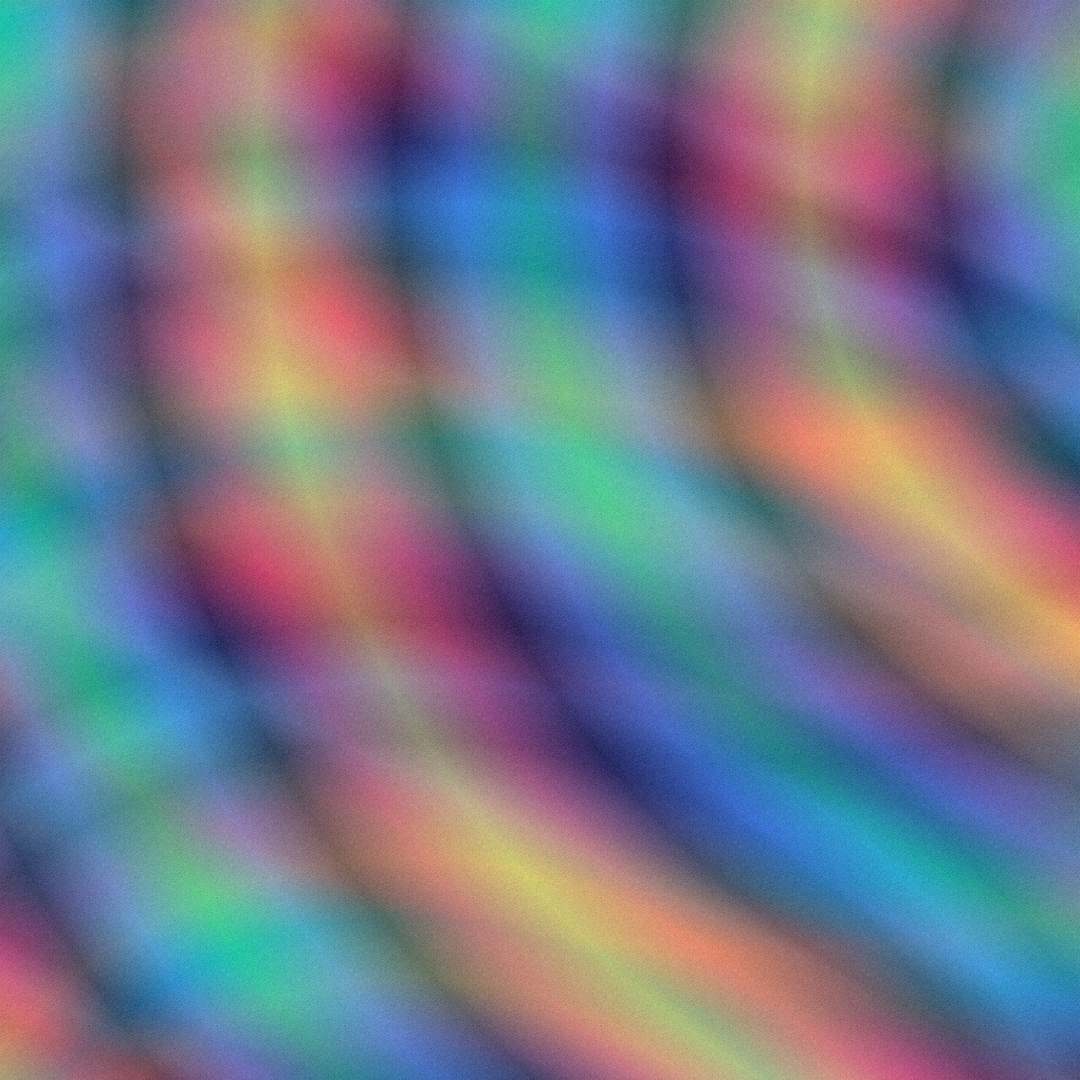
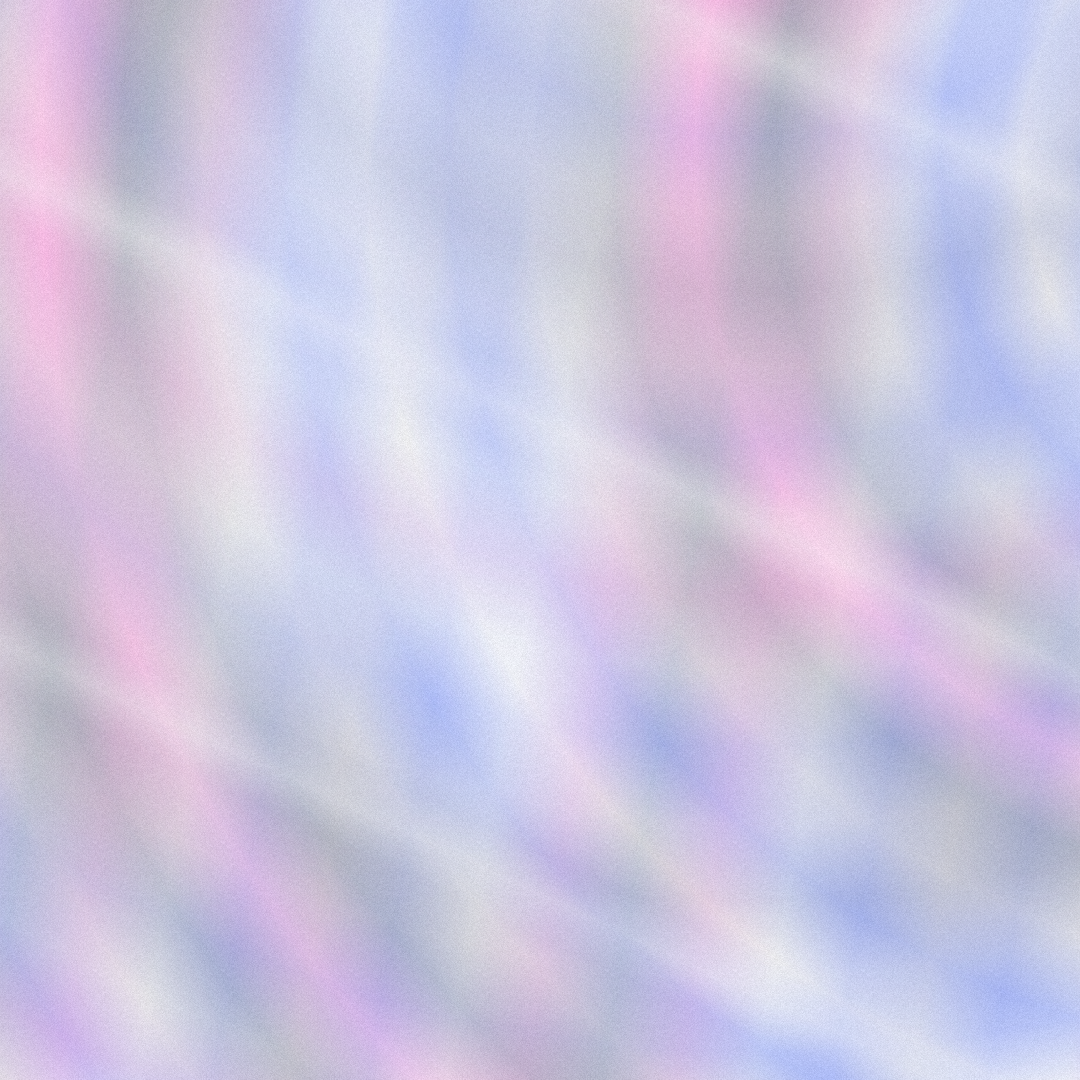
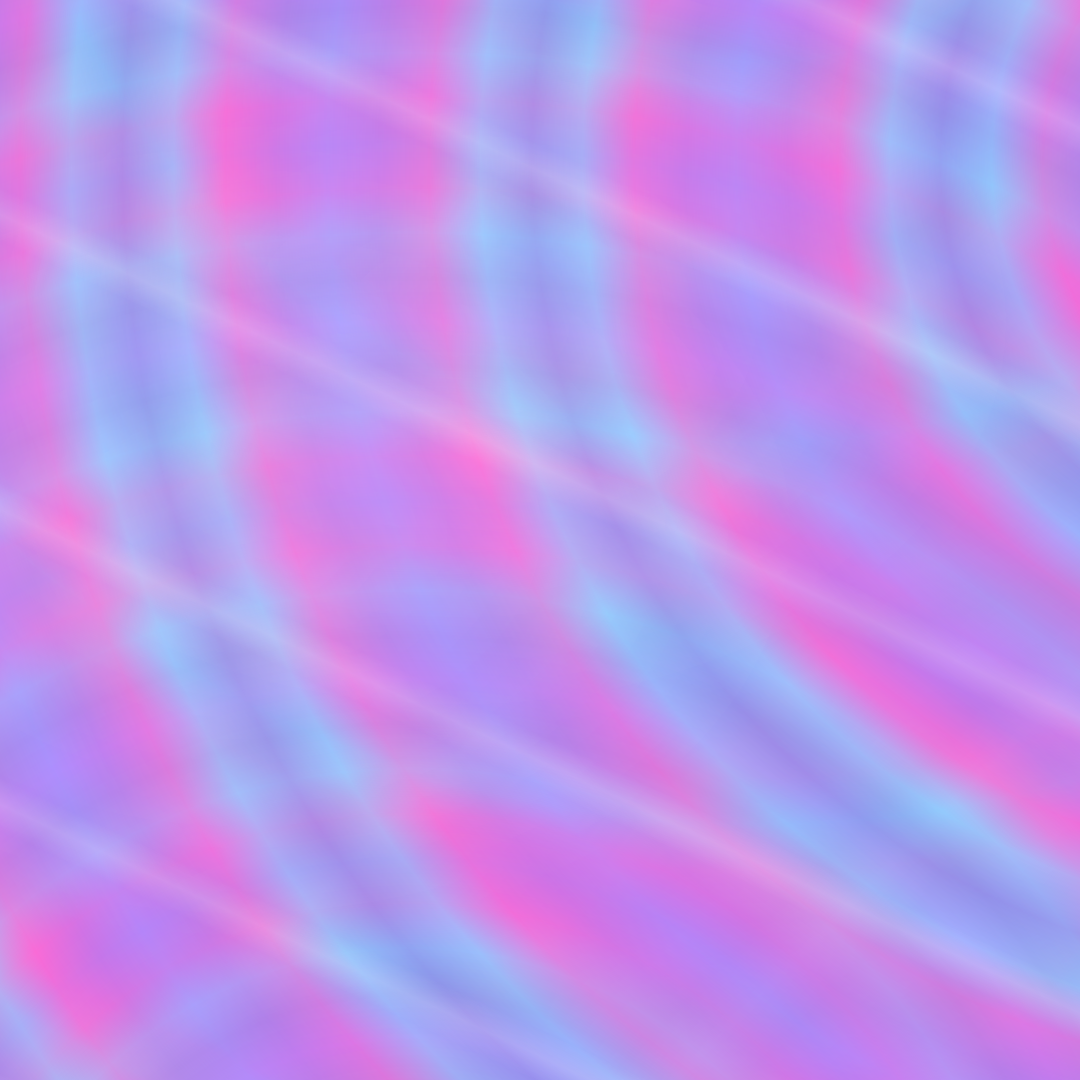
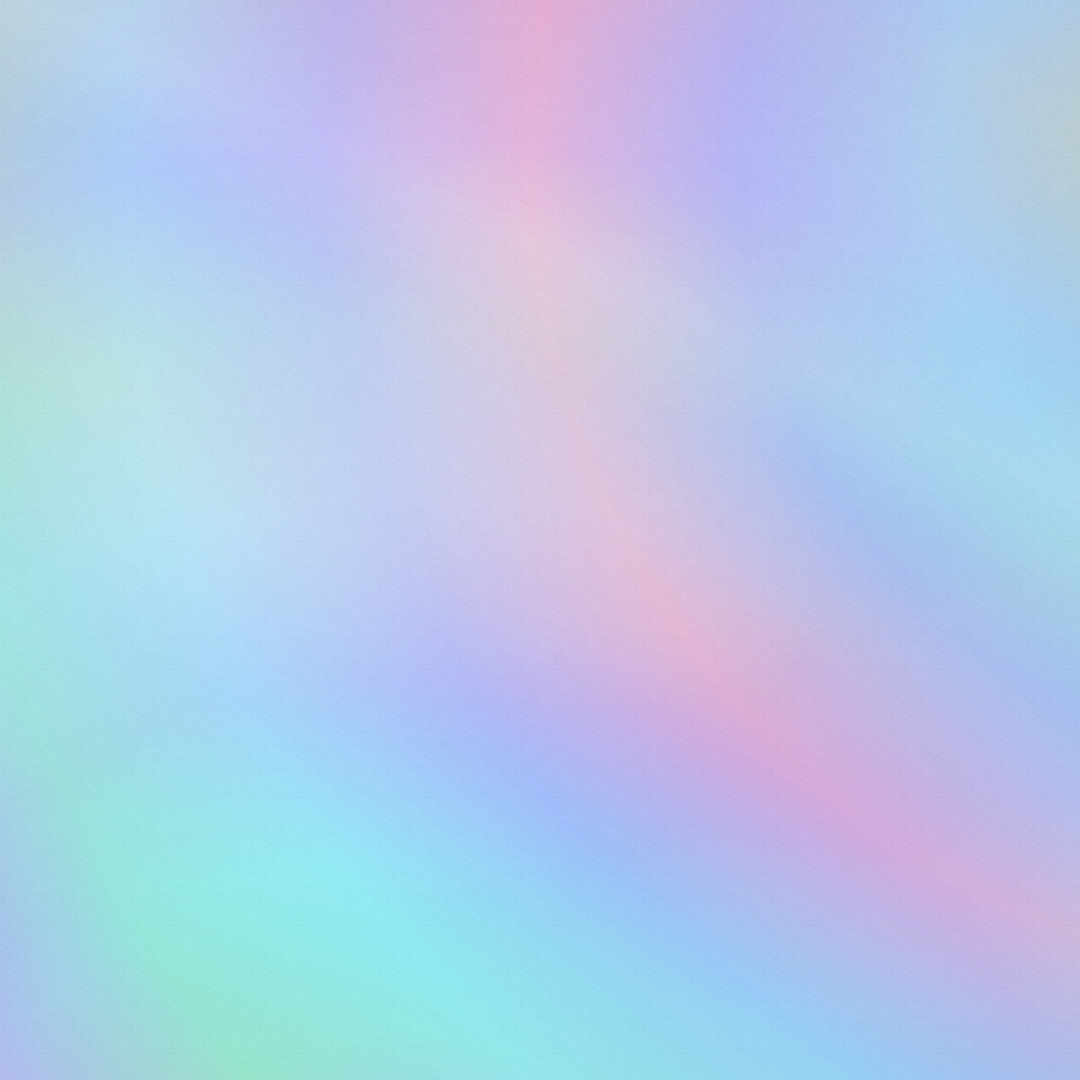
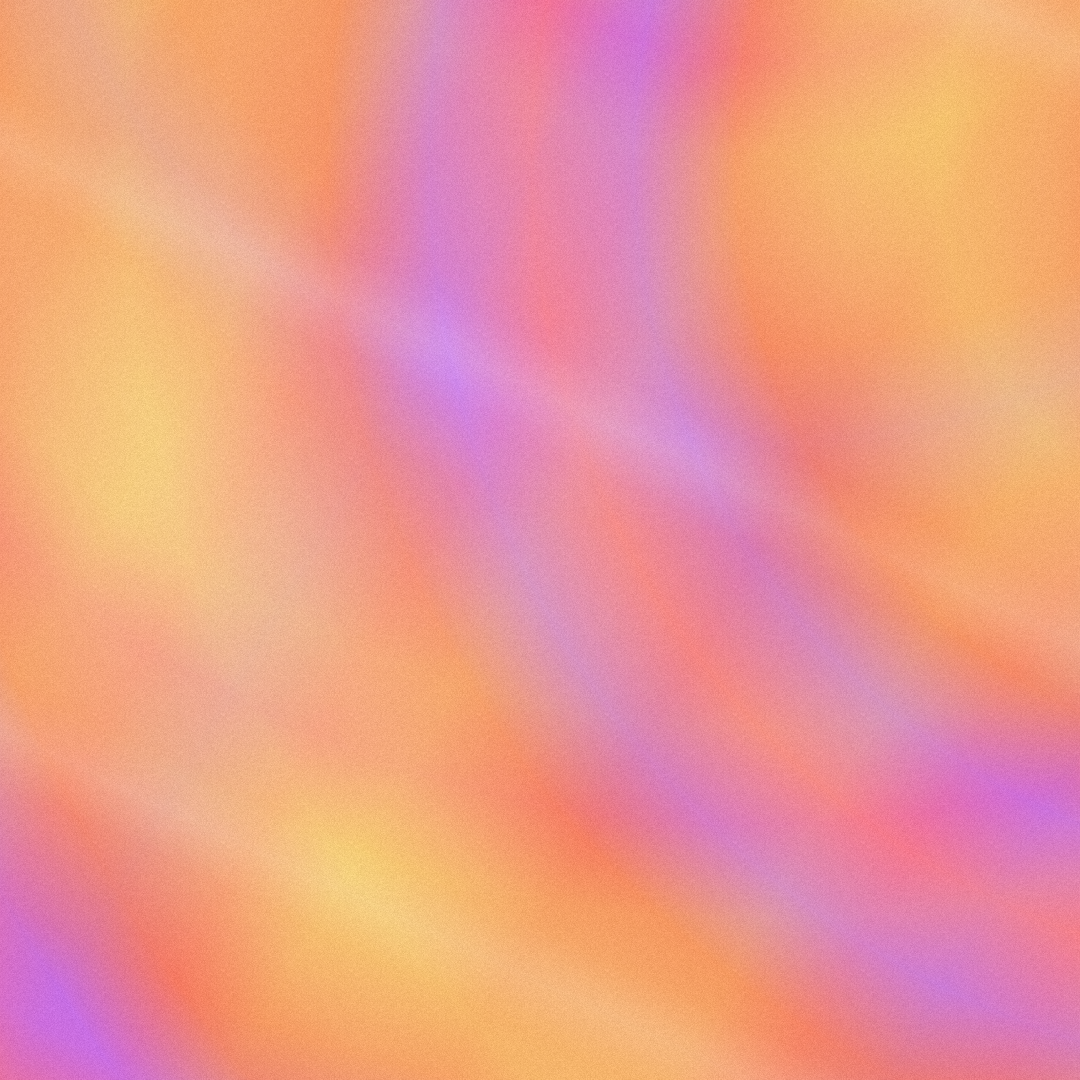
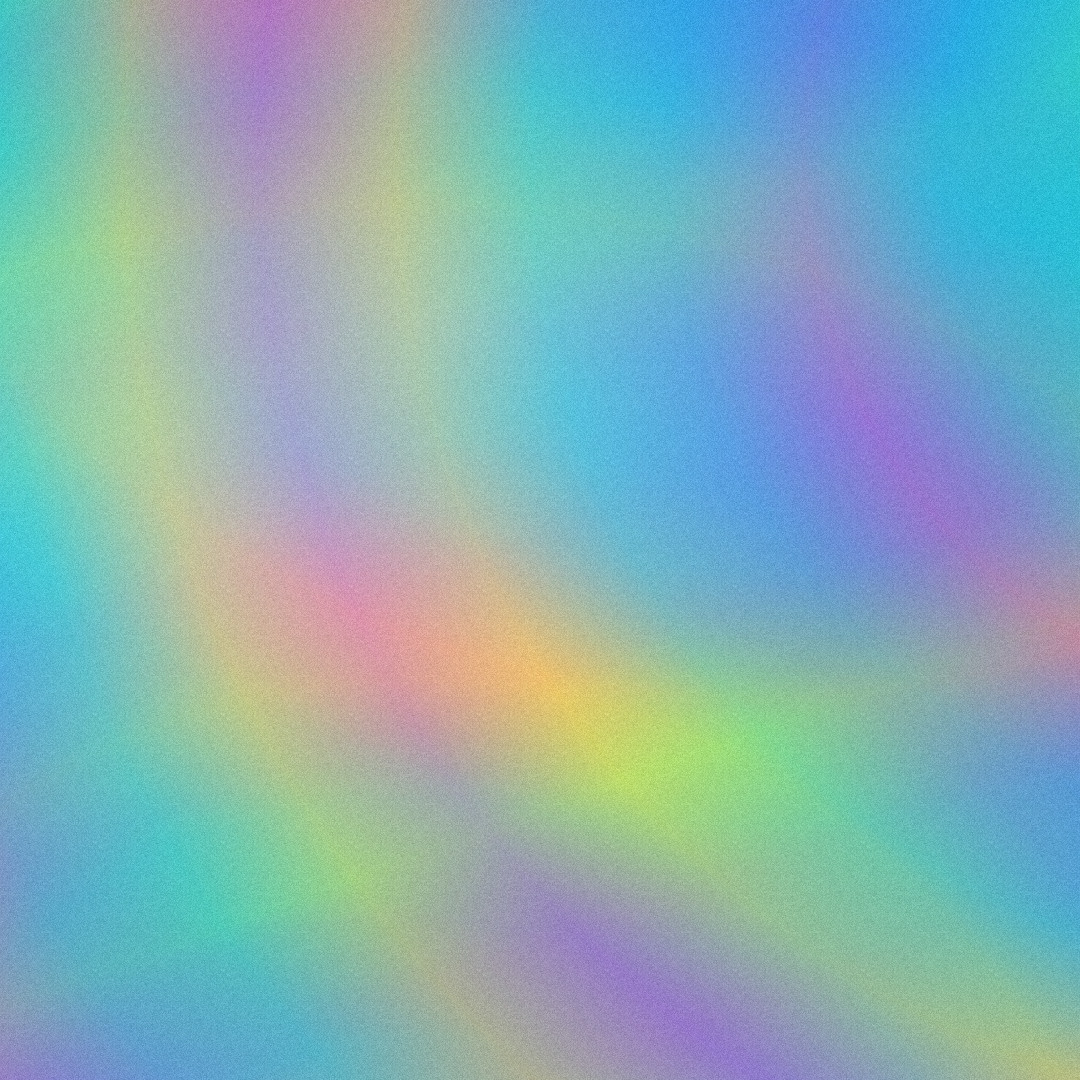
A holographic gradient imitates iridescent foil: rainbow bands that bend and shift color where they cross, like a hologram sticker or a soap bubble. It is a popular trend look for album covers, packaging, Y2K designs and social posts.
Holographic foil is a classic for album covers, cosmetics and limited editions. Here you get the look as a flat image without special printing.
Iridescent backgrounds give social posts, stories and event graphics the shiny Y2K look that stands out in a feed.
As SVG the foil stays sharp at any width and loads fast. Place dark text on light foil for good contrast.
Pick your foil colors, then set the direction and how often the colors repeat. Ring layers add curved bands that cross the straight ones. Folds and sheen add light, grain adds a printed feel. Press Space for new variants and export as PNG, JPG, WebP, SVG or animated GIF.
Try the Holographic Gradient nowMore than 30 original gradients with CSS to copy, each one ready to adjust in the editor.
Browse the gradient collectionLinear, radial and conic gradients with smooth OKLCH transitions. Export as CSS, SVG or image.
Open in editor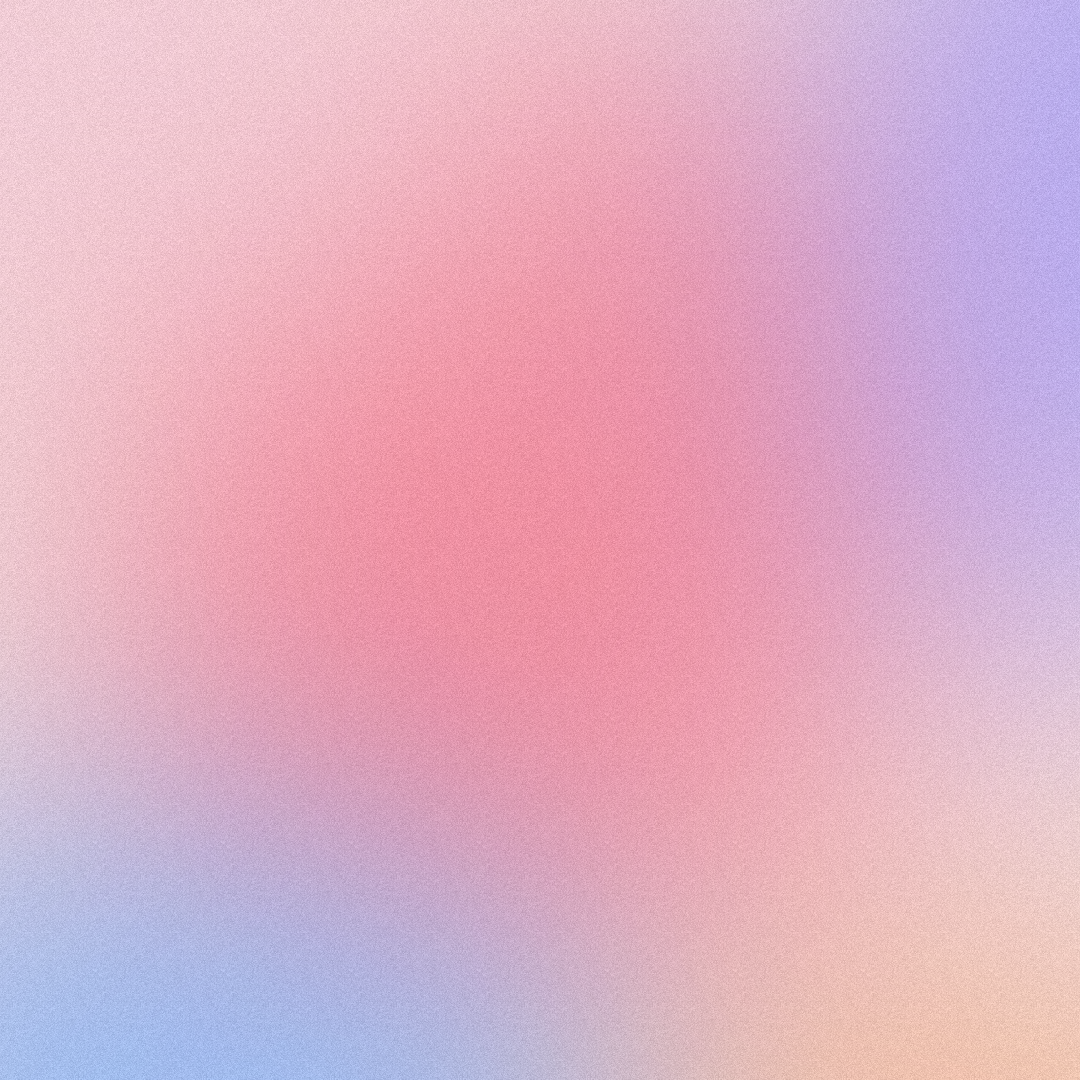
Soft, flowing color gradients from several blurred color fields. Export as PNG, JPG, WebP, SVG or CSS.
Open in editor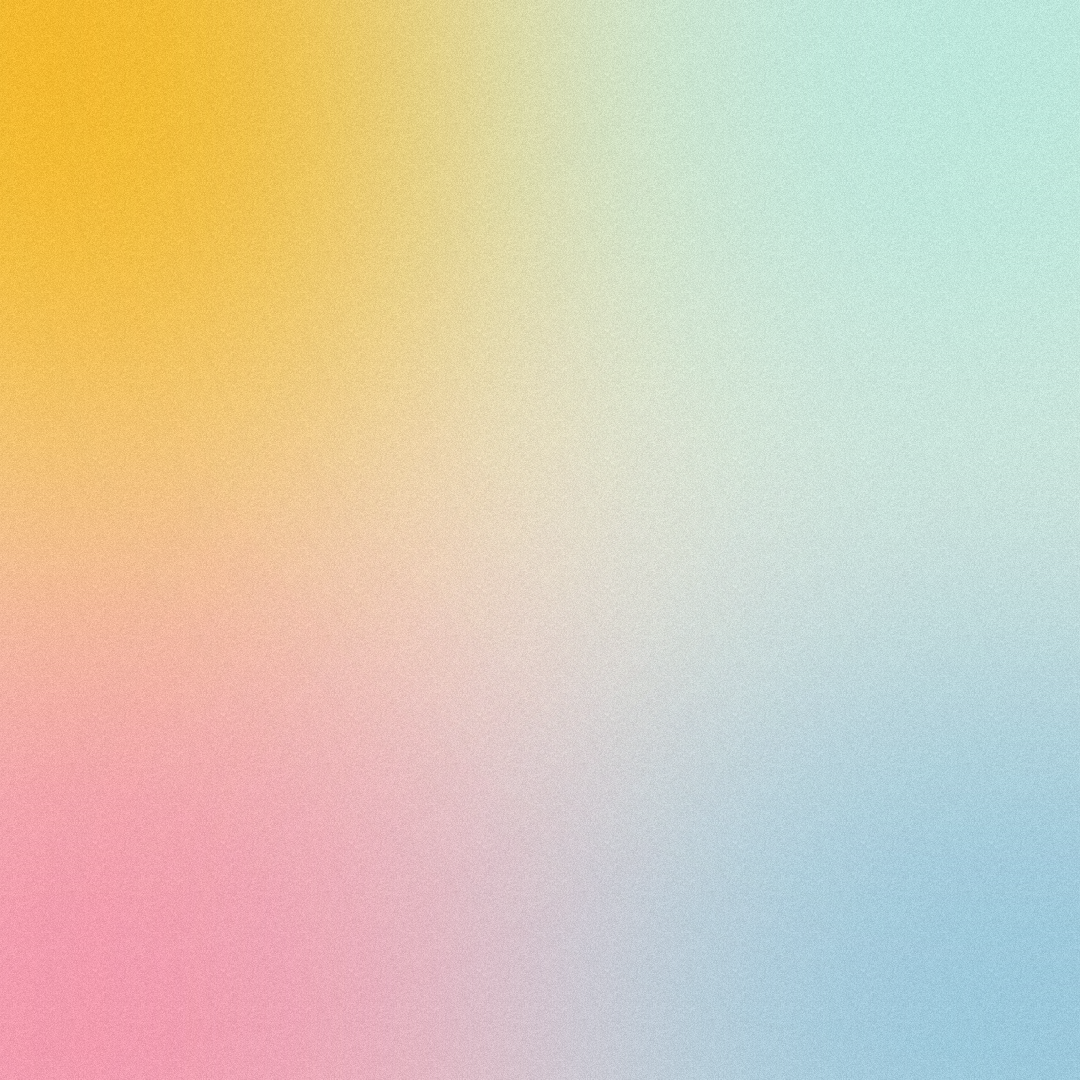
Dreamy backgrounds from large, strongly blurred color circles. Export as PNG, JPG, WebP, SVG or CSS.
Open in editor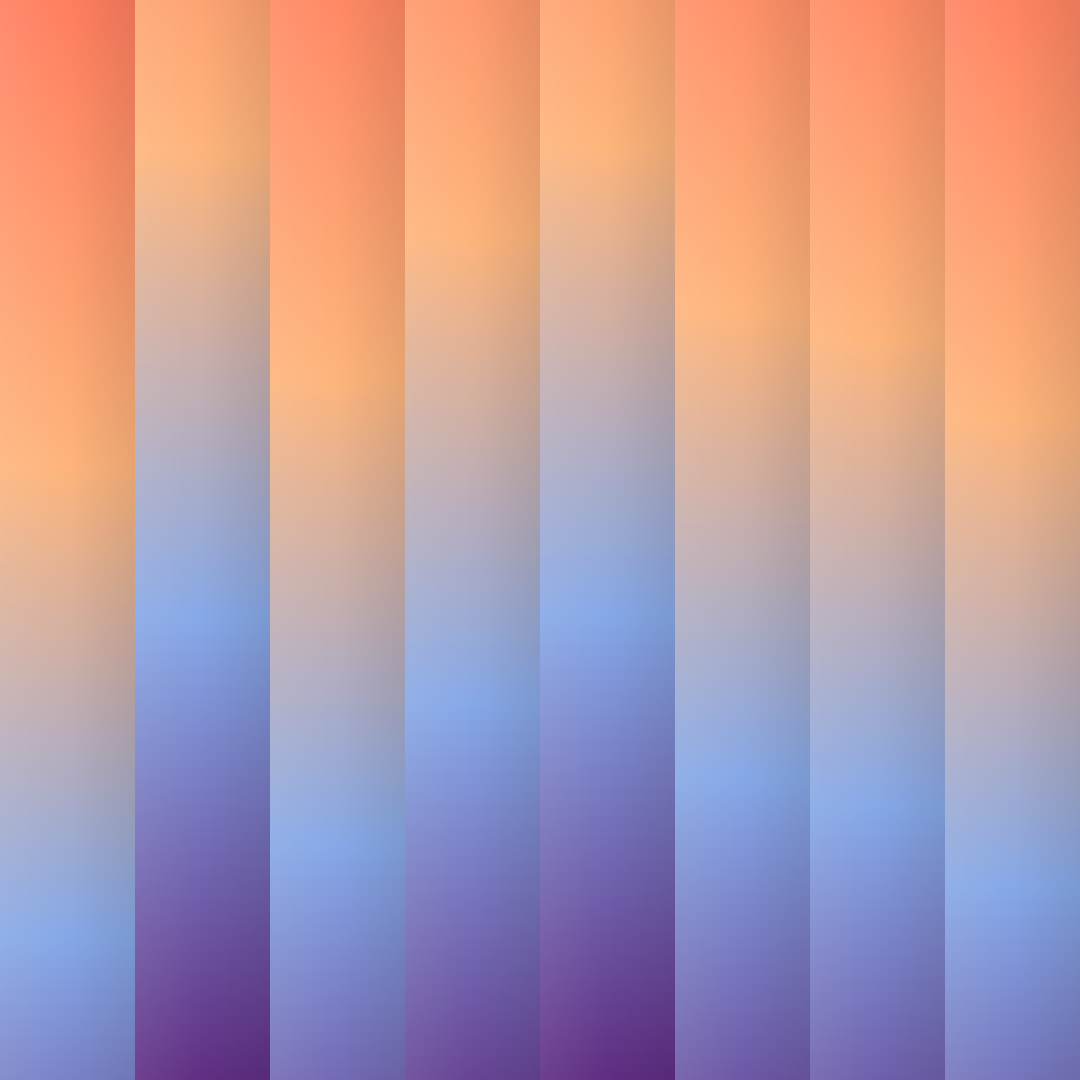
Vertical stripes, each with its own gradient, slightly offset against each other. Export as PNG, JPG, WebP, SVG or CSS.
Open in editor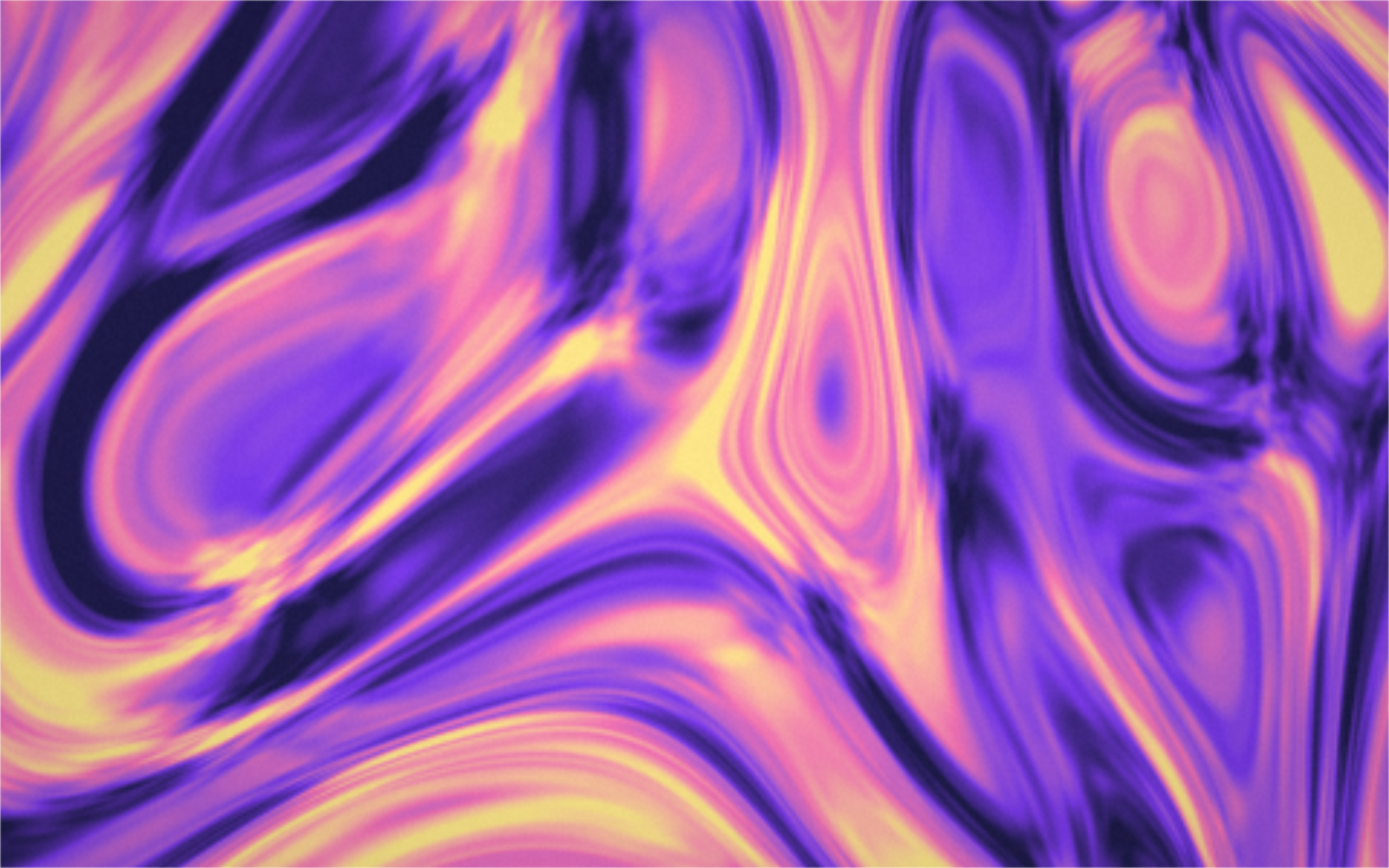
Liquid, silky and grainy gradients from a GPU shader. With domain warping, Bayer dithering, grain and vignette. PNG, JPG and WebP up to 8K, plus seamless GIF loops.
Open in editor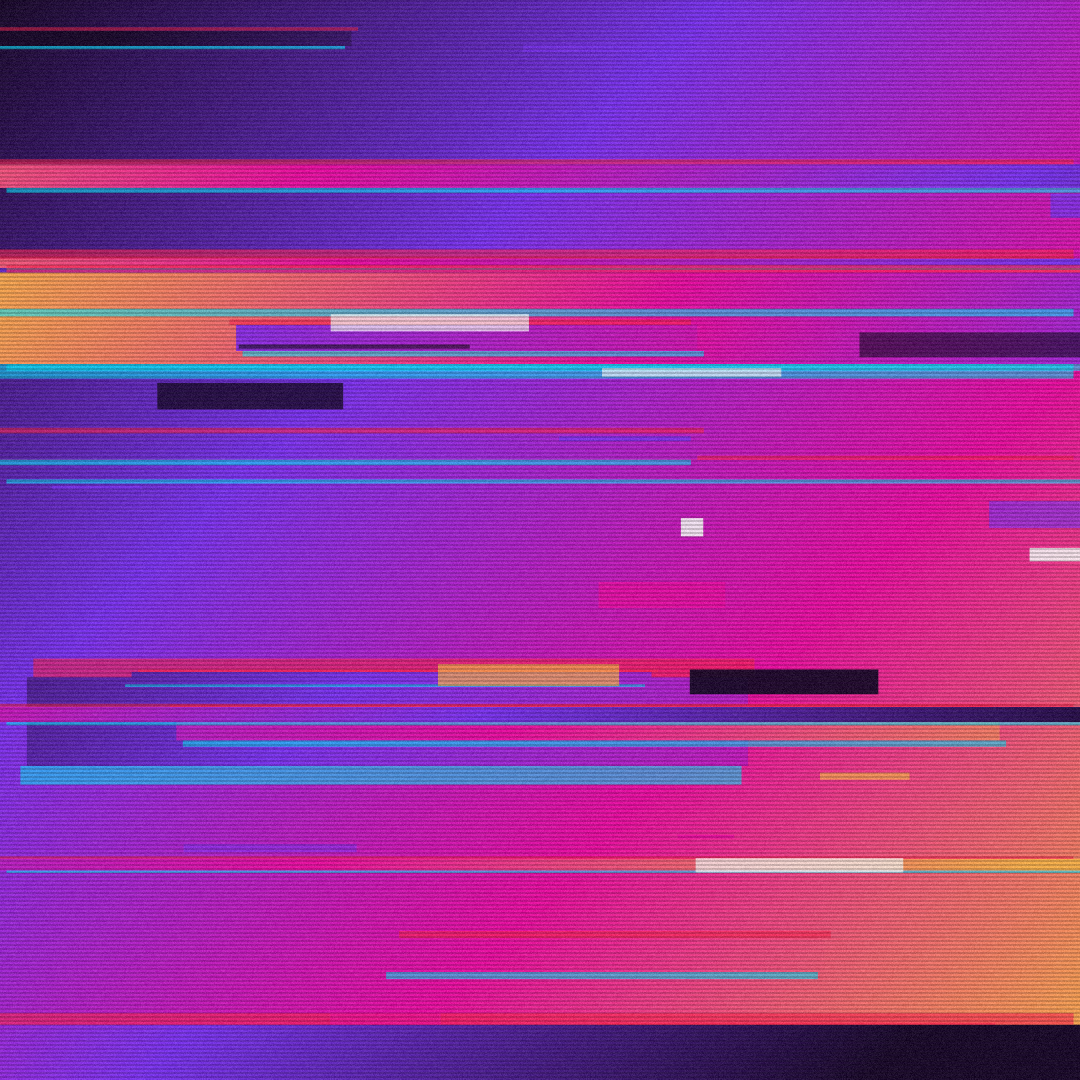
Torn, shifted slices with RGB split, color blocks and scanlines, like a broken video signal. Export as PNG, JPG, WebP, SVG or GIF.
Open in editor