



Screenshot Beautifier
Put your screenshot on a beautiful background or show your website as a mockup on laptop, monitor, tablet and phone. Ready for docs, social media and Product Hunt.
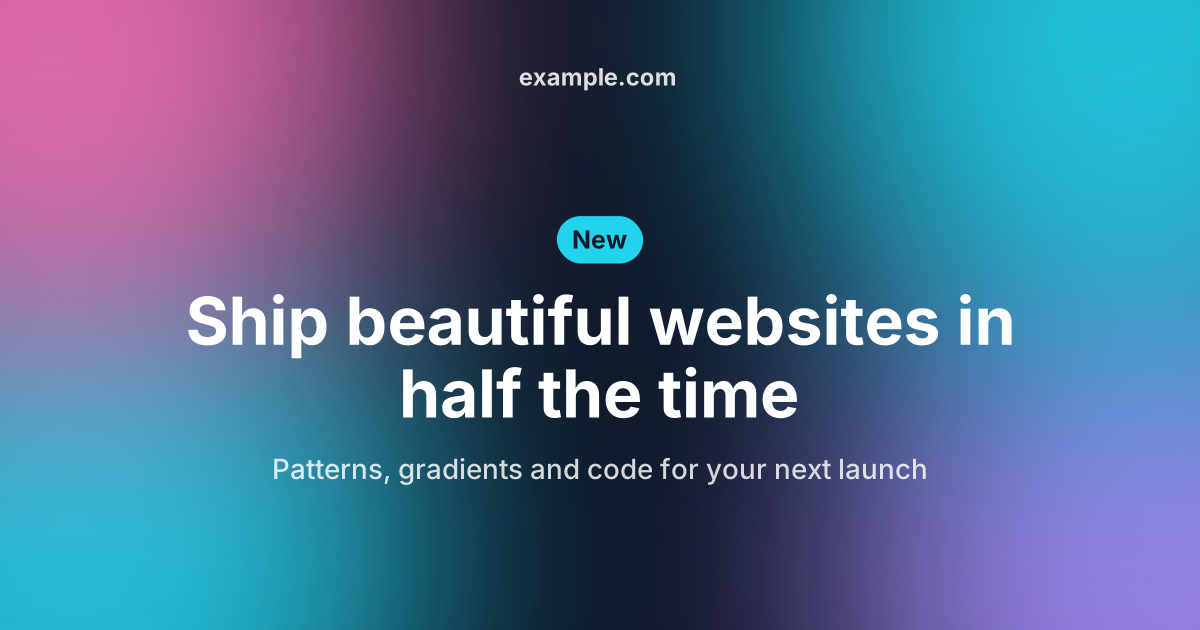
Open in editorPreview images for links on Facebook, LinkedIn, X, Slack and WhatsApp: title, logo and site name on a Musterli motif, with the matching meta tags.
Open the generatorRuns right in your browser. Your graphics are made on your device.

Pick a preset and it opens right in the editor, ready to adjust.
An Open Graph image is the preview picture that appears when someone shares a link, for example on Facebook, LinkedIn, X, Slack or WhatsApp. Without one, the platform picks some image from the page or shows none at all. A designed image makes your link stand out and get more clicks.
Every post gets its own preview image with its title. In a feed, people see at once what it is about.
Share the home page or a new feature with your logo, a label and a striking gradient.
Documentation, open source projects and portfolios look more professional in Slack and on GitHub too.
Enter the title, label, subtitle and site name, and upload your logo if you like. Choose a layout and a motif or your own picture as the background. Download the image as PNG or JPG, put it on your website and copy the meta tags into the head of the page.
Try the Open Graph Image Generator nowPut your screenshot on a beautiful background or show your website as a mockup on laptop, monitor, tablet and phone. Ready for docs, social media and Product Hunt.
Open in editor
Profile pictures with initials, identicons or shapes, derived from a name. Circle, rounded or square, with a solid color, gradient or pattern.
Open in editor
Linear, radial and conic gradients with smooth OKLCH transitions. Export as CSS, SVG or image.
Open in editor
Over 30 pure CSS patterns: dots, grids, stripes, waves and geometric shapes. Export as CSS, Tailwind, SVG or image.
Open in editor
Organic shapes in one click, filled, outlined or with a gradient. Export as SVG or image.
Open in editor
Layered waves for sections, headers and backgrounds. Export as SVG, CSS or image.
Open in editor