
Screenshot Beautifier
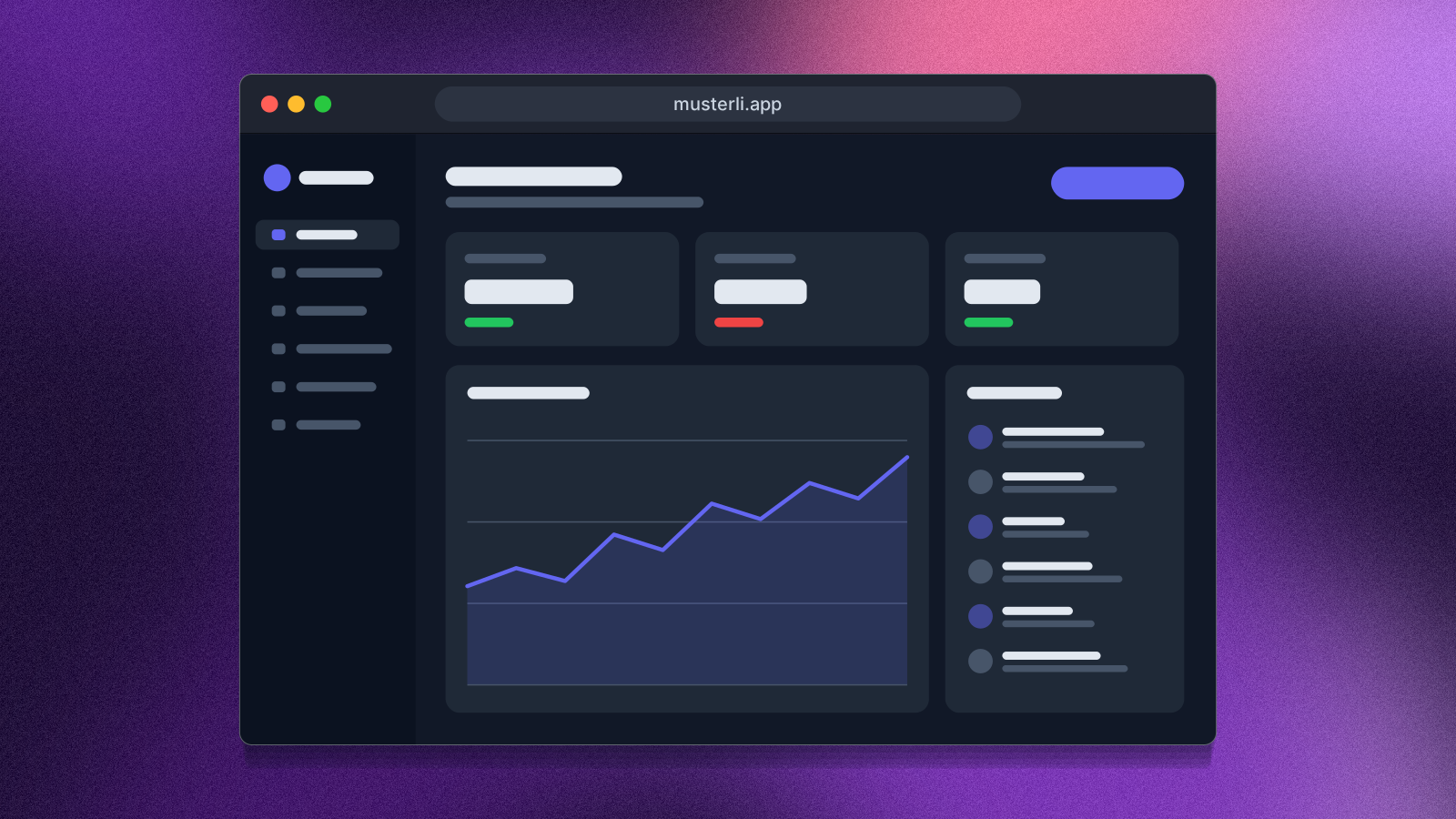
Put your screenshot on a beautiful background or show your website as a mockup on laptop, monitor, tablet and phone. Ready for docs, social media and Product Hunt.
Open in editorProfile pictures with initials, identicons or shapes, derived from a name. Circle, rounded or square, with a solid color, gradient or pattern.
Open the generatorRuns right in your browser. Your graphics are made on your device.
Pick a preset and it opens right in the editor, ready to adjust.
An avatar generator creates profile pictures without a photo: initials on a colored shape, a symmetric identicon or a small composition of shapes. Use them as default avatars for user accounts, in comments, team pages, chats and prototypes. Color and pattern are derived from the name, so every person always looks the same.
Type a name or an email address and choose initials, identicon or shapes. Set the shape, the fill (solid, gradient or pattern), the font and the grid, and pick a palette each name takes its color from. The space bar shuffles palette, fill and font while the name stays. Export as SVG, PNG, JPG or WebP, for example at 128, 256, 512 or 1024 pixels.
Try the Avatar Generator nowPut your screenshot on a beautiful background or show your website as a mockup on laptop, monitor, tablet and phone. Ready for docs, social media and Product Hunt.
Open in editor
Over 30 pure CSS patterns: dots, grids, stripes, waves and geometric shapes. Export as CSS, Tailwind, SVG or image.
Open in editor
Hand-drawn looking squiggles, spirals, stars and zigzags as a background. Export as SVG or image.
Open in editor
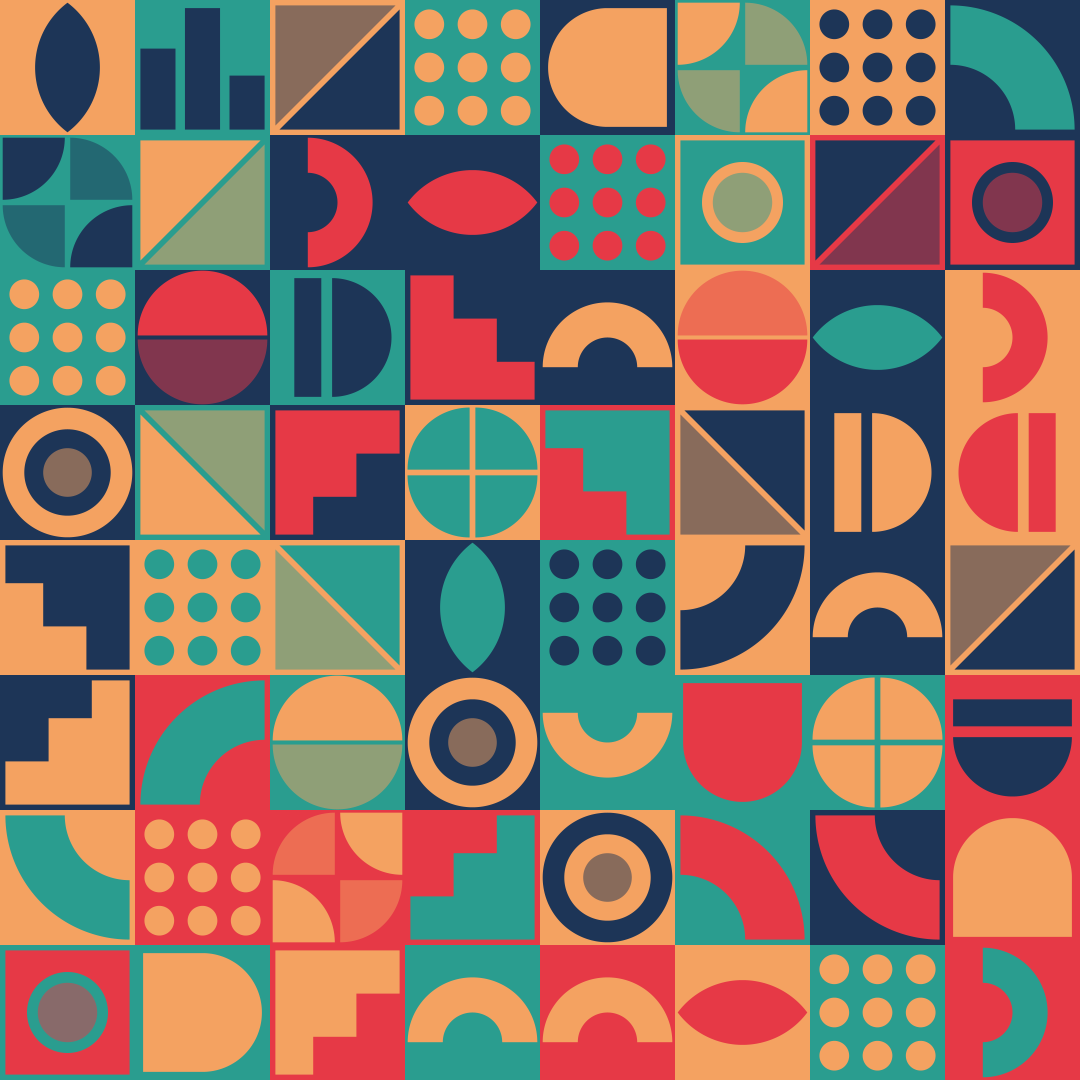
Grids of tiles with geometric shapes, even or nested. Edit any single tile, export as SVG, CSS or image.
Open in editor
Seamlessly tiling patterns made of shapes or your own graphic. Export as SVG, CSS, tile or image.
Open in editor