



Favicon Generator
Favicons and app icons from a letter, a shape or your logo. One click gives you a pack with every size, the manifest and the HTML.
Open in editorFree QR codes with style: dots, rounded modules, custom eyes, gradients and your logo. Download as SVG, PNG, JPG or WebP, no sign-up and no expiry.
Open the generatorRuns right in your browser. Your graphics are made on your device.

Pick a preset and it opens right in the editor, ready to adjust.
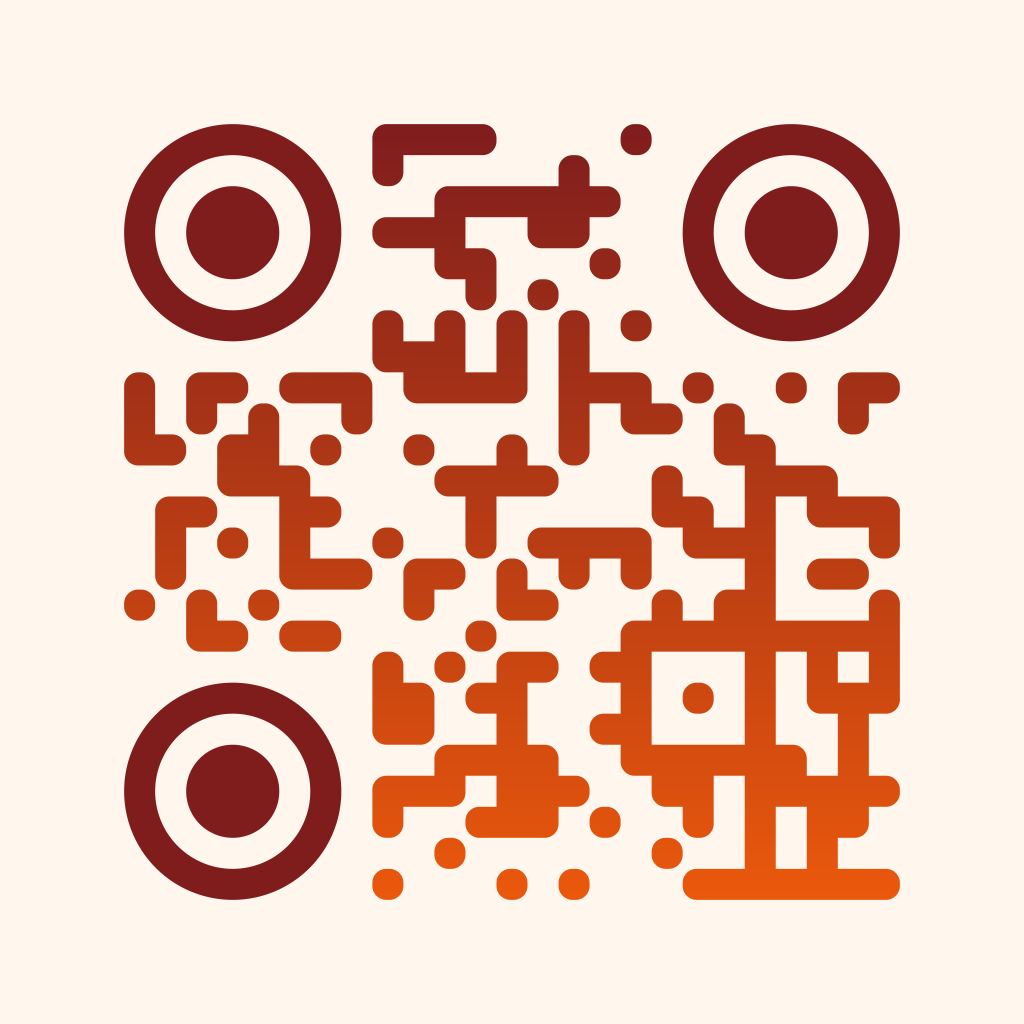
A QR code stores a link or a short text as a pattern of squares that any phone camera can read. Here you design it to match your brand: with dots or rounded modules, your colors, a gradient and your logo in the middle. The code is static, so it works forever and needs no account.
The SVG stays sharp at any size, from a business card to a banner.
Lead guests to the menu, the program or the ticket shop with one scan.
A code in the form WIFI:T:WPA;S:name;P:password;; connects phones without typing.
Enter a link or text and pick the error correction. Choose the module and eye shapes, set the colors and optionally add your logo. Check the hints for contrast, then download the code as SVG for print or PNG for the web.
Try the QR Code Generator nowFavicons and app icons from a letter, a shape or your logo. One click gives you a pack with every size, the manifest and the HTML.
Open in editor
Put your screenshot on a beautiful background or show your website as a mockup on laptop, monitor, tablet and phone. Ready for docs, social media and Product Hunt.
Open in editor
Linear, radial and conic gradients with smooth OKLCH transitions. Export as CSS, SVG or image.
Open in editor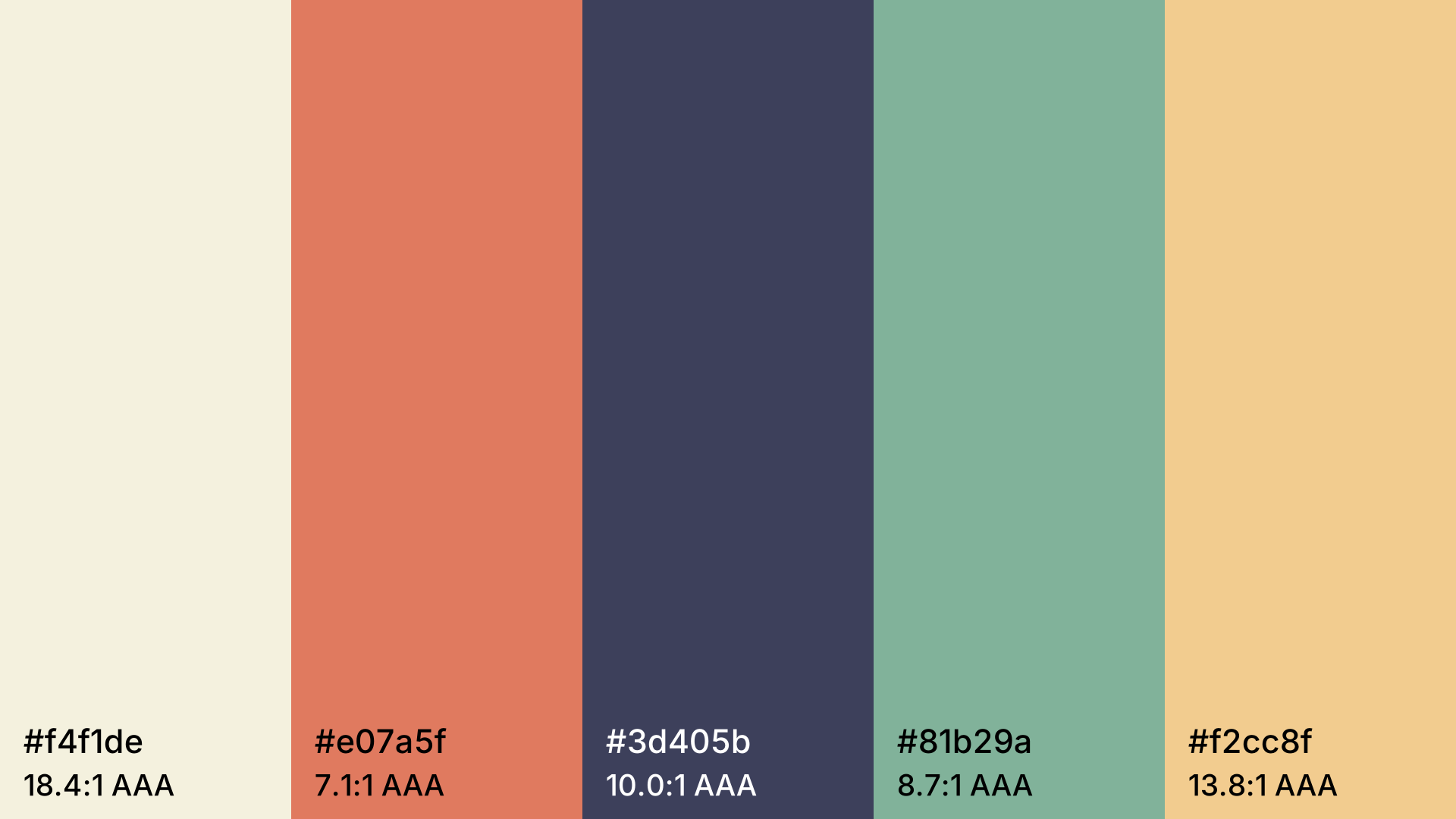
Harmonious color palettes at the press of the space bar. Lock colors, pick a harmony, check contrast and export as CSS.
Open in editor
Profile pictures with initials, identicons or shapes, derived from a name. Circle, rounded or square, with a solid color, gradient or pattern.
Open in editor
Over 30 pure CSS patterns: dots, grids, stripes, waves and geometric shapes. Export as CSS, Tailwind, SVG or image.
Open in editor