




Glass and Border Effects
Frosted glass, gradient borders and glows for cards and hero sections. Real CSS with a live preview, ready to copy as CSS, Tailwind or HTML.
Open in editorWaves, arcs, slants, peaks and more as the transition between two website sections. One SVG that fits any width, with HTML and CSS to copy.
Open the generatorRuns right in your browser. Your graphics are made on your device.

Pick a preset and it opens right in the editor, ready to adjust.
A section divider is the edge between two parts of a website, for example a wave between the hero and the content. Instead of a straight line you get a soft or bold transition. The divider is a small SVG that adapts to every screen width.
A wave or an arc at the bottom of the hero leads the eye softly into the content.
Alternating section colors feel livelier with slants or peaks than with straight edges.
The SVG fits into any HTML block, for example in WordPress, Webflow or Framer, and needs no script.
Pick a shape such as wave, arc, slant or peaks and set the count and layers. The shape color is the color of the next section. Position, mirror and invert set where the divider sits. Then copy the HTML example or the Tailwind classes, or download SVG and PNG.
Try the Section Divider Generator nowFrosted glass, gradient borders and glows for cards and hero sections. Real CSS with a live preview, ready to copy as CSS, Tailwind or HTML.
Open in editor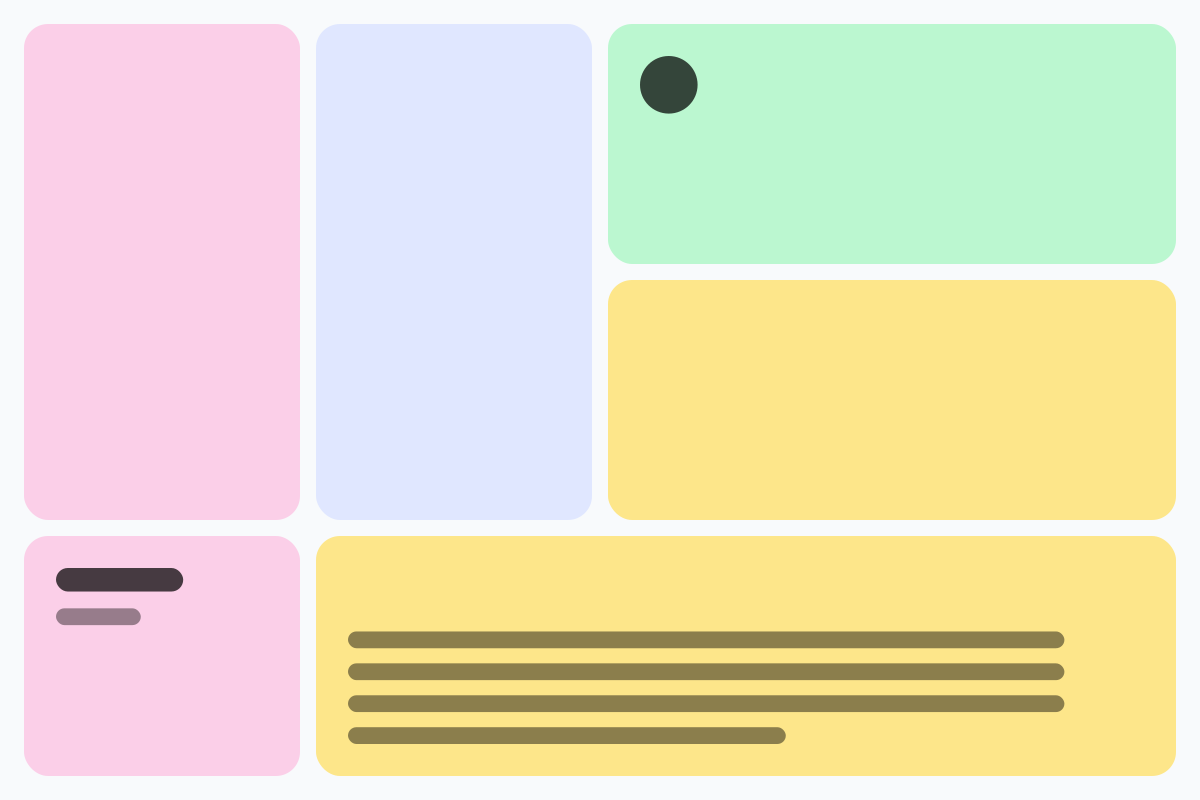
Rounded tiles of different sizes in a grid, without gaps. For feature sections, portfolios and social graphics, as CSS Grid, Tailwind or an image.
Open in editor
Soft, layered shadows for cards and buttons. Real CSS preview, export as box-shadow, Tailwind or drop-shadow.
Open in editor
Moving, rotating and color-shifting gradients and floating blobs as pure CSS. Copy CSS, Tailwind or HTML, or export PNG and GIF.
Open in editor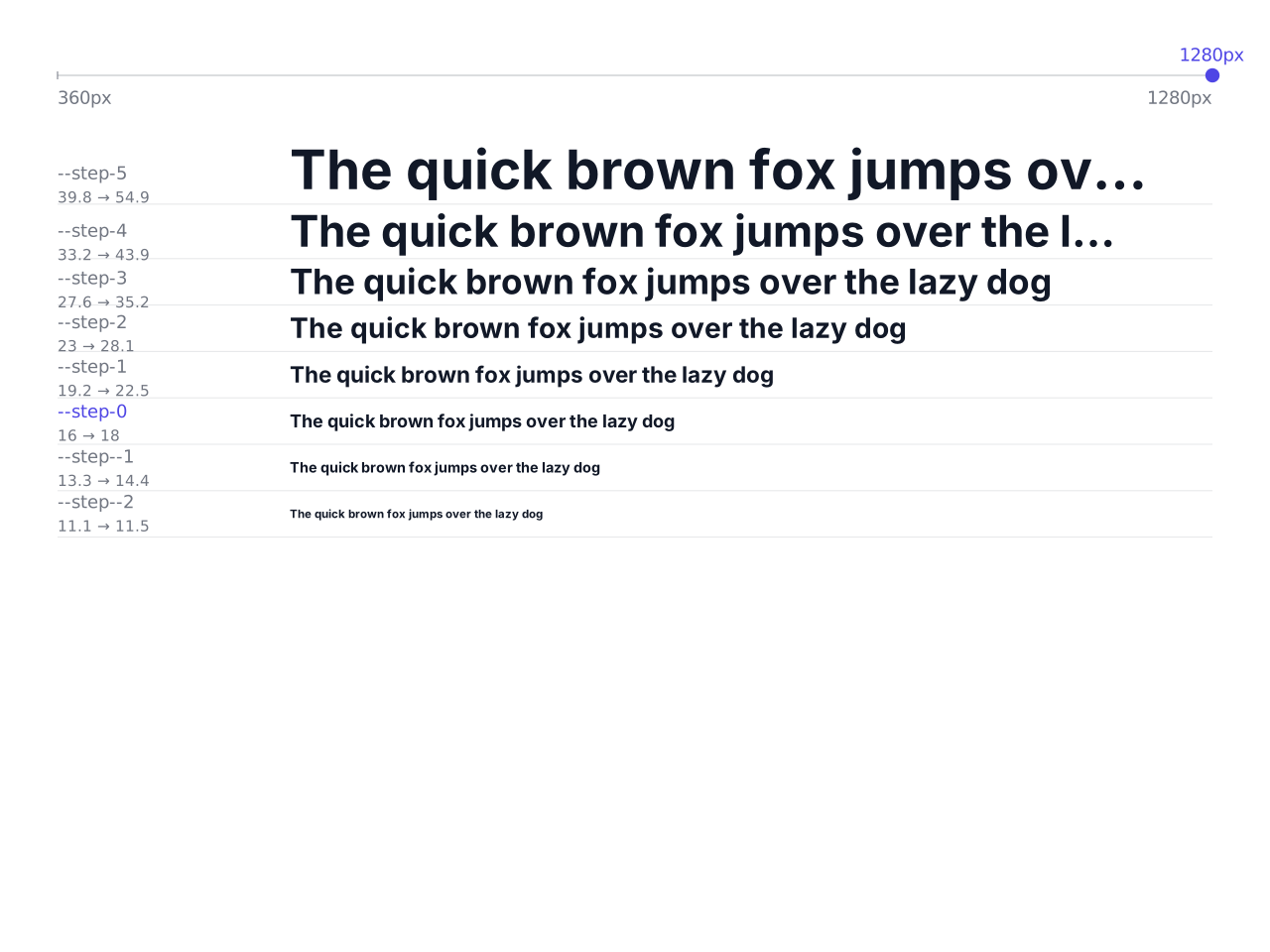
Font sizes that grow with the screen width: a modular type scale as CSS clamp(), with CSS variables and a Tailwind theme to copy.
Open in editor
Linear, radial and conic gradients with smooth OKLCH transitions. Export as CSS, SVG or image.
Open in editor