
Seamless Patterns
Seamlessly tiling patterns made of shapes or your own graphic. Export as SVG, CSS, tile or image.
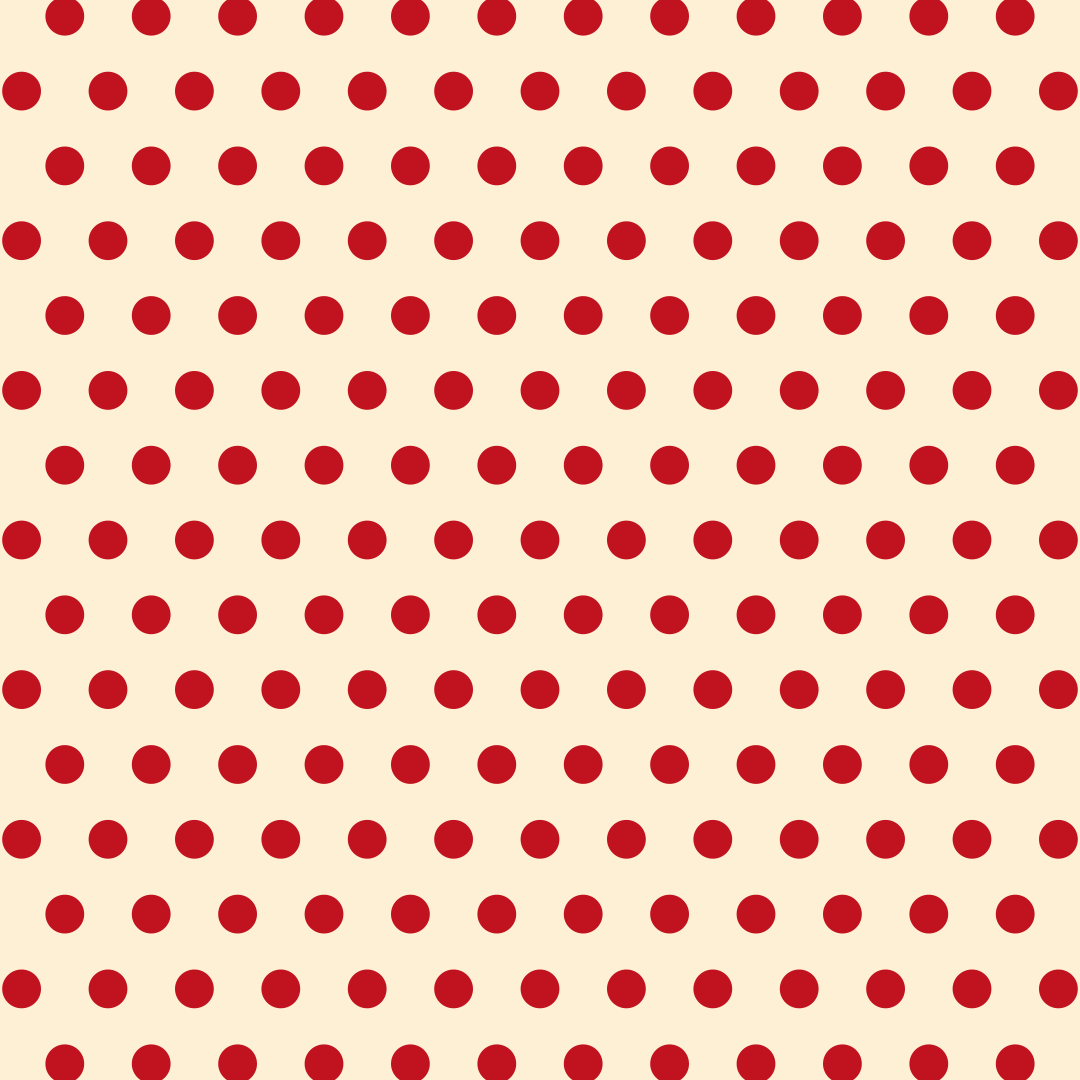
Open in editorDot patterns on a grid, offset or freely scattered. Export as SVG or image.
Open the generatorRuns right in your browser. Your graphics are made on your device.
Pick a preset and it opens right in the editor, ready to adjust.
Polka dots are dot patterns, evenly spaced or freely scattered. Depending on size and color they look playful or calm, and they suit backgrounds for websites, packaging, cards and fabrics. Besides circles you can use rings and squares.
Pick a layout (grid, offset or scatter), set spacing and dot size, and choose whether dots share one color, alternate or get random colors. Press Space for new variations. Export as SVG, CSS or image.
Try the Polka Dots nowSeamlessly tiling patterns made of shapes or your own graphic. Export as SVG, CSS, tile or image.
Open in editor
Grid lines, dot grids, crosses or tiles with major and minor grids. Export as SVG or image.
Open in editor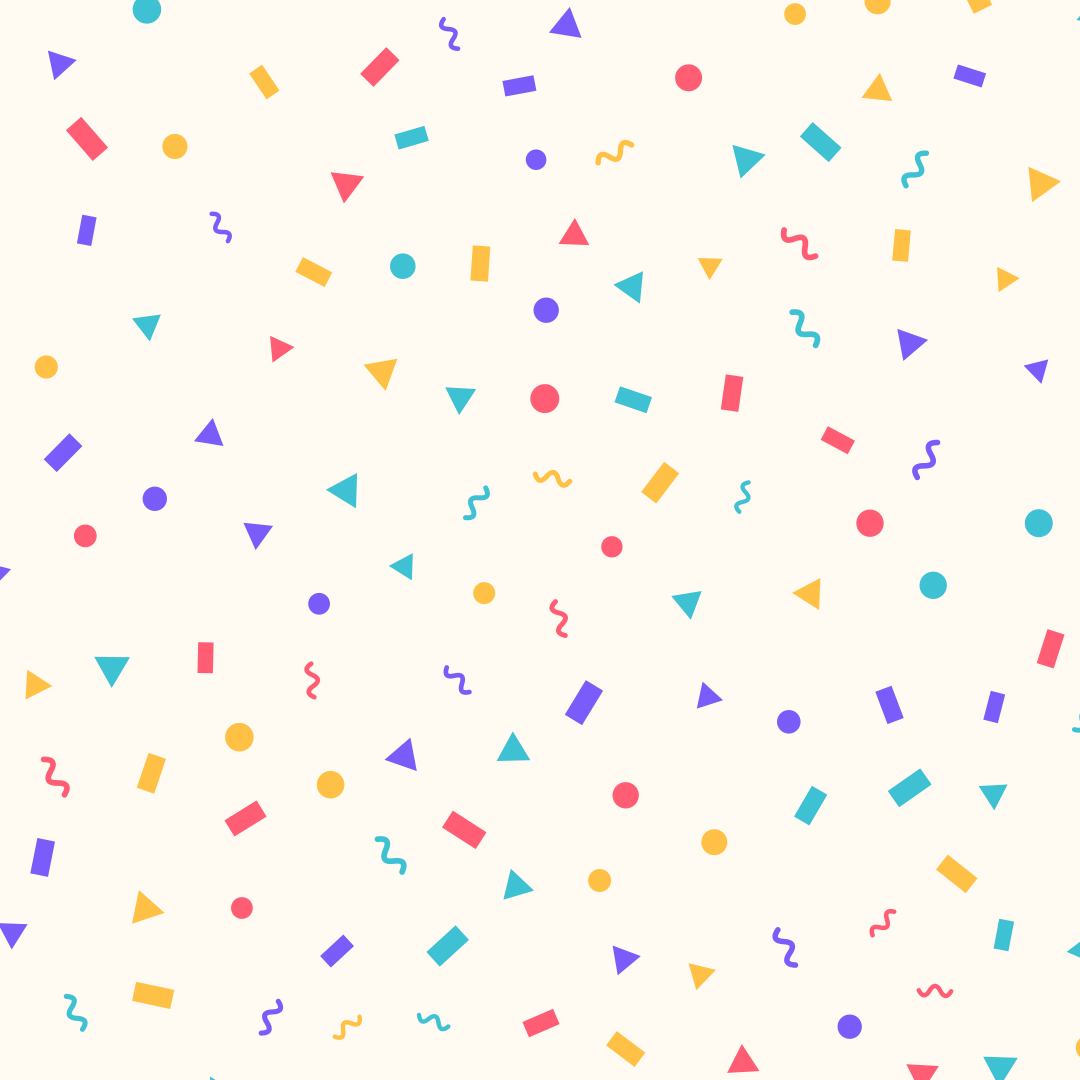
Confetti made of strips, circles, triangles and squiggles, evenly spread. Export as SVG or image.
Open in editor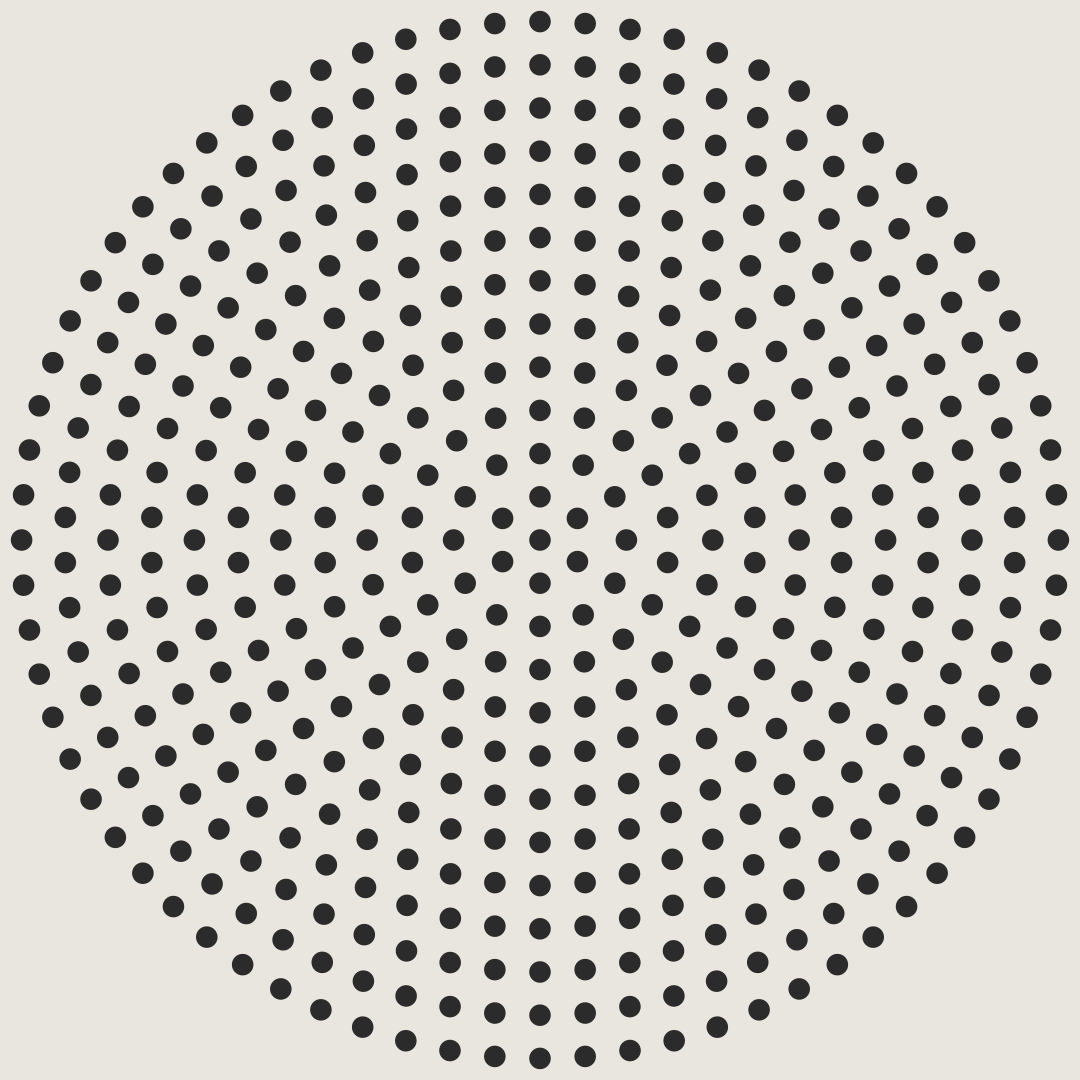
Concentric rings of dots, like a perforated speaker grille. Export as SVG or image.
Open in editor
Over 30 pure CSS patterns: dots, grids, stripes, waves and geometric shapes. Export as CSS, Tailwind, SVG or image.
Open in editor
Hand-drawn looking squiggles, spirals, stars and zigzags as a background. Export as SVG or image.
Open in editor