








Glass and Border Effects
Frosted glass, gradient borders and glows for cards and hero sections. Real CSS with a live preview, ready to copy as CSS, Tailwind or HTML.
Open in editorCut images and sections into polygons, stars, blobs, waves, slants or speech bubbles. Copy the CSS clip-path, an SVG clipPath or Tailwind.
Open the generatorRuns right in your browser. Your graphics are made on your device.

Pick a preset and it opens right in the editor, ready to adjust.
The CSS property clip-path cuts an element into a shape. Only the part inside the shape stays visible, for example a photo as a hexagon or a hero section with a slanted lower edge. The generator draws the shape for you and writes the code.
Team photos as hexagons, blobs or circles look more playful than plain rectangles.
A slanted or wavy lower edge makes the transition into the content more lively.
Stars, arrows and speech bubbles turn simple boxes into eye-catching labels.
Pick a shape and adjust corners, depth, side or variation. Add your own picture to see how it looks. Then copy the CSS, the SVG clipPath for smooth curves, or the Tailwind class. The image exports show the cut element as SVG, PNG or WebP.
Try the Clip-path Generator nowFrosted glass, gradient borders and glows for cards and hero sections. Real CSS with a live preview, ready to copy as CSS, Tailwind or HTML.
Open in editor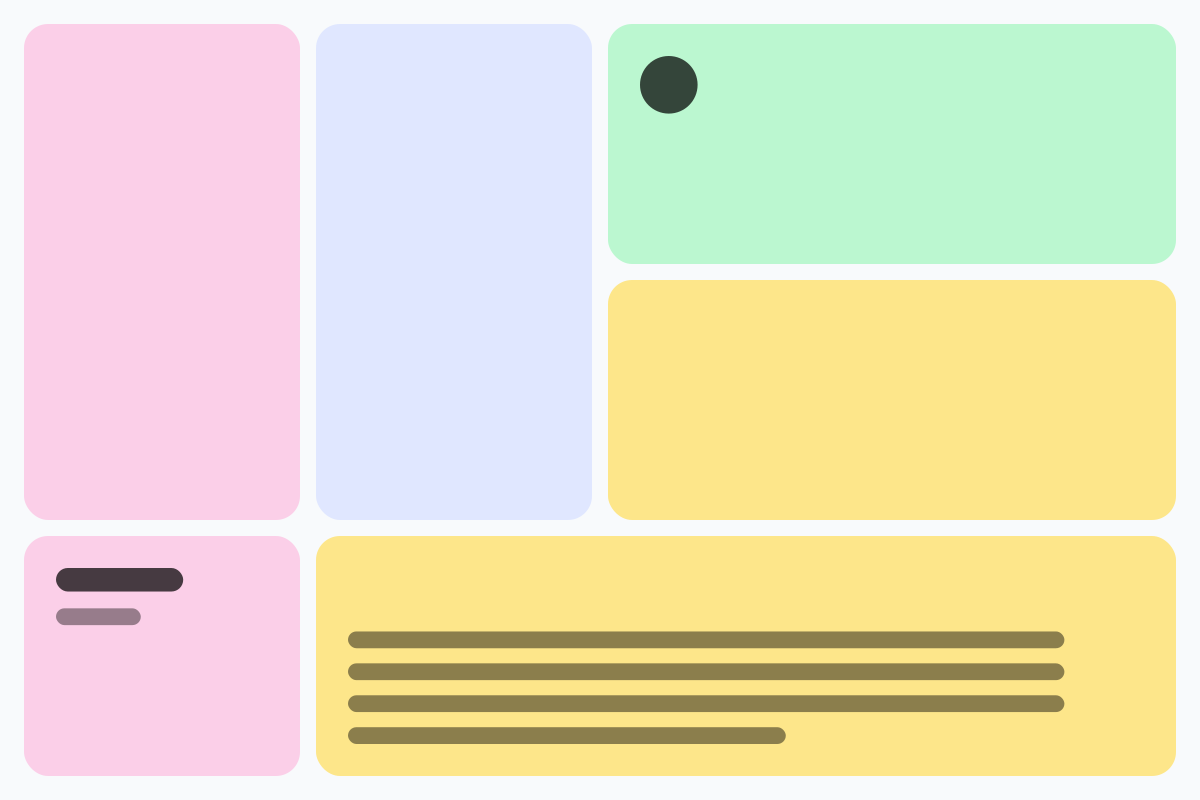
Rounded tiles of different sizes in a grid, without gaps. For feature sections, portfolios and social graphics, as CSS Grid, Tailwind or an image.
Open in editor
Soft, layered shadows for cards and buttons. Real CSS preview, export as box-shadow, Tailwind or drop-shadow.
Open in editor
Moving, rotating and color-shifting gradients and floating blobs as pure CSS. Copy CSS, Tailwind or HTML, or export PNG and GIF.
Open in editor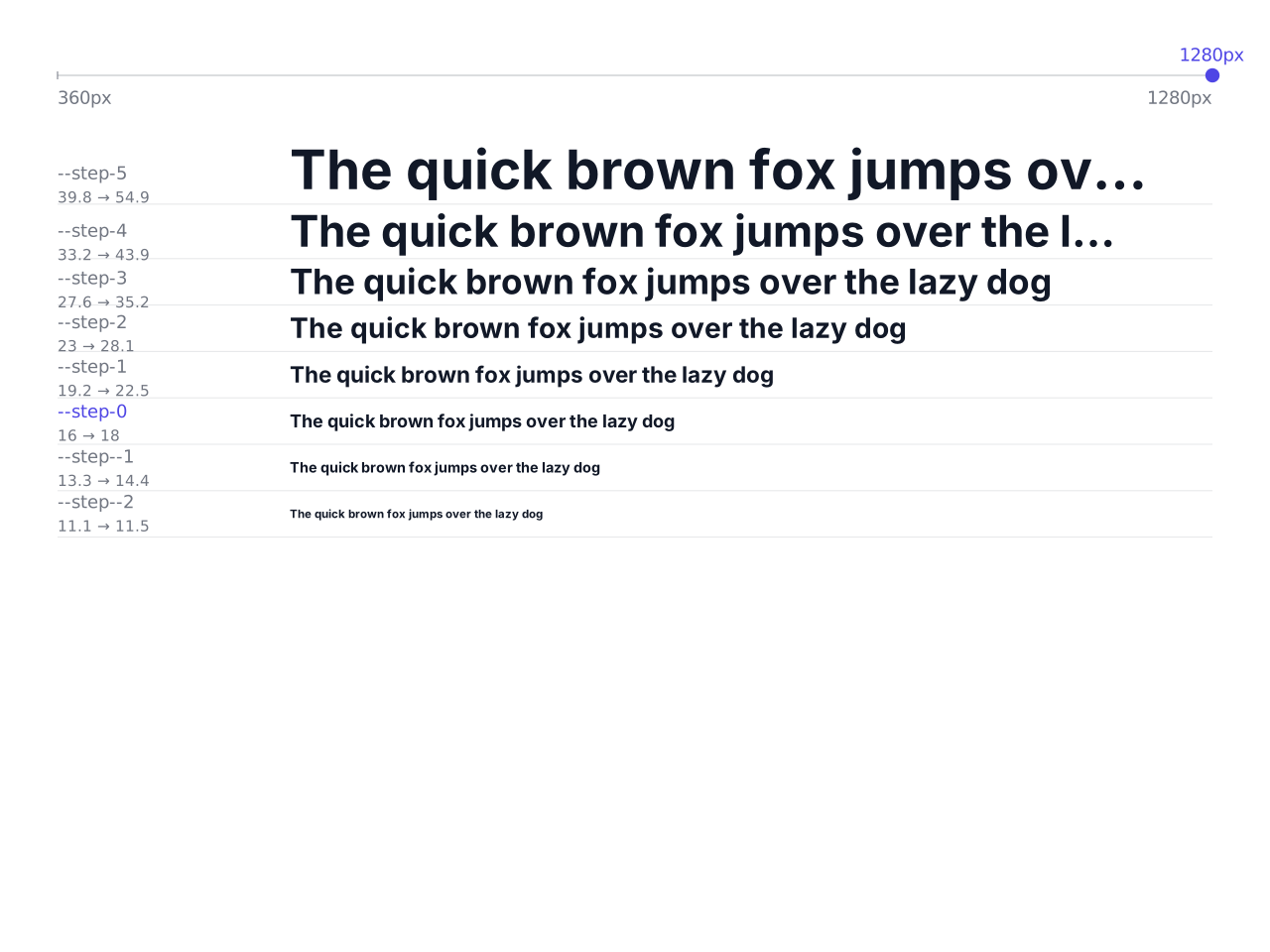
Font sizes that grow with the screen width: a modular type scale as CSS clamp(), with CSS variables and a Tailwind theme to copy.
Open in editor
Waves, arcs, slants, peaks and more as the transition between two website sections. One SVG that fits any width, with HTML and CSS to copy.
Open in editor