

Confetti
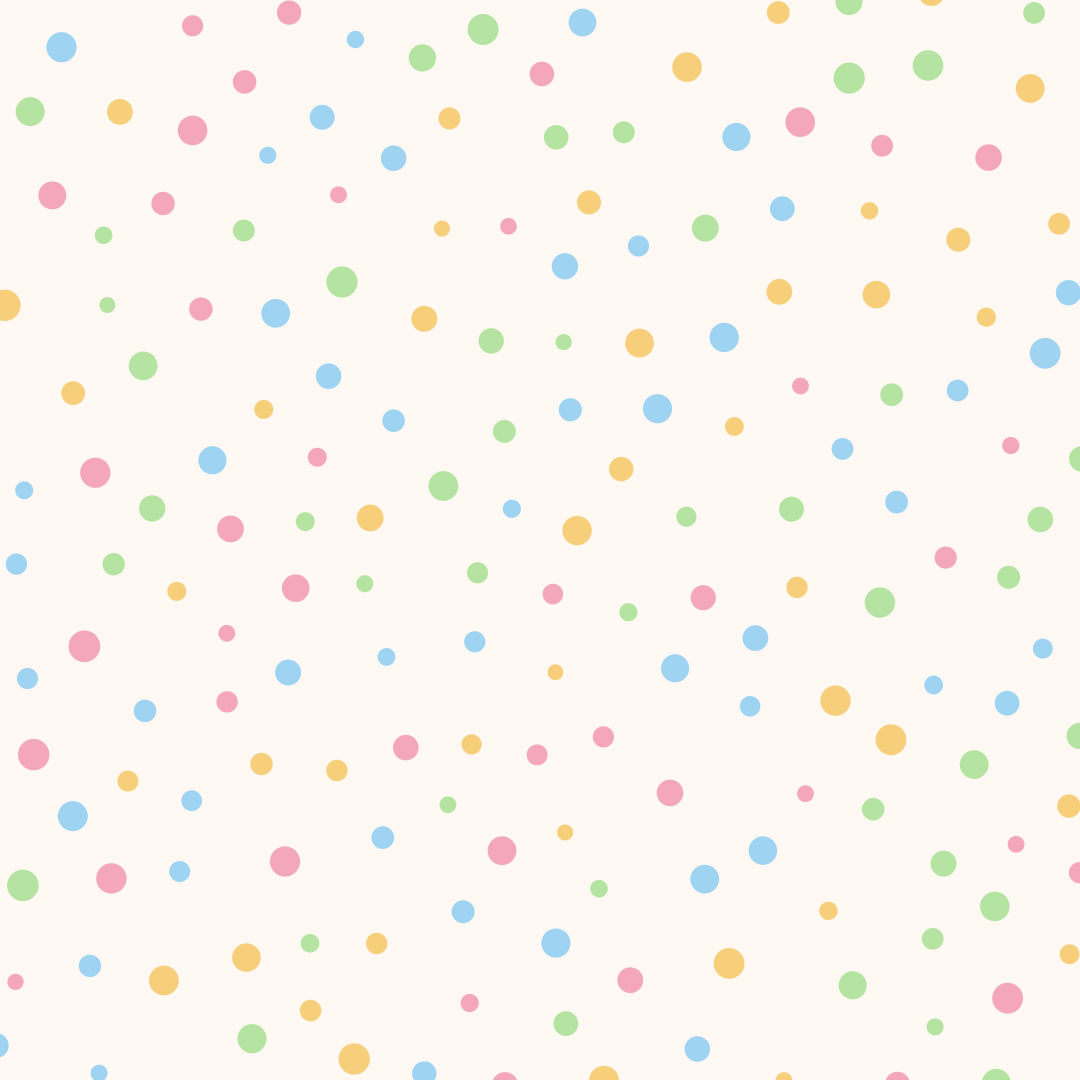
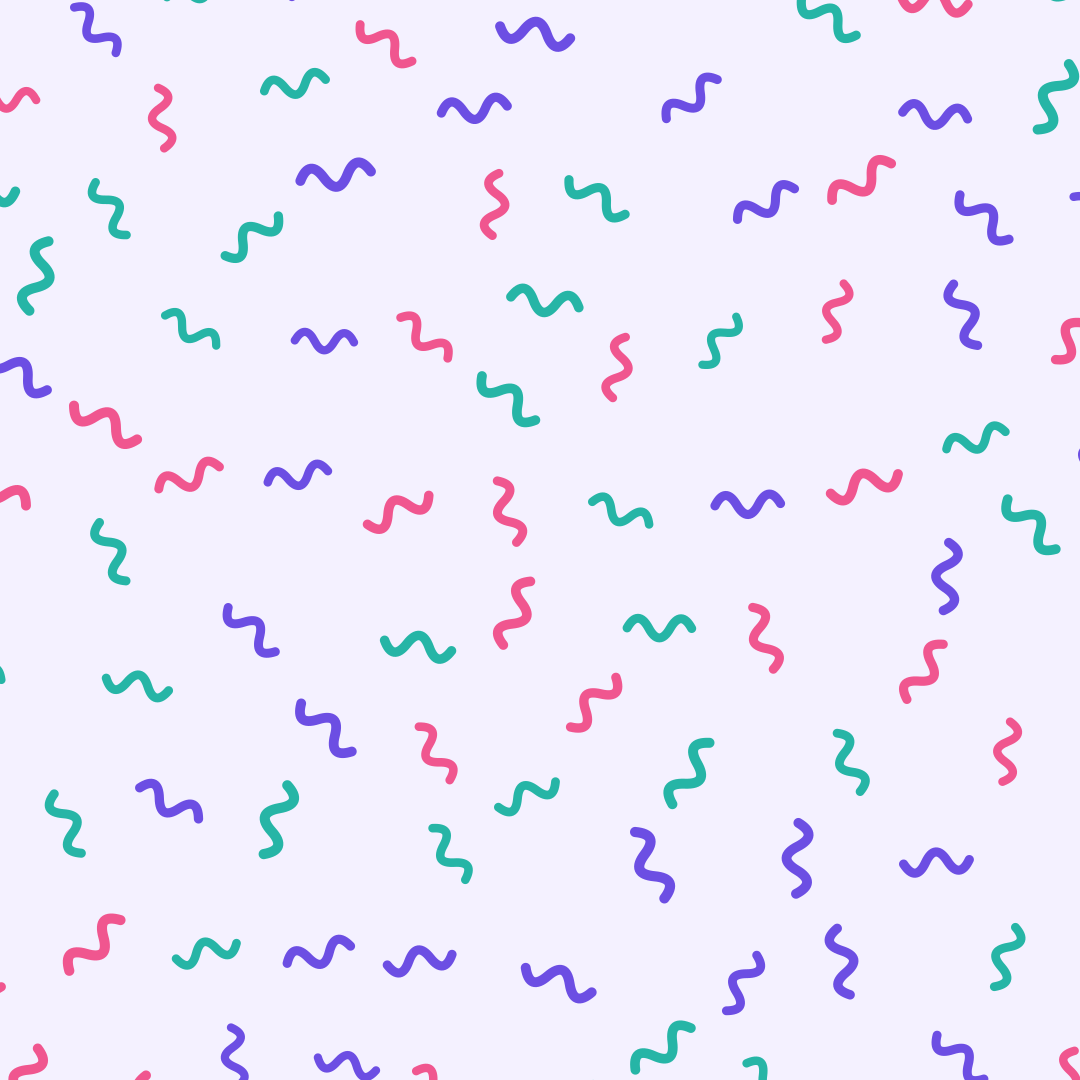
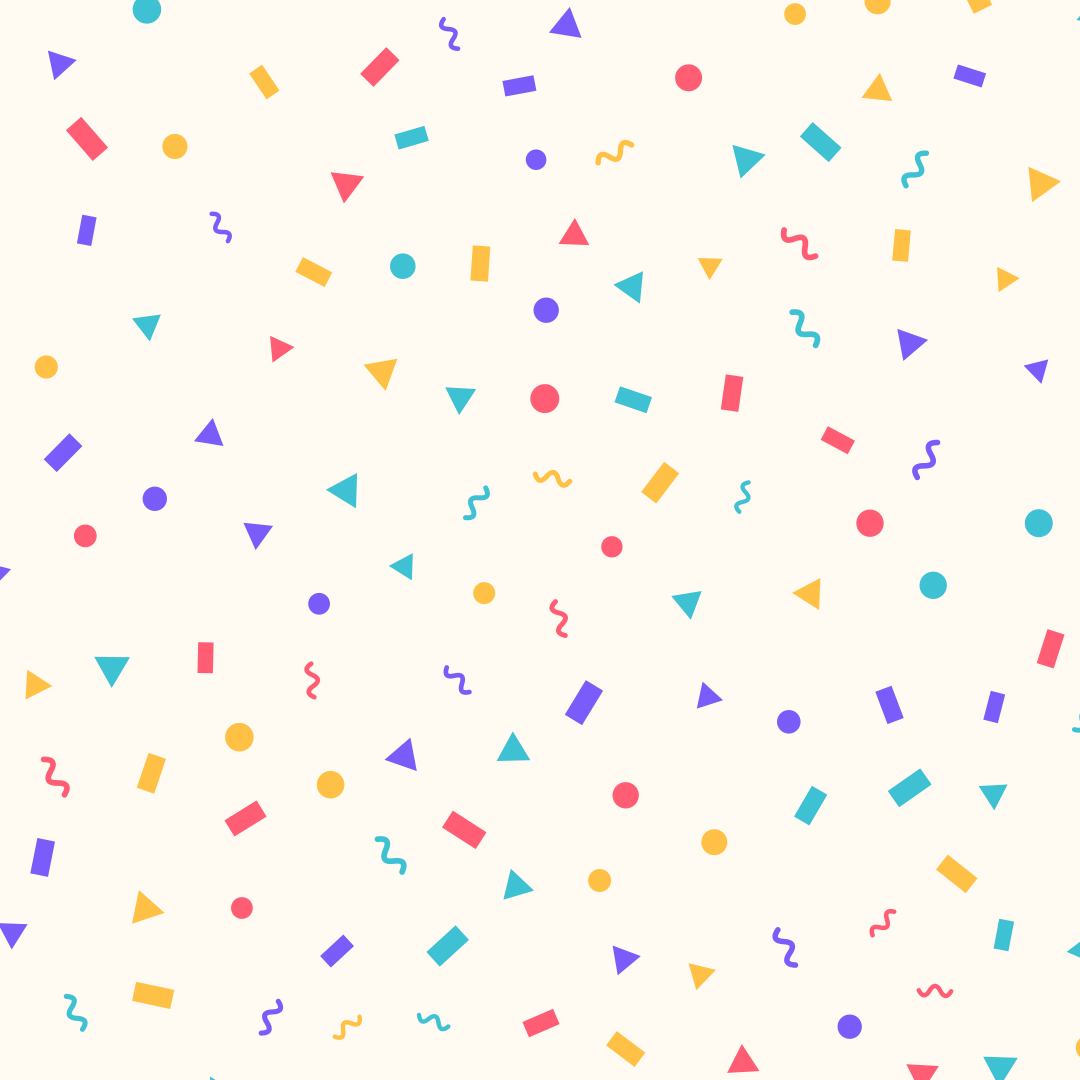
Confetti made of strips, circles, triangles and squiggles, evenly spread. Export as SVG or image.
Open the generatorRuns right in your browser. Your graphics are made on your device.
Start from a preset
Pick a preset and it opens right in the editor, ready to adjust.
What is it?
The confetti generator spreads colorful shapes evenly yet naturally across the canvas. Great for invitations, birthday graphics, social posts and festive backgrounds.
How it works
Pick a shape or a mix, set spacing, size and rotation, and choose your colors. Press Space for new variations. Export as SVG, CSS or image.
Try the Confetti nowFAQ
- Why don't the pieces overlap?
- Positions come from Poisson-disk sampling: every piece keeps a minimum distance, so the spread looks even but still random.
- How do I get a different arrangement with the same settings?
- Press Space or change the seed. Your settings stay, only positions, shapes and colors are reshuffled.
- Can I use a single shape?
- Yes. Choose only circles or only squiggles instead of the mix.
- Is the SVG editable?
- Yes. Every piece is a plain path or circle without transforms, grouped by color.
Related generators
All generators in Patterns
Seamless Patterns
Seamlessly tiling patterns made of shapes or your own graphic. Export as SVG, CSS, tile or image.
Open in editor
Grid Patterns
Grid lines, dot grids, crosses or tiles with major and minor grids. Export as SVG or image.
Open in editor
Dieter Dots
Concentric rings of dots, like a perforated speaker grille. Export as SVG or image.
Open in editor
CSS Patterns
Over 30 pure CSS patterns: dots, grids, stripes, waves and geometric shapes. Export as CSS, Tailwind, SVG or image.
Open in editor
Doodle Backgrounds
Hand-drawn looking squiggles, spirals, stars and zigzags as a background. Export as SVG or image.
Open in editor