
Grid Patterns
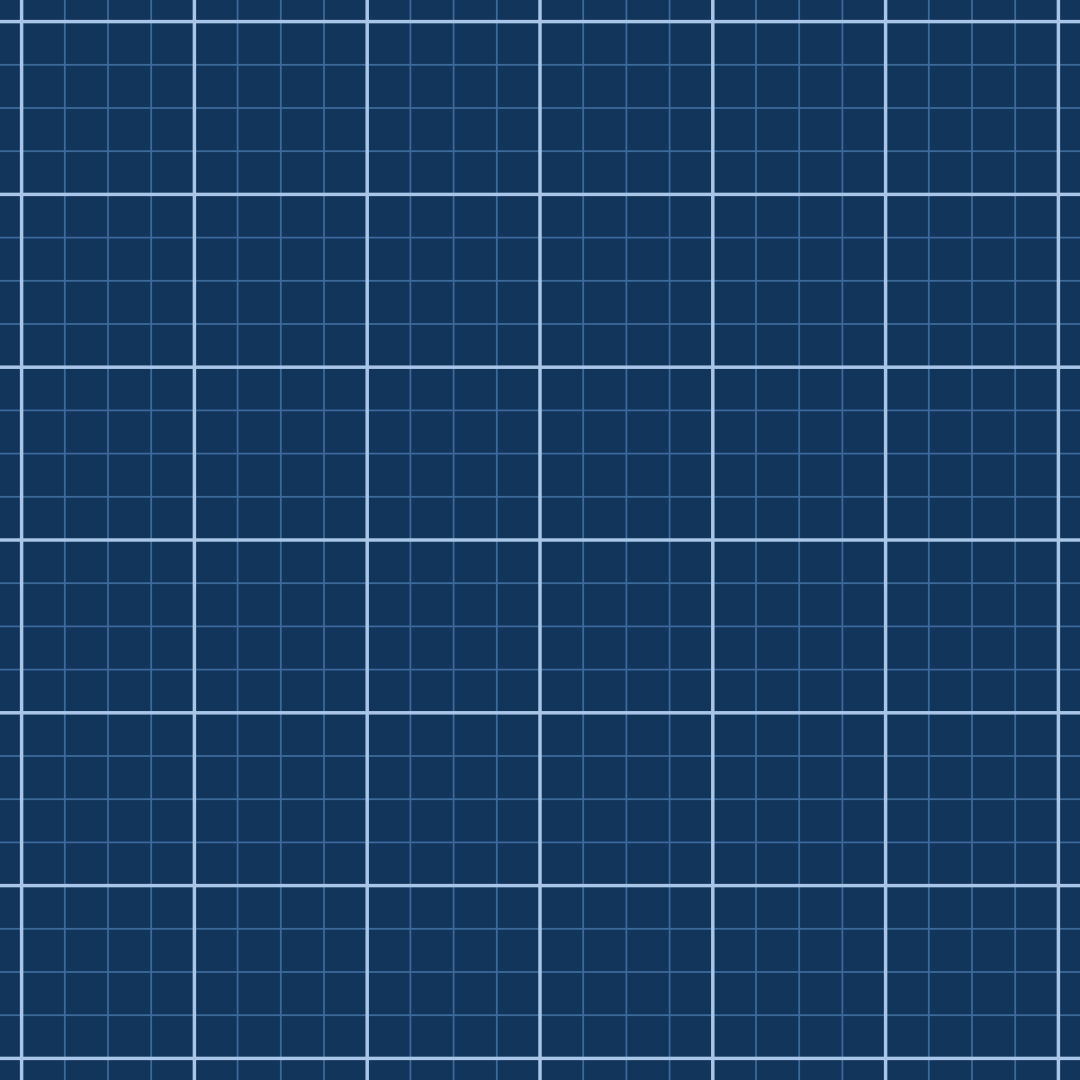
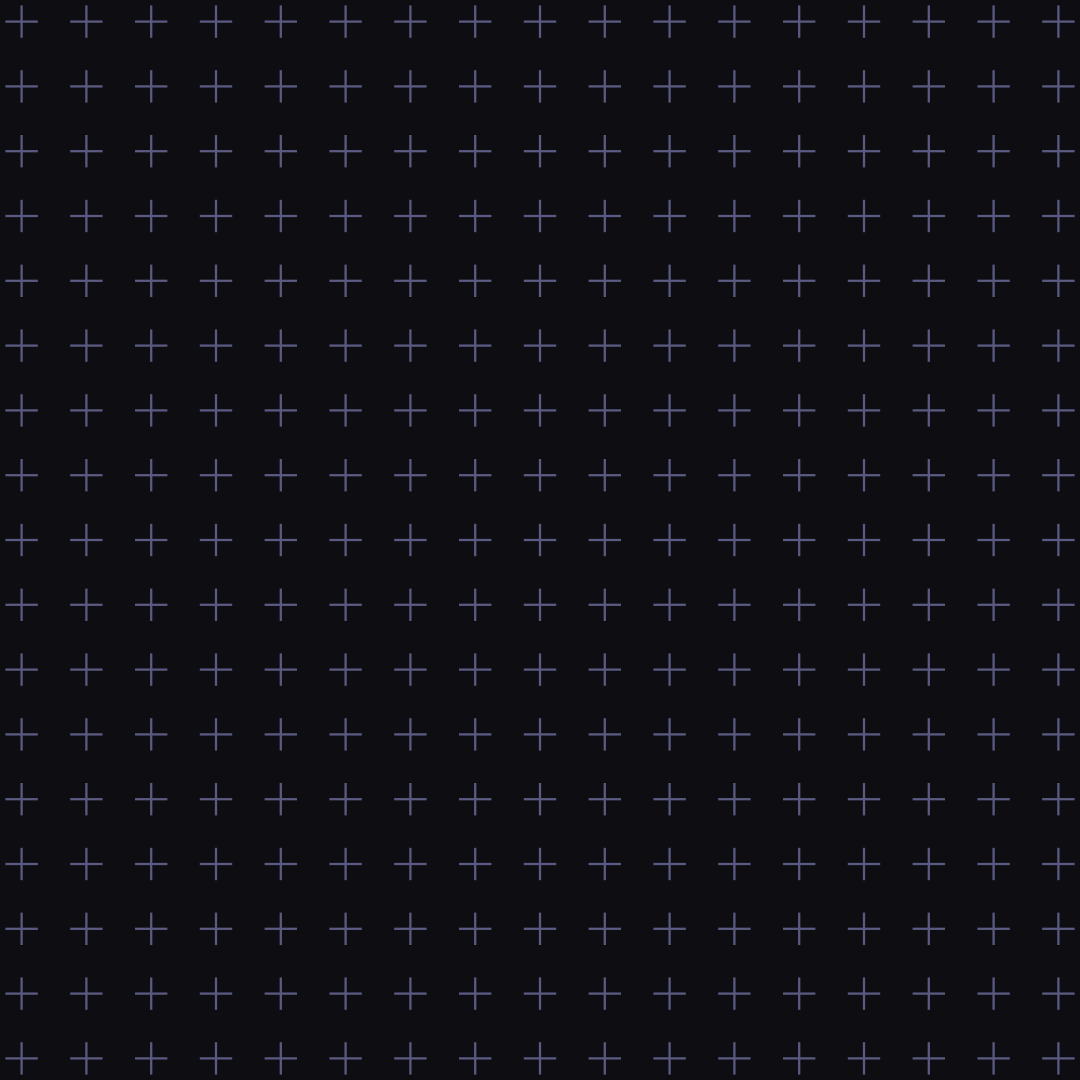
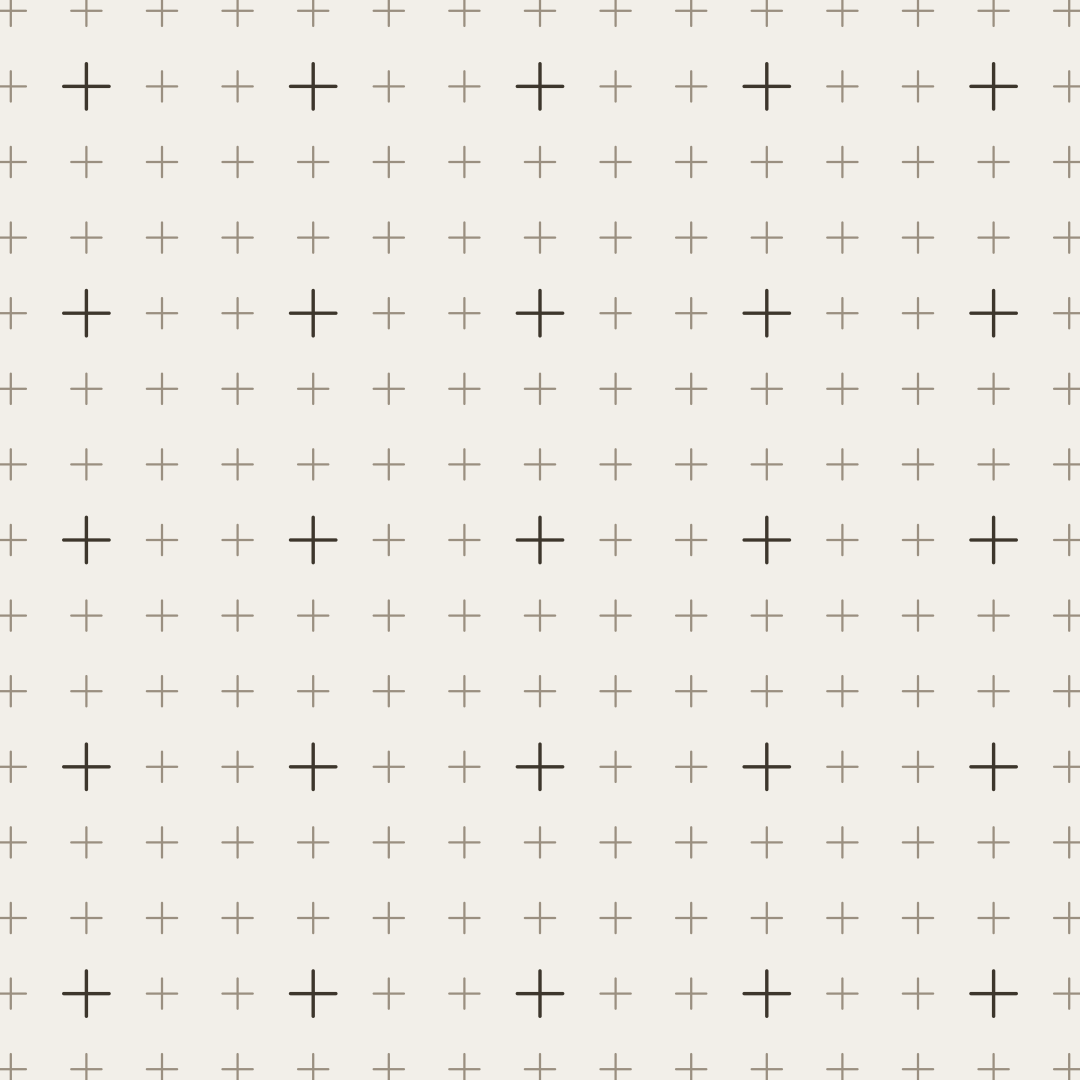
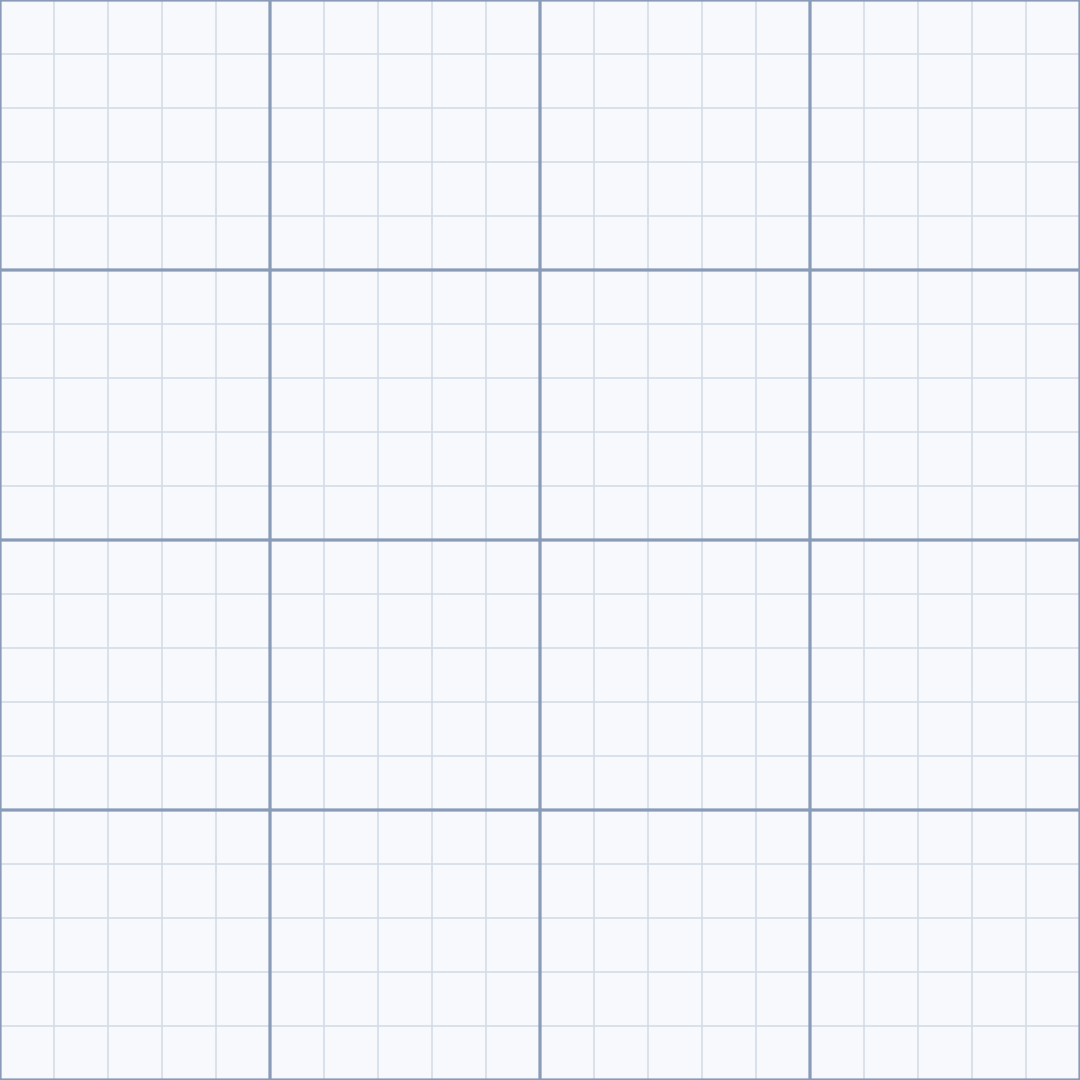
Grid lines, dot grids, crosses or tiles with major and minor grids. Export as SVG or image.
Open the generatorRuns right in your browser. Your graphics are made on your device.
Start from a preset
Pick a preset and it opens right in the editor, ready to adjust.
What is it?
Grid patterns are regular grids of lines, dots, crosses or tiles. They evoke graph paper, blueprints or dotted notebooks and make a calm background for websites, slides and product shots.
How it works
Pick a style, set the cell size and weight, and choose whether every n-th line is highlighted as a major grid. Use the fade to soften the grid towards the center or the edges. Export as SVG, CSS or image.
Try the Grid Patterns nowFAQ
- Does the grid keep its look when I resize?
- Yes. The cell size is a percentage of the shorter edge, so the grid looks equally dense in every format.
- What is the major grid?
- Every n-th line (or dot) is drawn thicker and in the second color, just like graph paper. Set it to 0 to turn it off.
- Can I tile the grid seamlessly?
- The grid is centered on the canvas. For seamless tiles, use a size that is a multiple of the cell size and turn off the fade.
- Does the SVG work in Figma and Illustrator?
- Yes. Lines are stored as paths and the fade uses a standard SVG mask that both apps can read.
Related generators
All generators in Patterns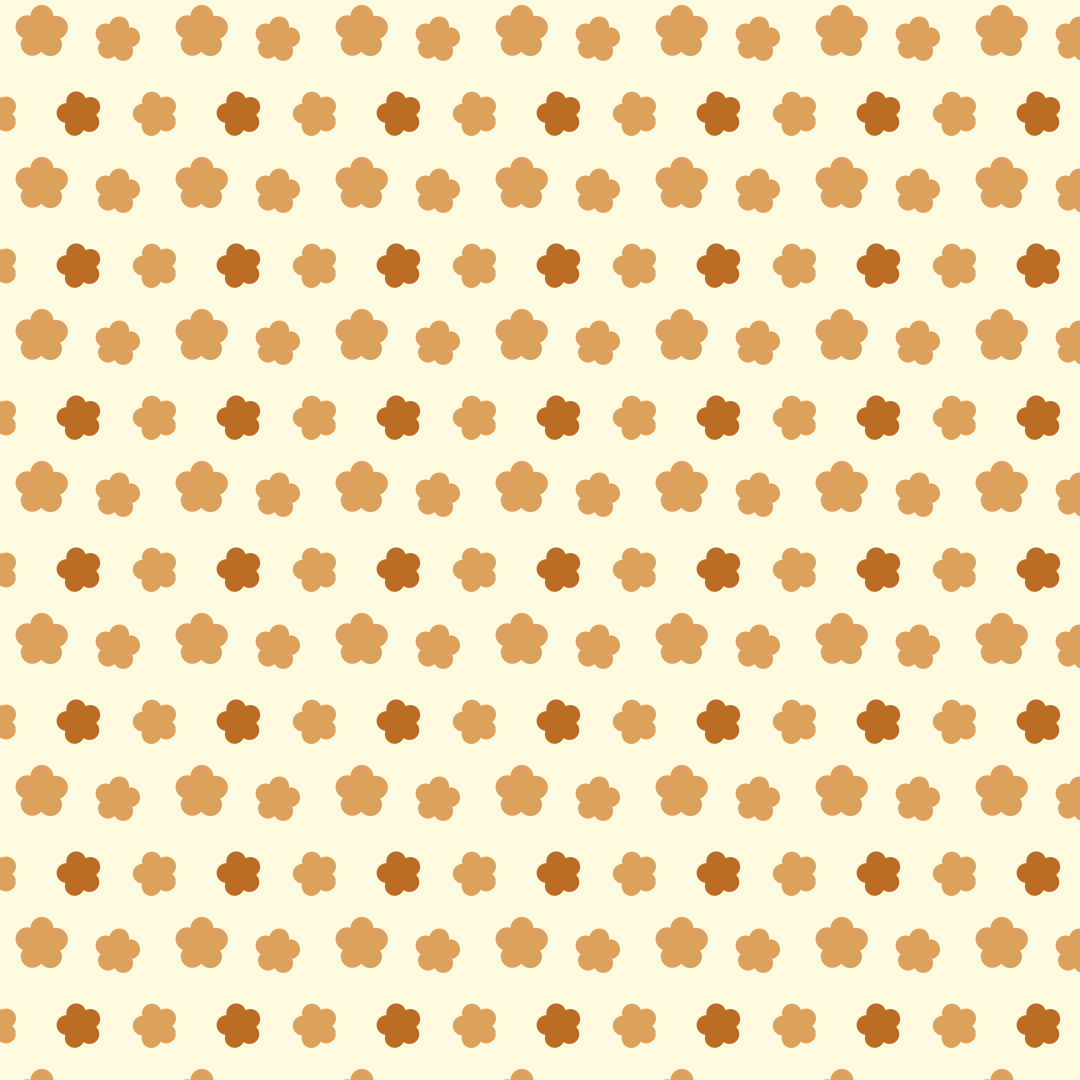
Seamless Patterns
Seamlessly tiling patterns made of shapes or your own graphic. Export as SVG, CSS, tile or image.
Open in editor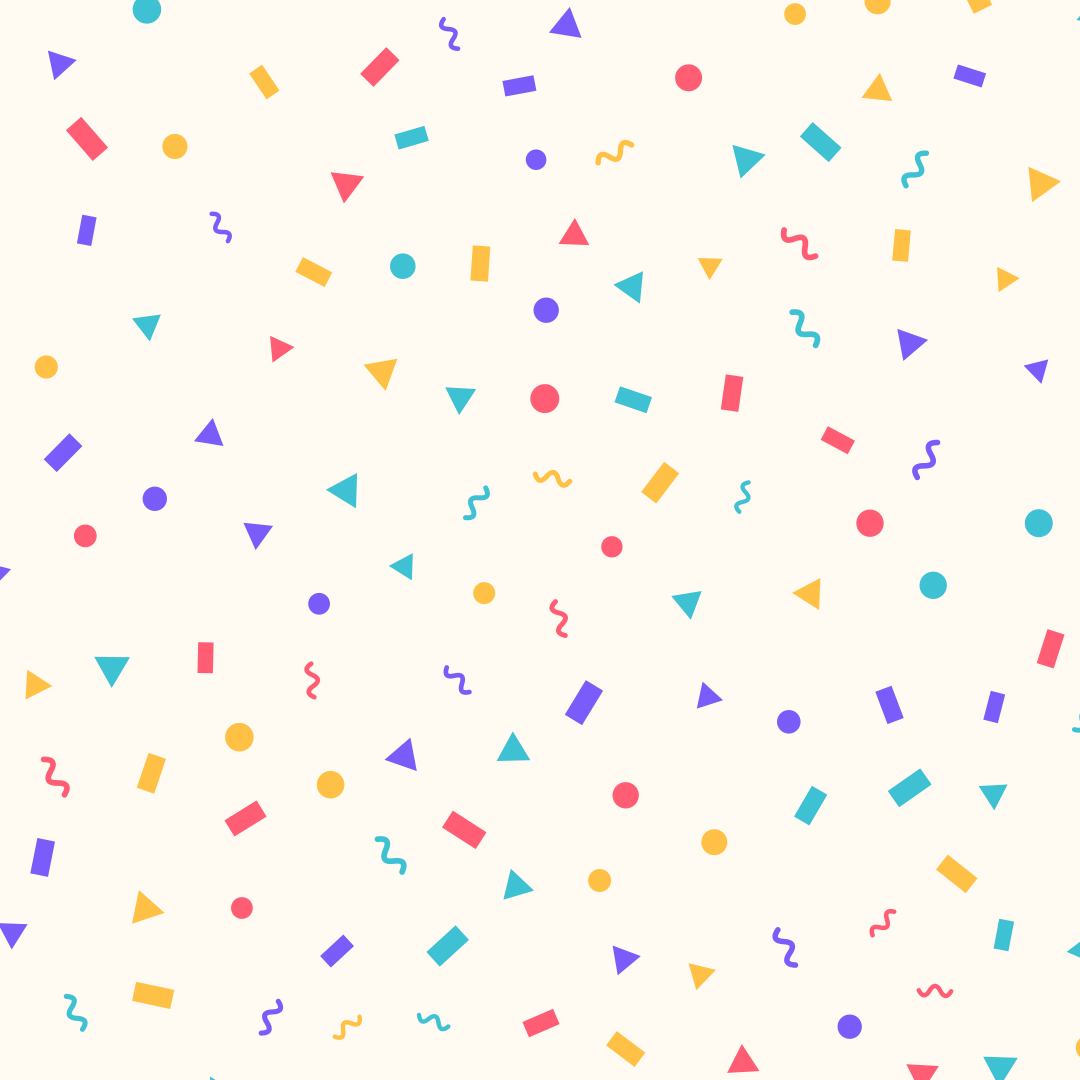
Confetti
Confetti made of strips, circles, triangles and squiggles, evenly spread. Export as SVG or image.
Open in editor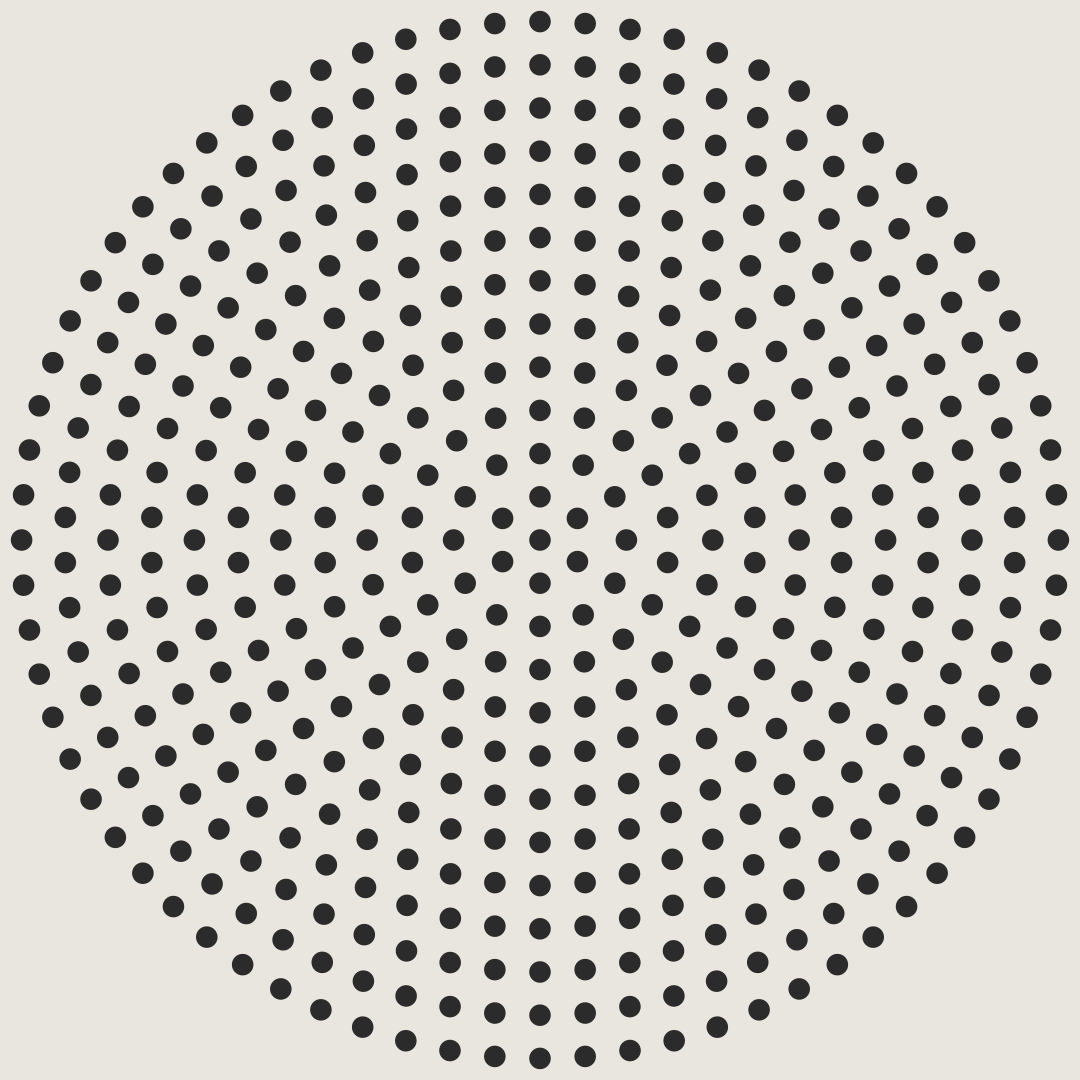
Dieter Dots
Concentric rings of dots, like a perforated speaker grille. Export as SVG or image.
Open in editor
CSS Patterns
Over 30 pure CSS patterns: dots, grids, stripes, waves and geometric shapes. Export as CSS, Tailwind, SVG or image.
Open in editor
Doodle Backgrounds
Hand-drawn looking squiggles, spirals, stars and zigzags as a background. Export as SVG or image.
Open in editor