



Glass and Border Effects
Frosted glass, gradient borders and glows for cards and hero sections. Real CSS with a live preview, ready to copy as CSS, Tailwind or HTML.
Open in editorDesign easing curves for transitions and animations: cubic-bezier() or a spring as linear(), with CSS and Tailwind code to copy.
Open the generatorRuns right in your browser. Your graphics are made on your device.

Pick a preset and it opens right in the editor, ready to adjust.
An easing curve decides how fast an animation moves at each moment: slow at the start, quick at the end, or with a little bounce. In CSS it is the timing function of transition and animation, written as cubic-bezier() or, for springs, as linear() with many points.
A short ease-out makes buttons and links feel responsive without being jumpy.
Overlays that slide in with a soft curve feel natural; a small overshoot adds character.
Name your curves once as CSS variables or Tailwind tokens and use the same motion everywhere.
Choose a Bezier curve or a spring. Move the two handles or set stiffness and damping, and watch the dot move along the track. Set the duration and a variable name, then copy the transition, the animation or the Tailwind theme. Press Space for a new curve.
Try the CSS Easing Generator nowFrosted glass, gradient borders and glows for cards and hero sections. Real CSS with a live preview, ready to copy as CSS, Tailwind or HTML.
Open in editor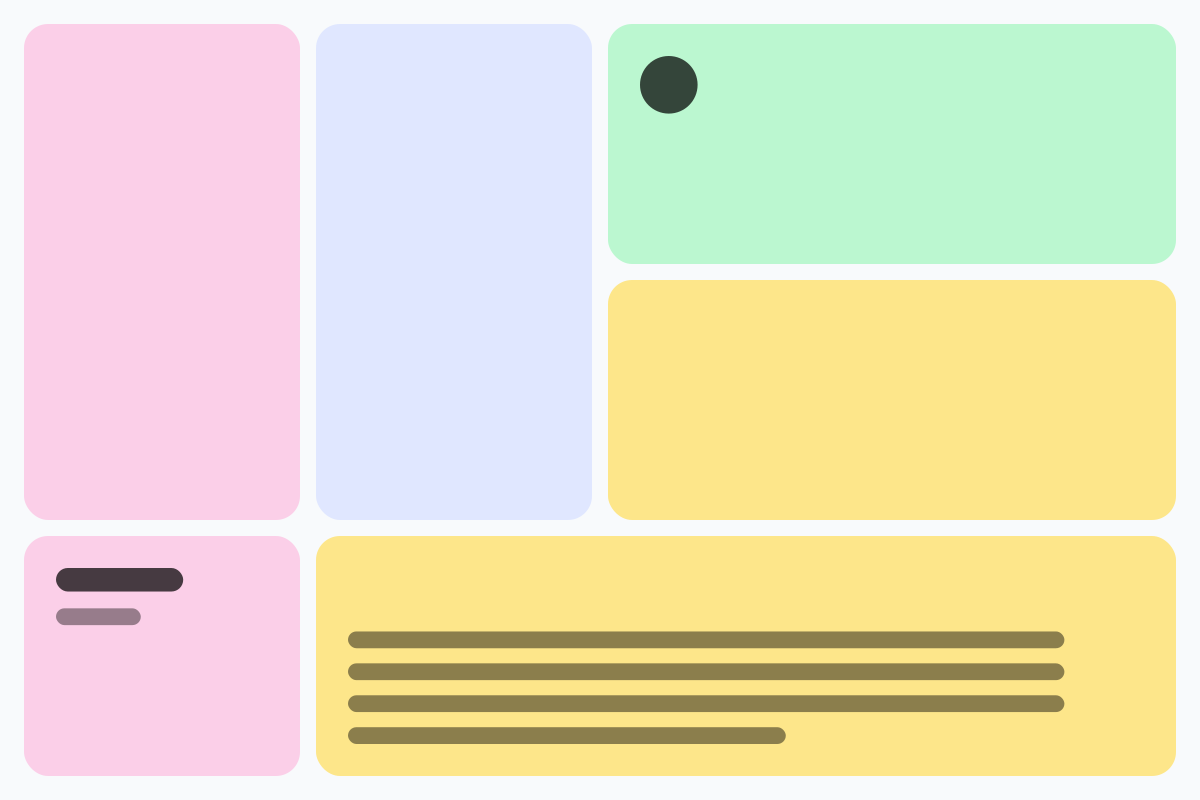
Rounded tiles of different sizes in a grid, without gaps. For feature sections, portfolios and social graphics, as CSS Grid, Tailwind or an image.
Open in editor
Soft, layered shadows for cards and buttons. Real CSS preview, export as box-shadow, Tailwind or drop-shadow.
Open in editor
Moving, rotating and color-shifting gradients and floating blobs as pure CSS. Copy CSS, Tailwind or HTML, or export PNG and GIF.
Open in editor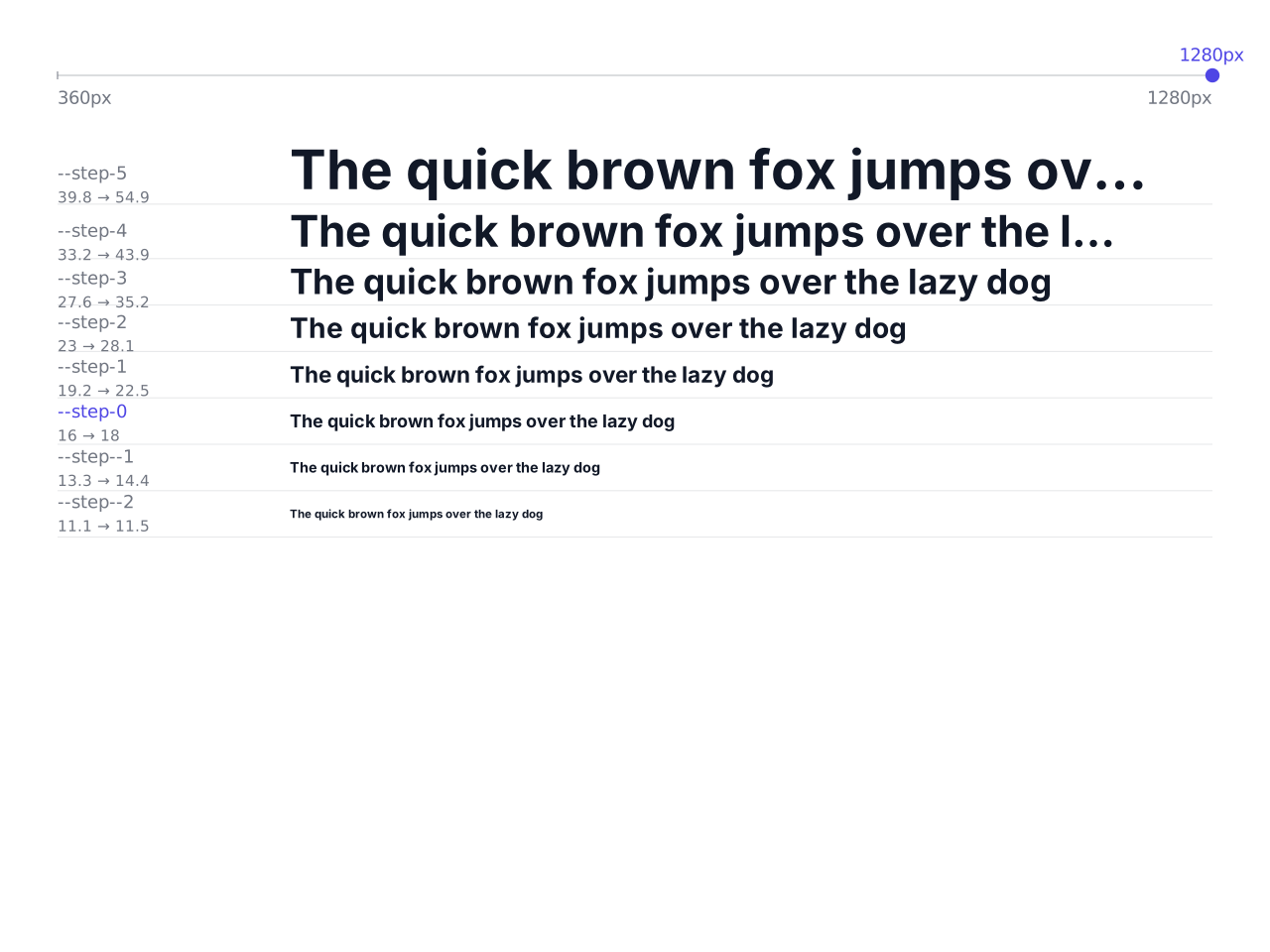
Font sizes that grow with the screen width: a modular type scale as CSS clamp(), with CSS variables and a Tailwind theme to copy.
Open in editor
Waves, arcs, slants, peaks and more as the transition between two website sections. One SVG that fits any width, with HTML and CSS to copy.
Open in editor