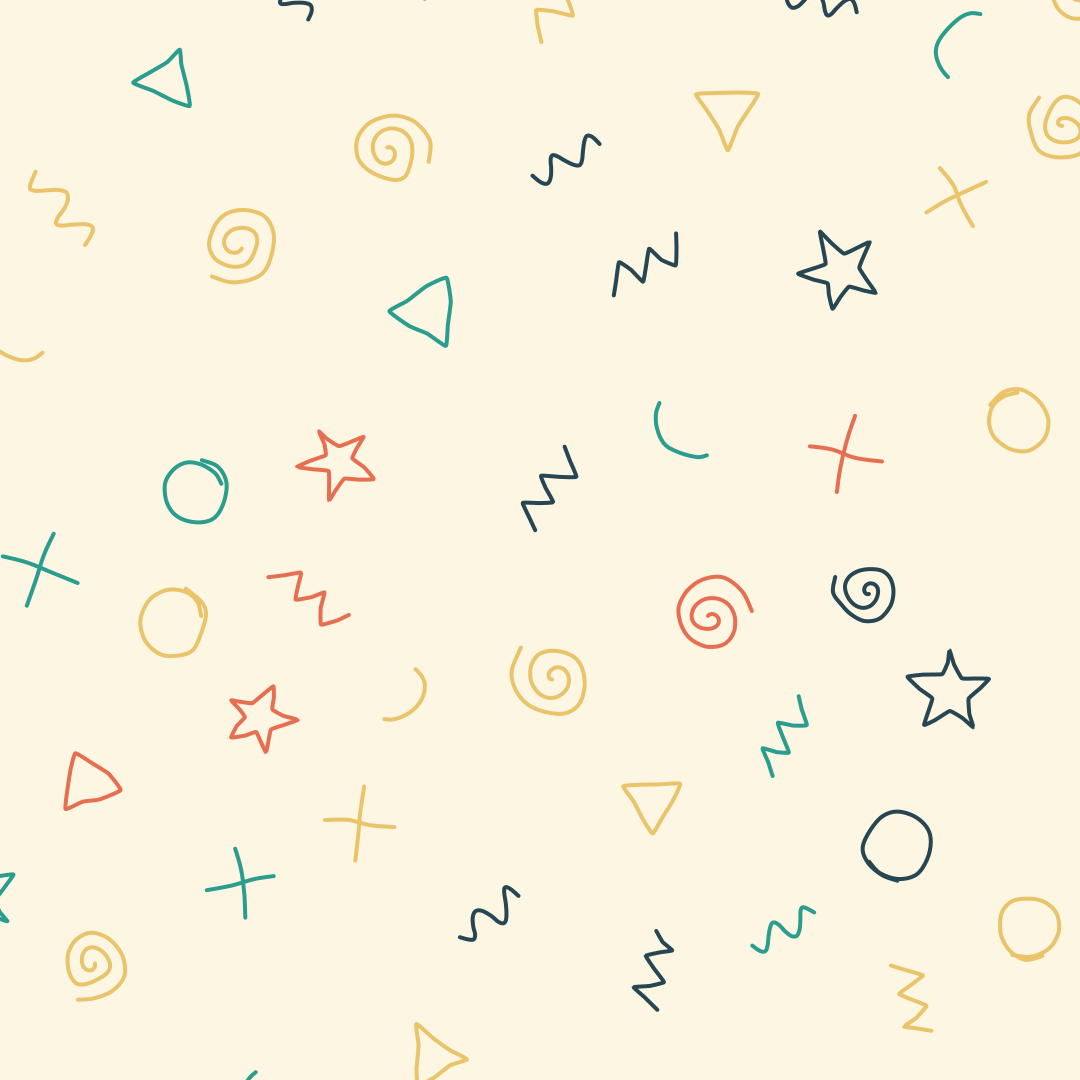
Doodle Backgrounds
Hand-drawn looking squiggles, spirals, stars and zigzags as a background. Export as SVG or image.
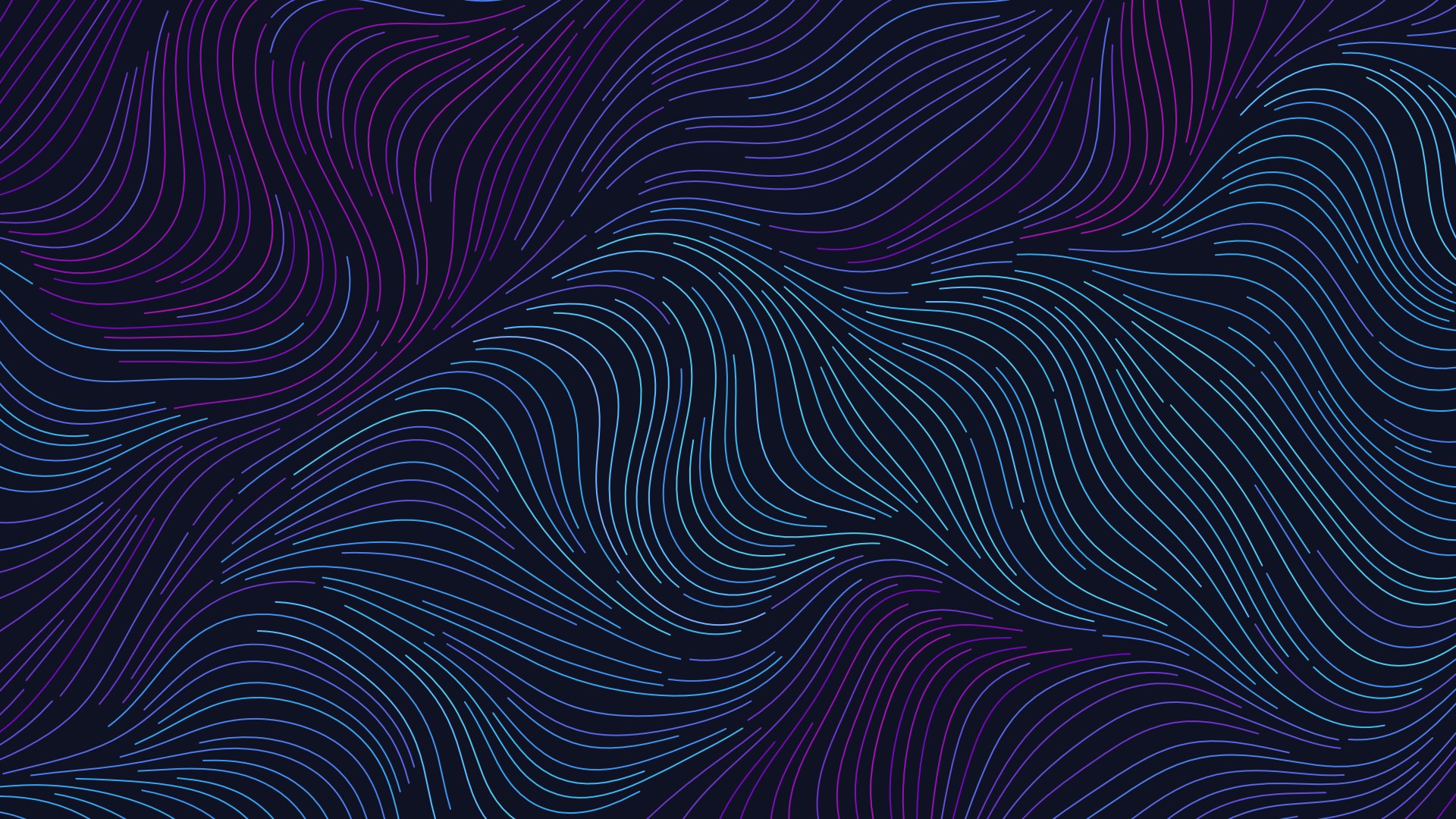
Open in editorThousands of lines follow an invisible flow, like wind, water or hair. Export as SVG, image or GIF.
Open the generatorRuns right in your browser. Your graphics are made on your device.
Pick a preset and it opens right in the editor, ready to adjust.
A flow field is a field of directions that gives every point of the canvas an angle. Let many lines follow it and you get images reminiscent of wind, currents, fur or silk. Musterli computes the field from noise or from swirls and can keep a minimum distance, so the lines never clump together.
Pick the field, its scale and turbulence, then the start points, line spacing and length. Stroke shape, line width and opacity set the character, and the colors come from the palette, the direction or the position. Press the space bar for a new variation. Export as SVG, PNG, JPG, WebP or as a GIF with travelling strokes.
Try the Flow Fields nowHand-drawn looking squiggles, spirals, stars and zigzags as a background. Export as SVG or image.
Open in editor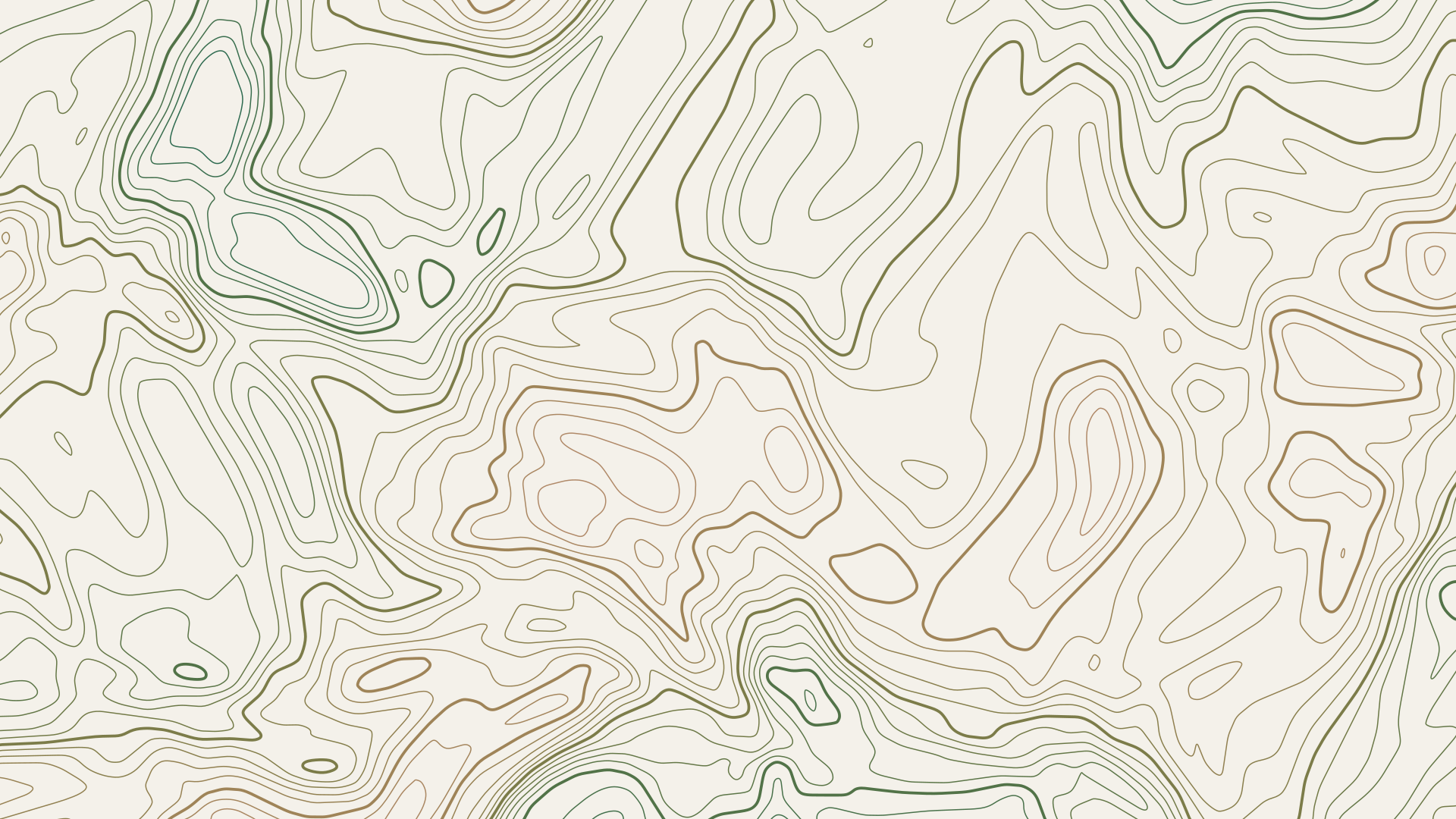
Contour lines like on a map, as outlines or filled elevation bands. Export as SVG, image or GIF.
Open in editor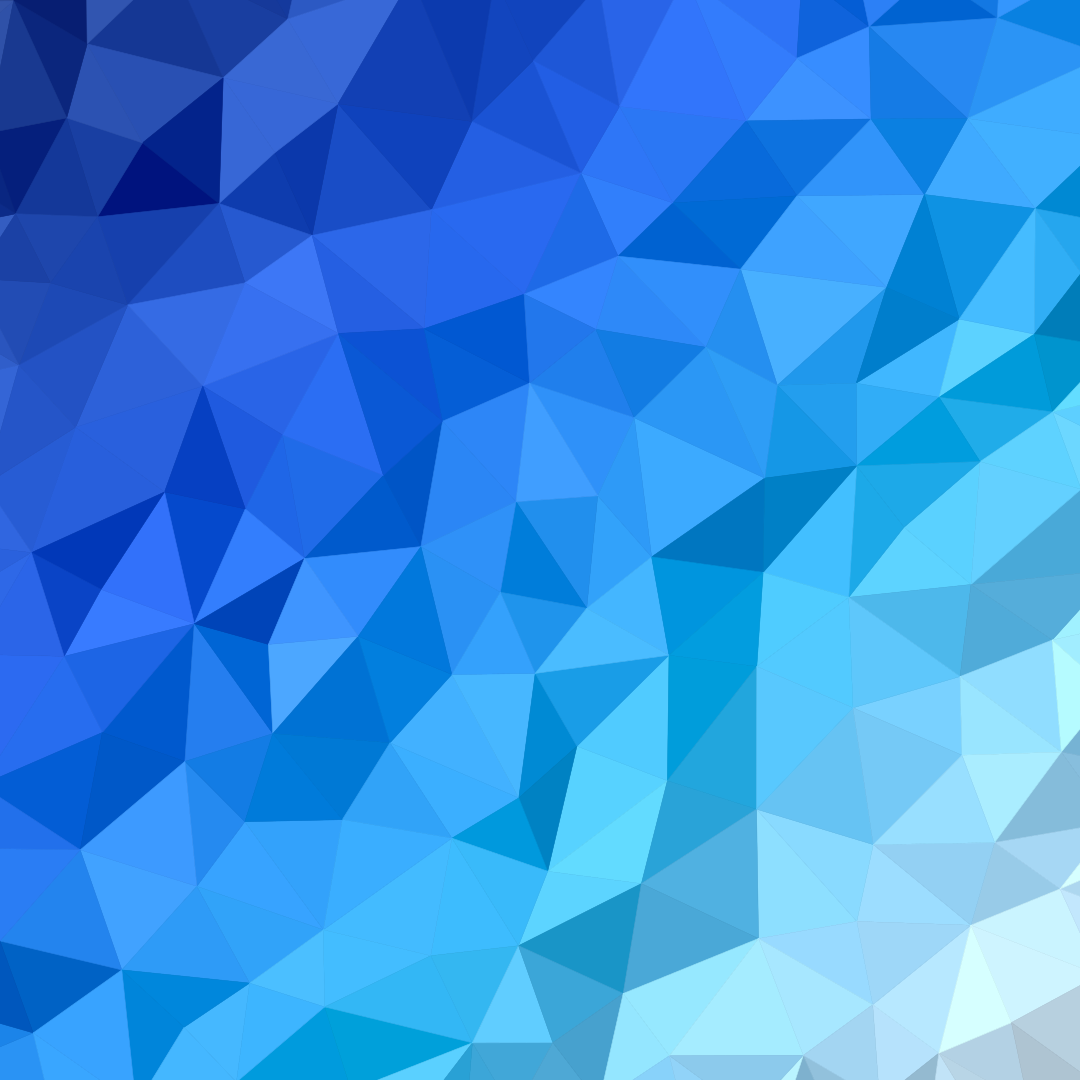
Faceted backgrounds from triangles or Voronoi cells, colored by a gradient through your palette. Export as SVG, image or GIF.
Open in editor
Organic shapes in one click, filled, outlined or with a gradient. Export as SVG or image.
Open in editor
Layered waves for sections, headers and backgrounds. Export as SVG, CSS or image.
Open in editor
Several blobs at corners and edges that adapt to any canvas size. Export as SVG or image.
Open in editor