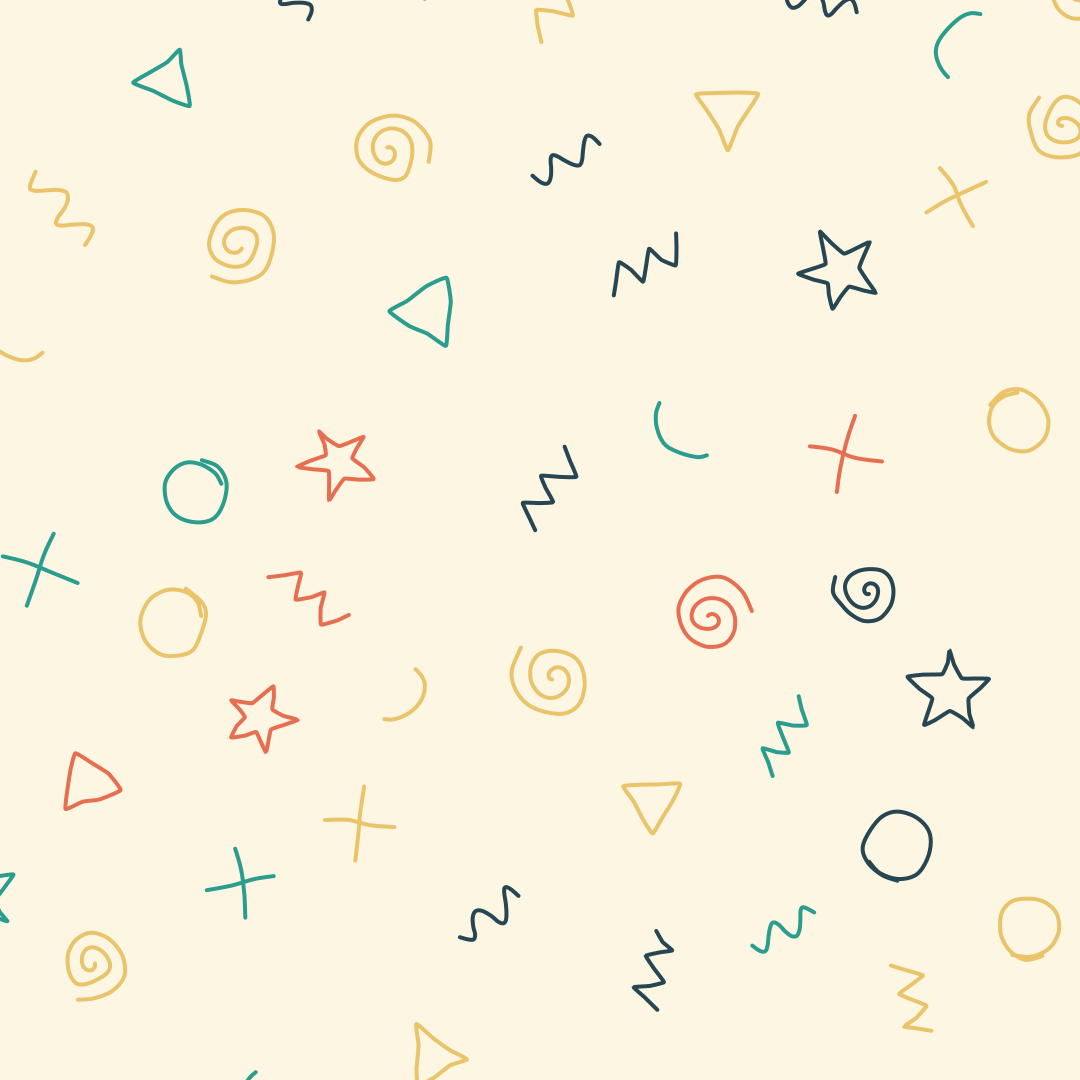
Doodle Backgrounds
Hand-drawn looking squiggles, spirals, stars and zigzags as a background. Export as SVG or image.
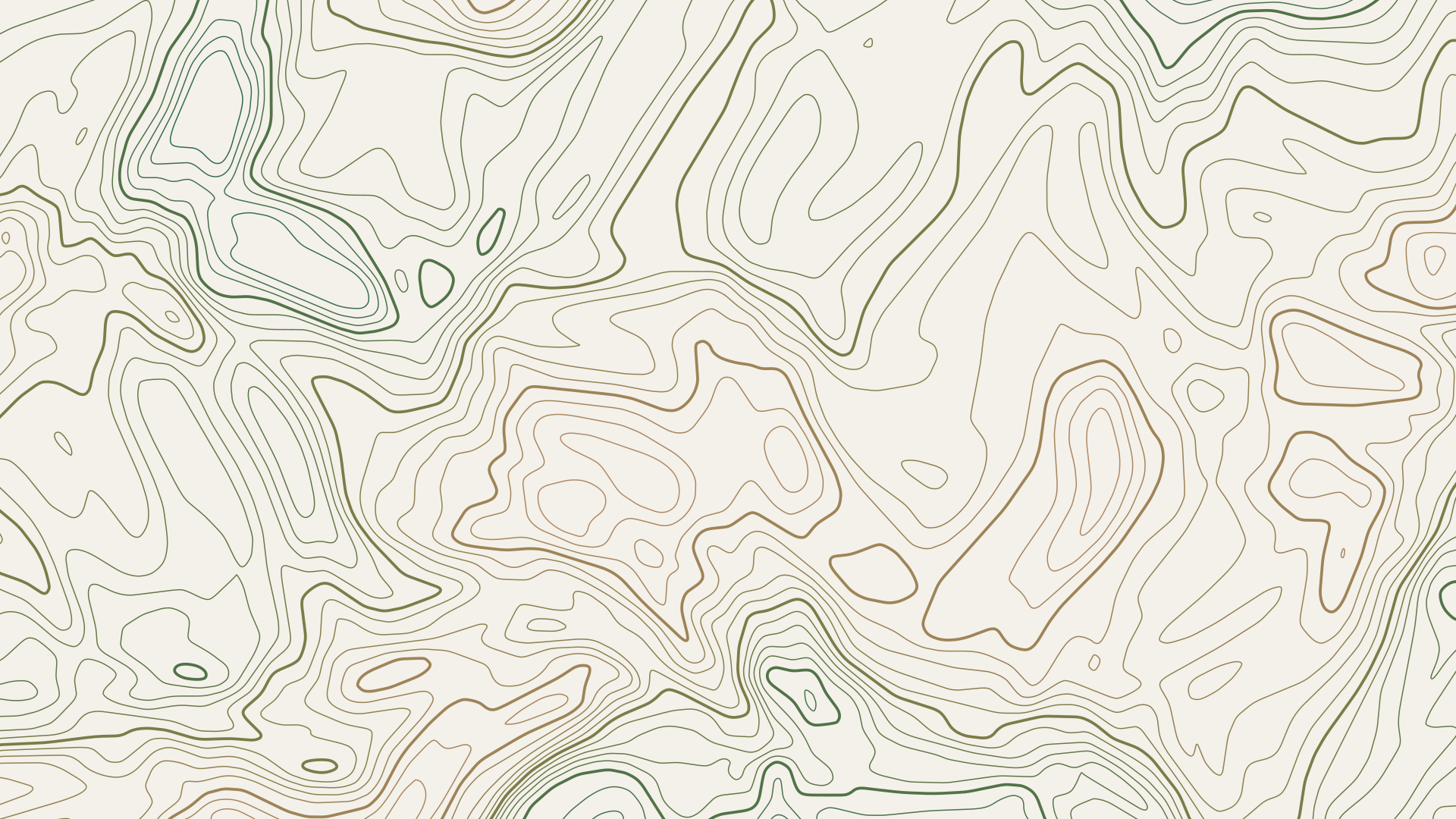
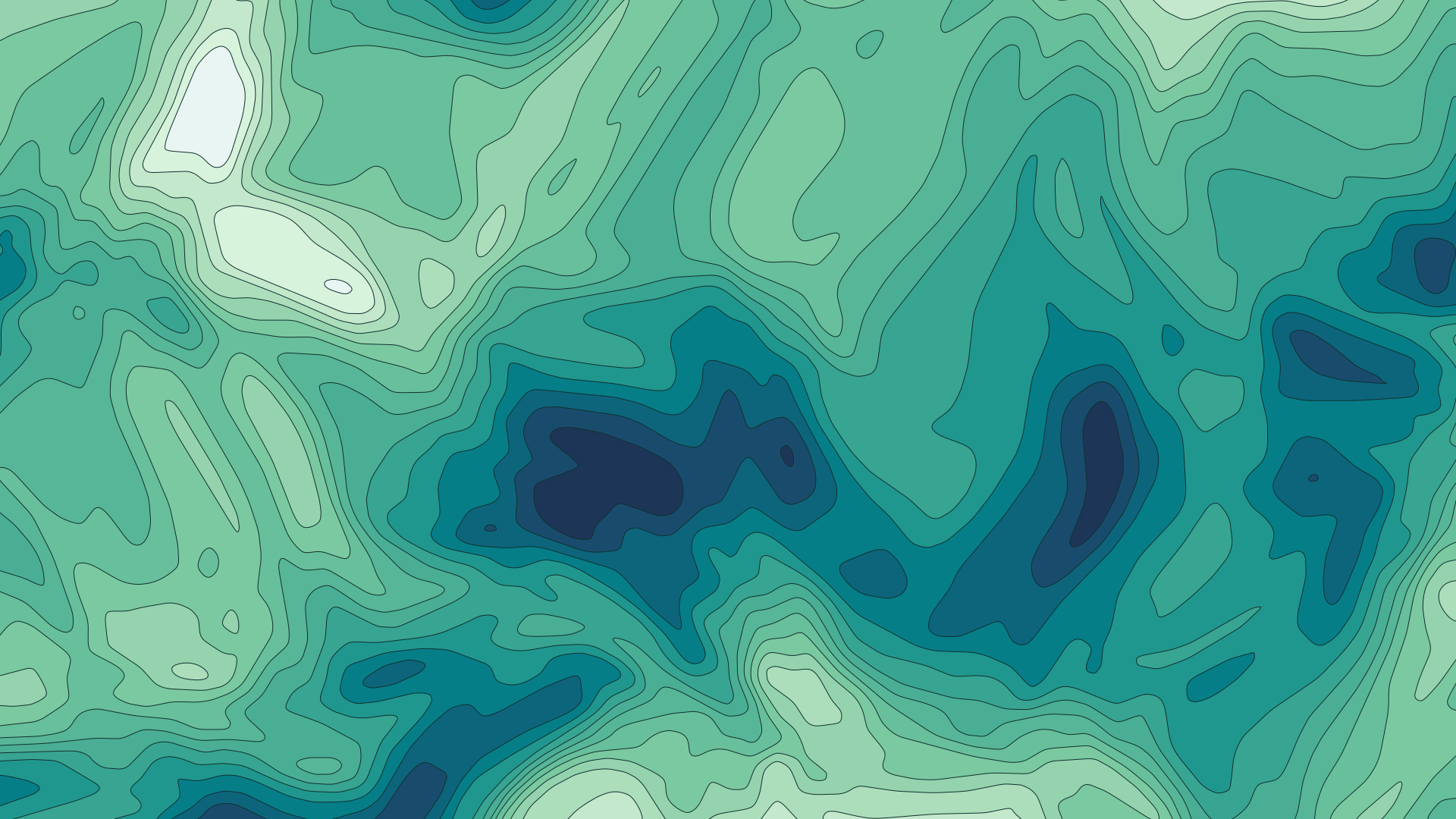
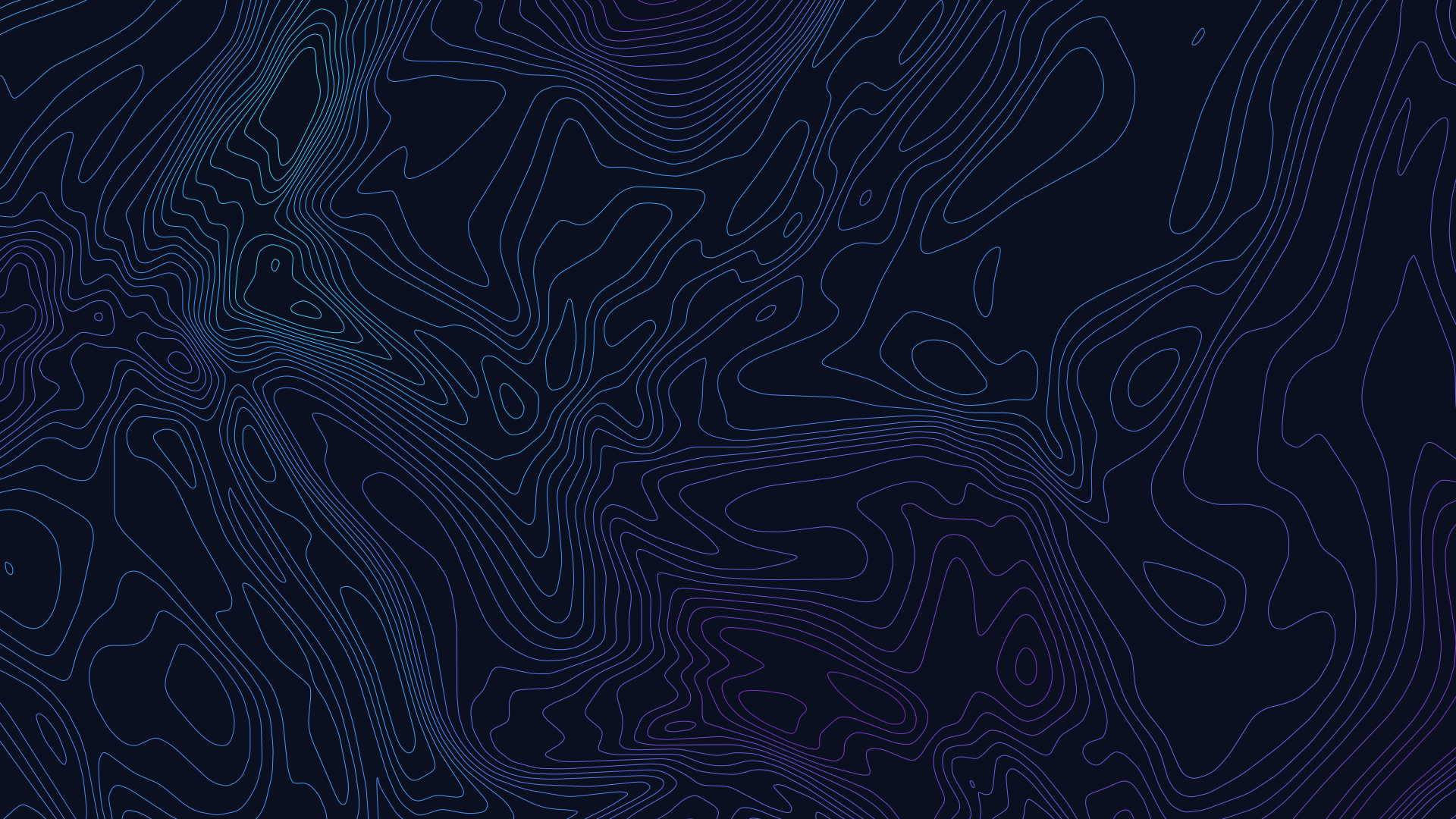
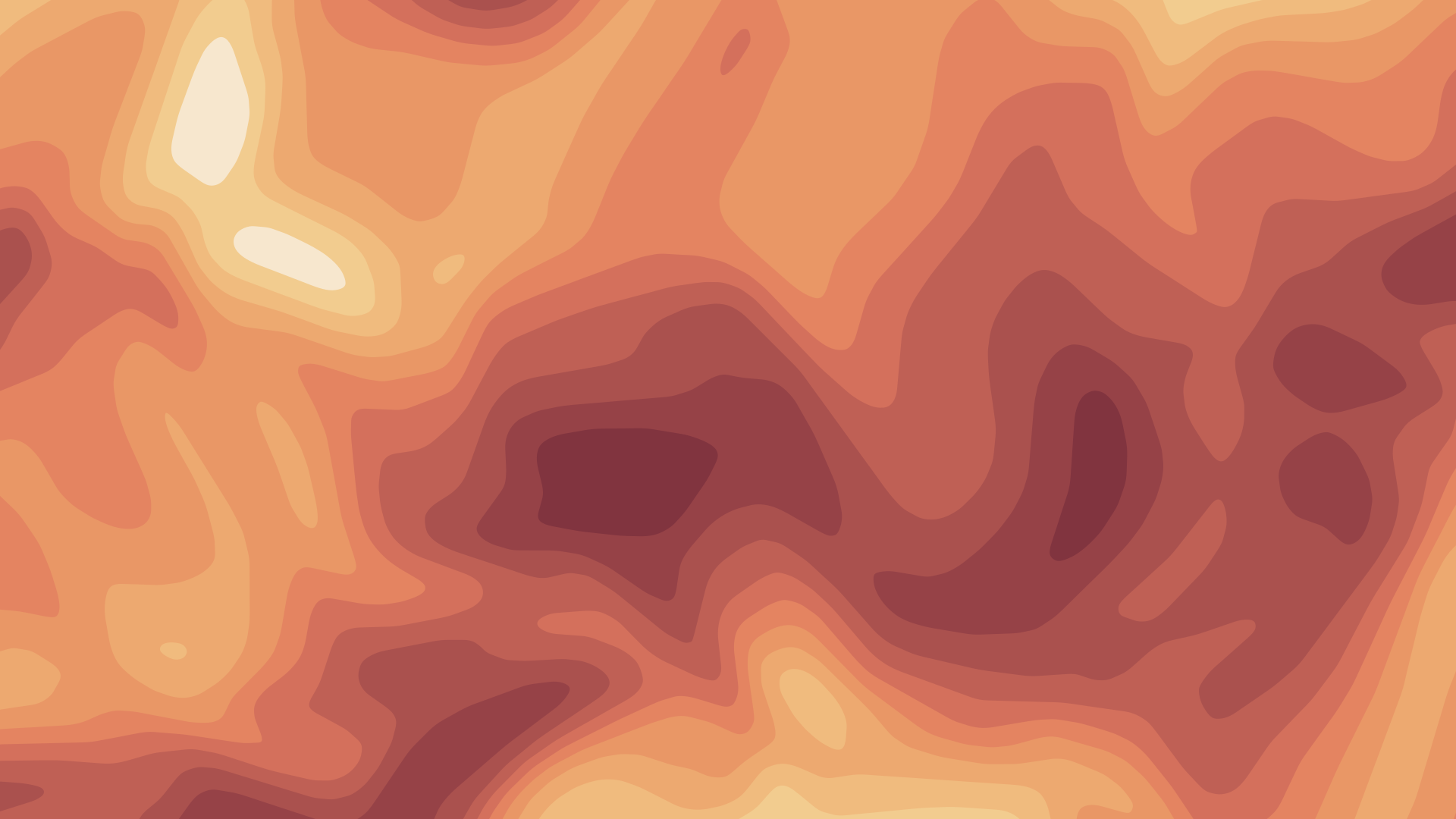
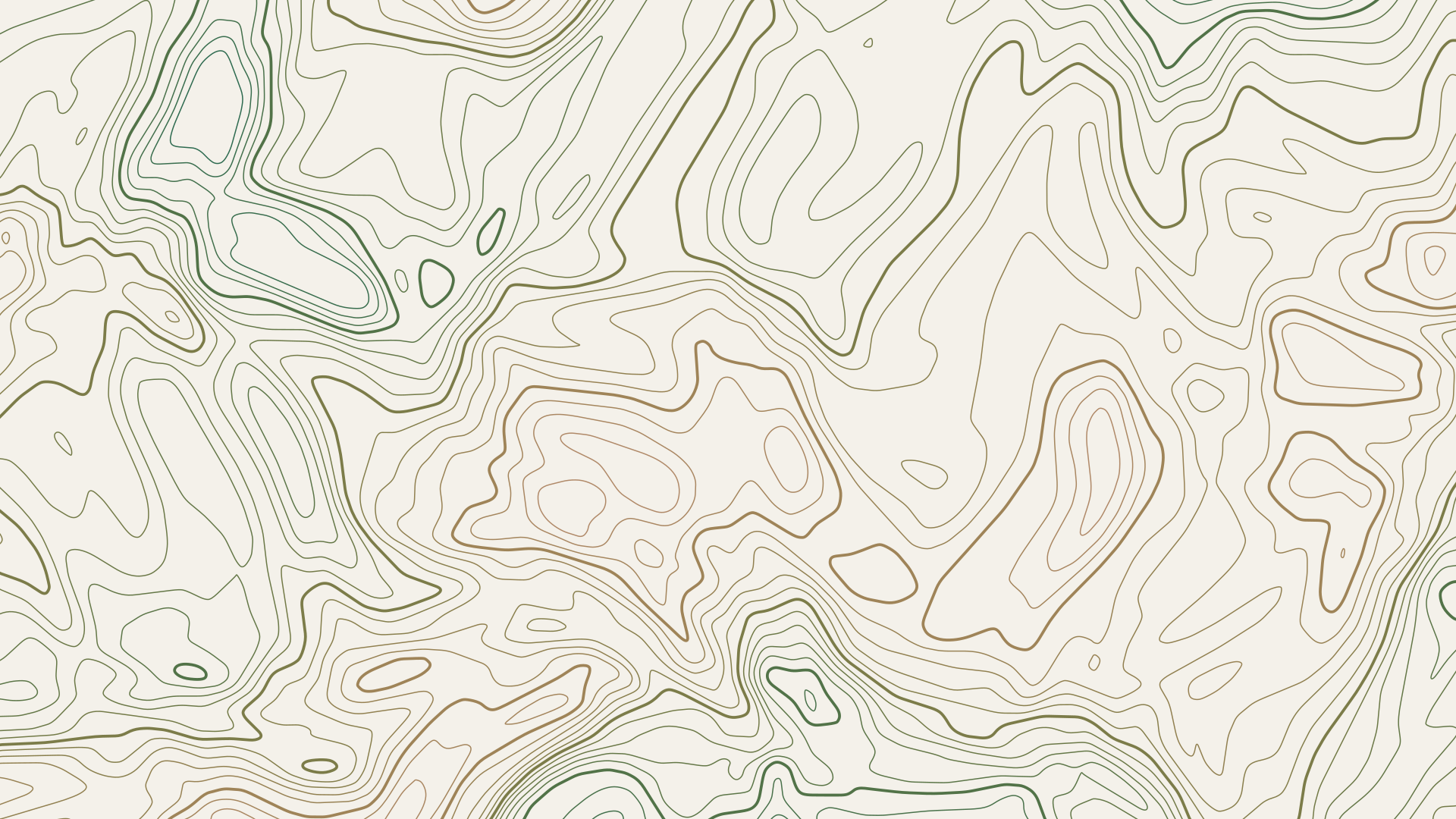
Open in editorContour lines like on a map, as outlines or filled elevation bands. Export as SVG, image or GIF.
Open the generatorRuns right in your browser. Your graphics are made on your device.
Pick a preset and it opens right in the editor, ready to adjust.
Contour lines connect points of equal height, just like on a hiking map. Musterli creates a random terrain from noise and draws its contours at even intervals. The result works as a calm background for websites, slides, posters or packaging and stays sharp as SVG.
Shape the terrain with scale, detail levels, roughness and warp, and choose how many lines to draw. Show lines, filled elevation bands or both, and highlight every nth line as an index line. Press the space bar for a new terrain. Export as SVG, PNG, JPG, WebP or as a GIF in which the lines slowly move.
Try the Topographic Lines nowHand-drawn looking squiggles, spirals, stars and zigzags as a background. Export as SVG or image.
Open in editor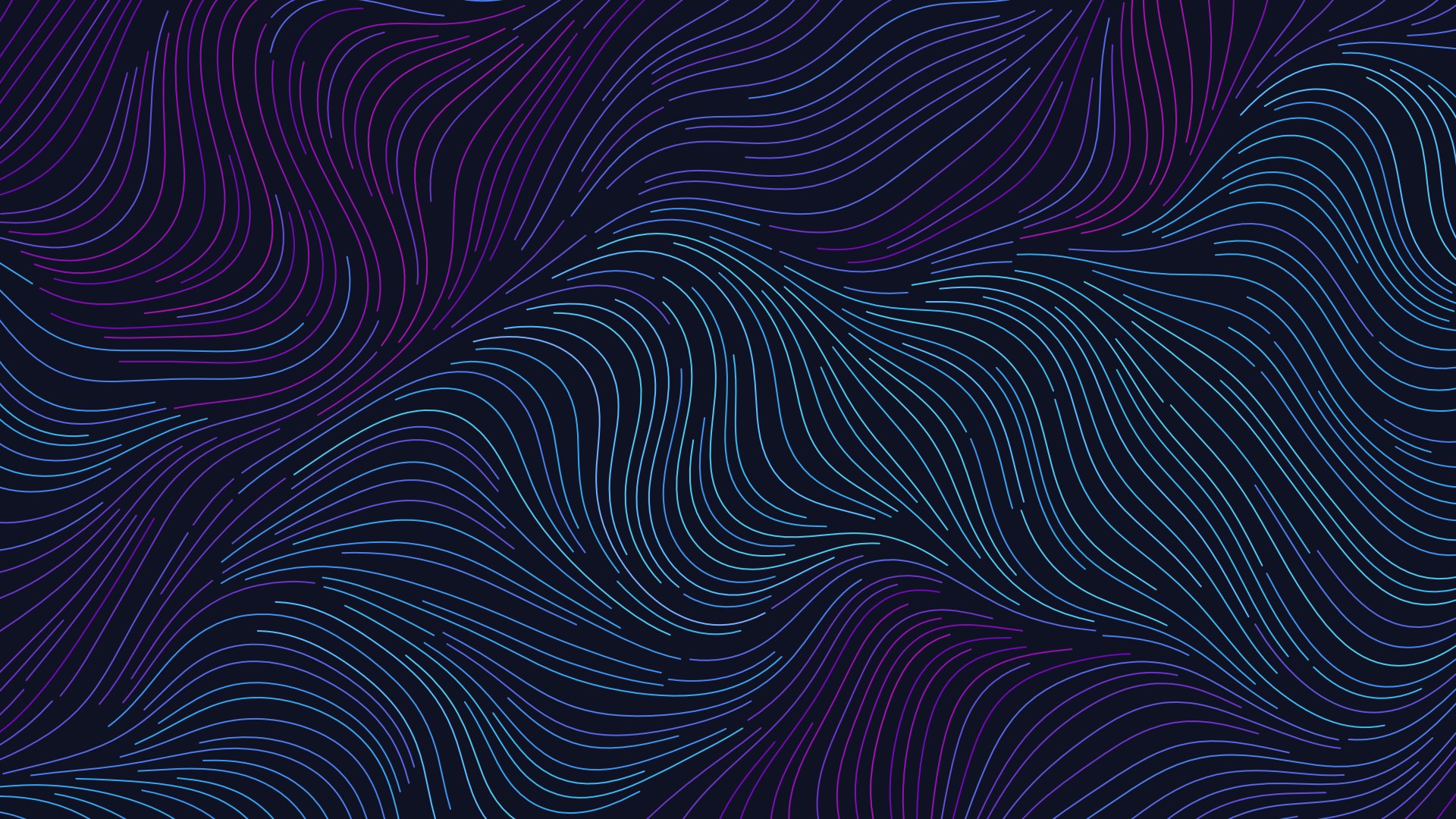
Thousands of lines follow an invisible flow, like wind, water or hair. Export as SVG, image or GIF.
Open in editor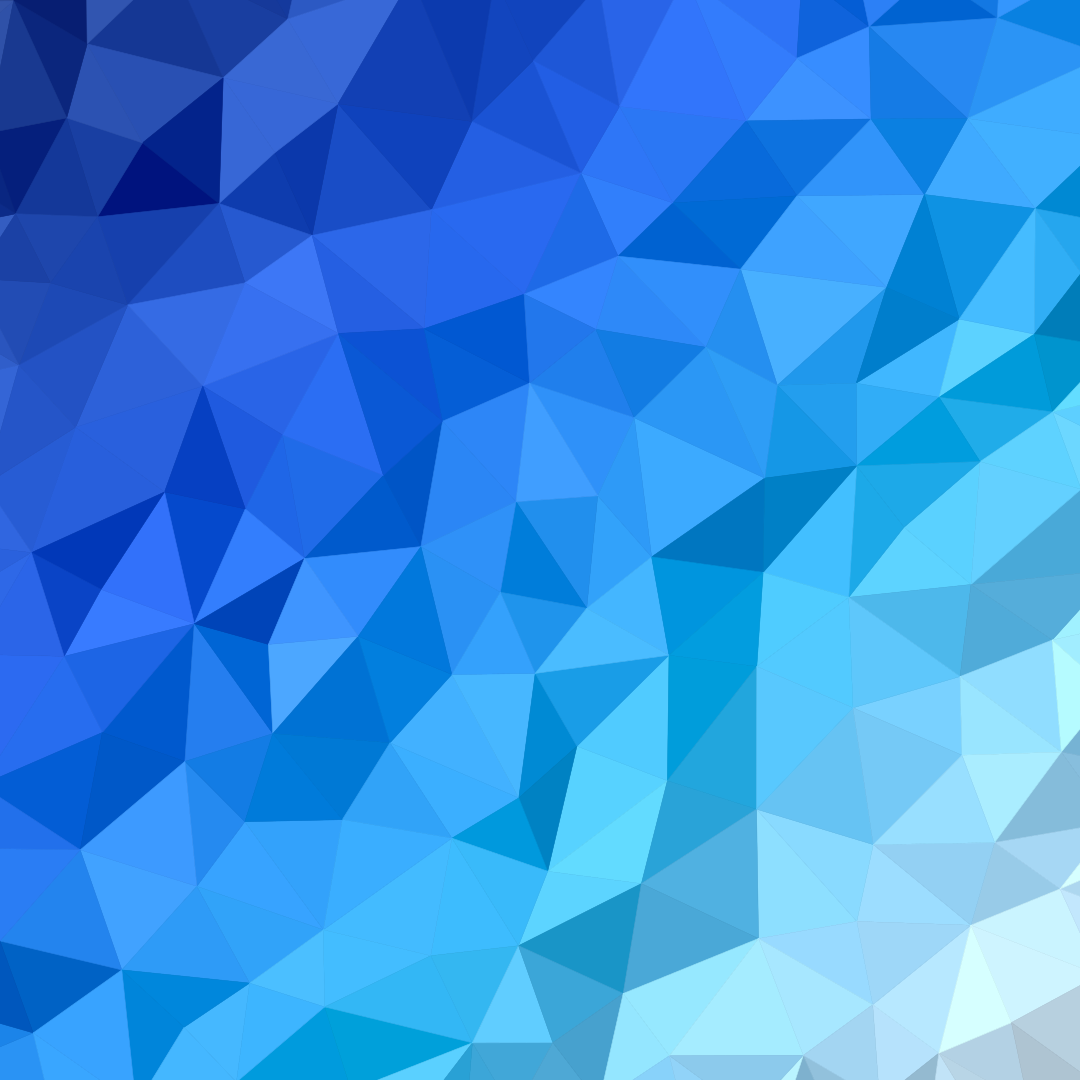
Faceted backgrounds from triangles or Voronoi cells, colored by a gradient through your palette. Export as SVG, image or GIF.
Open in editor
Organic shapes in one click, filled, outlined or with a gradient. Export as SVG or image.
Open in editor
Layered waves for sections, headers and backgrounds. Export as SVG, CSS or image.
Open in editor
Several blobs at corners and edges that adapt to any canvas size. Export as SVG or image.
Open in editor