



Glass and Border Effects
Frosted glass, gradient borders and glows for cards and hero sections. Real CSS with a live preview, ready to copy as CSS, Tailwind or HTML.
Open in editorSpacing that grows with the screen width: t-shirt sizes from 3xs to 3xl as CSS clamp(), with CSS variables, utility classes and a Tailwind theme.
Open the generatorRuns right in your browser. Your graphics are made on your device.

Pick a preset and it opens right in the editor, ready to adjust.
A fluid spacing scale is a set of space values (padding, gaps, margins) that grow smoothly with the screen width. Each size is a fixed multiple of a base space and is written as CSS clamp(), so small screens get tighter and large screens get more generous spacing without breakpoints.
One scale for all gaps keeps a site calm and consistent, from buttons to whole sections.
Spacing that grows with the viewport replaces many media queries for padding and margins.
The variables fit straight into a design system or a Tailwind v4 theme.
Set the smallest and largest screen width and the base space at both. Choose how many sizes you need below and above the base, and add pairs that jump from one size to the next across the range. Check the sizes at any width in the preview, then copy CSS variables, utility classes or a Tailwind theme.
Try the Fluid Spacing Scale Generator nowFrosted glass, gradient borders and glows for cards and hero sections. Real CSS with a live preview, ready to copy as CSS, Tailwind or HTML.
Open in editor
Rounded tiles of different sizes in a grid, without gaps. For feature sections, portfolios and social graphics, as CSS Grid, Tailwind or an image.
Open in editor
Soft, layered shadows for cards and buttons. Real CSS preview, export as box-shadow, Tailwind or drop-shadow.
Open in editor
Moving, rotating and color-shifting gradients and floating blobs as pure CSS. Copy CSS, Tailwind or HTML, or export PNG and GIF.
Open in editor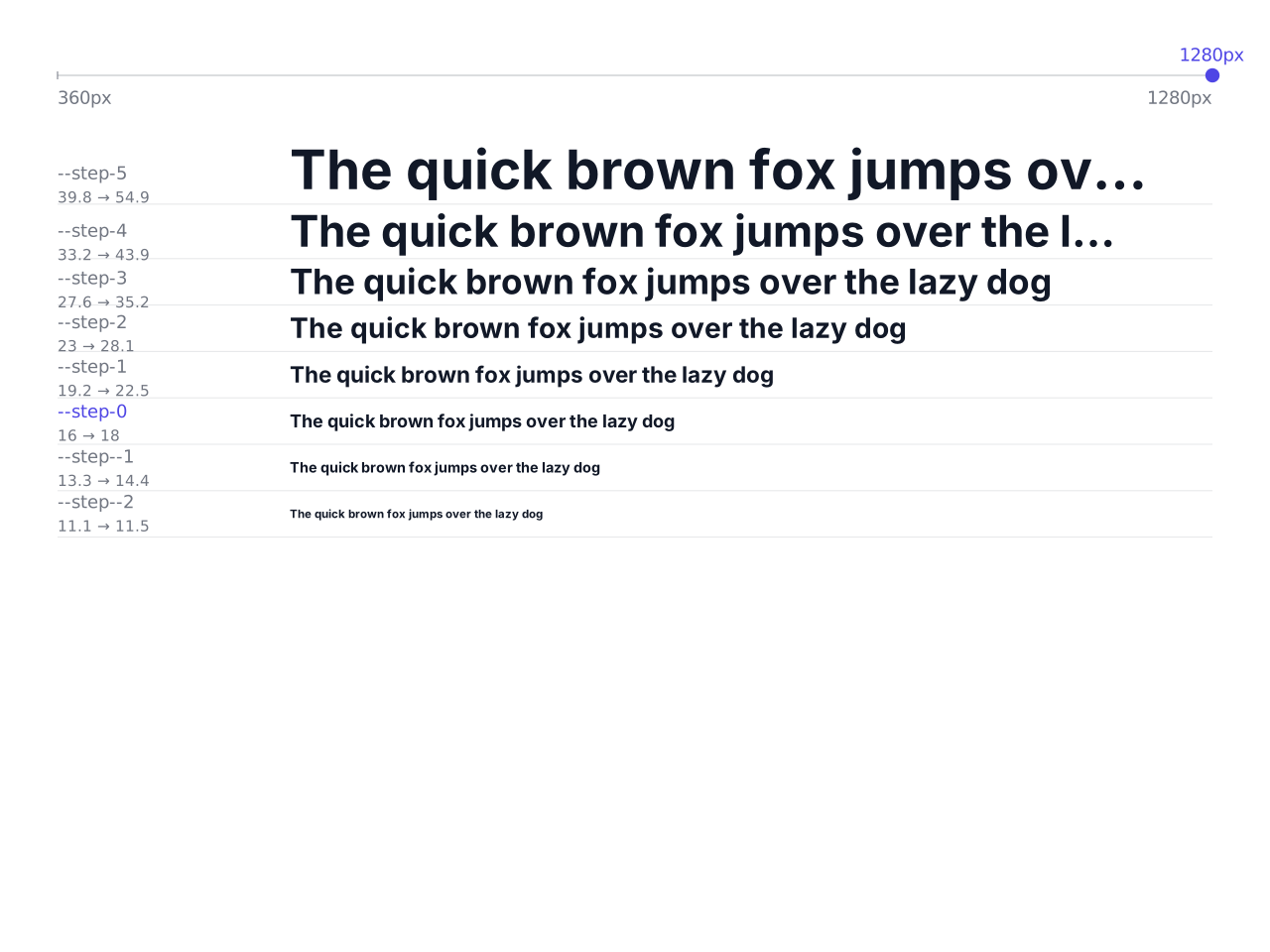
Font sizes that grow with the screen width: a modular type scale as CSS clamp(), with CSS variables and a Tailwind theme to copy.
Open in editor
Waves, arcs, slants, peaks and more as the transition between two website sections. One SVG that fits any width, with HTML and CSS to copy.
Open in editor