



Glass and Border Effects
Frosted glass, gradient borders and glows for cards and hero sections. Real CSS with a live preview, ready to copy as CSS, Tailwind or HTML.
Open in editorHeadlines with a color gradient, optionally with a sliding shine: CSS with background-clip, Tailwind classes, SVG and PNG.
Open the generatorRuns right in your browser. Your graphics are made on your device.

Pick a preset and it opens right in the editor, ready to adjust.
Gradient text fills letters with a color gradient instead of one color. On the web it works with background-clip: text, which shows the background only inside the letters. It is a popular way to make headlines, hero sections and logos stand out.
A gradient headline gives a landing page an eye-catching focus without an image.
Highlight one word in a sentence or the label of a call to action.
Export the text as PNG or SVG for social posts, thumbnails and presentations.
Type your text, then choose font, weight and size. Pick the gradient colors and direction, and switch on the shine if the colors should slide through the text. Copy the CSS or Tailwind classes, or export the headline as SVG, PNG or GIF.
Try the Gradient Text Generator nowFrosted glass, gradient borders and glows for cards and hero sections. Real CSS with a live preview, ready to copy as CSS, Tailwind or HTML.
Open in editor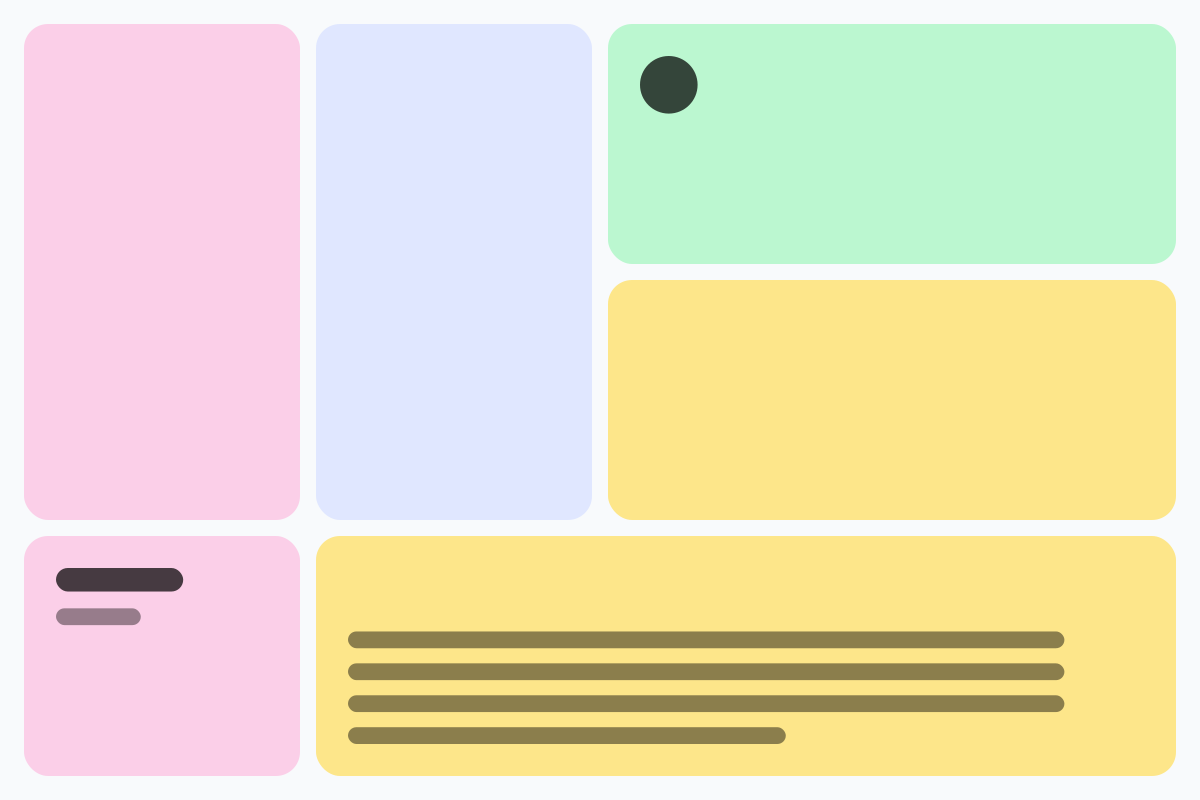
Rounded tiles of different sizes in a grid, without gaps. For feature sections, portfolios and social graphics, as CSS Grid, Tailwind or an image.
Open in editor
Soft, layered shadows for cards and buttons. Real CSS preview, export as box-shadow, Tailwind or drop-shadow.
Open in editor
Moving, rotating and color-shifting gradients and floating blobs as pure CSS. Copy CSS, Tailwind or HTML, or export PNG and GIF.
Open in editor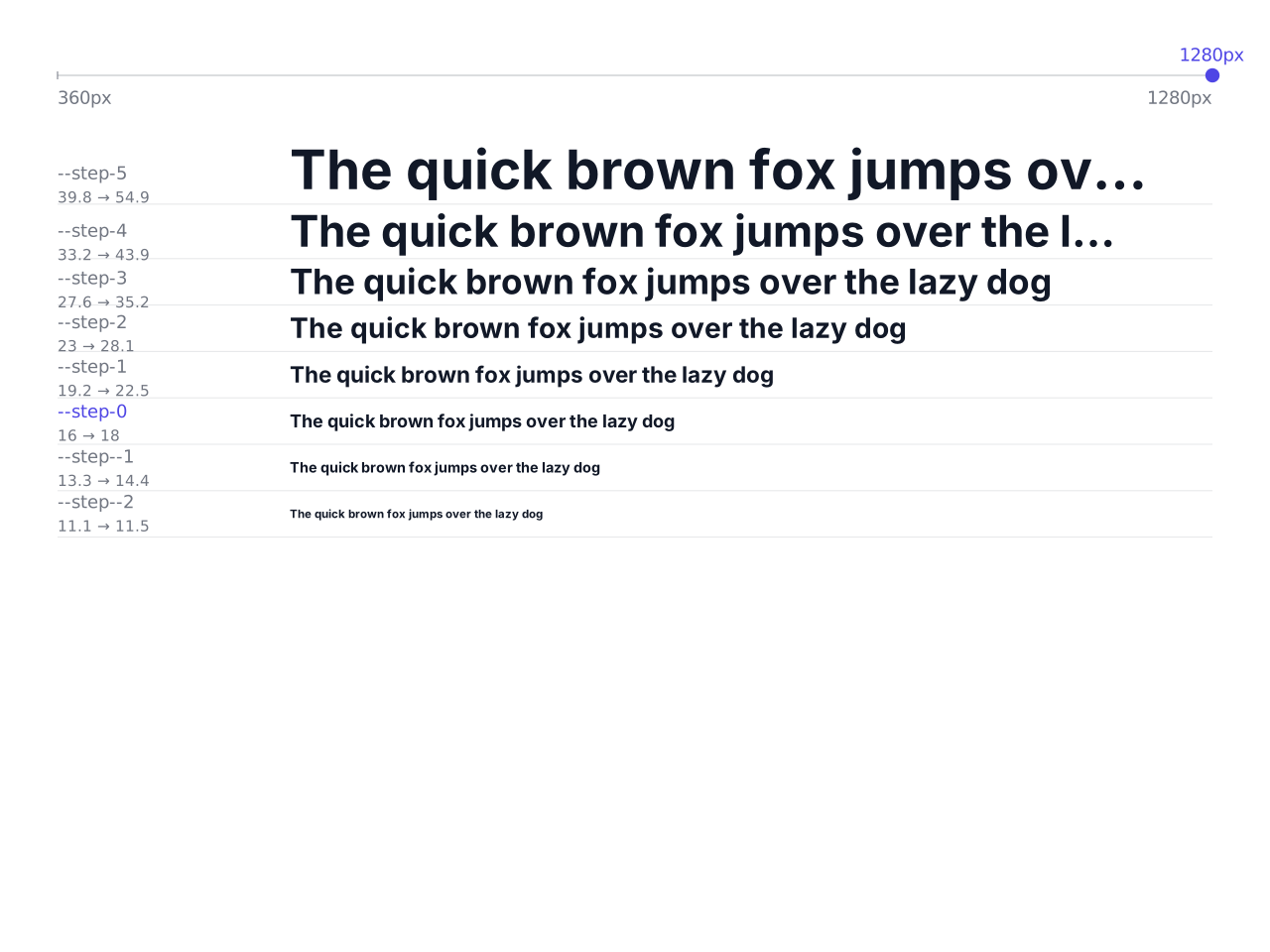
Font sizes that grow with the screen width: a modular type scale as CSS clamp(), with CSS variables and a Tailwind theme to copy.
Open in editor
Waves, arcs, slants, peaks and more as the transition between two website sections. One SVG that fits any width, with HTML and CSS to copy.
Open in editor