


Patterns
Squiggle Line Generator
Hand-drawn looking wavy, zigzag and looping lines: dividers, line patterns and scattered squiggles as SVG, plus a CSS squiggly underline.
Open the generatorRuns right in your browser. Your graphics are made on your device.

Start from a preset
Pick a preset and it opens right in the editor, ready to adjust.
What is it?
Squiggle lines are playful wavy, zigzag or looping strokes that look drawn by hand. They decorate headlines, separate sections, fill backgrounds and give a design a friendly, energetic look.
What you can use it for
Section dividers
A single wavy line between two sections feels lighter than a straight rule.
Backgrounds and patterns
Stacked waves or scattered squiggles make lively backgrounds for posters and slides.
Underlines
The CSS export draws a squiggly underline under links or highlighted words.
How it works
Choose a line shape and set wavelength, height and line width. Pick one line, a stack of parallel lines or scattered squiggles, then set the count and angle. Export as SVG, PNG or a moving GIF, or copy the CSS for a squiggly underline. Press Space for a new line and colors.
Try the Squiggle Line Generator nowTips
- Round line ends make the lines look friendlier; thicker strokes read better on small screens.
- For an underline, a short wavelength and low height look best.
- Scattered squiggles in three or four colors give a classic Memphis look.
FAQ
- Can I use the lines commercially?
- Yes. Everything you create with Musterli is yours to use, also in commercial projects, without credit.
- How does the squiggly underline work?
- It is a small SVG of one wave that repeats horizontally as a background image under the text. It scales with the font size.
- Can I edit the lines in Figma or Illustrator?
- Yes. The SVG contains plain strokes with round ends that you can recolor and reshape.
- Does the animation loop seamlessly?
- Yes. The GIF over time moves the lines by exactly one wave, so the end matches the start.
Related generators
All generators in Patterns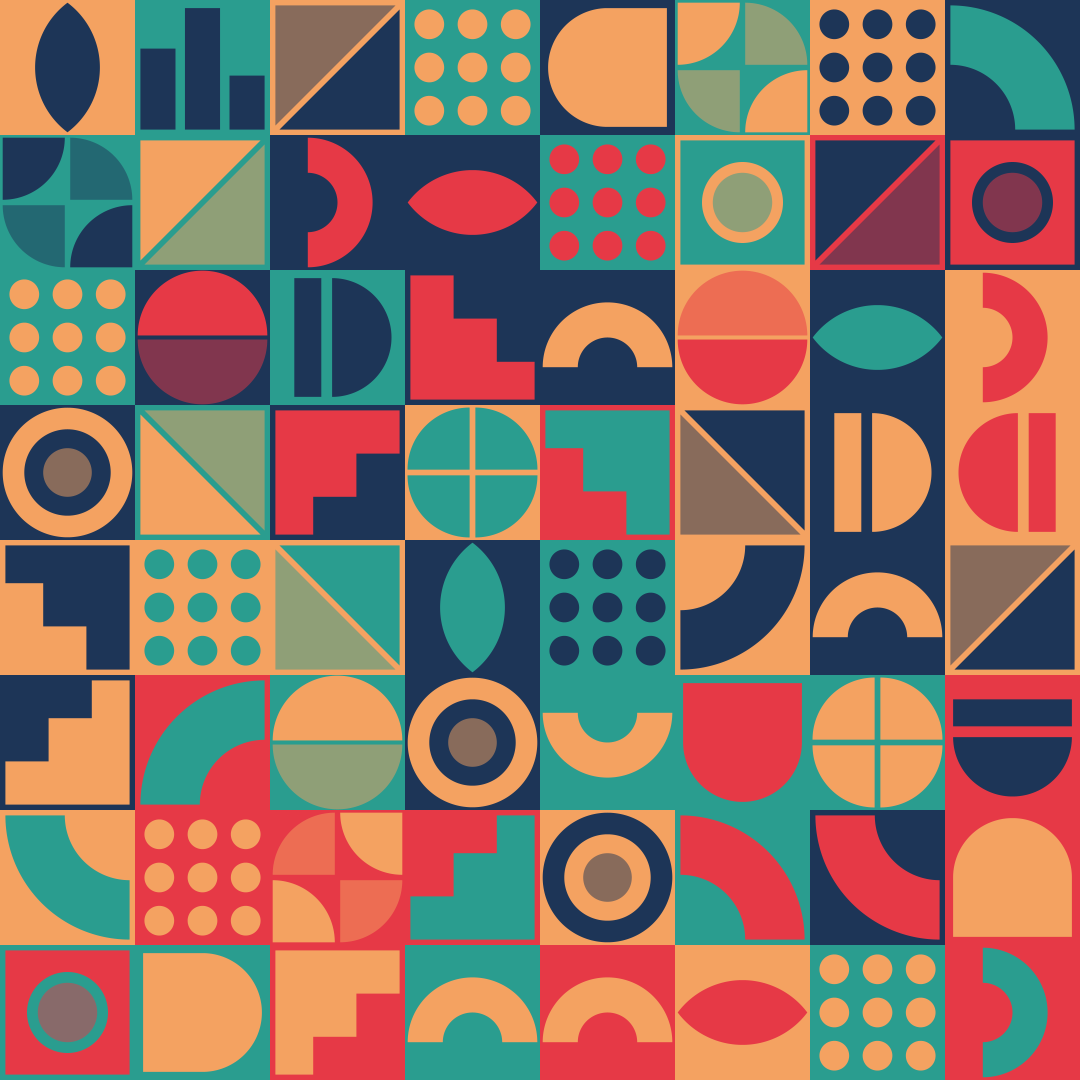
Geometric Patterns
Grids of tiles with geometric shapes, even or nested. Edit any single tile, export as SVG, CSS or image.
Open in editor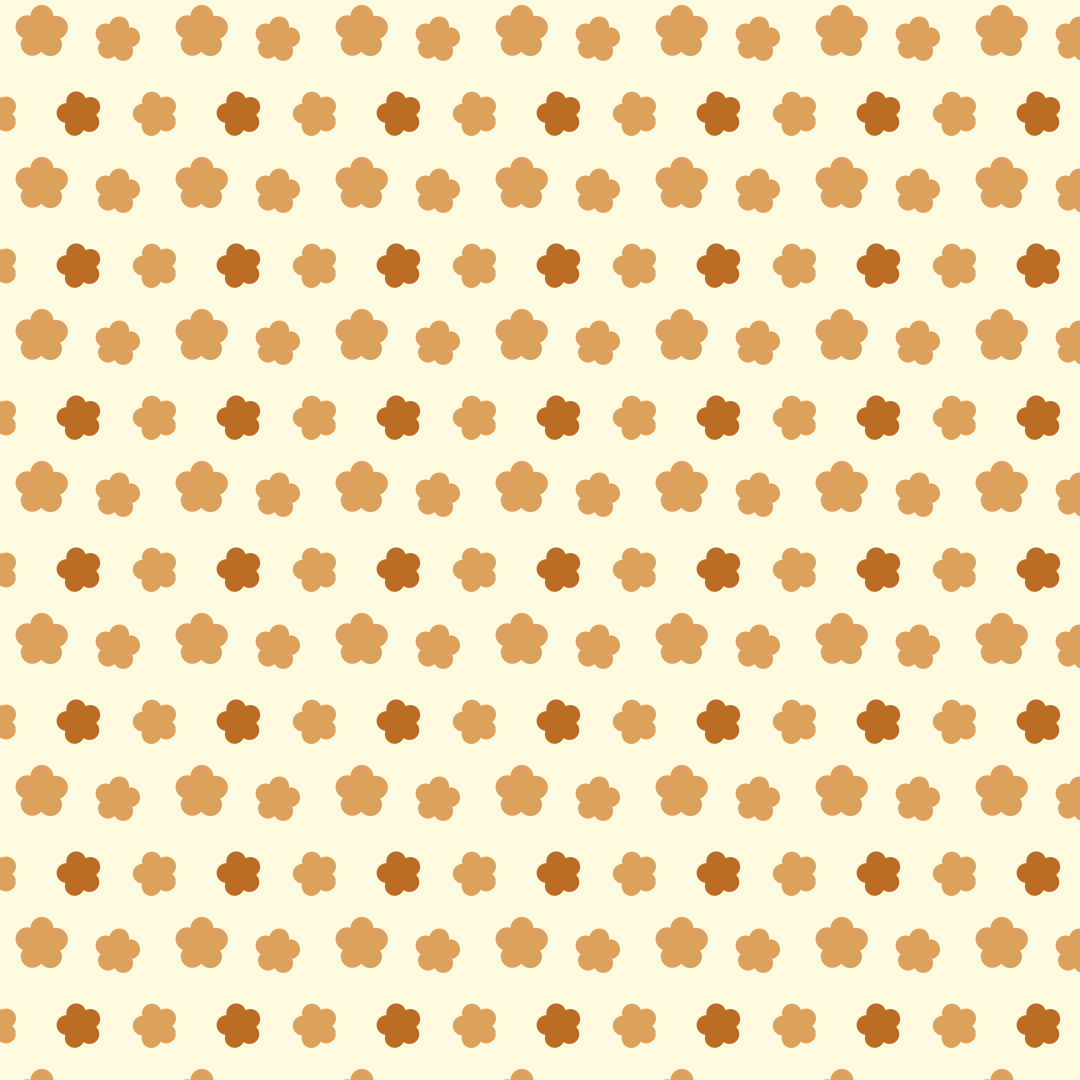
Seamless Patterns
Seamlessly tiling patterns made of shapes, logos, emoji or text. Export as SVG, CSS, tile or image.
Open in editor
Grid Patterns
Grid lines, dot grids, crosses or tiles with major and minor grids. Export as SVG or image.
Open in editor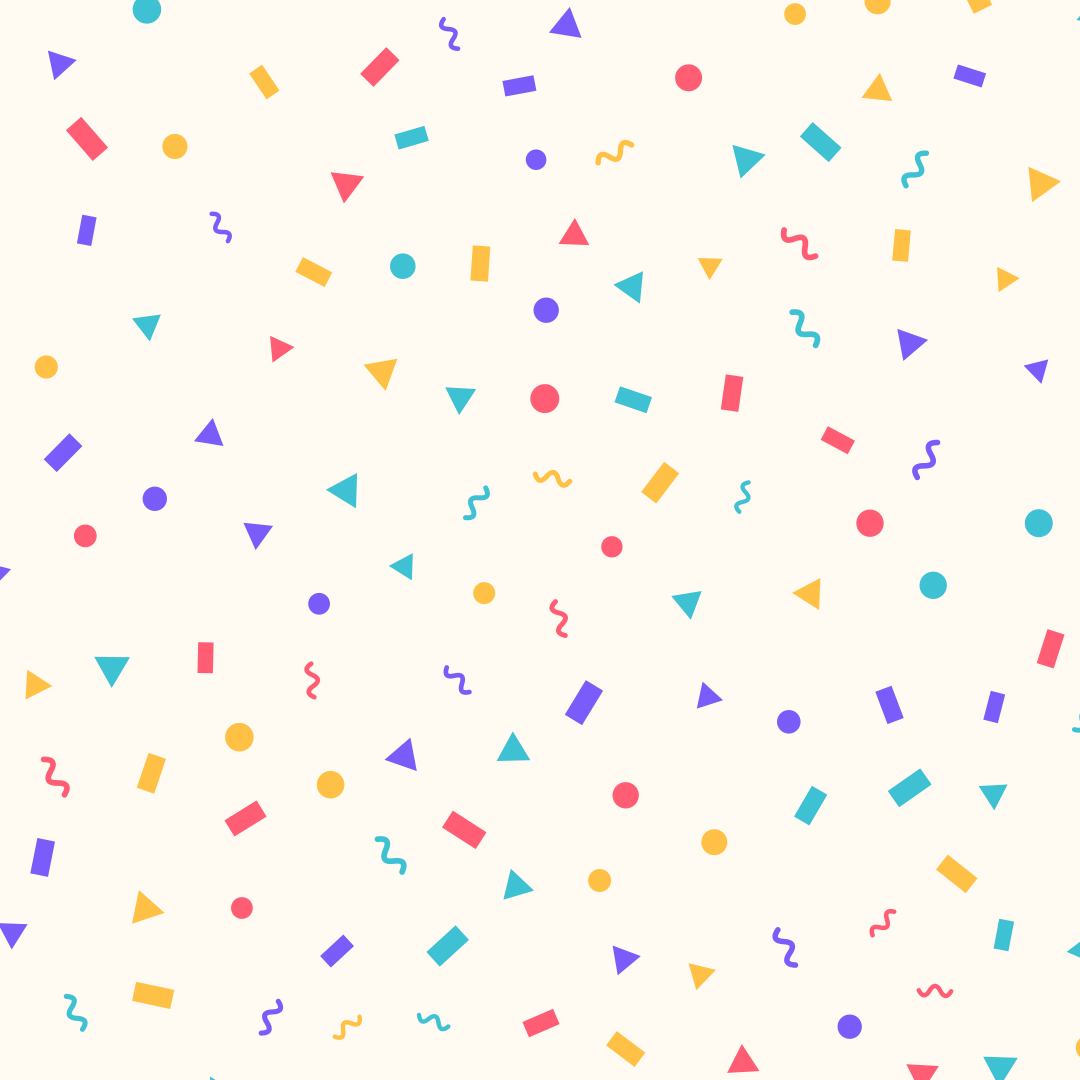
Confetti
Confetti made of strips, circles, triangles and squiggles, evenly spread. Export as SVG or image.
Open in editor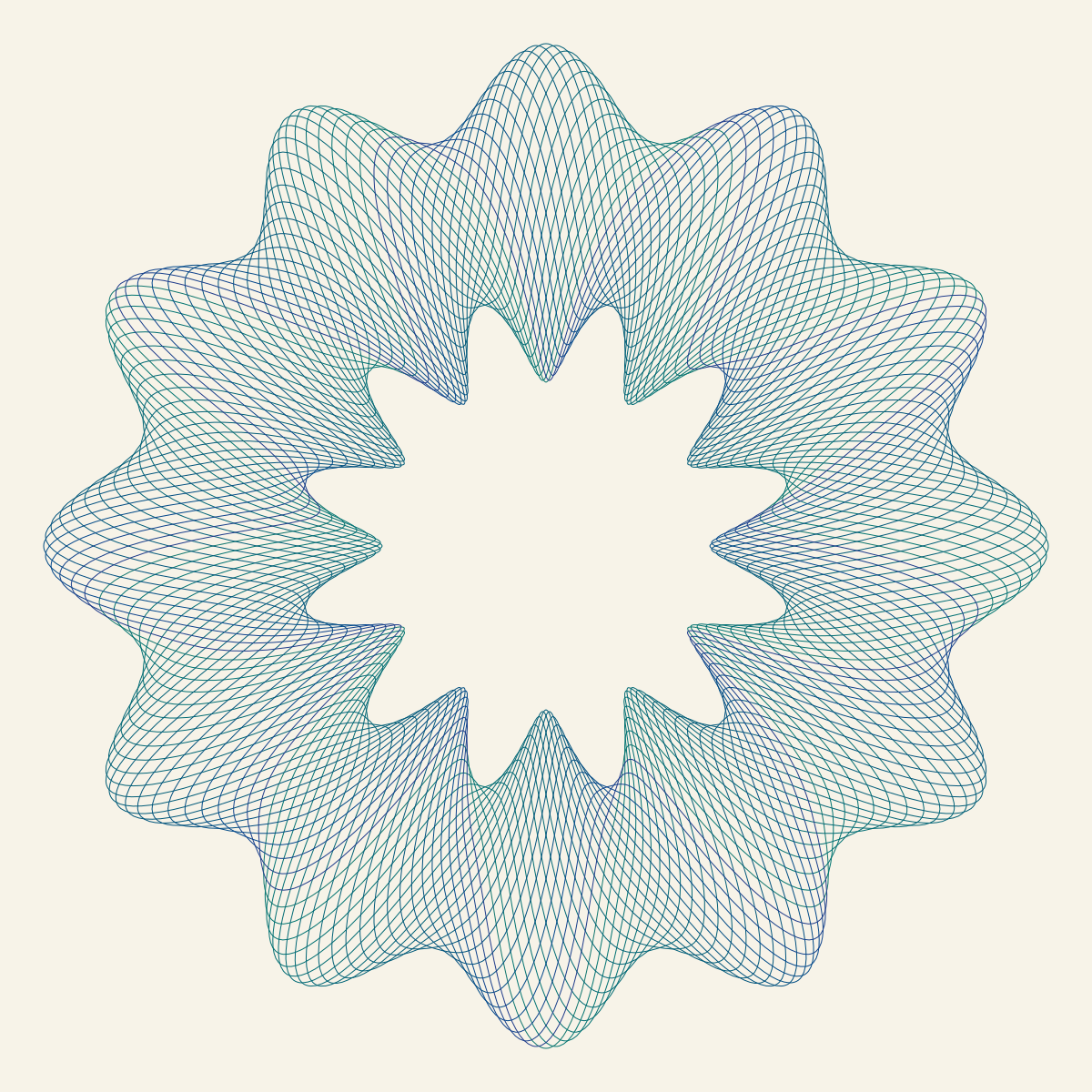
Guilloche
Fine interlaced line work like on banknotes and certificates: rosettes, borders and frames. Export as SVG, image or GIF.
Open in editor