
Noise and Grain
Grainy textures and backgrounds with fine noise over a color or gradient. Export as PNG, JPG, WebP or SVG.
Open in editorSeparate photos into cyan, magenta, yellow and black with a screen angle per ink, like offset printing. With misregistration and SVG export. Your picture stays on your device.
Open the generatorRuns right in your browser. Your graphics are made on your device.
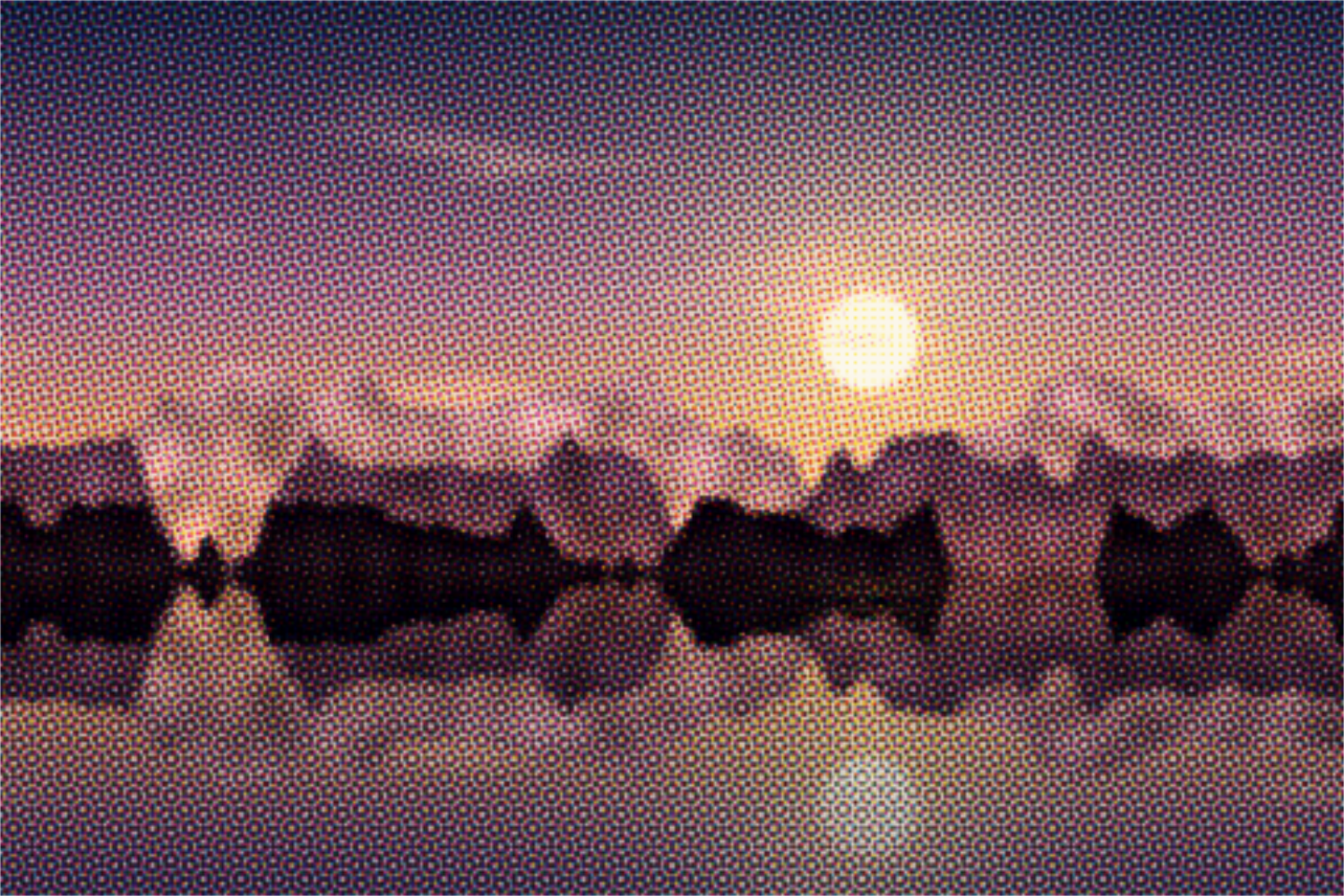
Pick a preset and it opens right in the editor, ready to adjust.
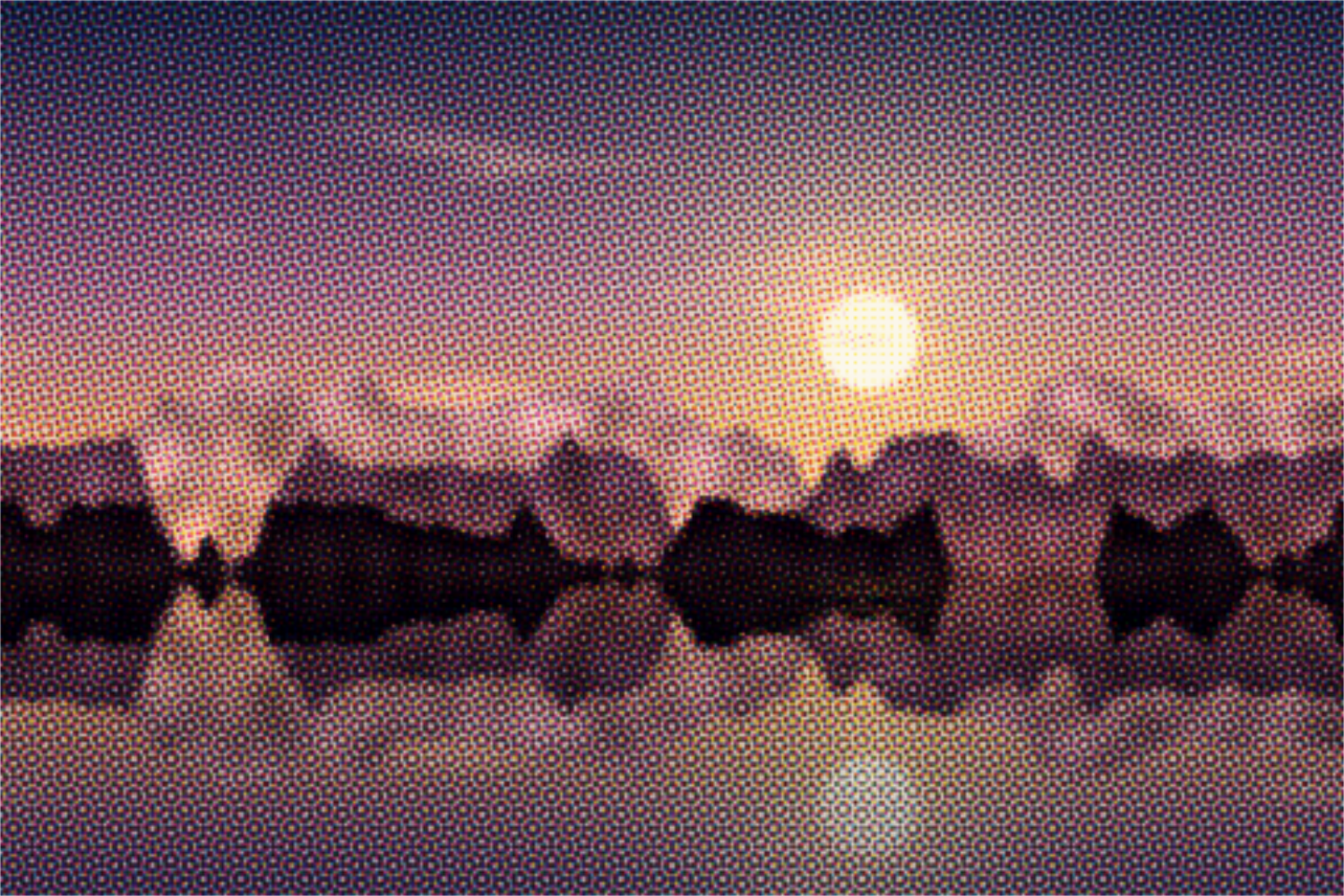
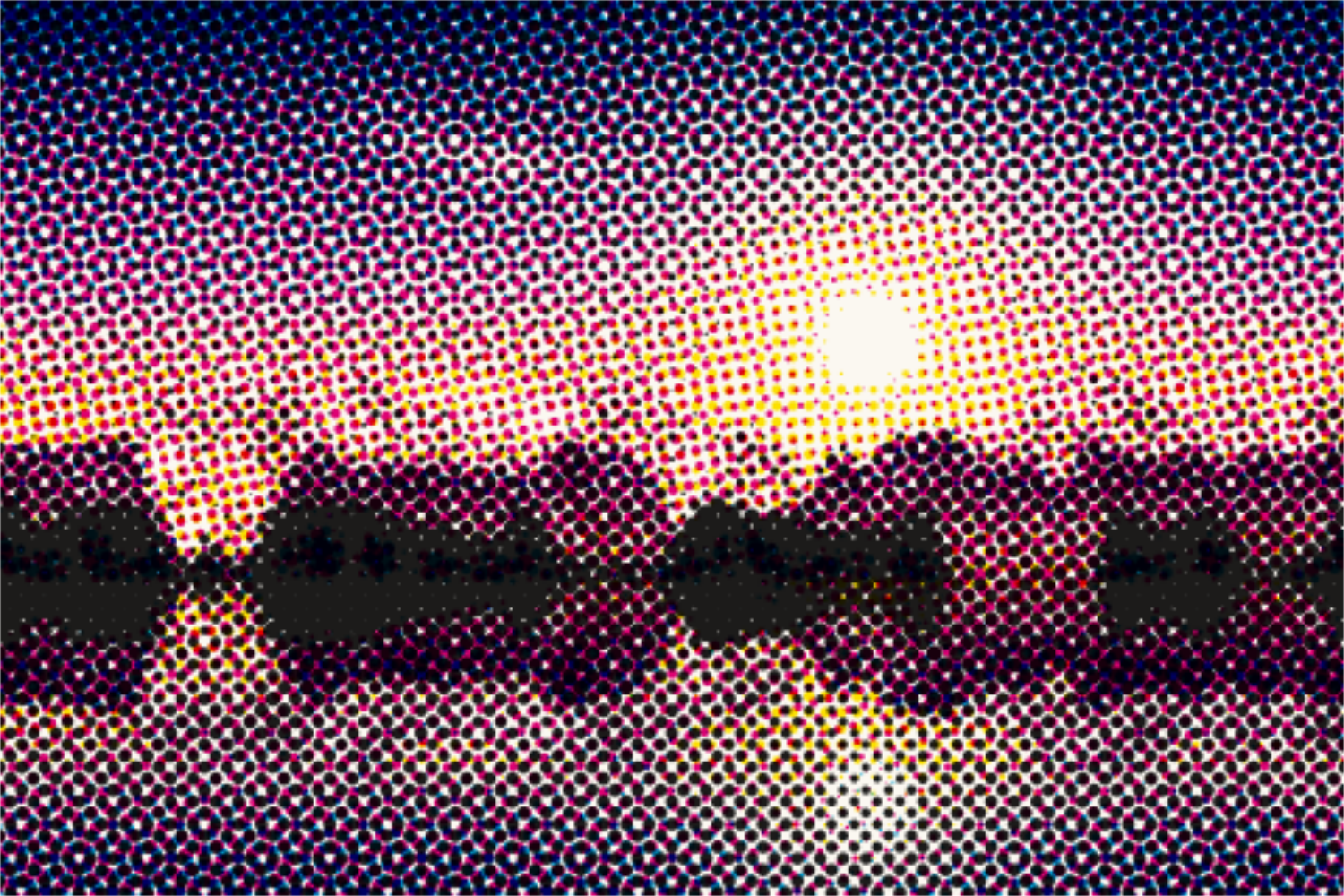
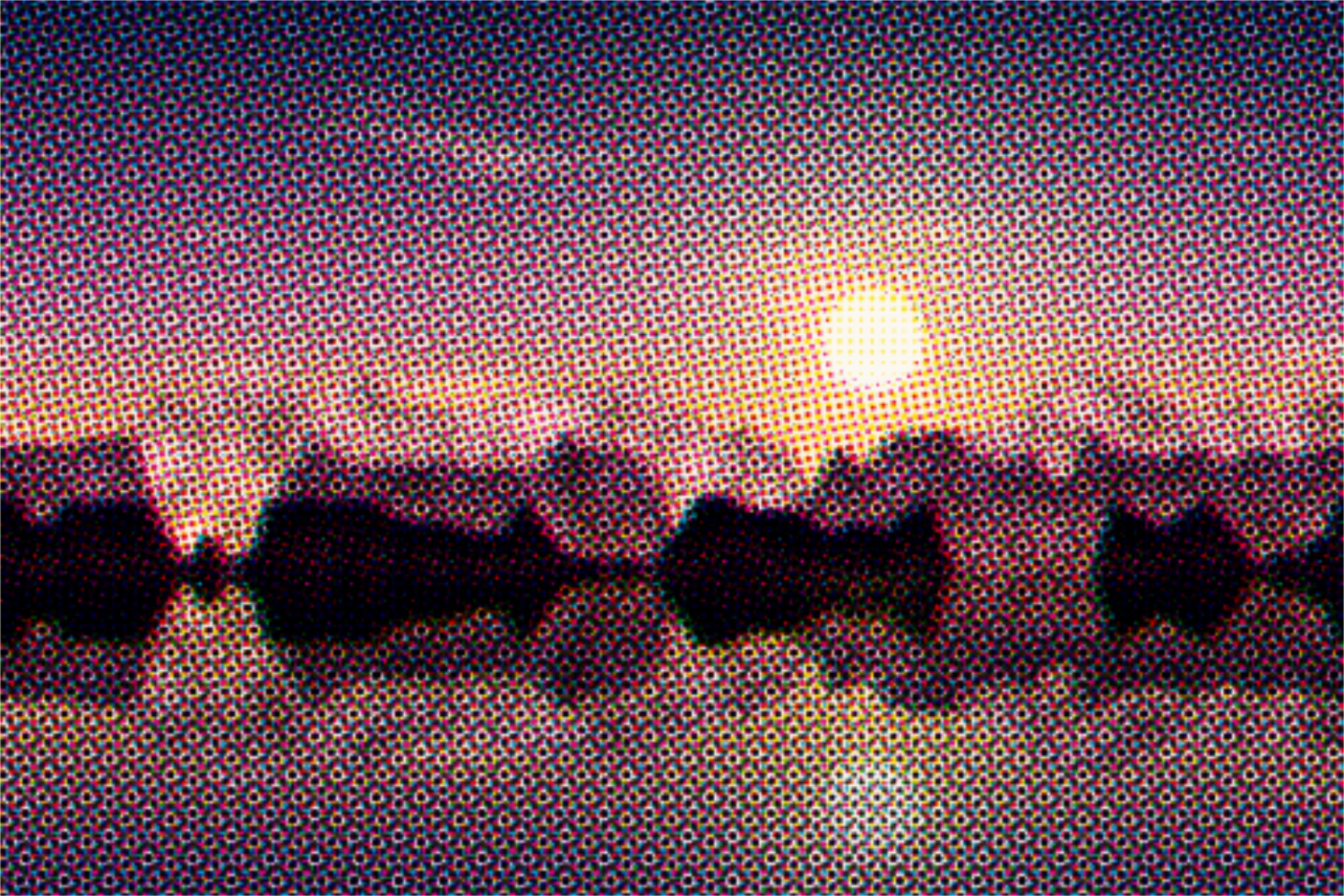
CMYK halftone printing is the process behind almost every printed color photo: the picture is separated into the four process inks cyan, magenta, yellow and black, and each ink is printed as its own dot screen. So the screens do not interfere into distracting patterns (moiré), each ink has its own angle, classically cyan 15, magenta 75, yellow 0 and black 45 degrees. Up close you see the typical rosettes that comics and pop art made famous.
Upload a photo or start with a preset on the sample picture. Set the cell size and shape; gray component replacement (GCR) decides how much of the gray prints in black instead of the three colored inks. The angle of each ink is adjustable. Misregistration shifts cyan, magenta and yellow against each other like a slipped print. Inks and paper can be changed. Space turns all screens together and picks a new paper. Export as PNG, JPG, WebP or SVG.
Try the CMYK Halftone nowGrainy textures and backgrounds with fine noise over a color or gradient. Export as PNG, JPG, WebP or SVG.
Open in editor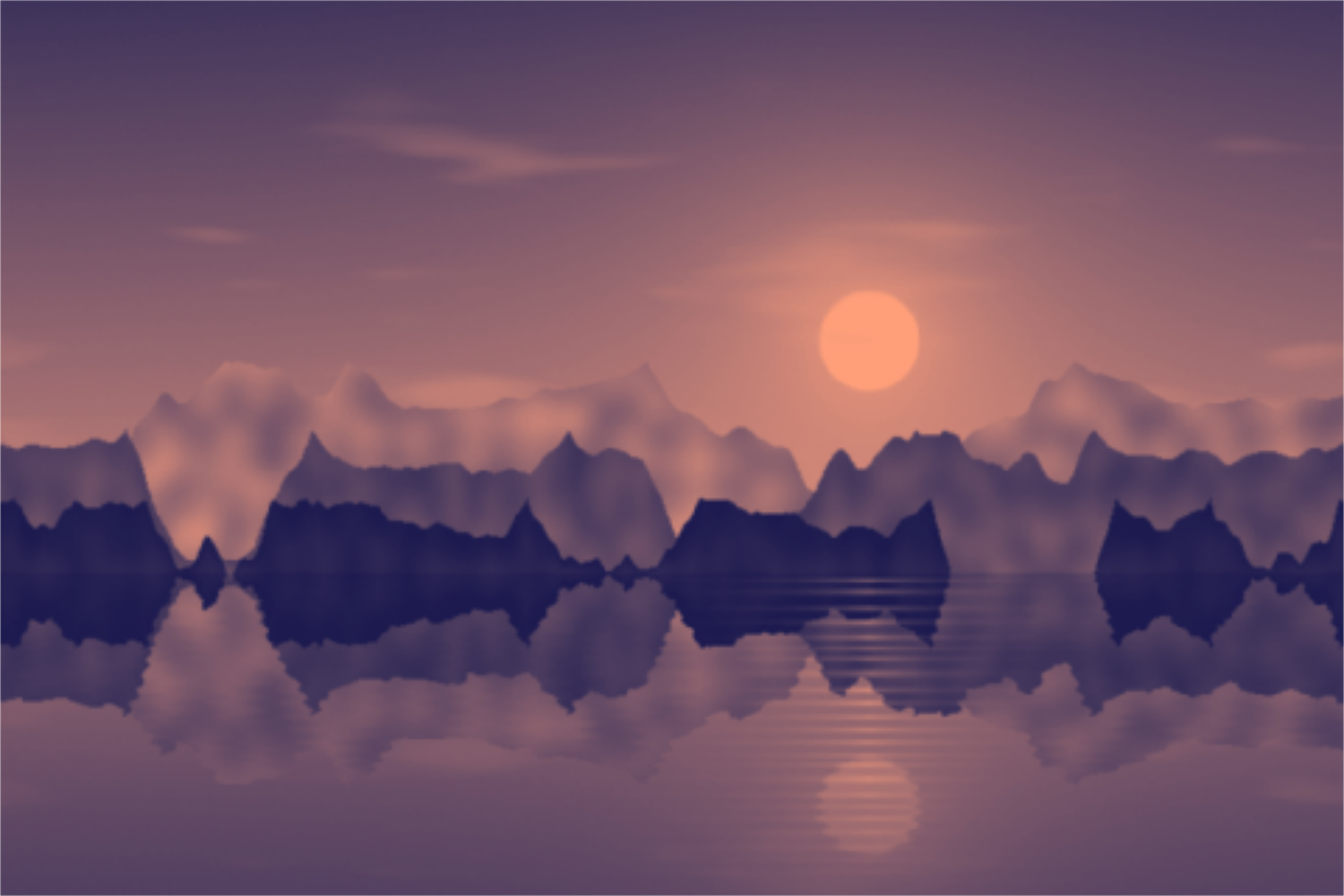
Tint photos in two, three or more colors: duotone, tritone and gradient map with a tone curve and grain. Your picture stays on your device.
Open in editor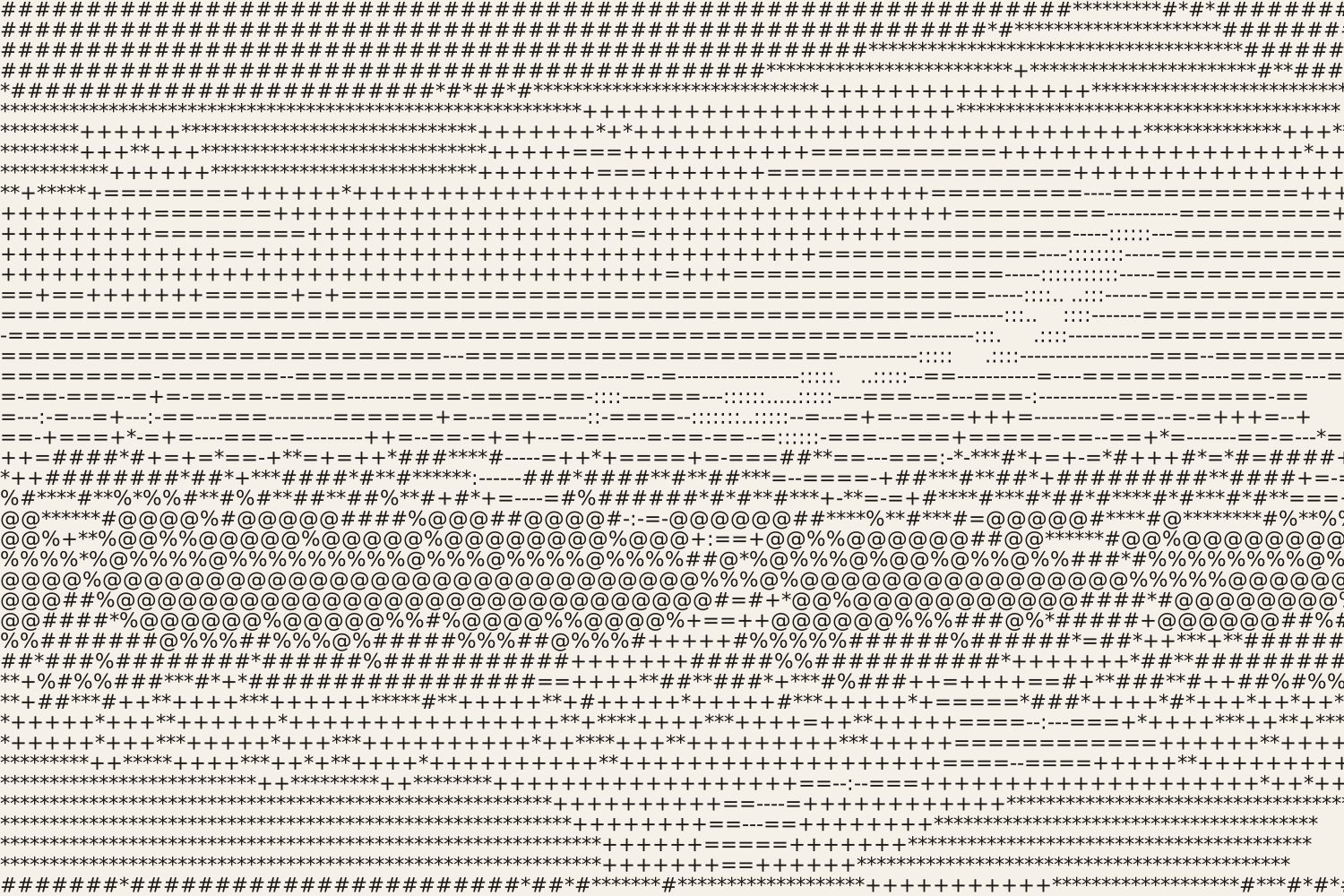
Turn photos into ASCII art from characters, colored characters, an LED dot matrix or braille. Export as SVG, PNG, text or HTML.
Open in editor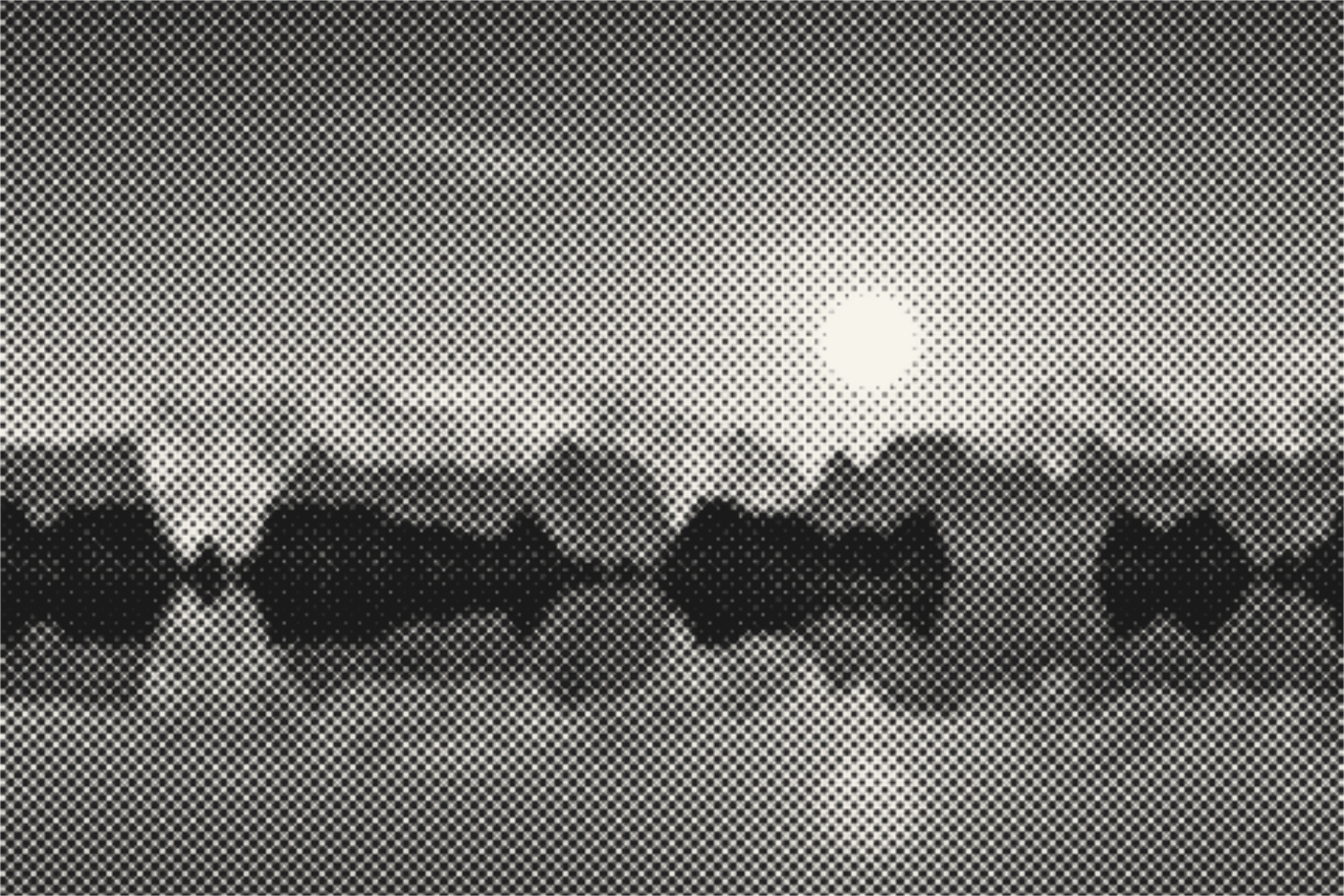
Turn photos into halftone dots, lines, squares or diamonds like newspaper print. With screen angle, cell size, two colors and SVG export. Your picture stays on your device.
Open in editor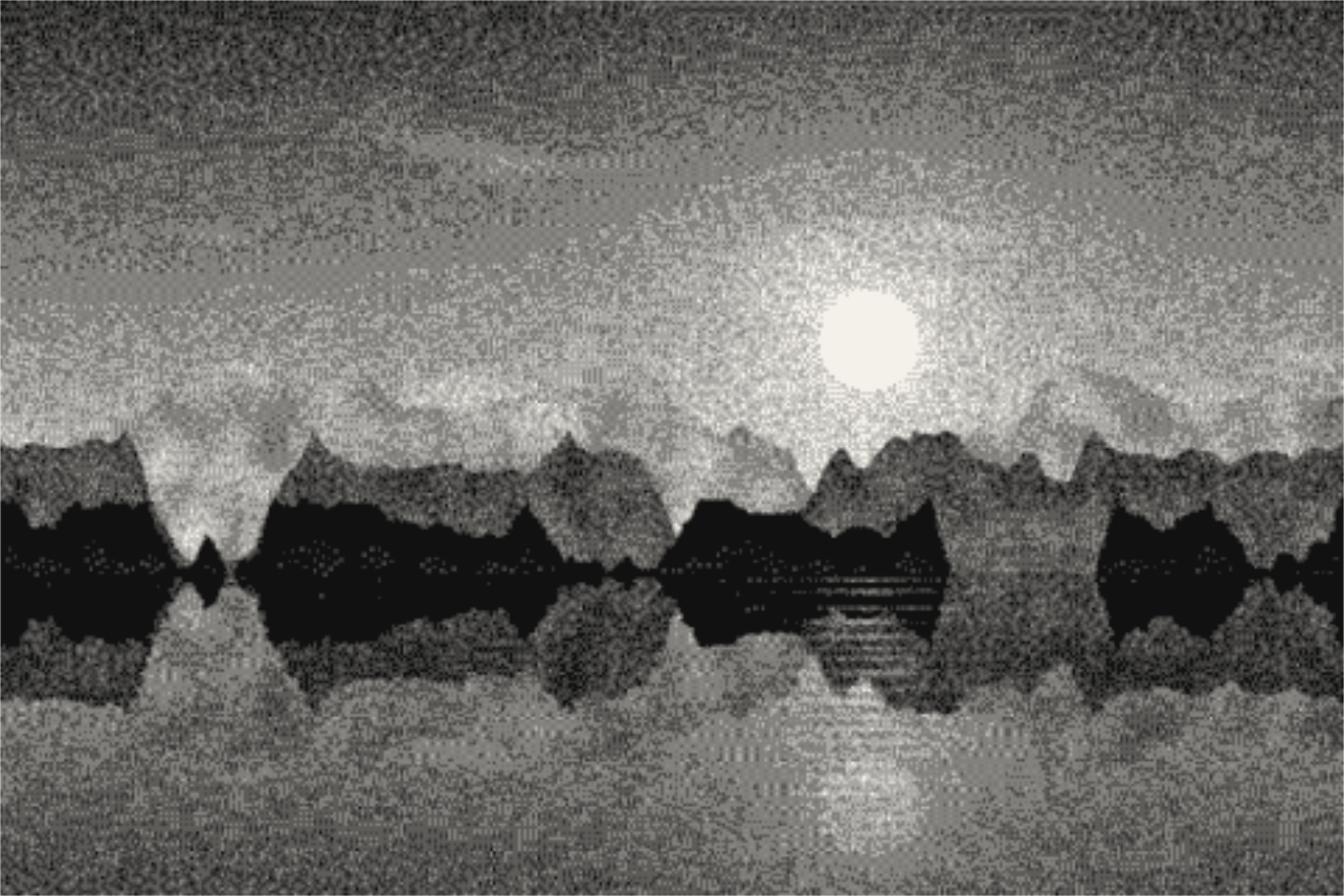
Reduce photos to a few colors with Floyd-Steinberg, Atkinson, Stucki or Bayer dithering, in 1-bit, grayscale, retro palettes or your own colors. Your picture stays on your device.
Open in editor