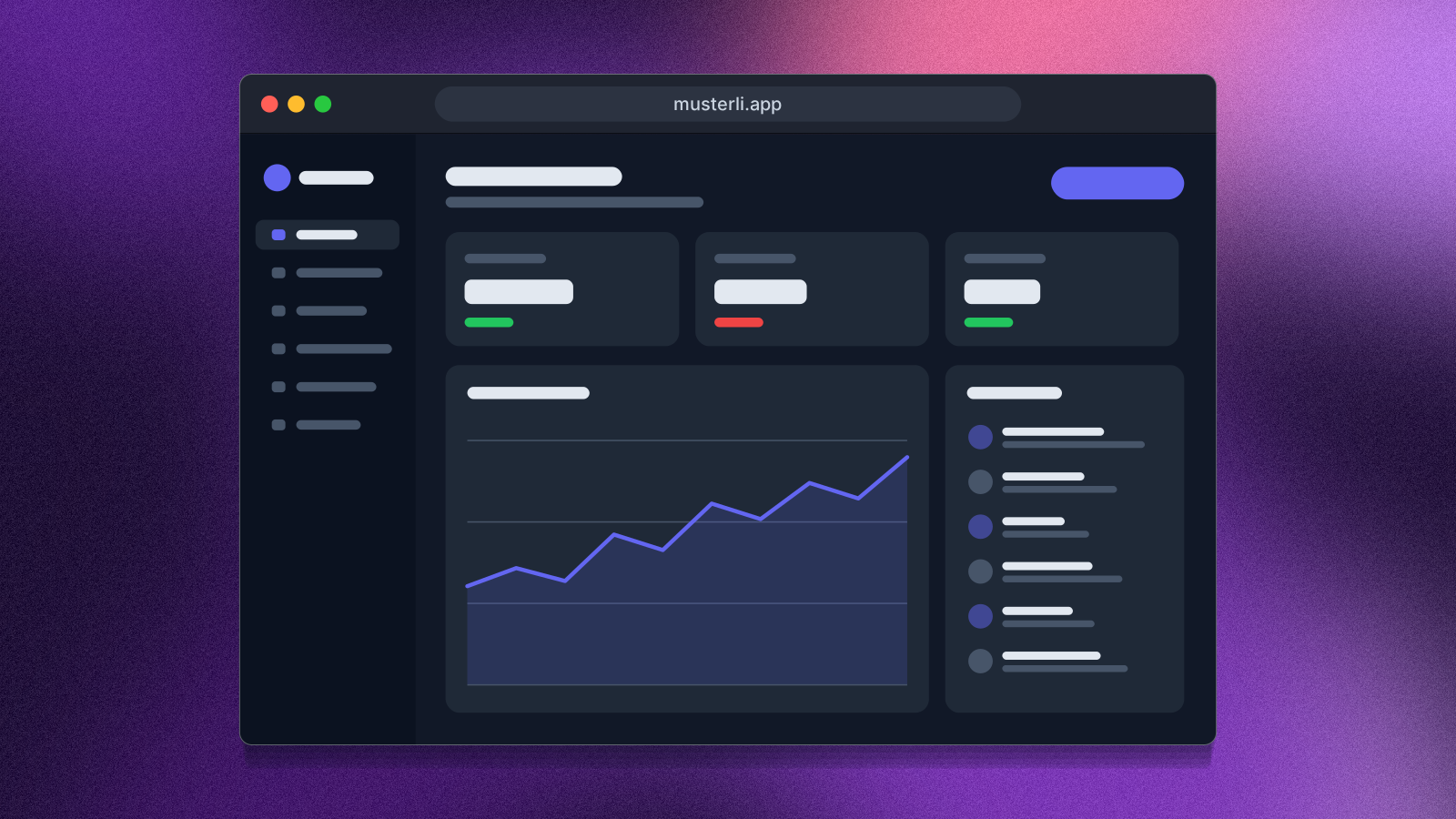
Screenshot Beautifier
Put your screenshot on a beautiful background or show your website as a mockup on laptop, monitor, tablet and phone. Ready for docs, social media and Product Hunt.
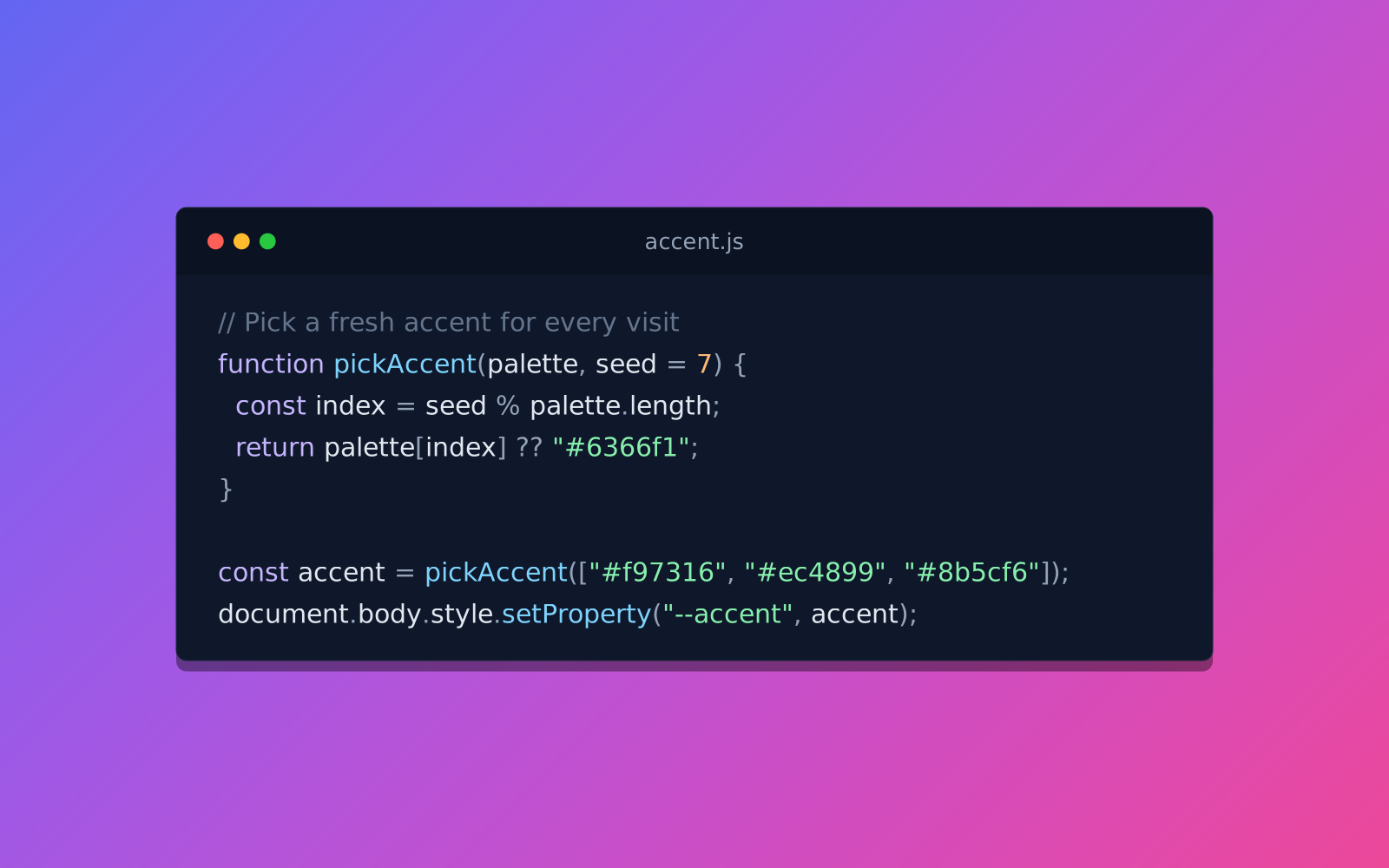
Open in editorTurn code into a beautiful image: syntax colors, an editor window and a gradient background. For posts, slides and docs, as PNG or SVG.
Open the generatorRuns right in your browser. Your graphics are made on your device.
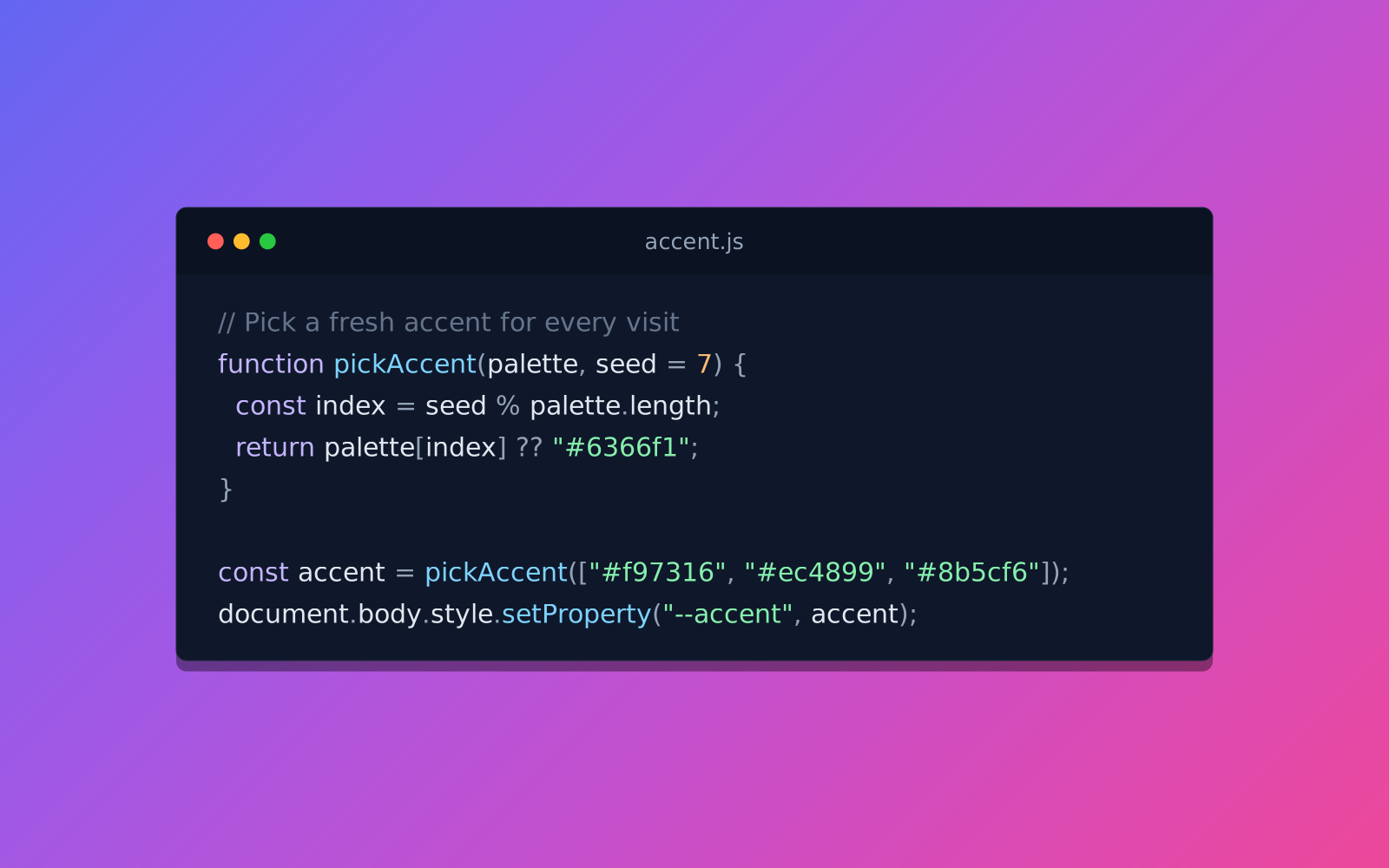
Pick a preset and it opens right in the editor, ready to adjust.
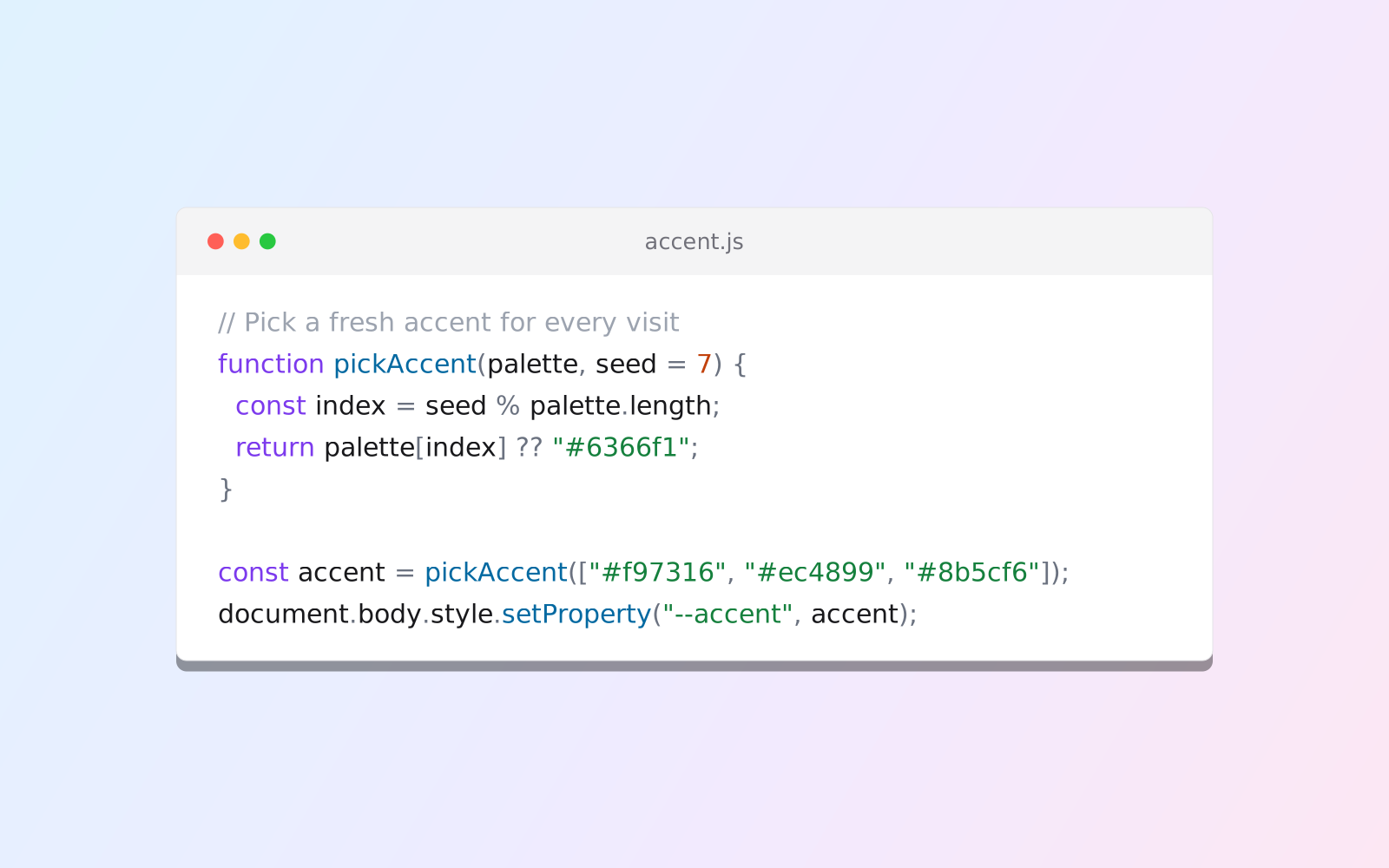
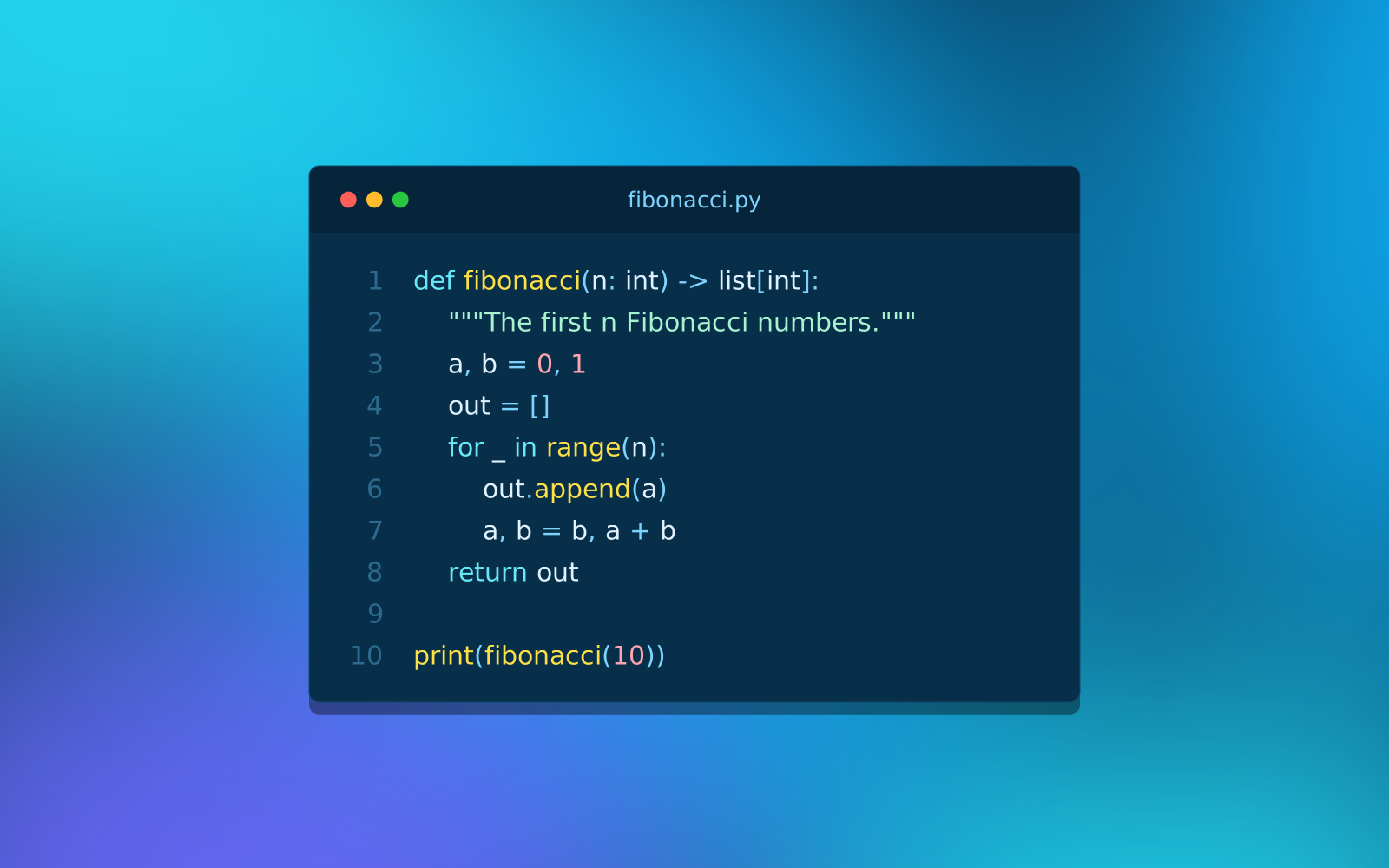
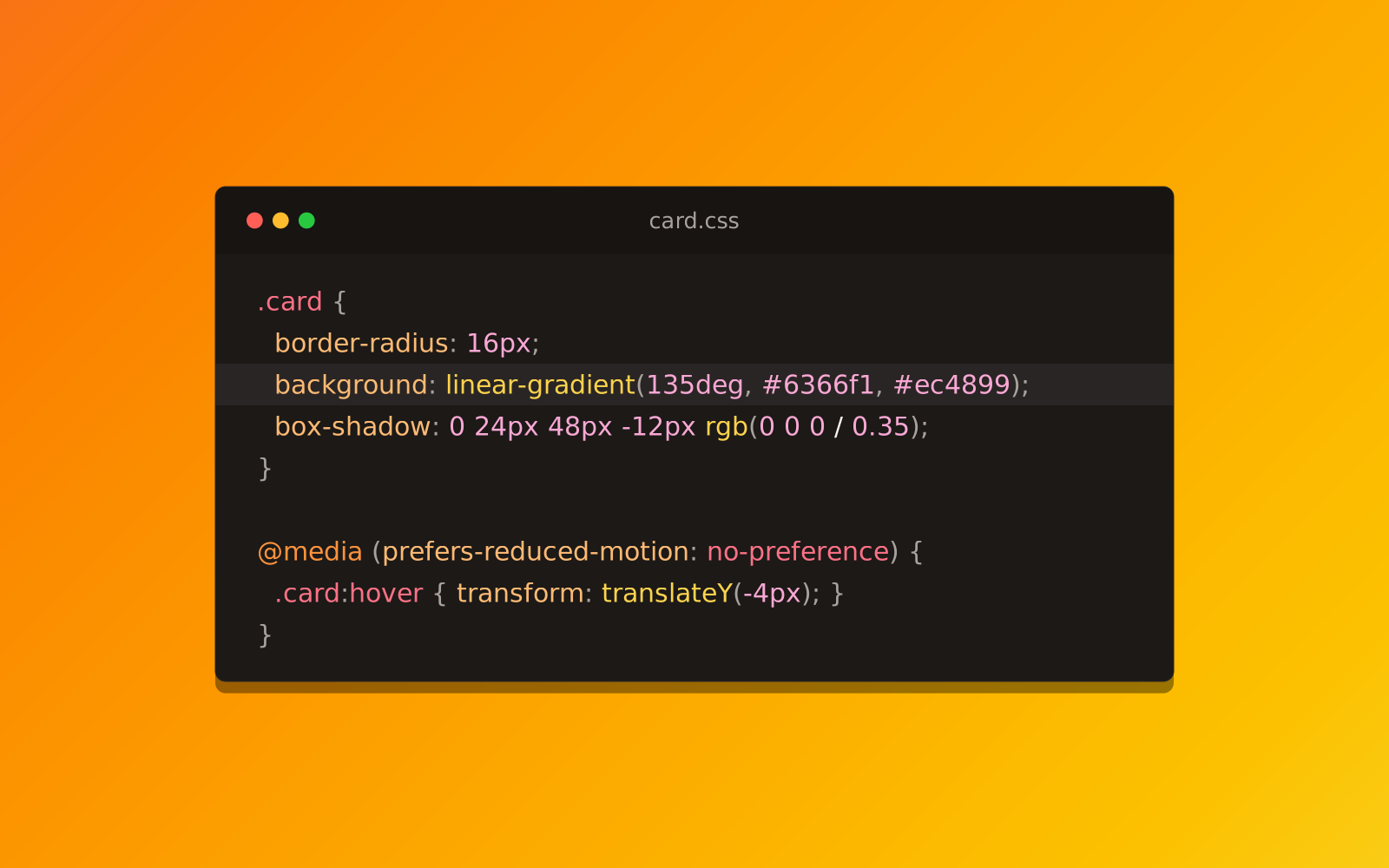
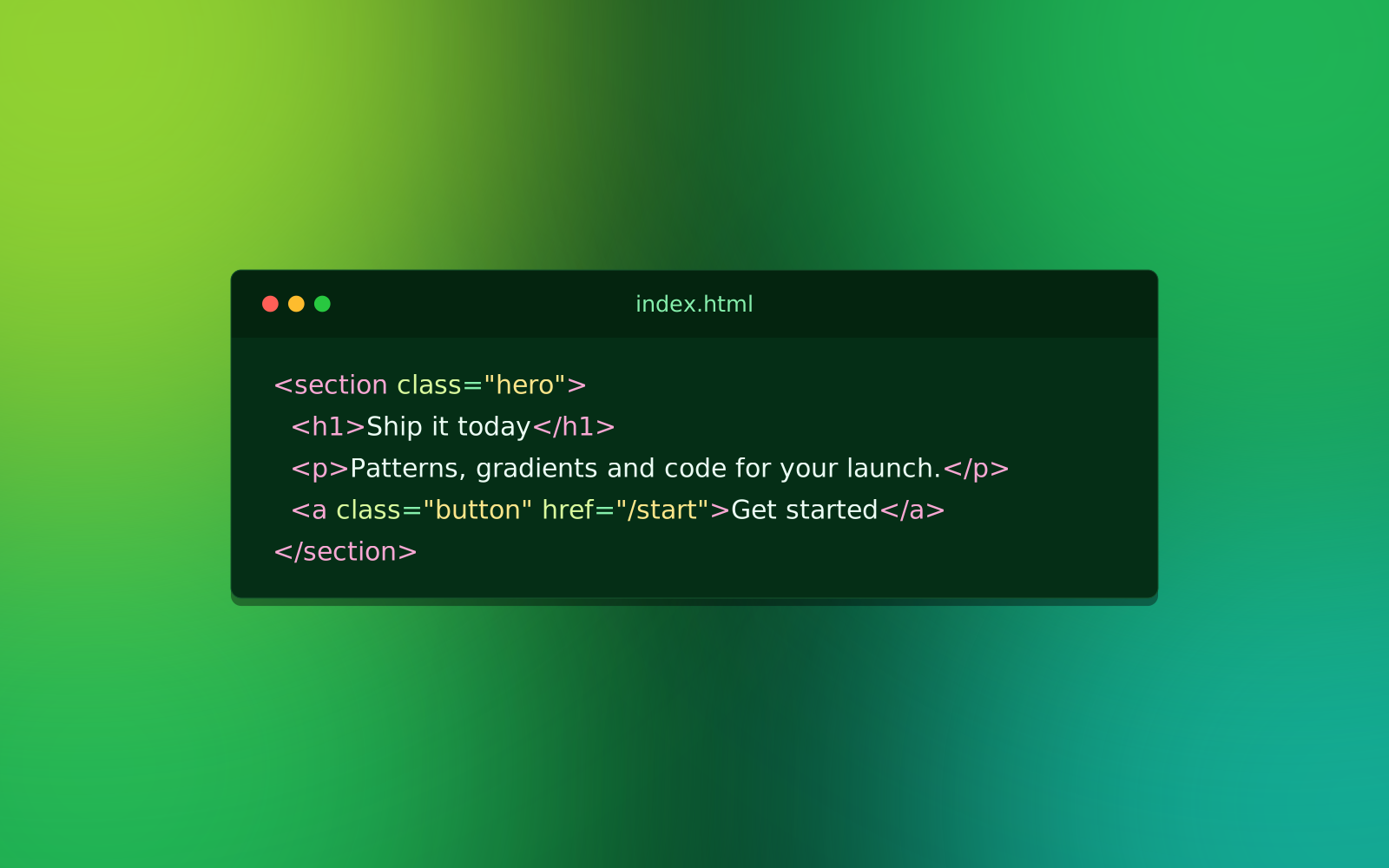
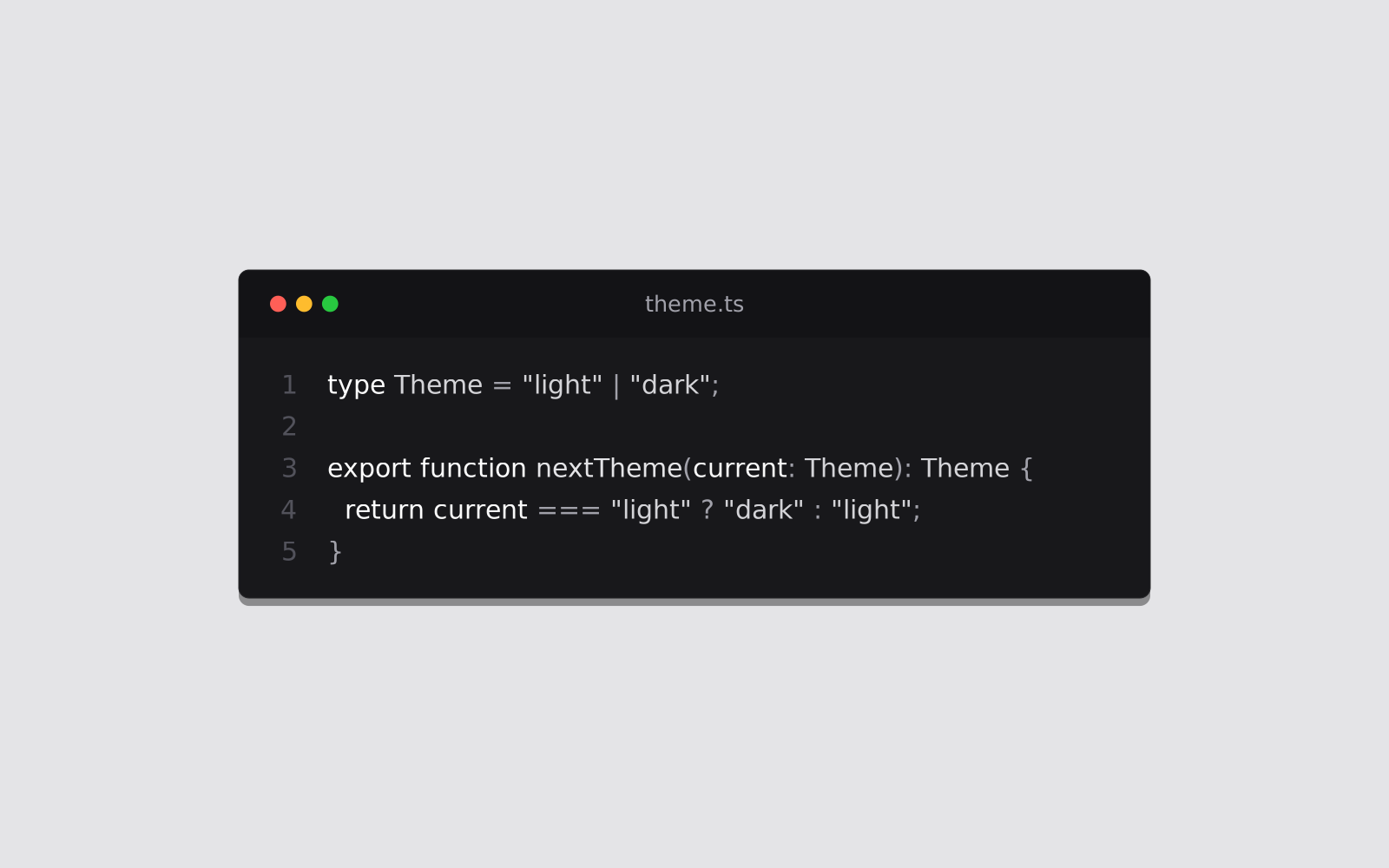
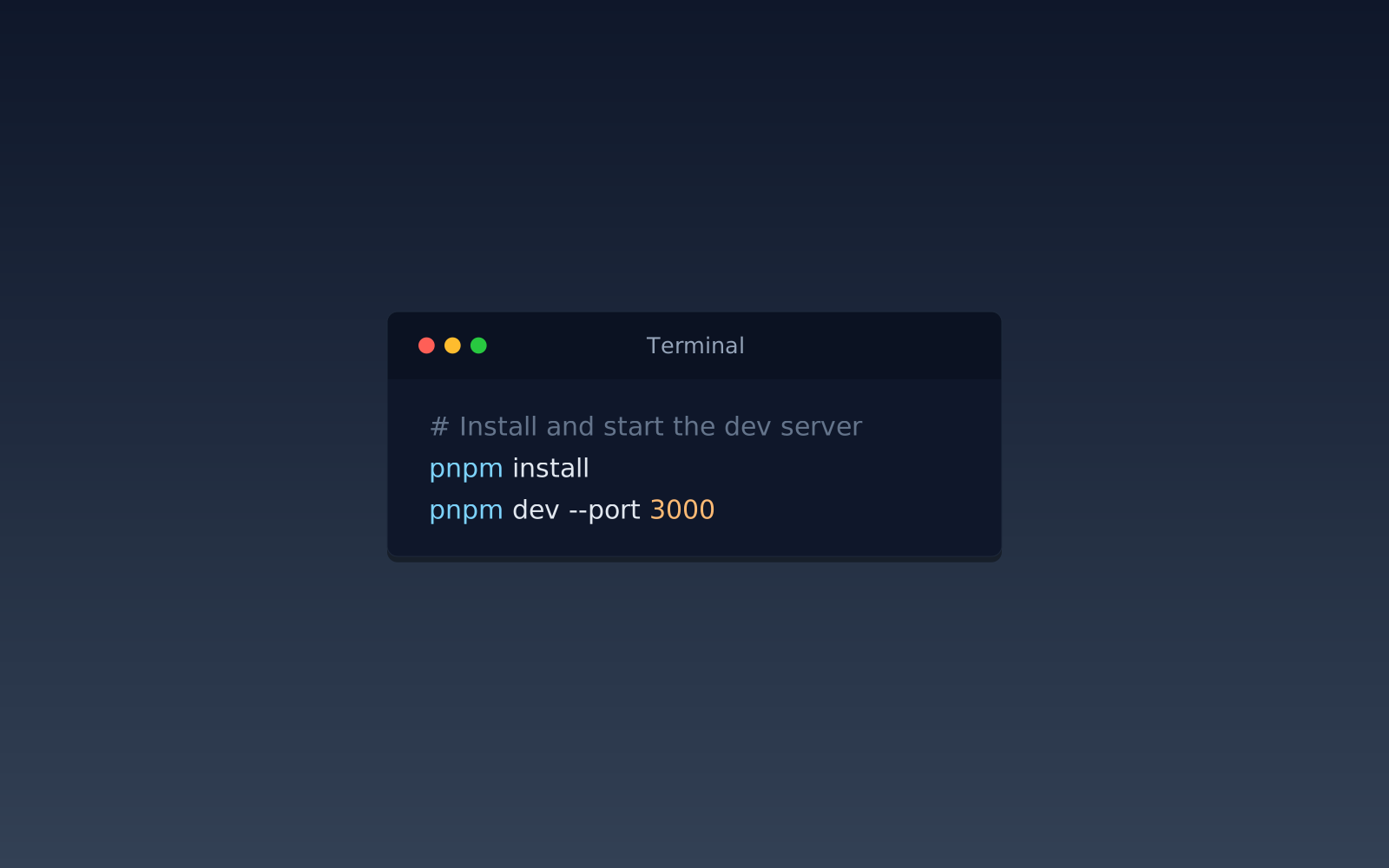
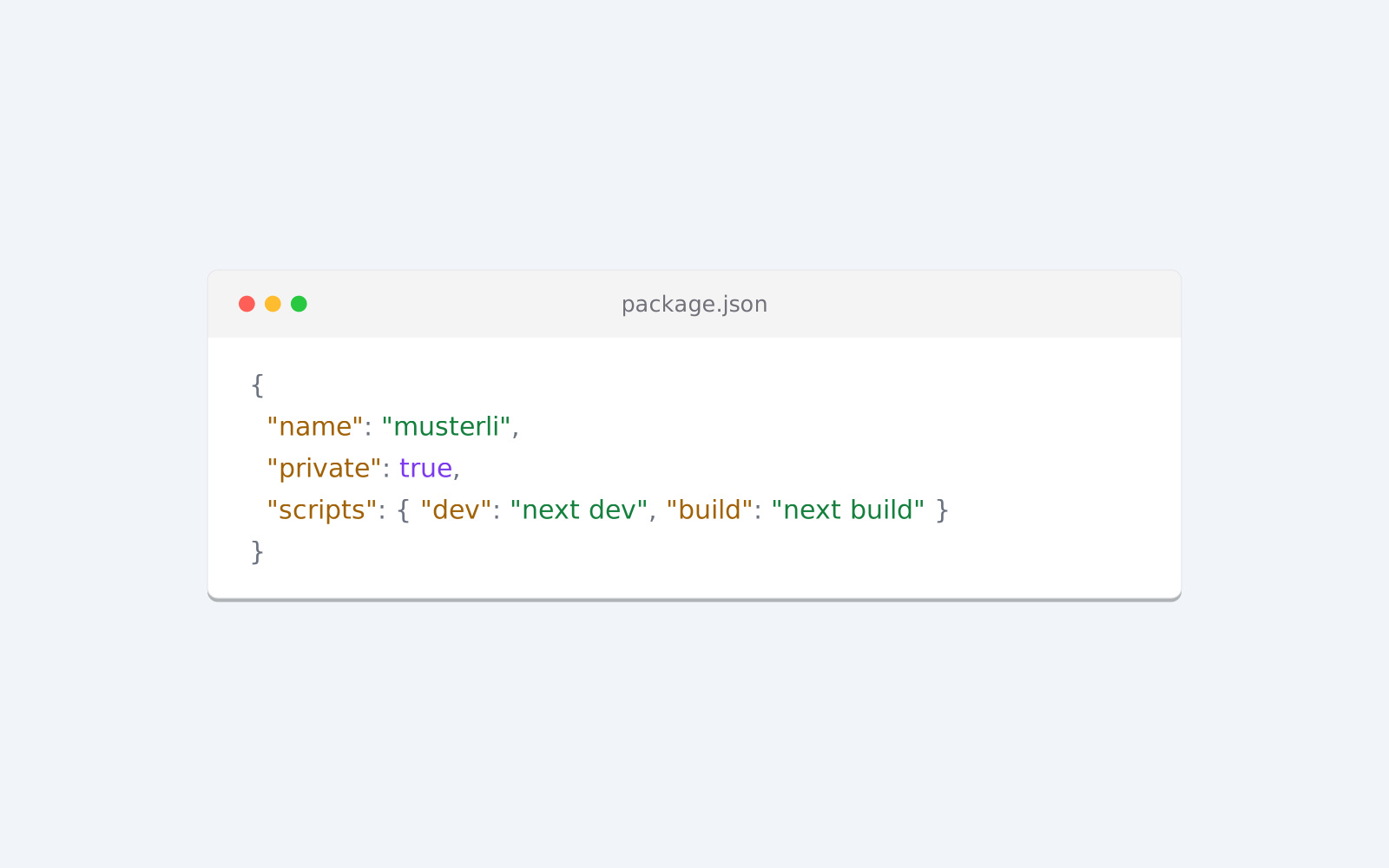
A code screenshot shows a piece of code as a polished image: with syntax colors, an editor window and an attractive background. It looks much better than a plain screenshot of your editor and is easy to read in social posts, slides and documentation.
Share tips and snippets on LinkedIn, X or Mastodon as an image that stands out in the feed.
Large, clear code with highlighted lines is easy to follow on a projector.
A consistent look for every snippet in your article or README.
Paste your code, pick the language and enter a file name. Choose a color theme, the window and a background, and mark important lines if you like. Then download the image as PNG, JPG, WebP or SVG.
Try the Code Screenshot nowPut your screenshot on a beautiful background or show your website as a mockup on laptop, monitor, tablet and phone. Ready for docs, social media and Product Hunt.
Open in editor
Profile pictures with initials, identicons or shapes, derived from a name. Circle, rounded or square, with a solid color, gradient or pattern.
Open in editor
Preview images for links on Facebook, LinkedIn, X, Slack and WhatsApp: title, logo and site name on a Musterli motif, with the matching meta tags.
Open in editor
Linear, radial and conic gradients with smooth OKLCH transitions. Export as CSS, SVG or image.
Open in editor
Grainy textures and backgrounds with fine noise over a color or gradient. Export as PNG, JPG, WebP or SVG.
Open in editor
Favicons and app icons from a letter, a shape or your logo. One click gives you a pack with every size, the manifest and the HTML.
Open in editor