Noise and Grain
Grainy textures and backgrounds with fine noise over a color or gradient. Export as PNG, JPG, WebP or SVG.
Open in editorPut your photo behind reeded glass: strips with refraction, mirroring, blur and gloss, at any width and angle. Your picture stays on your device.
Open the generatorRuns right in your browser. Your graphics are made on your device.
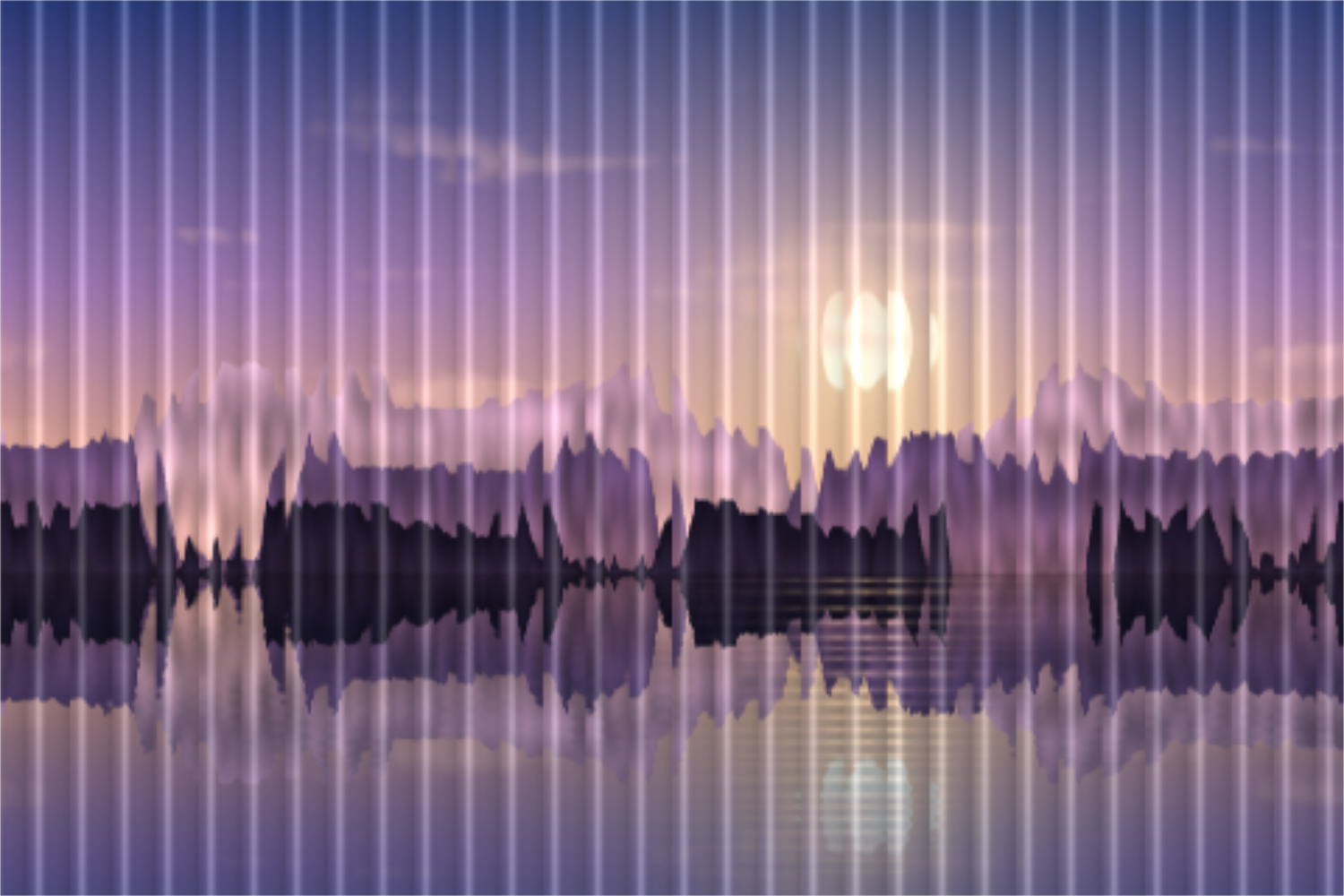
Pick a preset and it opens right in the editor, ready to adjust.
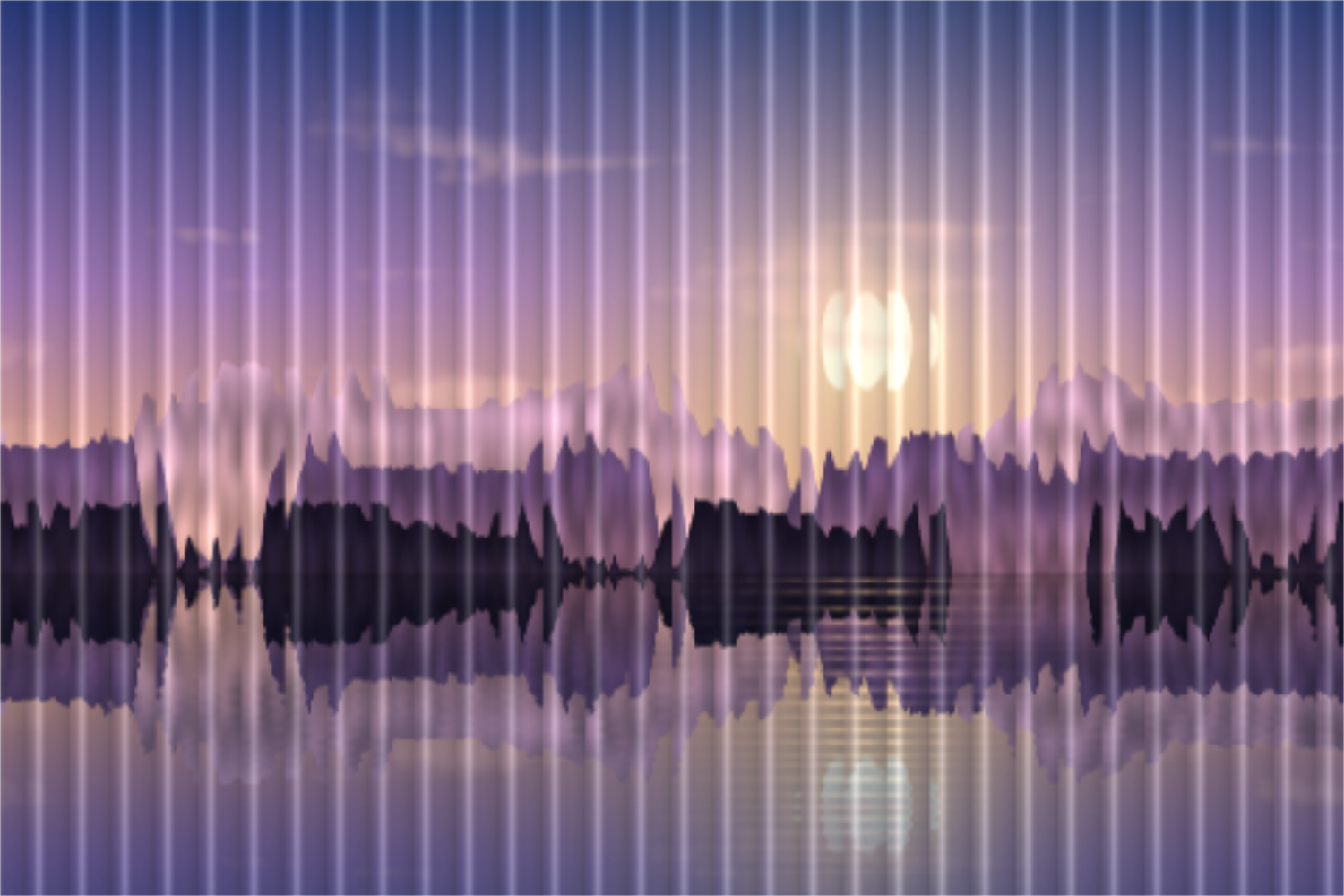
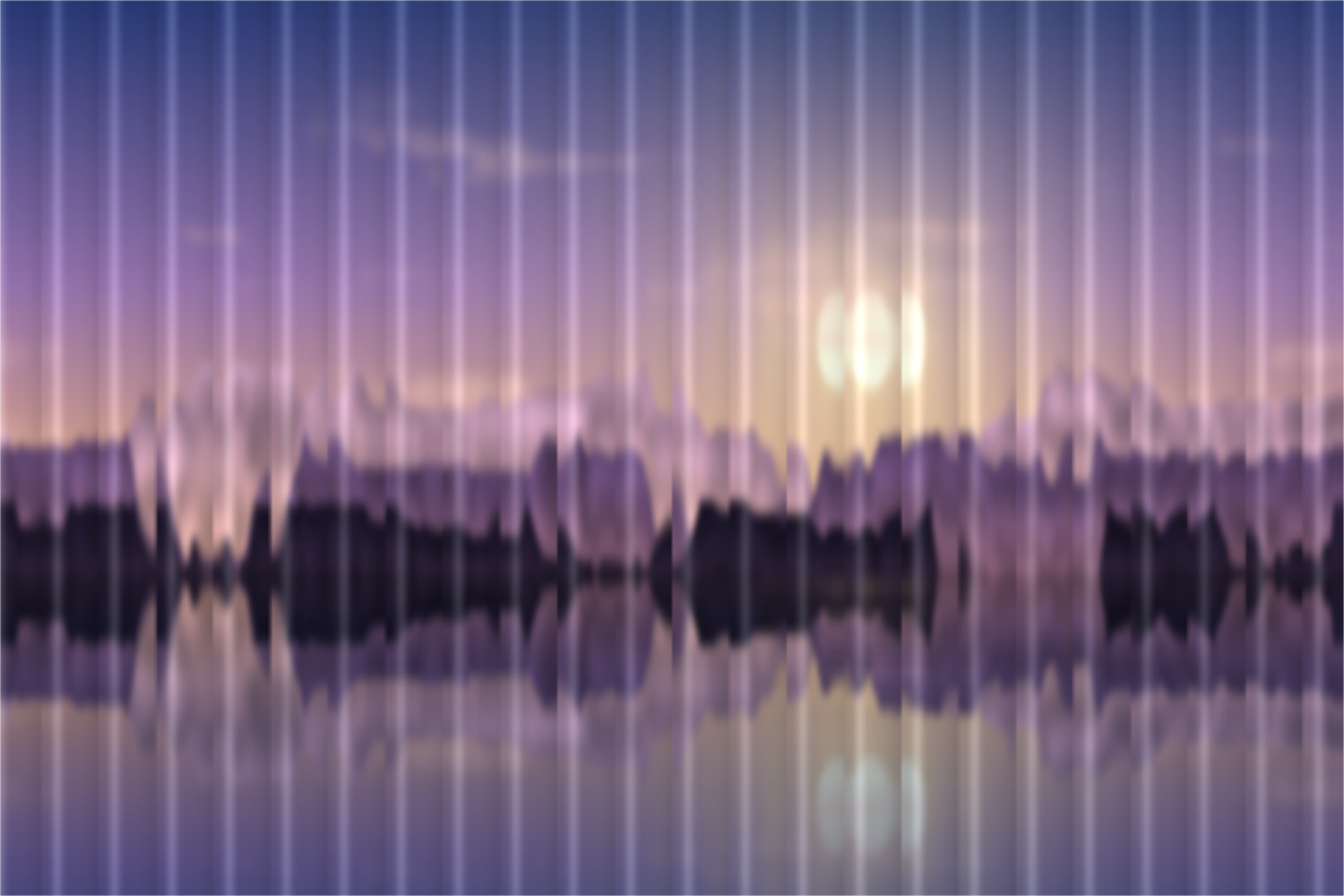
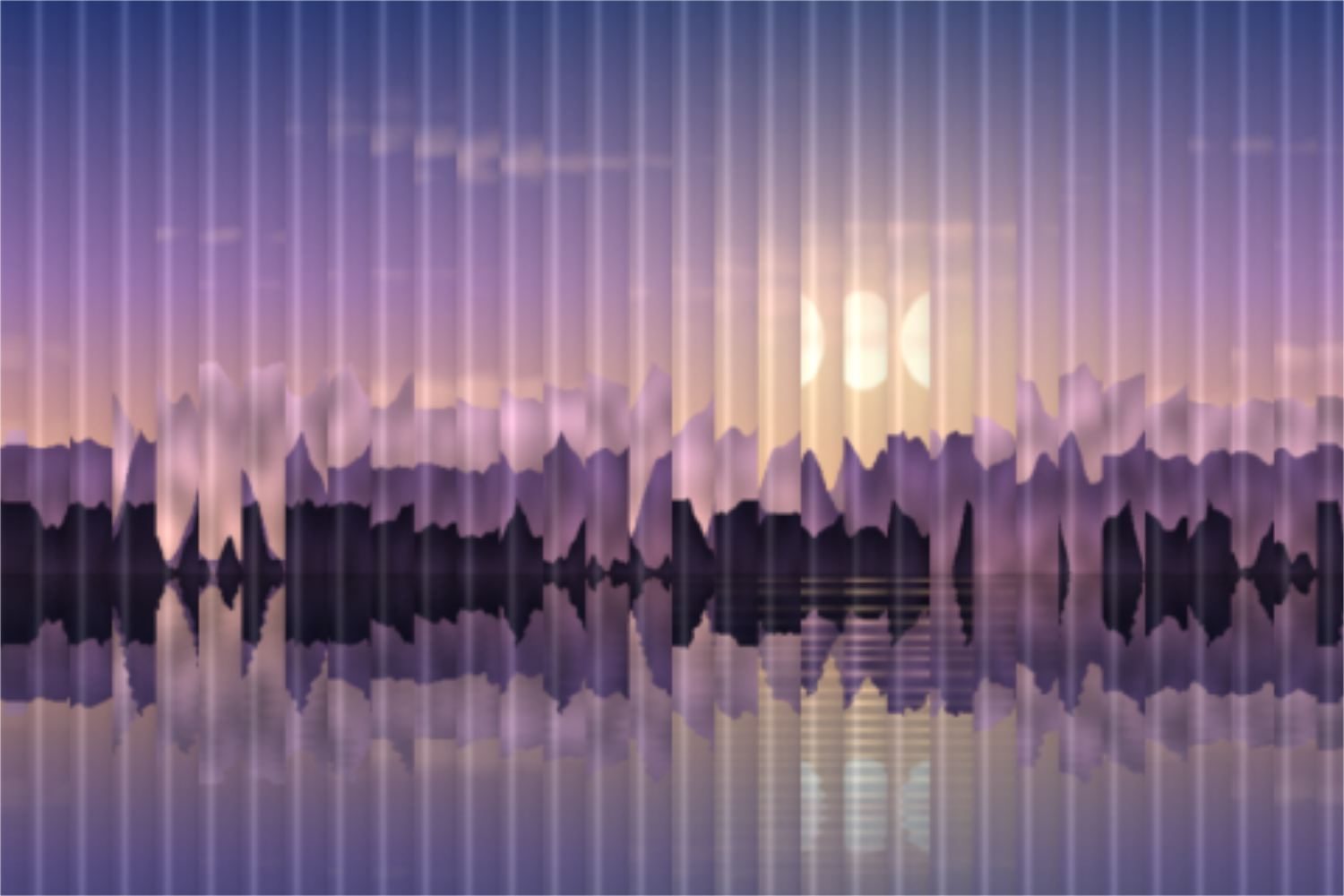
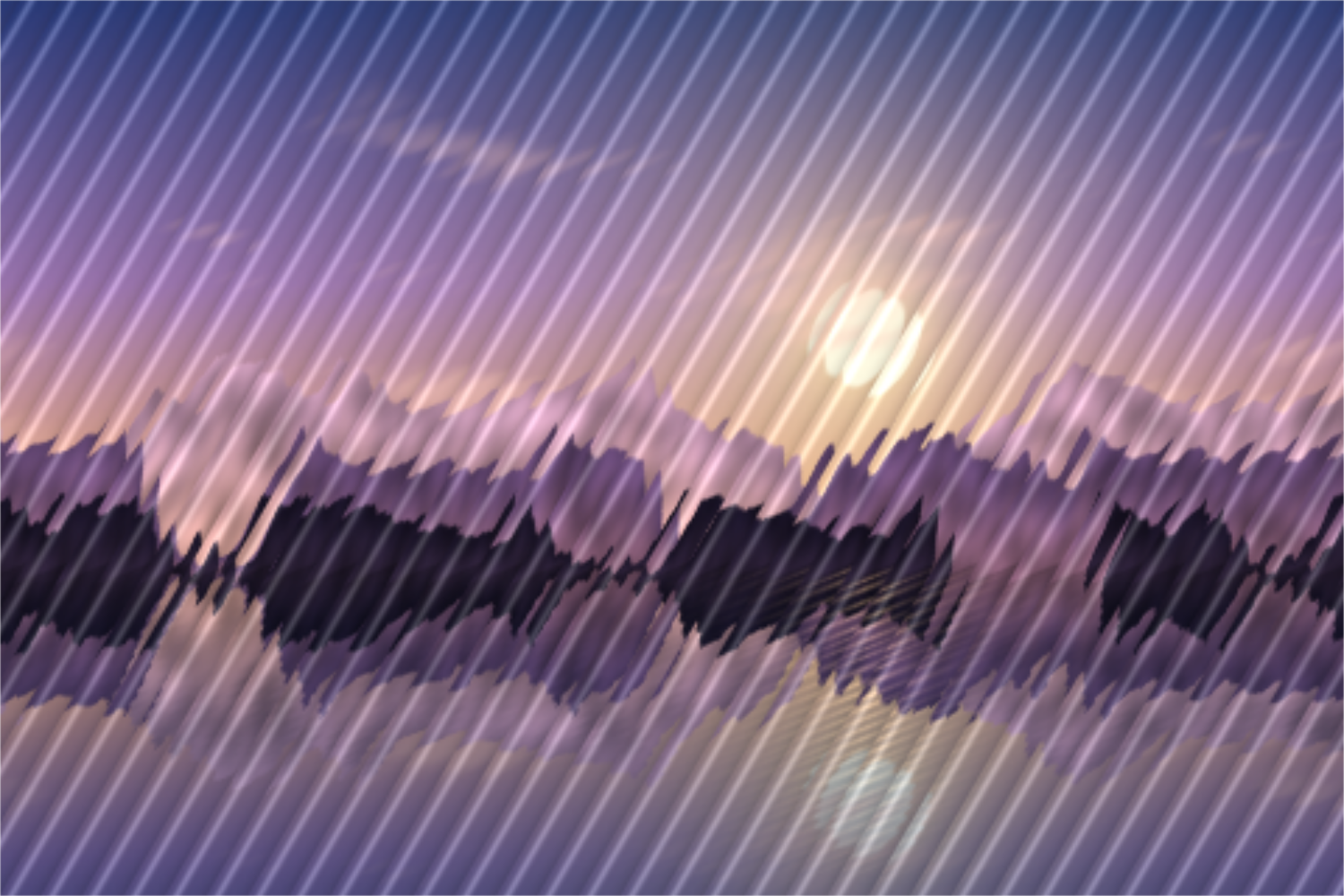
Fractal glass, also known as reeded or fluted glass, is a popular look in graphic design and photography: a picture appears to sit behind a pane made of many narrow glass rods. Each strip bends the light a little differently and shows a shifted, squeezed or mirrored slice, with fine gloss lines along the edges. The effect turns photos and gradients into abstract, refined backgrounds.
A photo behind reeded glass becomes a calm, abstract background that keeps text readable.
The glass look feels modern and premium. It suits album covers, posters and presentations.
Reeded glass hides faces and details while the mood of the photo stays. Good for placeholders and mood images.
Upload a photo or try the presets on the sample picture. Set the strip width and angle and choose a profile: flat like a prism, rounded like a glass rod, or ridged. Distortion sets how much of the picture each strip shows, Mirror flips every slice, Offset shifts the strips at random. Blur turns it into frosted glass; gloss and glass color add depth. Space rolls width, angle and distortion. Export as PNG, JPG or WebP.
Try the Fractal Glass Effect nowGrainy textures and backgrounds with fine noise over a color or gradient. Export as PNG, JPG, WebP or SVG.
Open in editor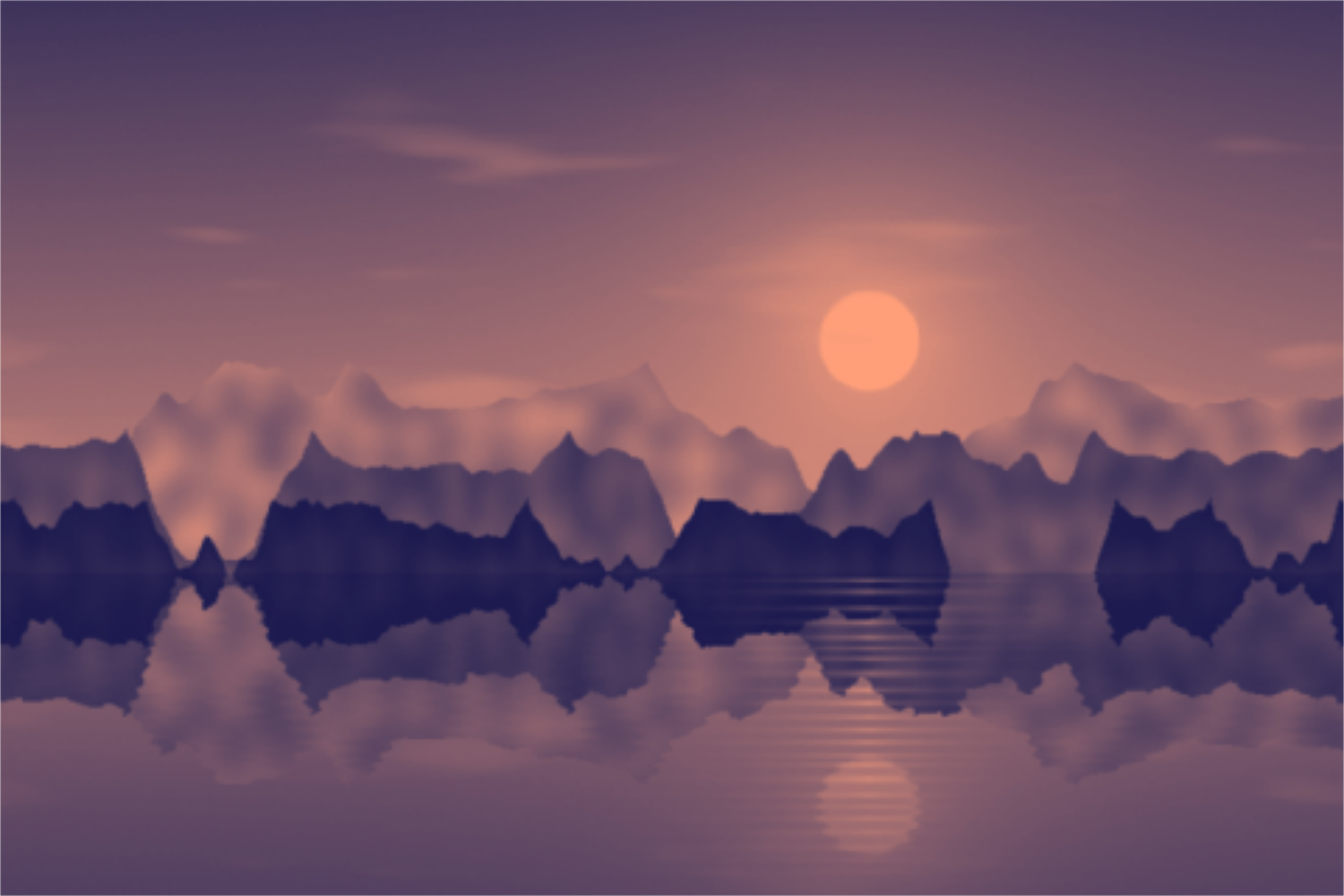
Tint photos in two, three or more colors: duotone, tritone and gradient map with a tone curve and grain. Your picture stays on your device.
Open in editor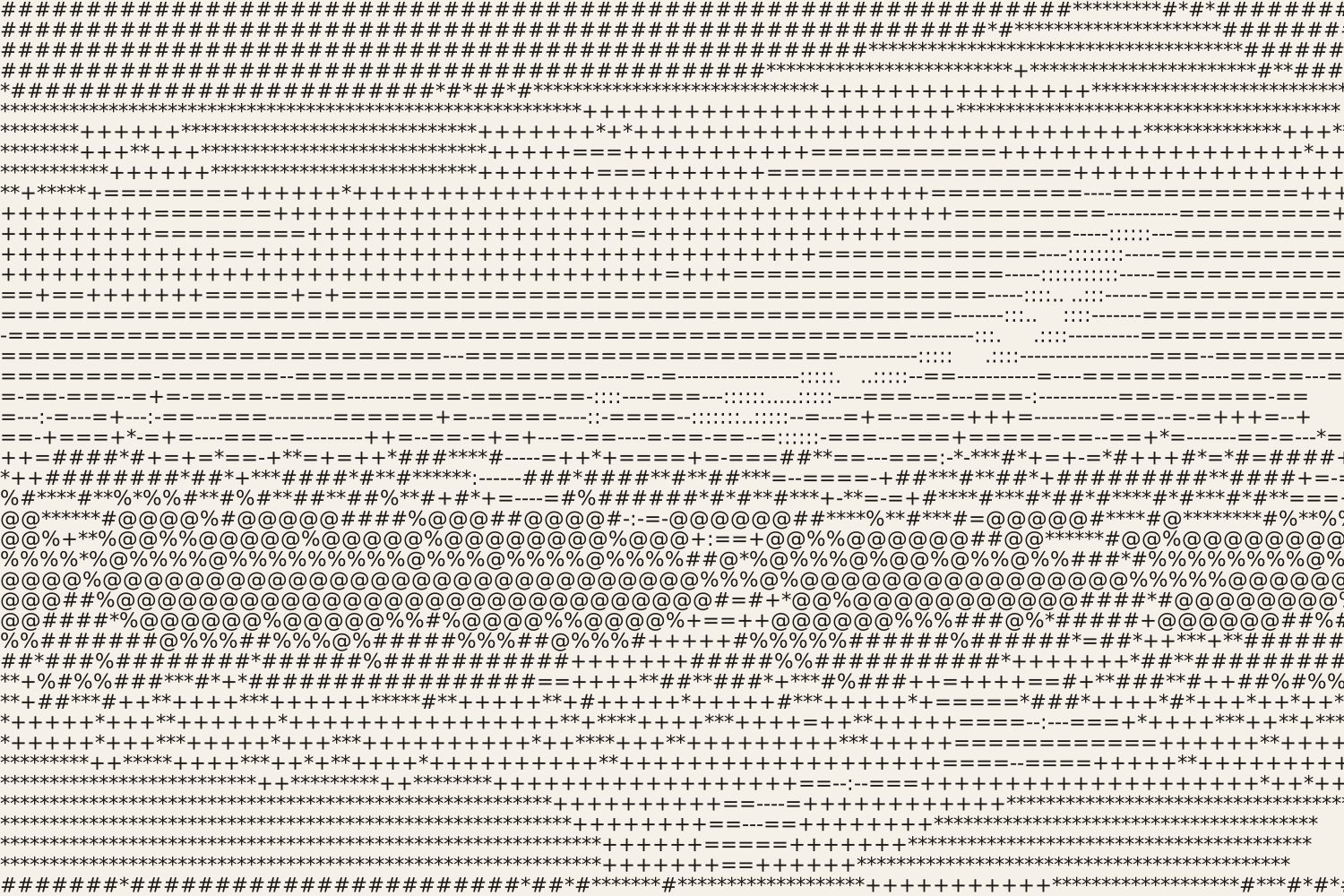
Turn photos into ASCII art from characters, colored characters, an LED dot matrix or braille. Export as SVG, PNG, text or HTML.
Open in editor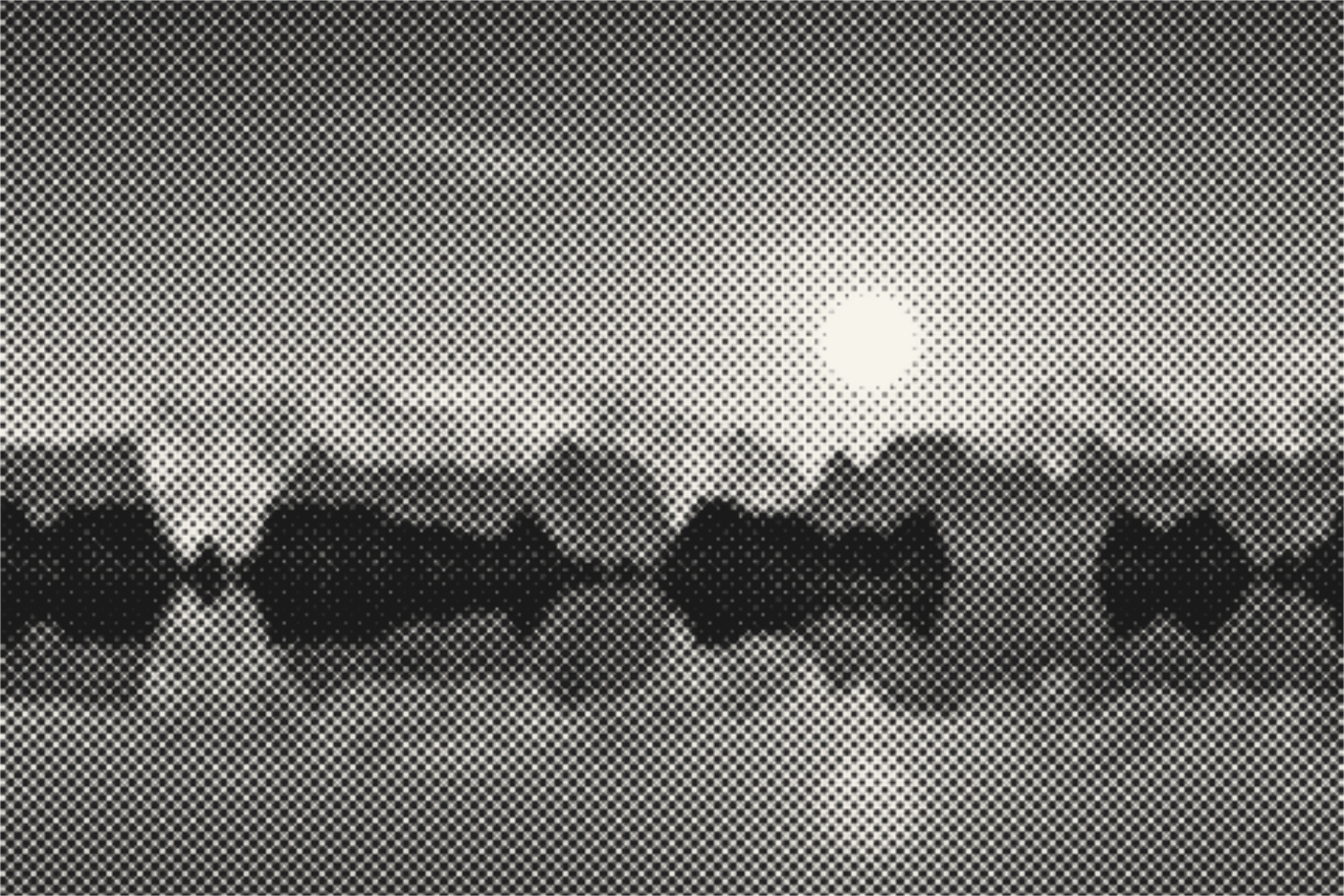
Turn photos into halftone dots, lines, squares or diamonds like newspaper print. With screen angle, cell size, two colors and SVG export. Your picture stays on your device.
Open in editor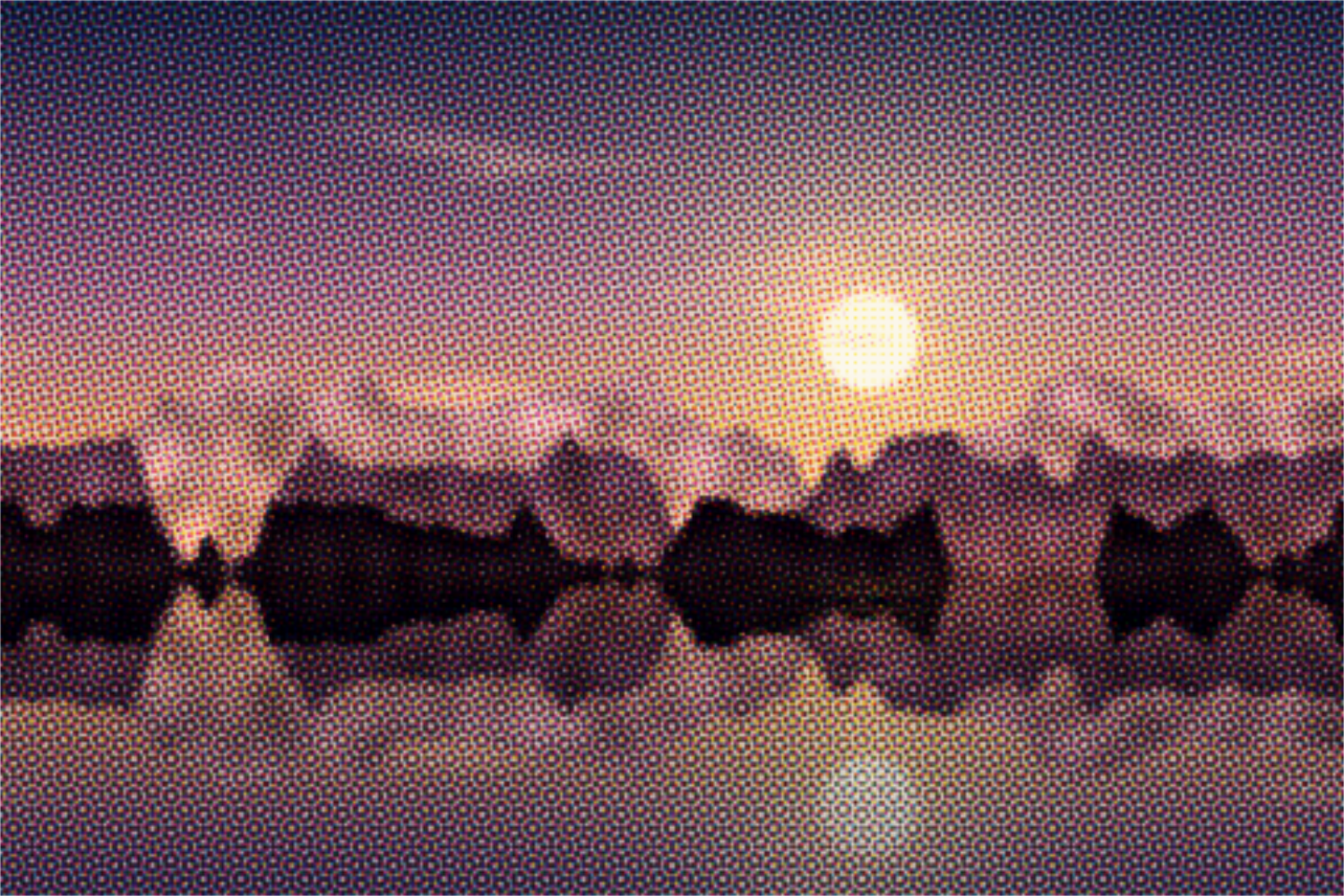
Separate photos into cyan, magenta, yellow and black with a screen angle per ink, like offset printing. With misregistration and SVG export. Your picture stays on your device.
Open in editor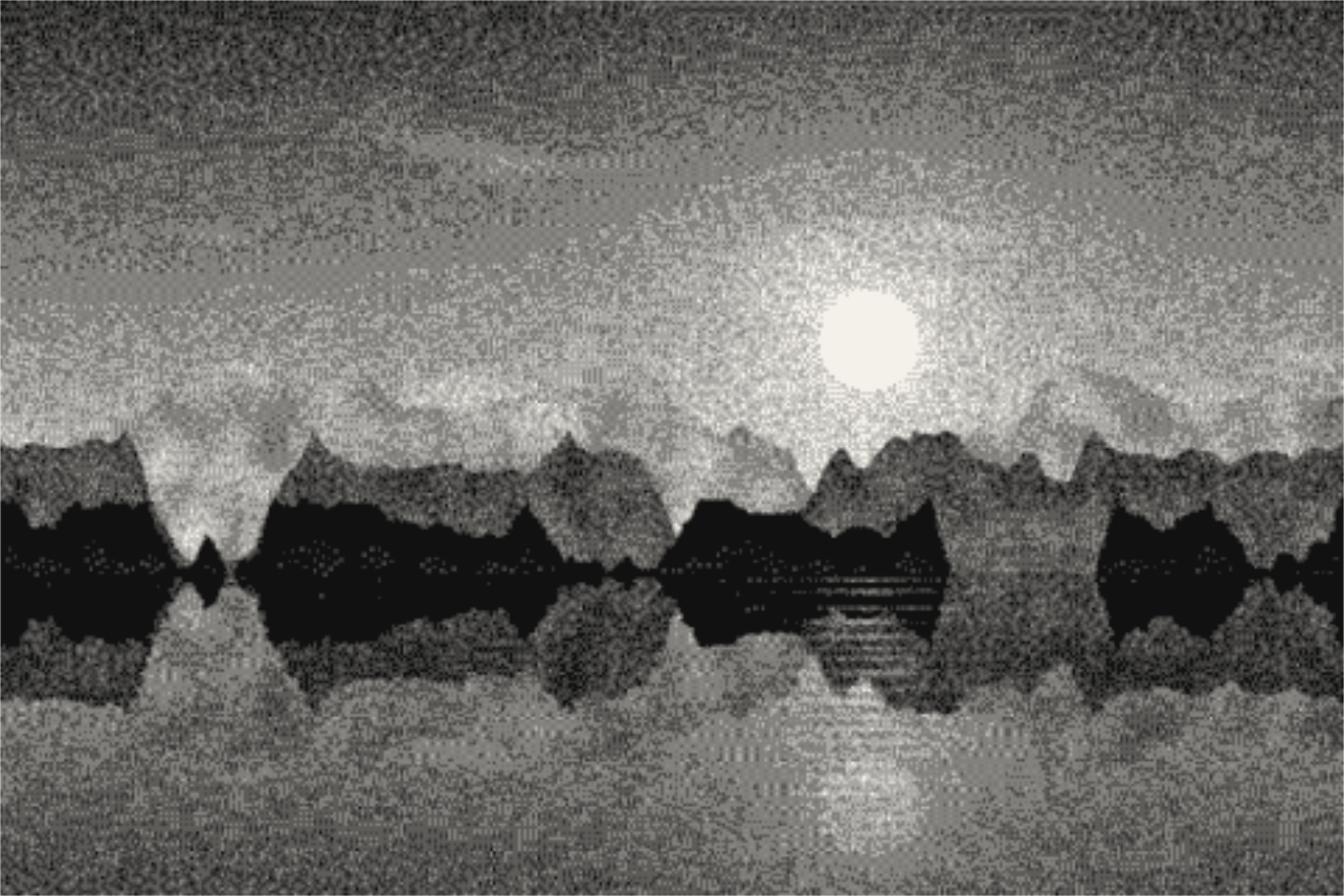
Reduce photos to a few colors with Floyd-Steinberg, Atkinson, Stucki or Bayer dithering, in 1-bit, grayscale, retro palettes or your own colors. Your picture stays on your device.
Open in editor