Doodle Backgrounds
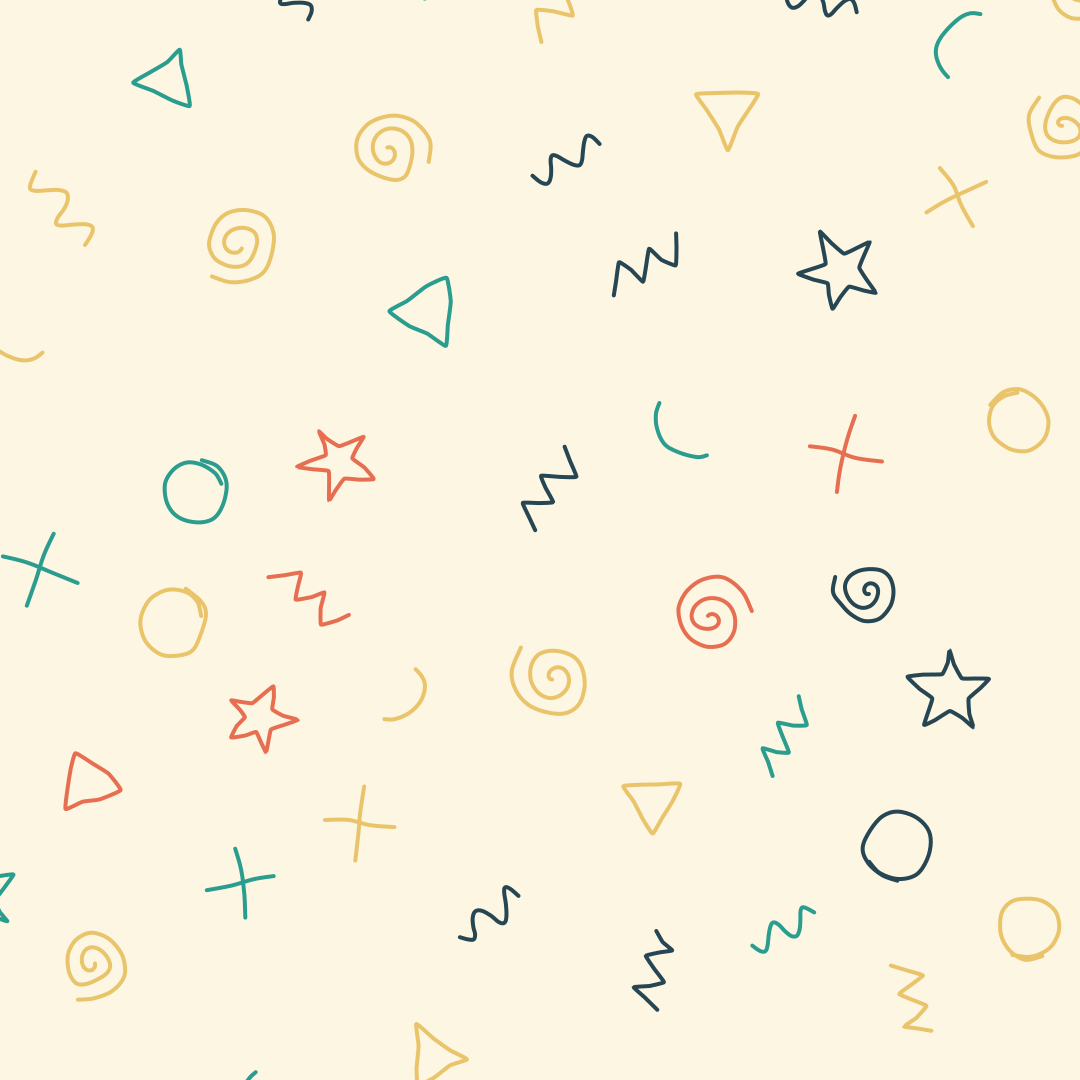
Hand-drawn looking squiggles, spirals, stars and zigzags as a background. Export as SVG or image.
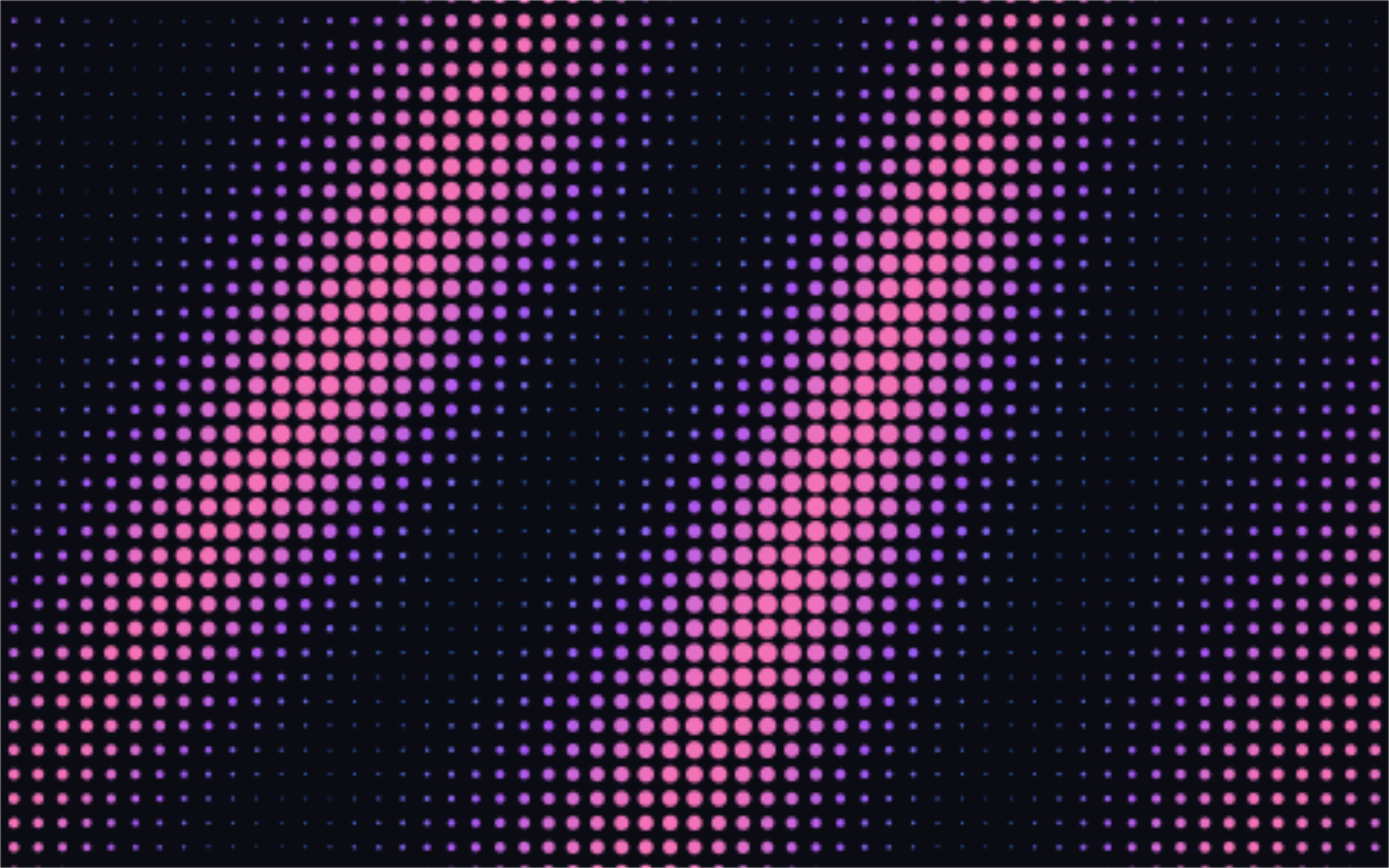
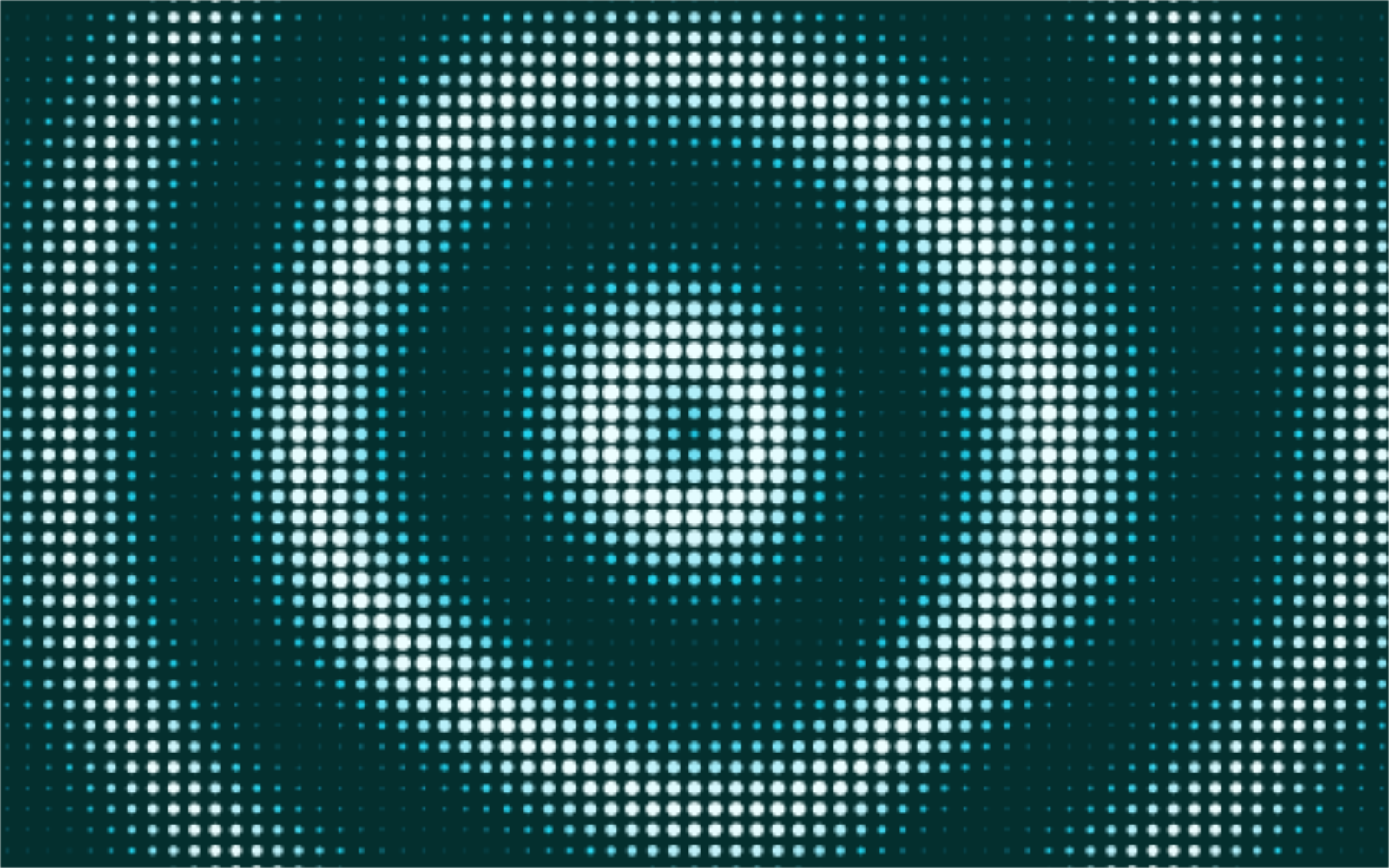
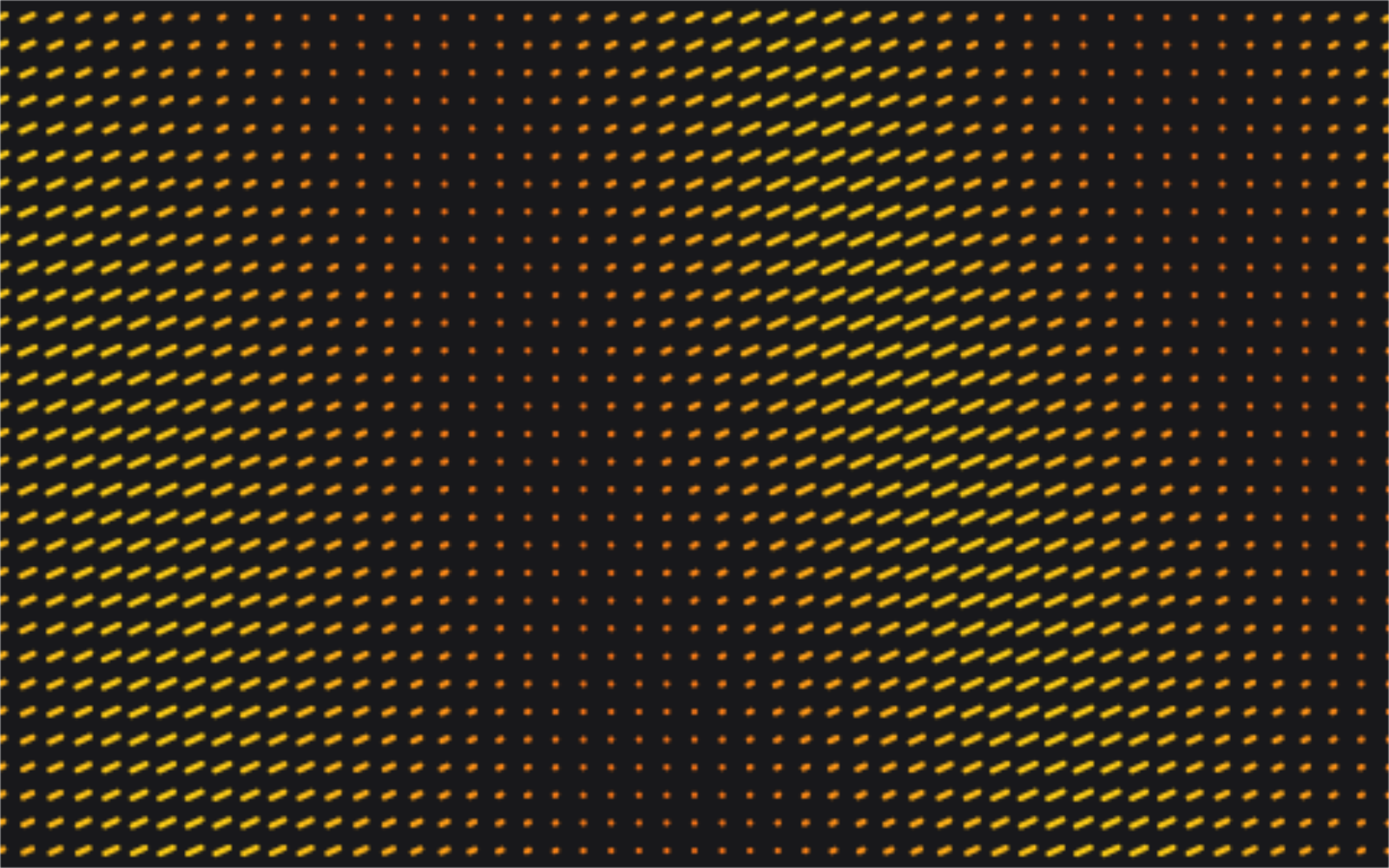
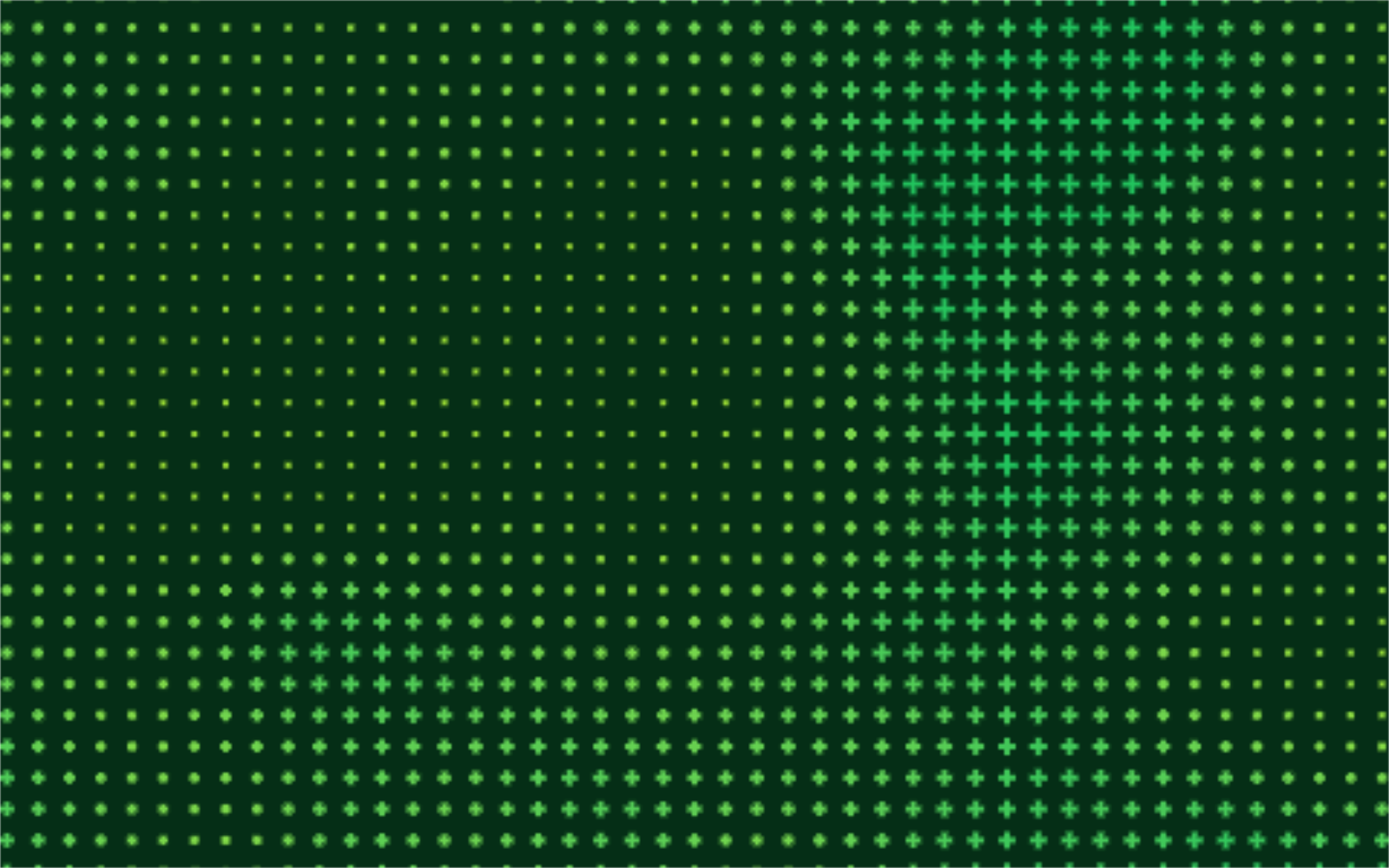
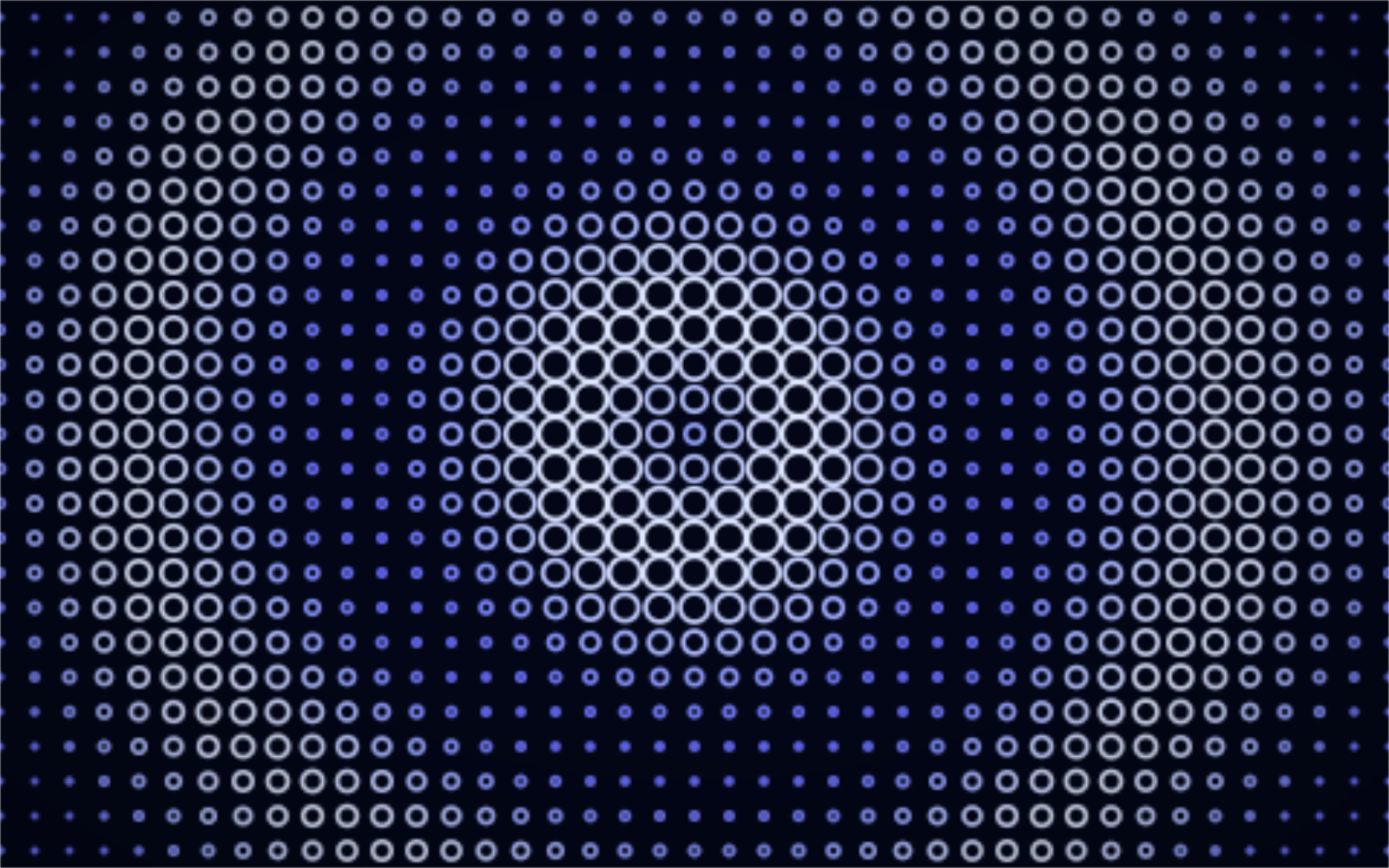
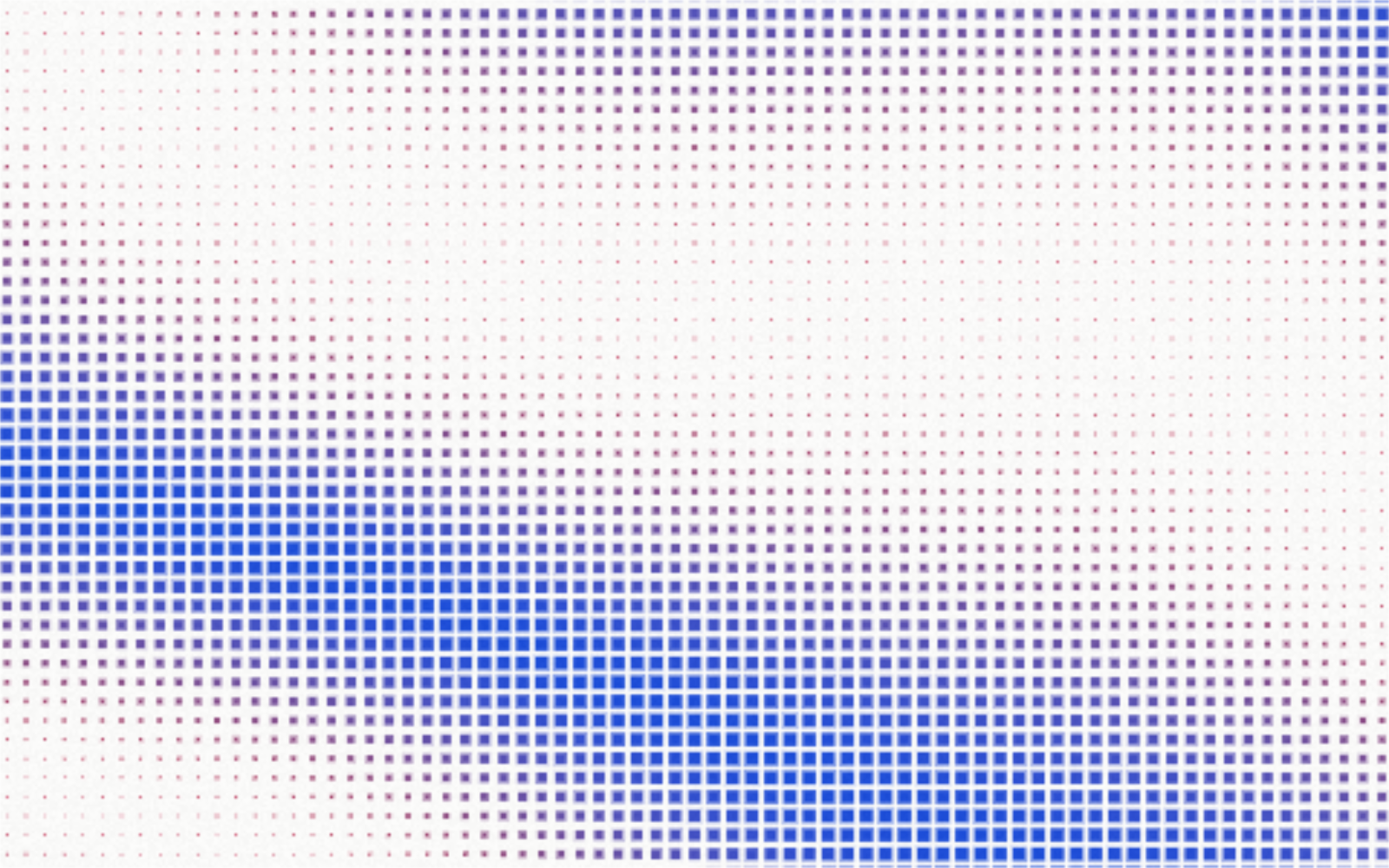
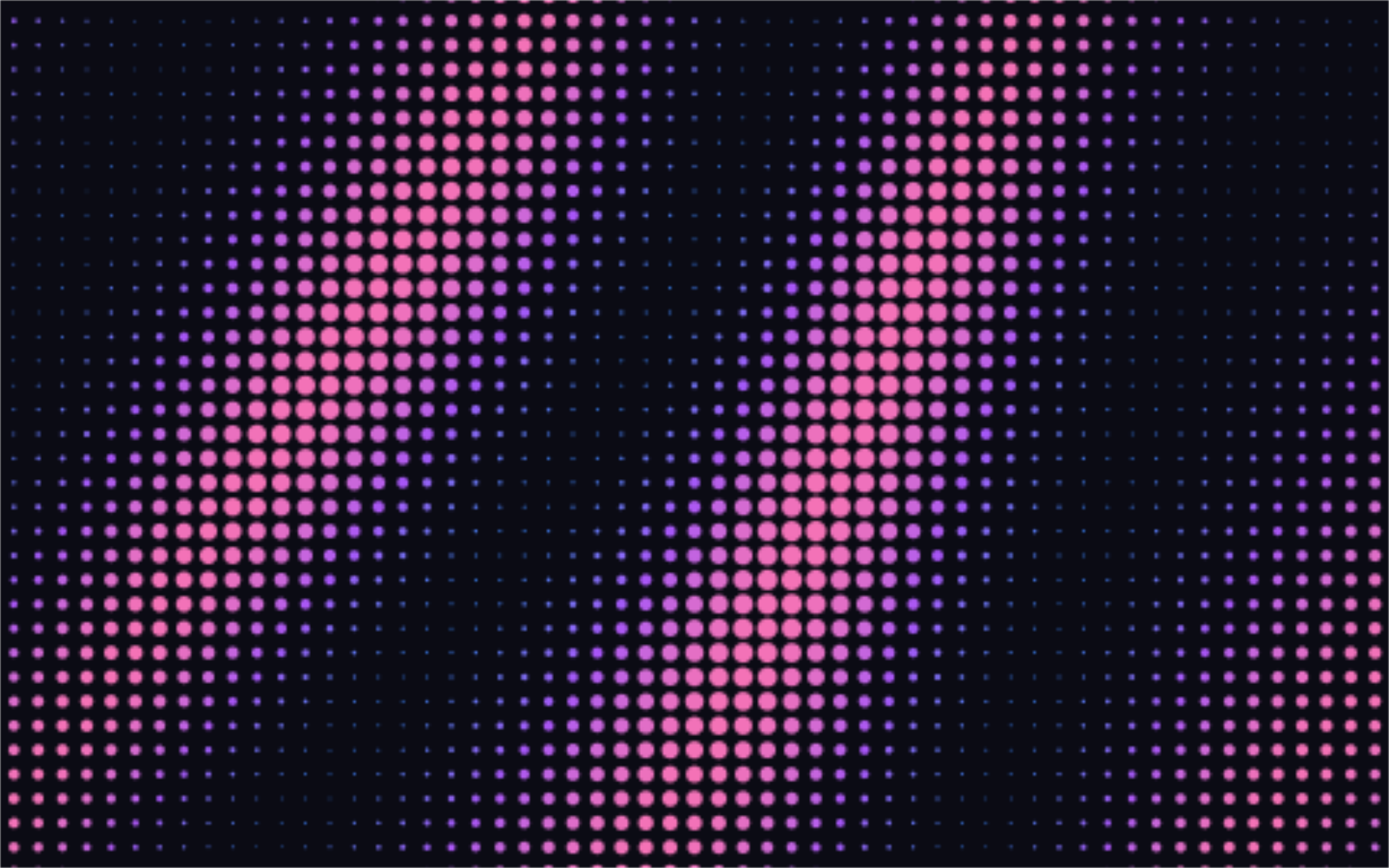
Open in editorA grid of dots, squares or dashes that swell and shrink with a wave or noise field. Animated with a GPU shader, as PNG up to 8K, seamless GIF loop or live code for your website.
Open the generatorRuns right in your browser. Your graphics are made on your device.
Pick a preset and it opens right in the editor, ready to adjust.
A dot wave grid is a regular grid of small shapes whose size follows an invisible field. Where the field is high, the dots grow; where it is low, they shrink or vanish. That gives the calm, technical look you know from AI and developer websites. Musterli computes the field with a shader in your browser, so the grid can move smoothly and nothing leaves your device.
A quiet, moving dot grid behind a headline signals precision without stealing attention. Paste it as a Web Component, React component or HTML.
As a dark background with light dots, the grid frames charts and quotes. Export it in the exact slide size.
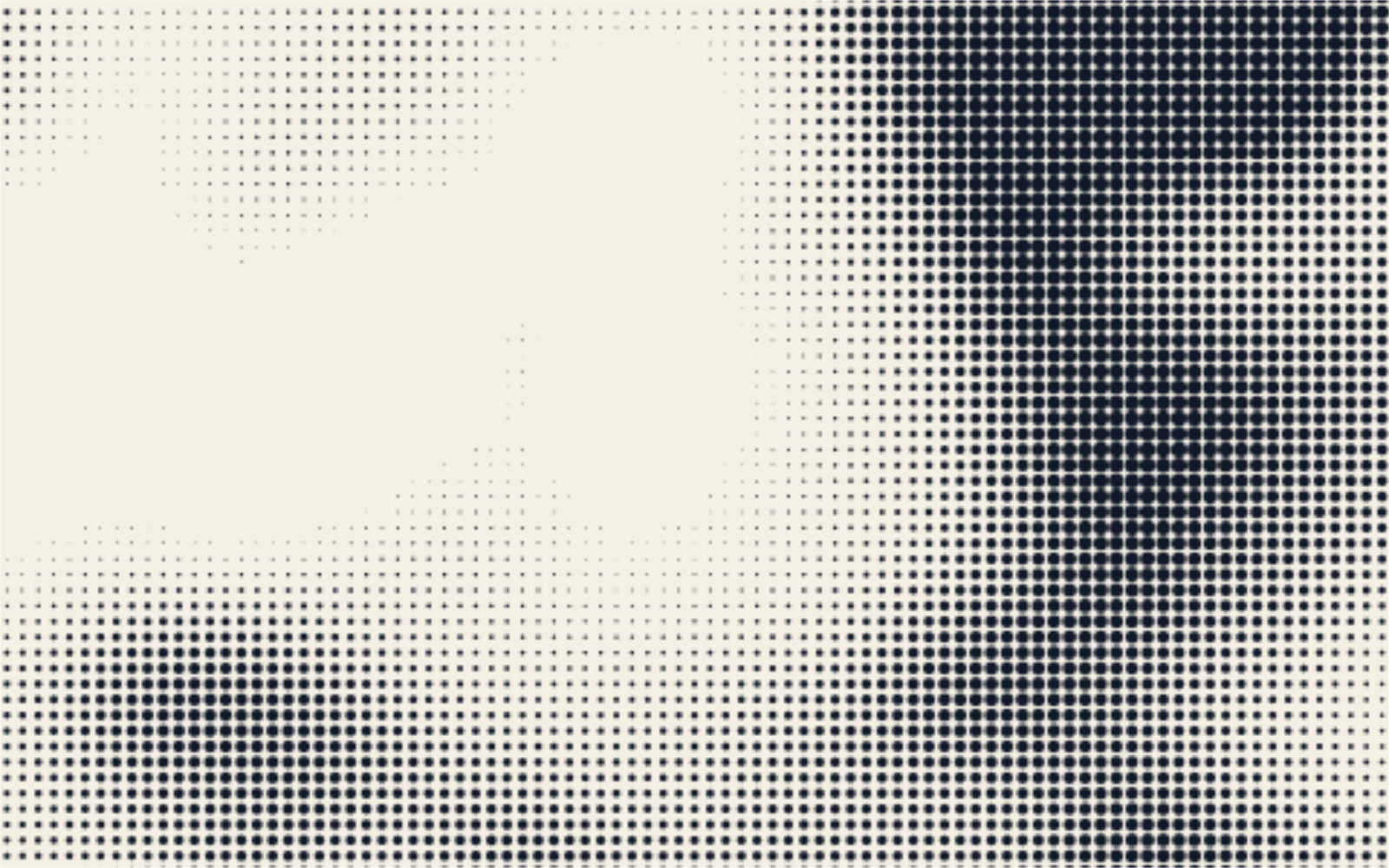
With a fixed moment and squares or crosses, the grid looks like a modern halftone, sharp up to 8K.
Pick a field (noise, waves or ripple) and a shape such as dot, square or ring. Set the spacing and the smallest and largest size, then shape the motion with frequency, angle and warp. Edge fade lets the grid dissolve toward the borders. Press Space for a new variant. Export a PNG, JPG or WebP up to 8K, a seamless GIF loop, or live code for your website.
Try the Dot Wave Grid nowHand-drawn looking squiggles, spirals, stars and zigzags as a background. Export as SVG or image.
Open in editor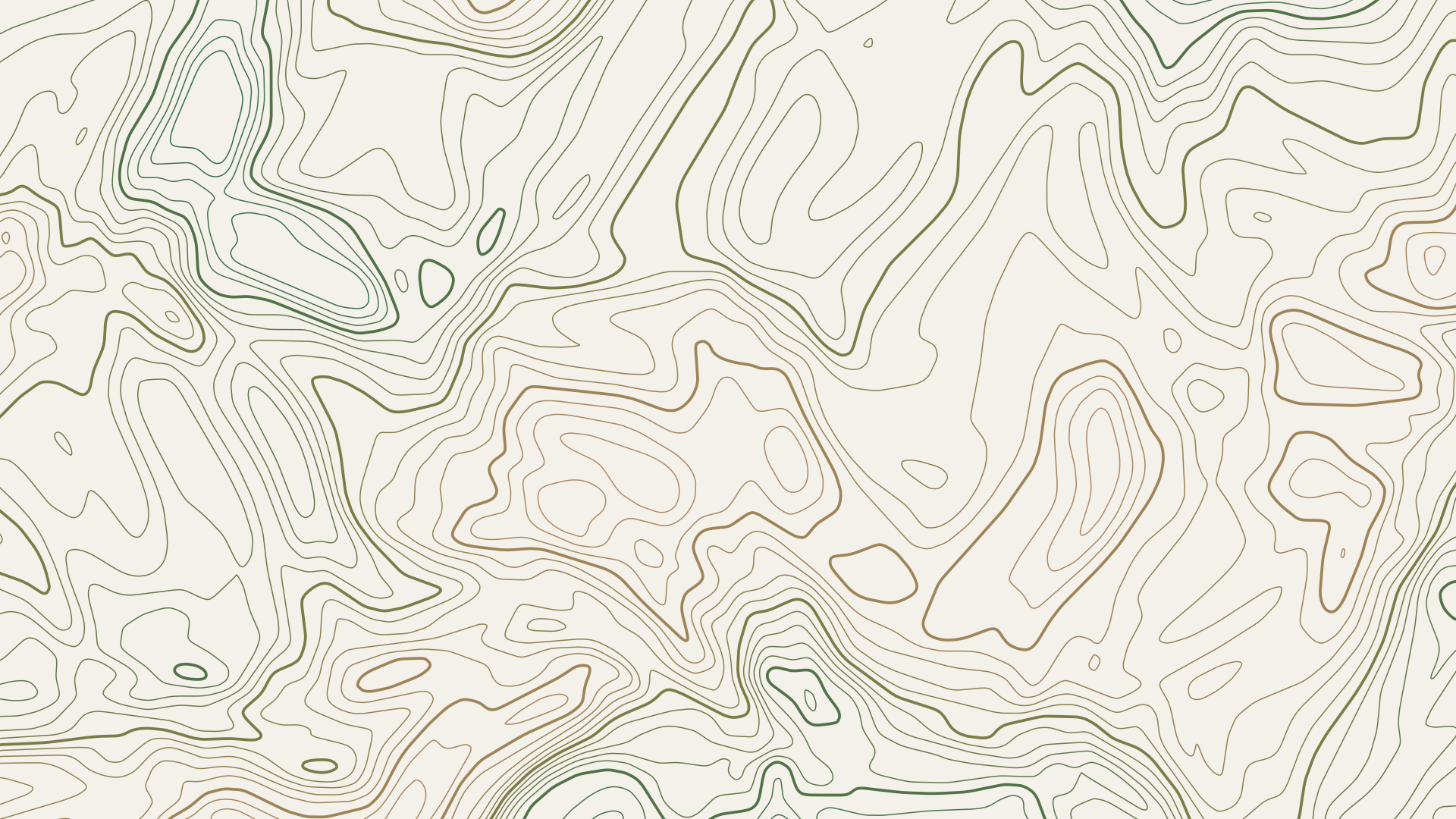
Contour lines like on a map, as outlines or filled elevation bands. Export as SVG, image or GIF.
Open in editor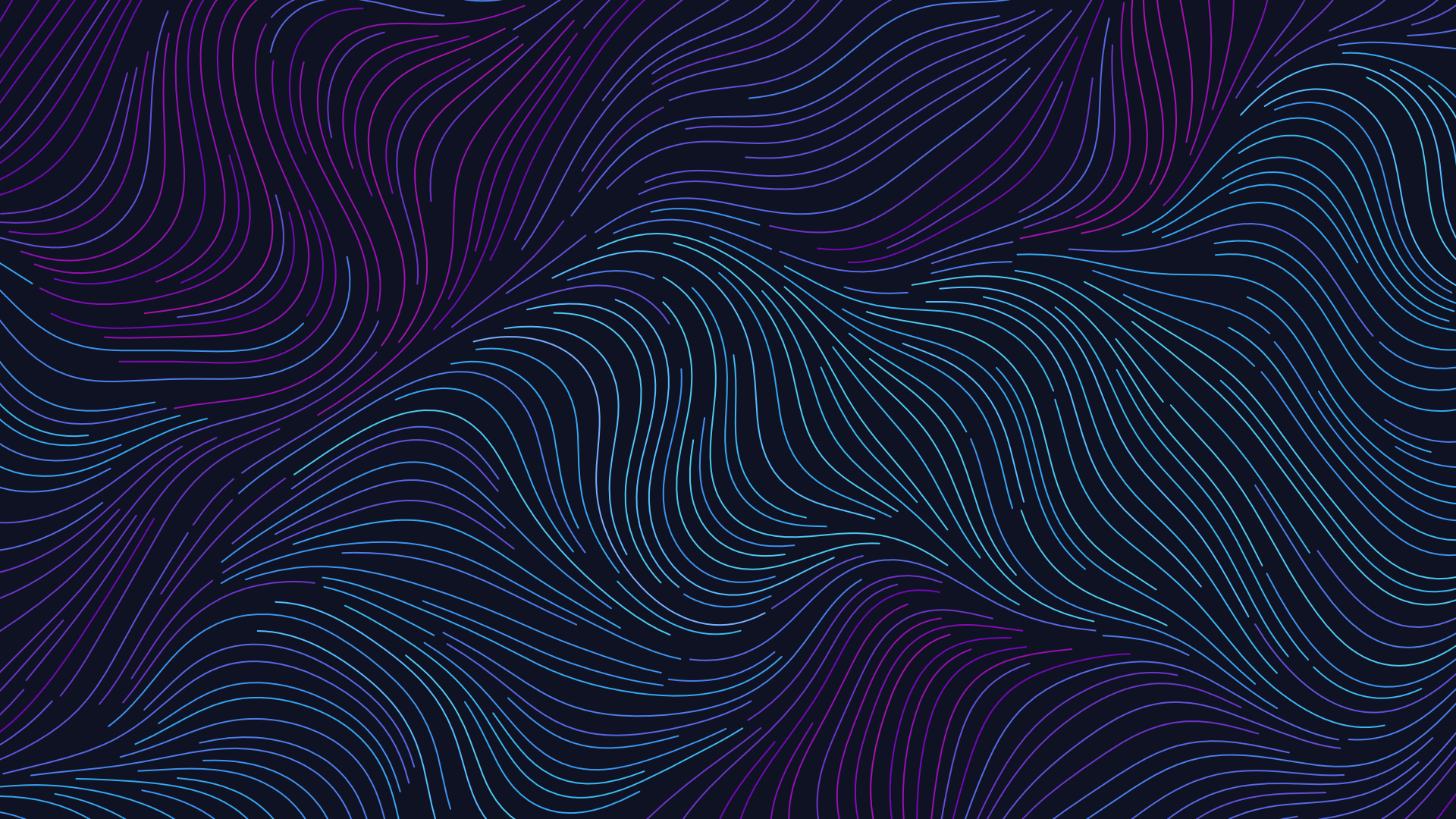
Thousands of lines follow an invisible flow, like wind, water or hair. Export as SVG, image or GIF.
Open in editor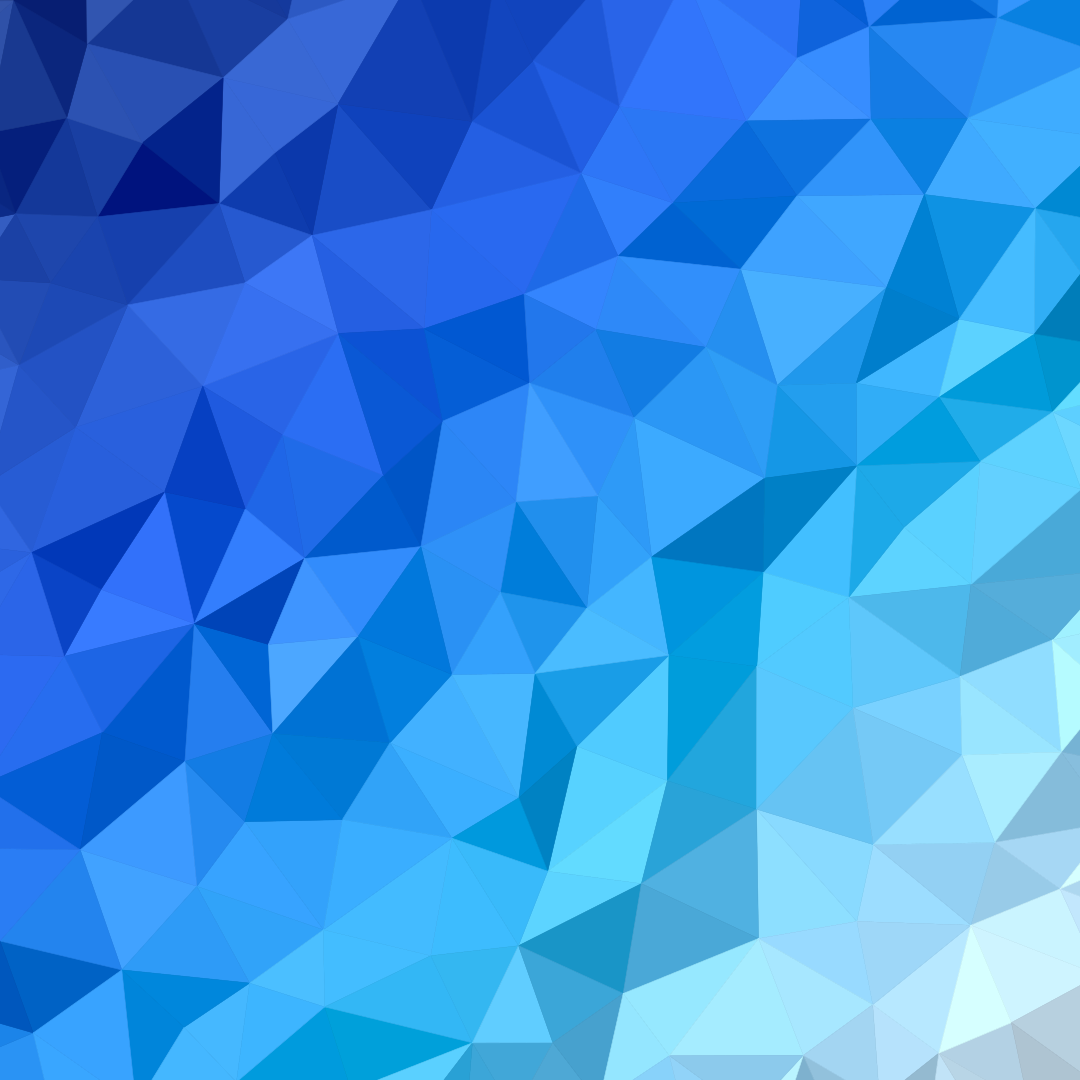
Faceted backgrounds from triangles or Voronoi cells, colored by a gradient through your palette. Export as SVG, image or GIF.
Open in editor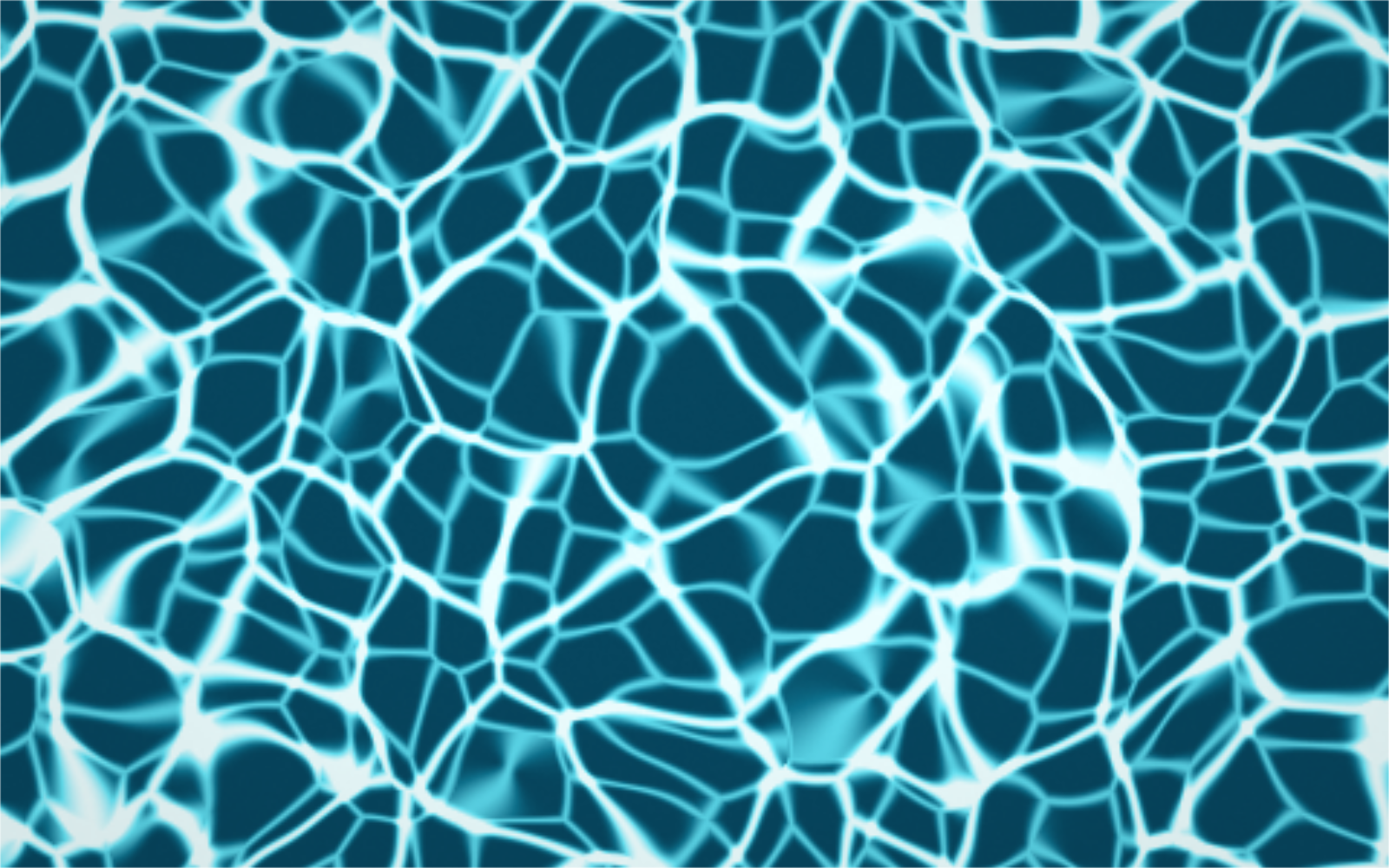
Shimmering pool light, organic Voronoi cells or crystal facets from a GPU shader. PNG up to 8K, seamless GIF loop or live code for your website.
Open in editor
Organic shapes in one click, filled, outlined or with a gradient. Export as SVG or image.
Open in editor