
Noise and Grain
Grainy textures and backgrounds with fine noise over a color or gradient. Export as PNG, JPG, WebP or SVG.
Open in editorLet light pour through your photo: rays from a light source you place, with strength, length, decay and color. Your picture stays on your device.
Open the generatorRuns right in your browser. Your graphics are made on your device.
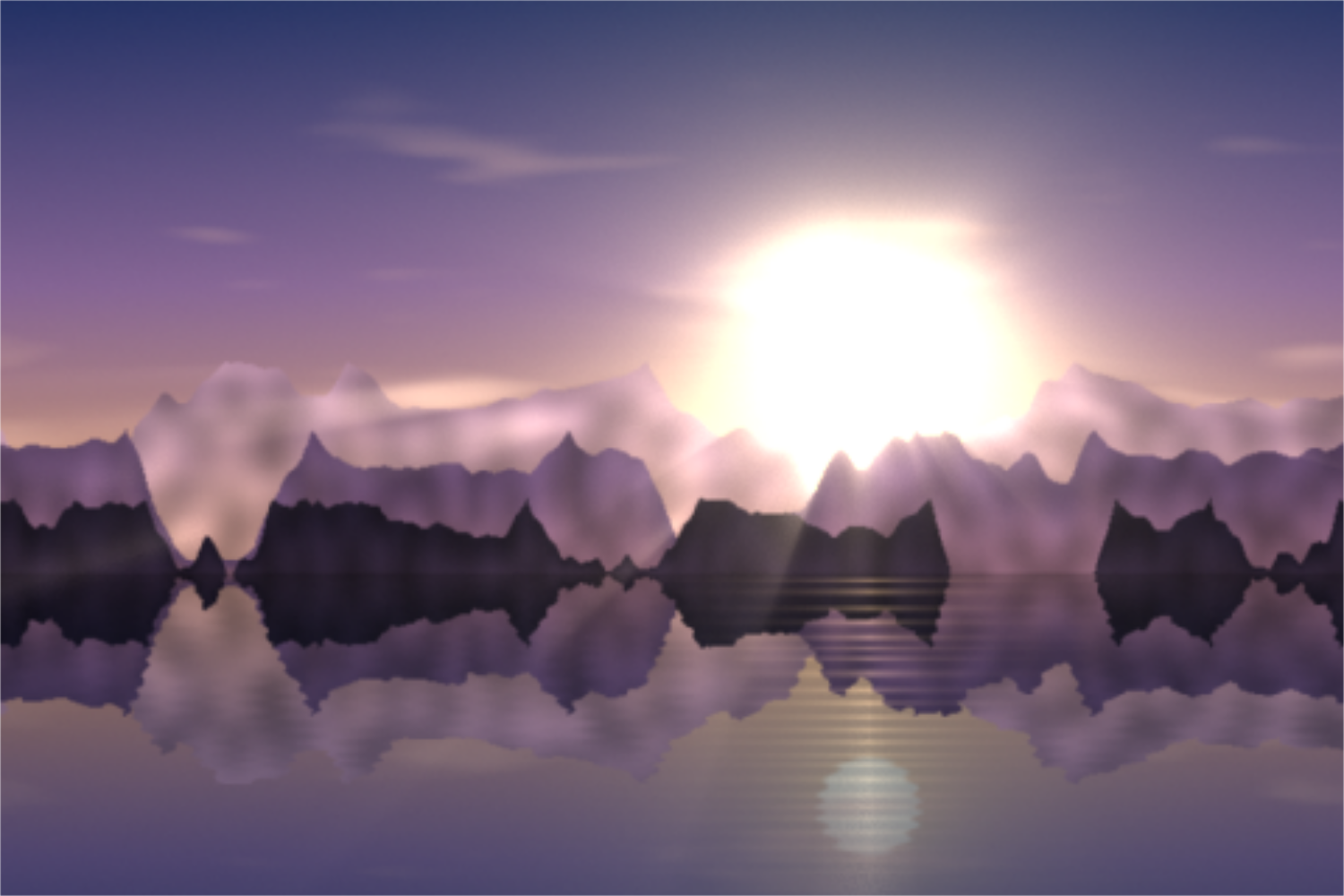
Pick a preset and it opens right in the editor, ready to adjust.
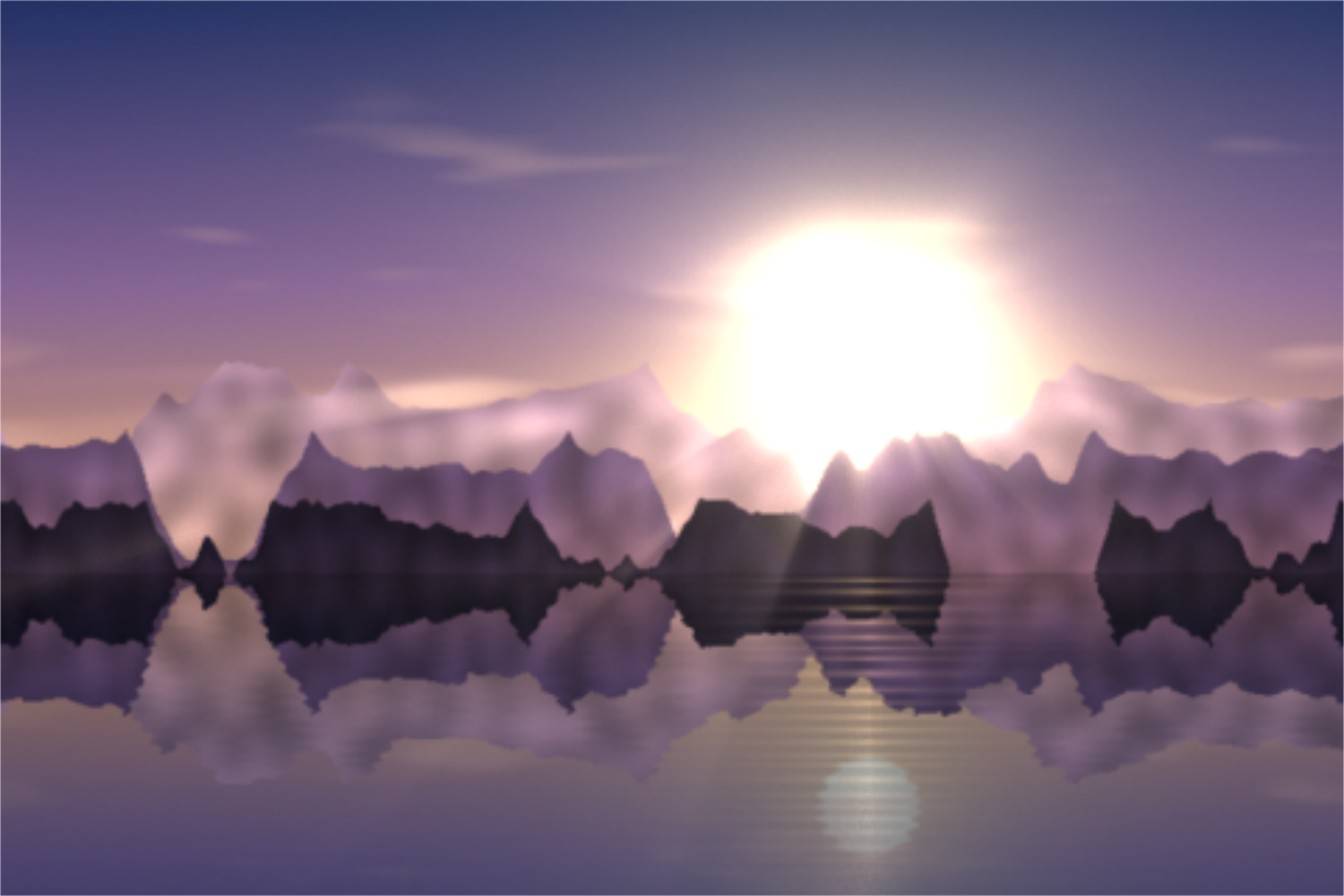
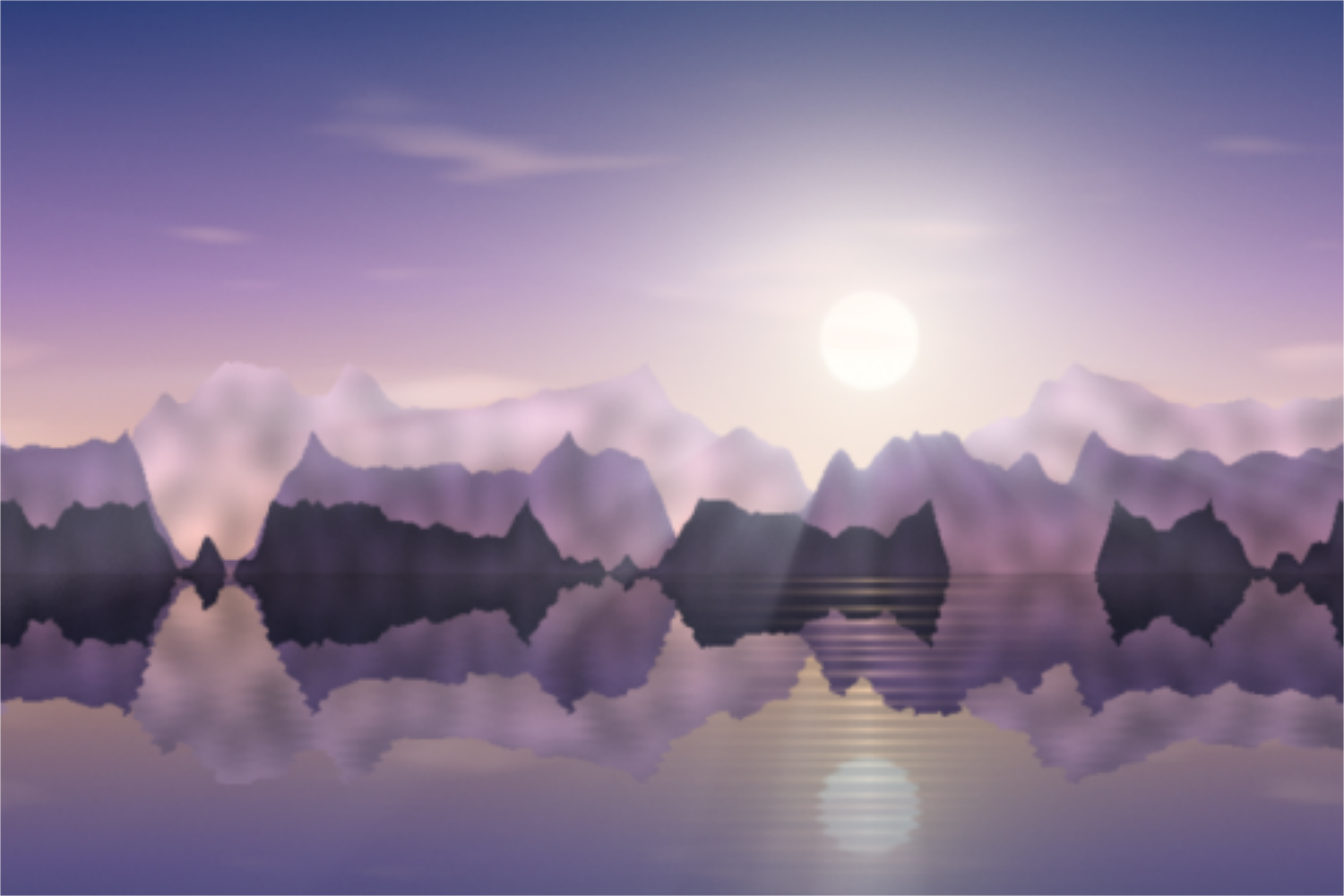
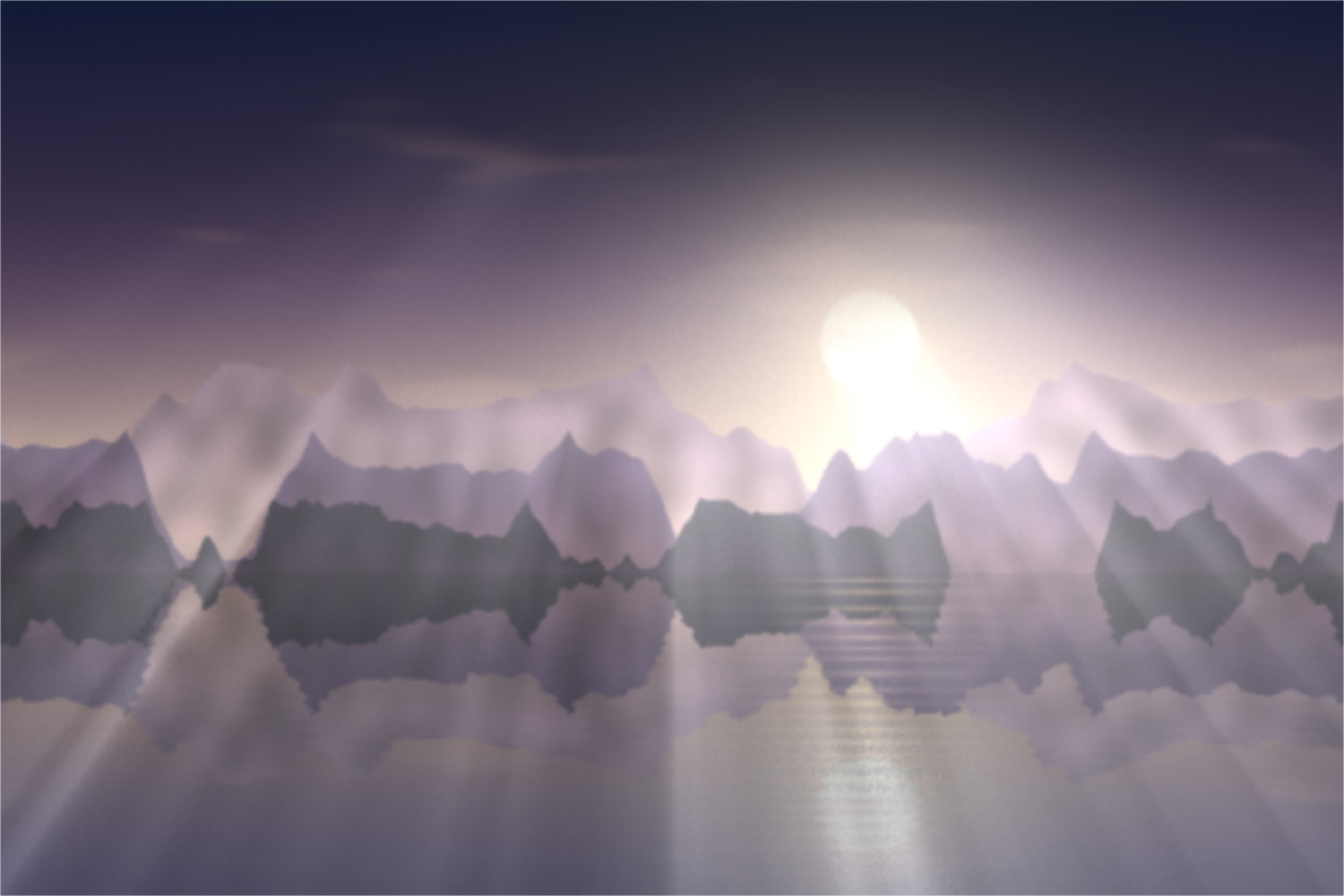
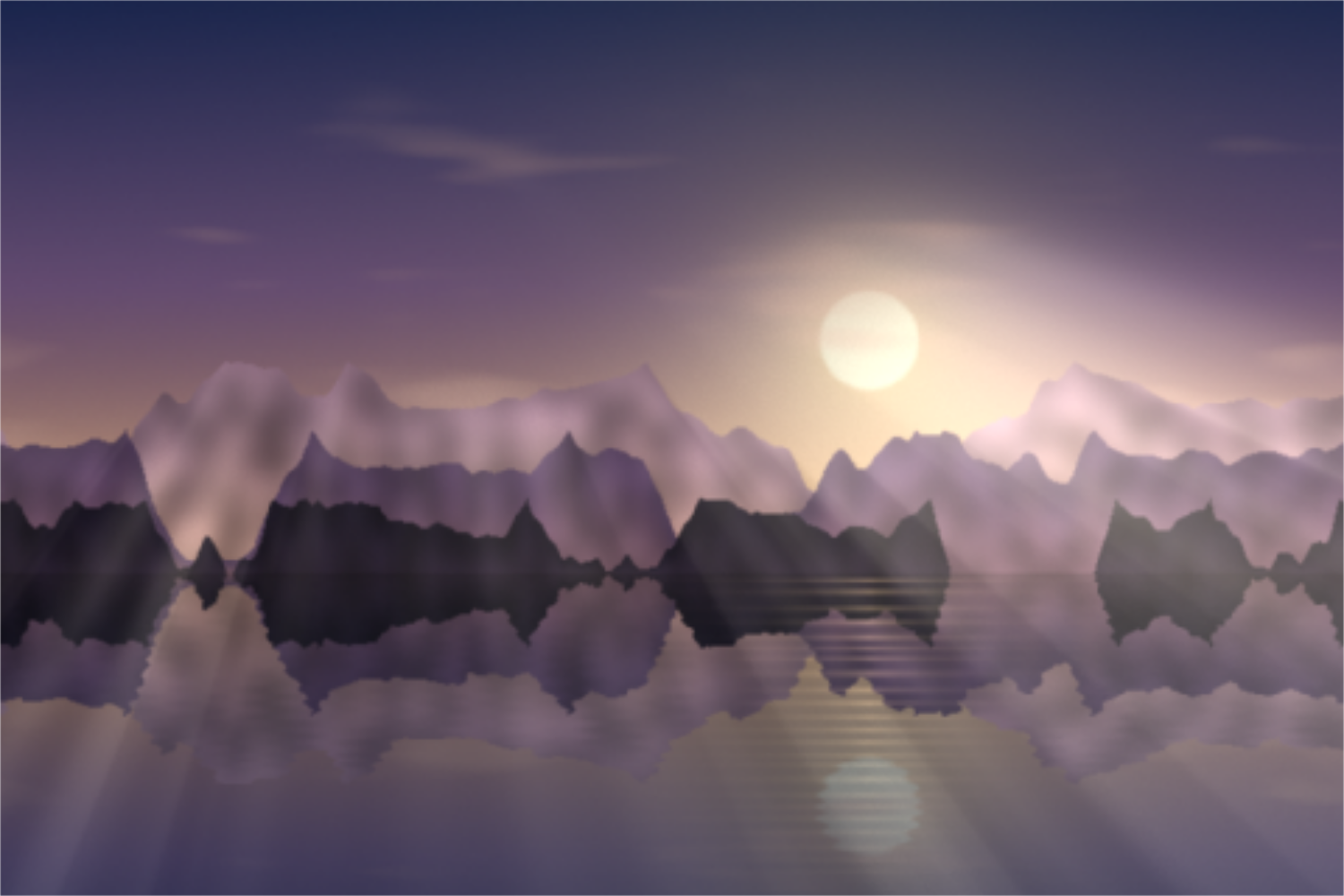
God rays, also called crepuscular rays or light shafts, are visible beams of light falling through gaps in clouds, trees or windows. This effect recreates them: the bright parts of your photo become the light, and every pixel gathers how much light reaches it along the line toward the light source. Dark shapes such as mountains, branches or window frames cast streaks of shadow. The result is a radial blur laid over the picture as rays.
Light rays give landscape and travel photos depth and warmth. They suit blog headers, hero sections and posters.
A spotlight from above puts a product or a person in the limelight. With a darkened background it looks like a stage.
A photo with bold rays stands out in the feed. With your brand color as the light, it stays on brand.
Upload a photo or try the presets on the sample picture. Place the light with Light horizontal and vertical, ideally on the sun, a lamp or a window; it may also lie outside the picture. The threshold decides which areas glow; strength, ray length and decay decide how far the rays reach. Choose a ray color and darken the picture if needed. Space rolls the light position and color. Export as PNG, JPG or WebP.
Try the God Rays Effect nowGrainy textures and backgrounds with fine noise over a color or gradient. Export as PNG, JPG, WebP or SVG.
Open in editor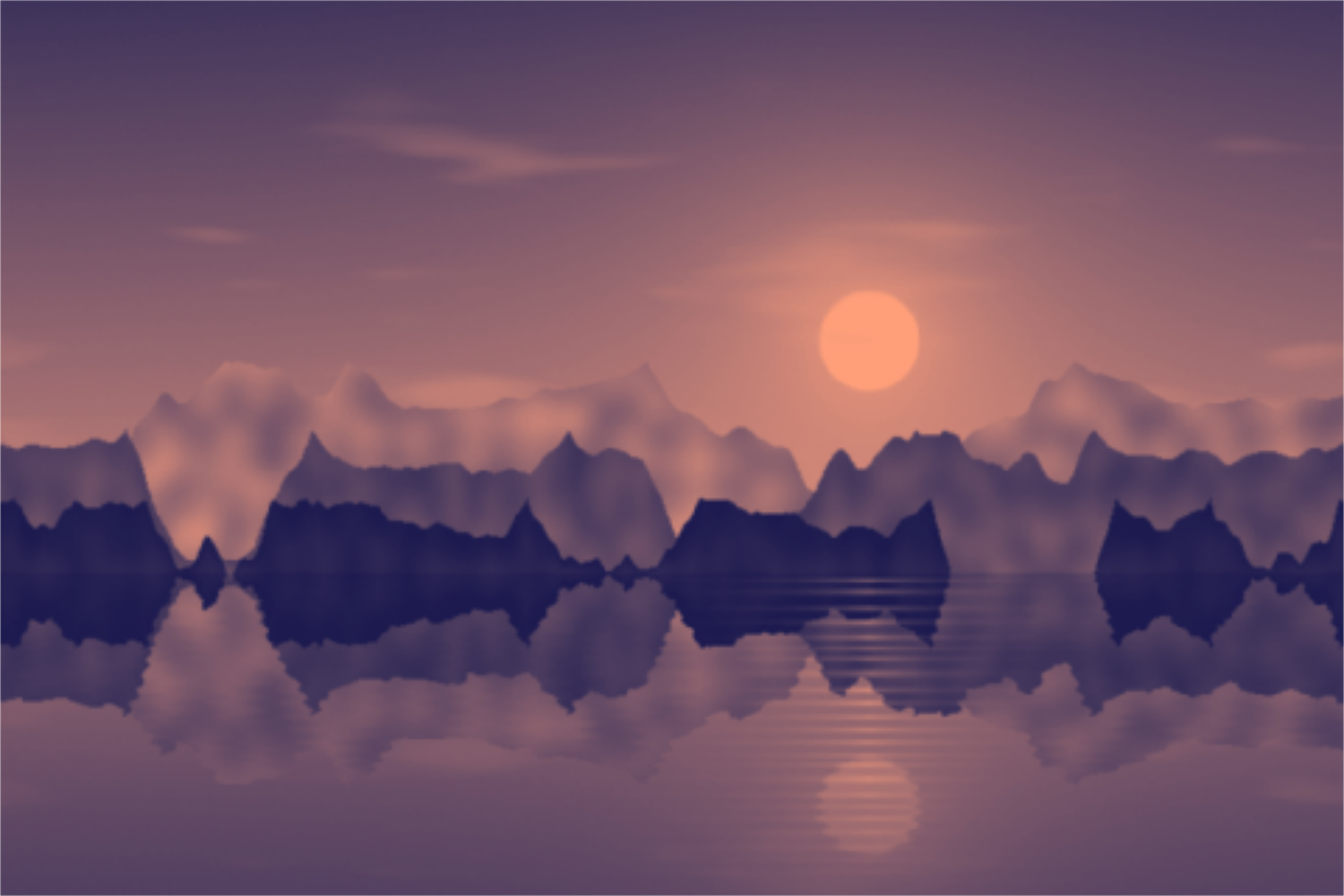
Tint photos in two, three or more colors: duotone, tritone and gradient map with a tone curve and grain. Your picture stays on your device.
Open in editor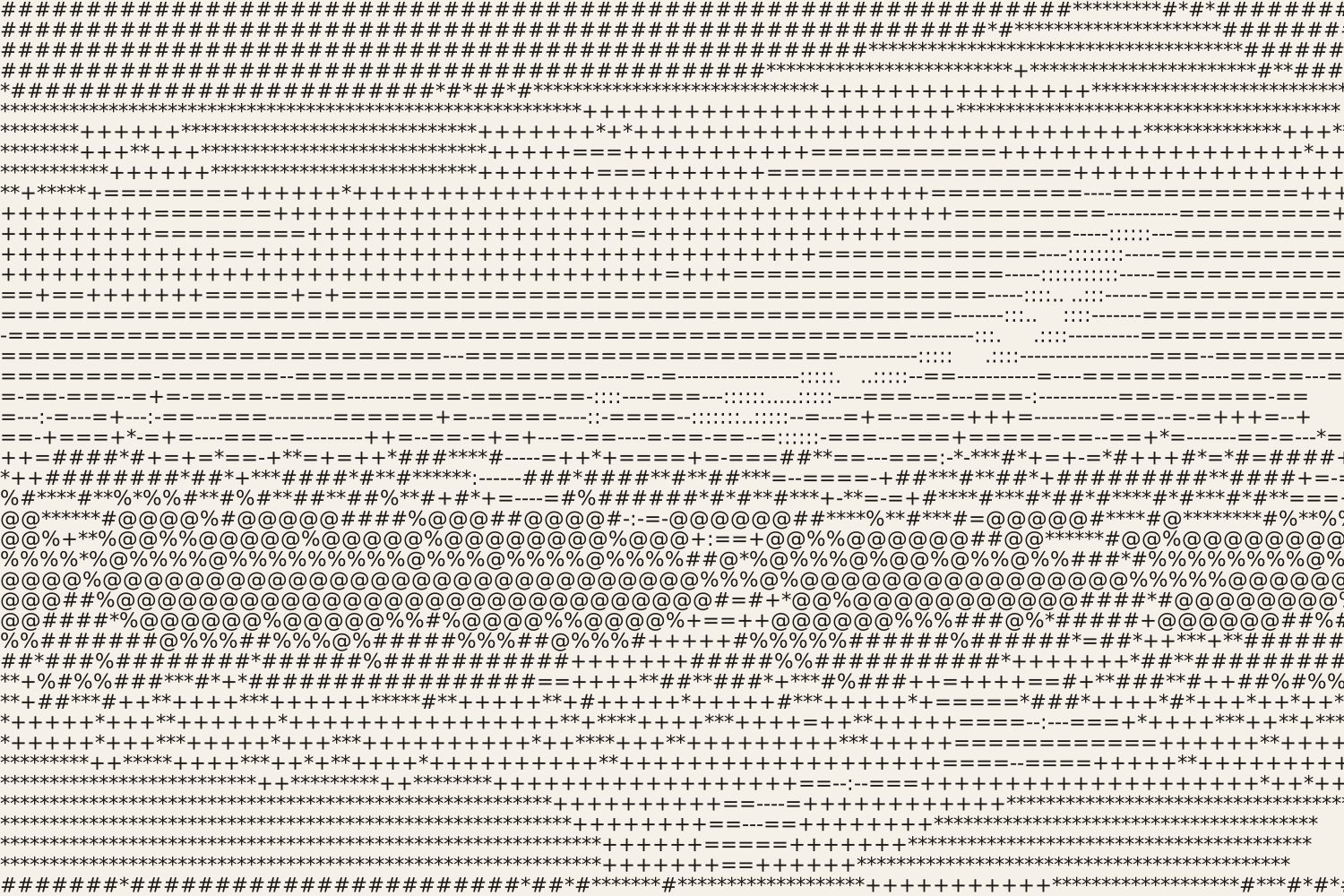
Turn photos into ASCII art from characters, colored characters, an LED dot matrix or braille. Export as SVG, PNG, text or HTML.
Open in editor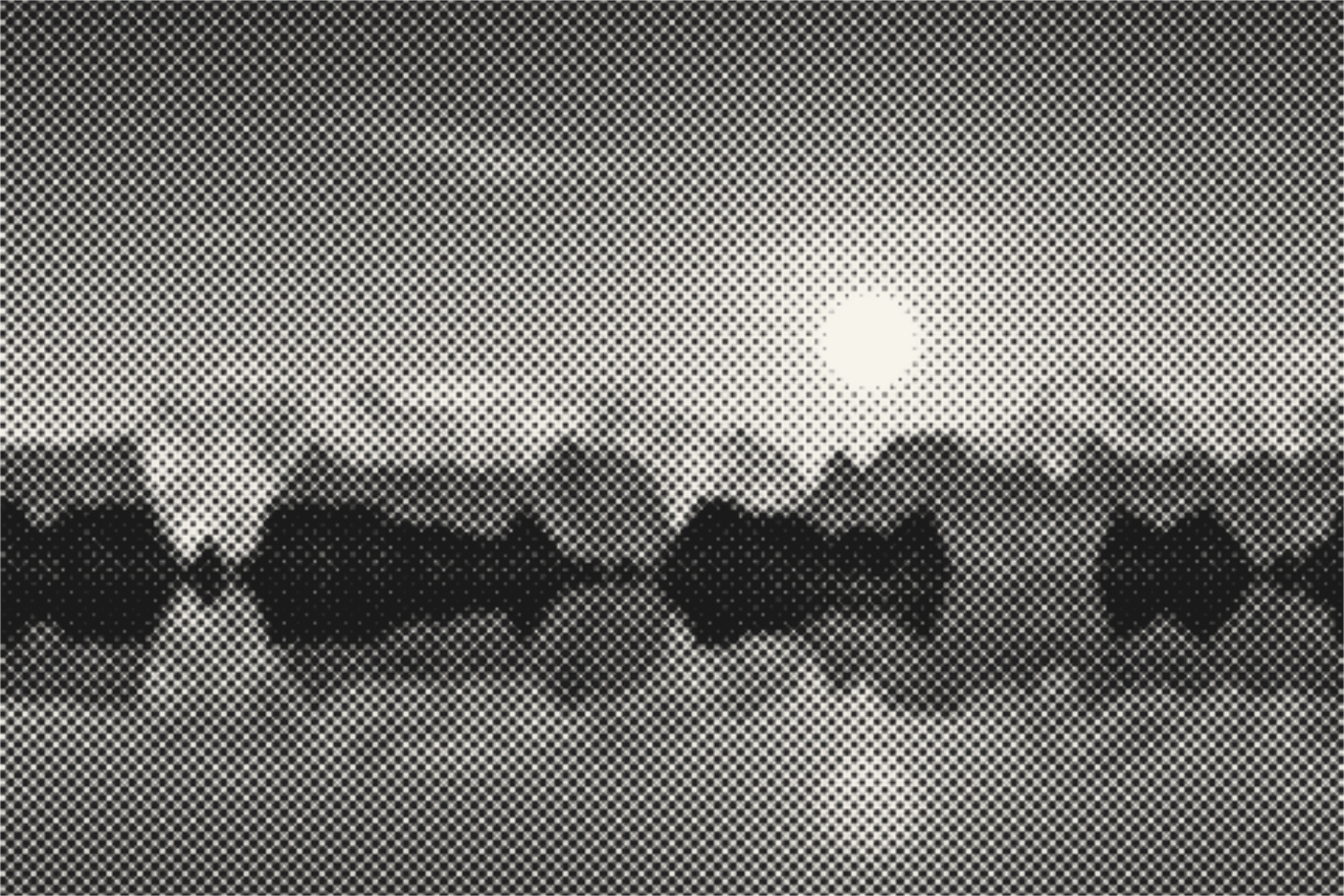
Turn photos into halftone dots, lines, squares or diamonds like newspaper print. With screen angle, cell size, two colors and SVG export. Your picture stays on your device.
Open in editor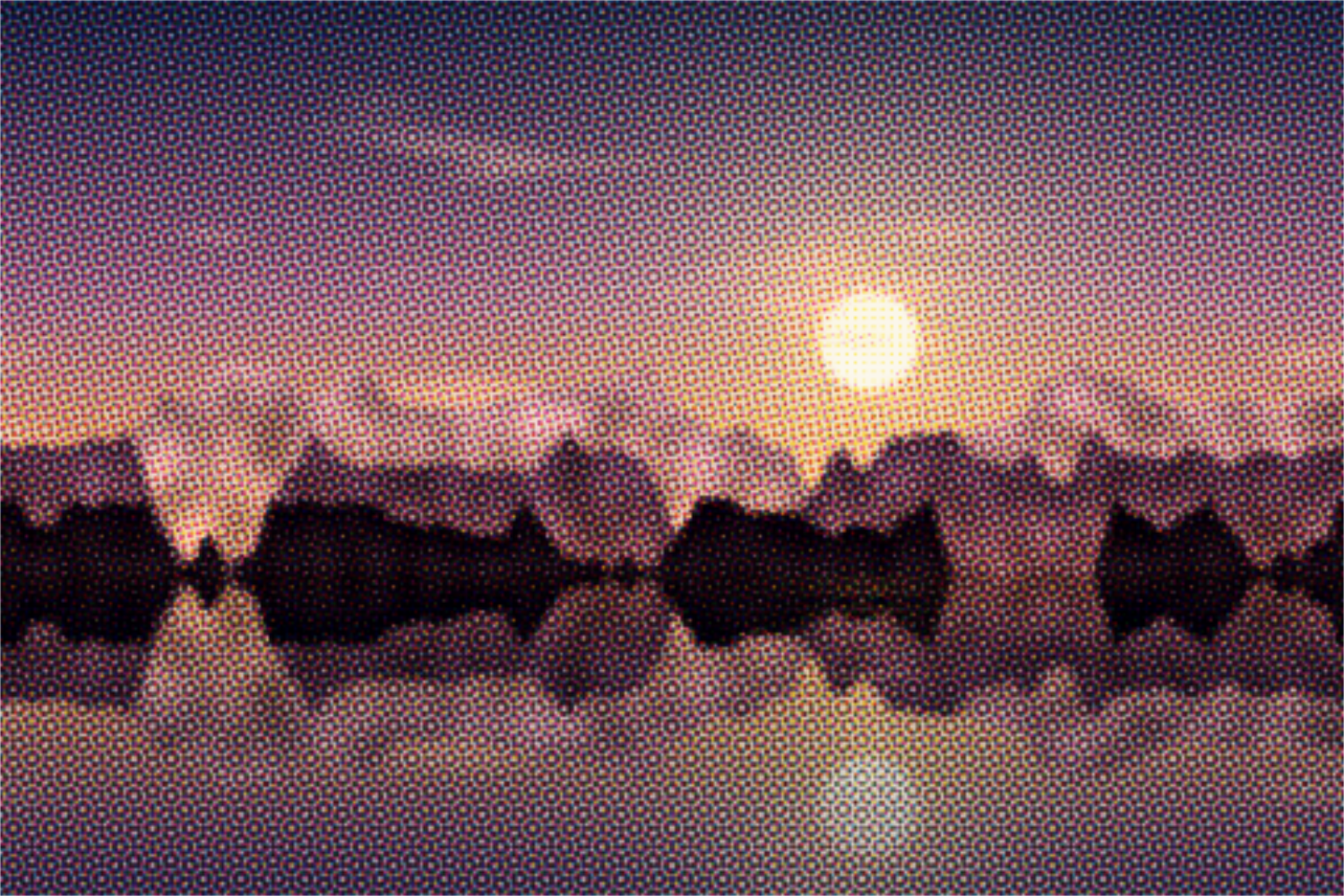
Separate photos into cyan, magenta, yellow and black with a screen angle per ink, like offset printing. With misregistration and SVG export. Your picture stays on your device.
Open in editor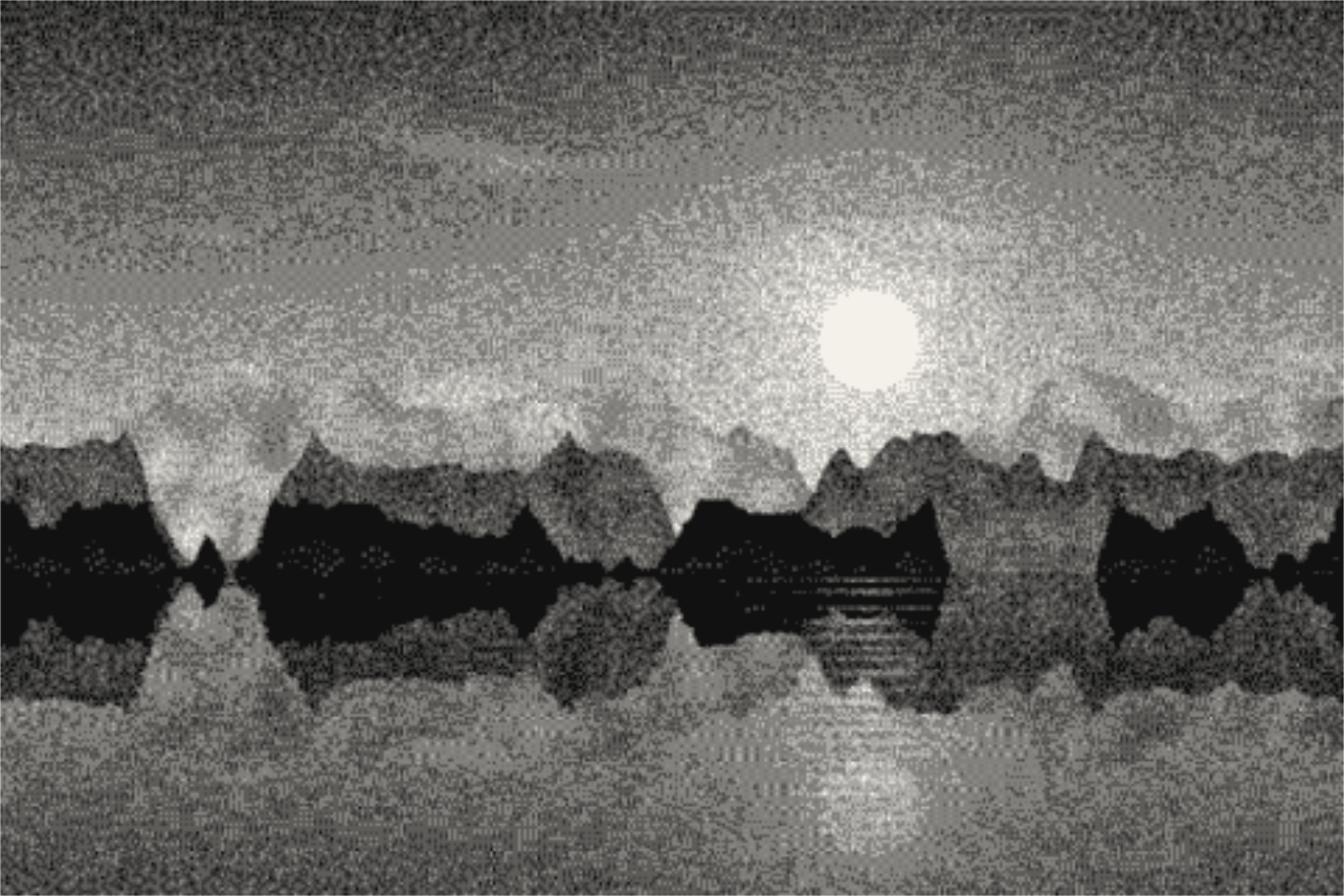
Reduce photos to a few colors with Floyd-Steinberg, Atkinson, Stucki or Bayer dithering, in 1-bit, grayscale, retro palettes or your own colors. Your picture stays on your device.
Open in editor