



Favicon Generator
Favicons and app icons from a letter, a shape or your logo. One click gives you a pack with every size, the manifest and the HTML.
Open in editorPrice tags, seals and stickers with a spiky, scalloped or wavy edge and your own text, as SVG, PNG or a spinning GIF.
Open the generatorRuns right in your browser. Your graphics are made on your device.

Pick a preset and it opens right in the editor, ready to adjust.
A starburst badge is a round label with a spiky or wavy edge, the classic shape for prices, discounts and "new" stickers. It catches the eye on product images, shop banners, posters and social posts.
Mark discounts, new arrivals and bestsellers right on the product photo.
A bold badge with a date or price draws the eye to the key fact.
Use it as a sticker on stories and thumbnails, or as a seal for quality and awards.
Pick an edge, then set the number of points, the depth and the tilt. Type a main text and an optional second line, choose a font and add a ring, a sticker border or a hard shadow. Export as SVG, PNG with a transparent background or as a GIF where the edge turns. Press Space for new colors and a new edge.
Try the Starburst Badge Generator nowFavicons and app icons from a letter, a shape or your logo. One click gives you a pack with every size, the manifest and the HTML.
Open in editor
Free QR codes with style: dots, rounded modules, custom eyes, gradients and your logo. Download as SVG, PNG, JPG or WebP, no sign-up and no expiry.
Open in editor
Put your screenshot on a beautiful background or show your website as a mockup on laptop, monitor, tablet and phone. Ready for docs, social media and Product Hunt.
Open in editor
Profile pictures with initials, identicons or shapes, derived from a name. Circle, rounded or square, with a solid color, gradient or pattern.
Open in editor
Preview images for links on Facebook, LinkedIn, X, Slack and WhatsApp: title, logo and site name on a Musterli motif, with the matching meta tags.
Open in editor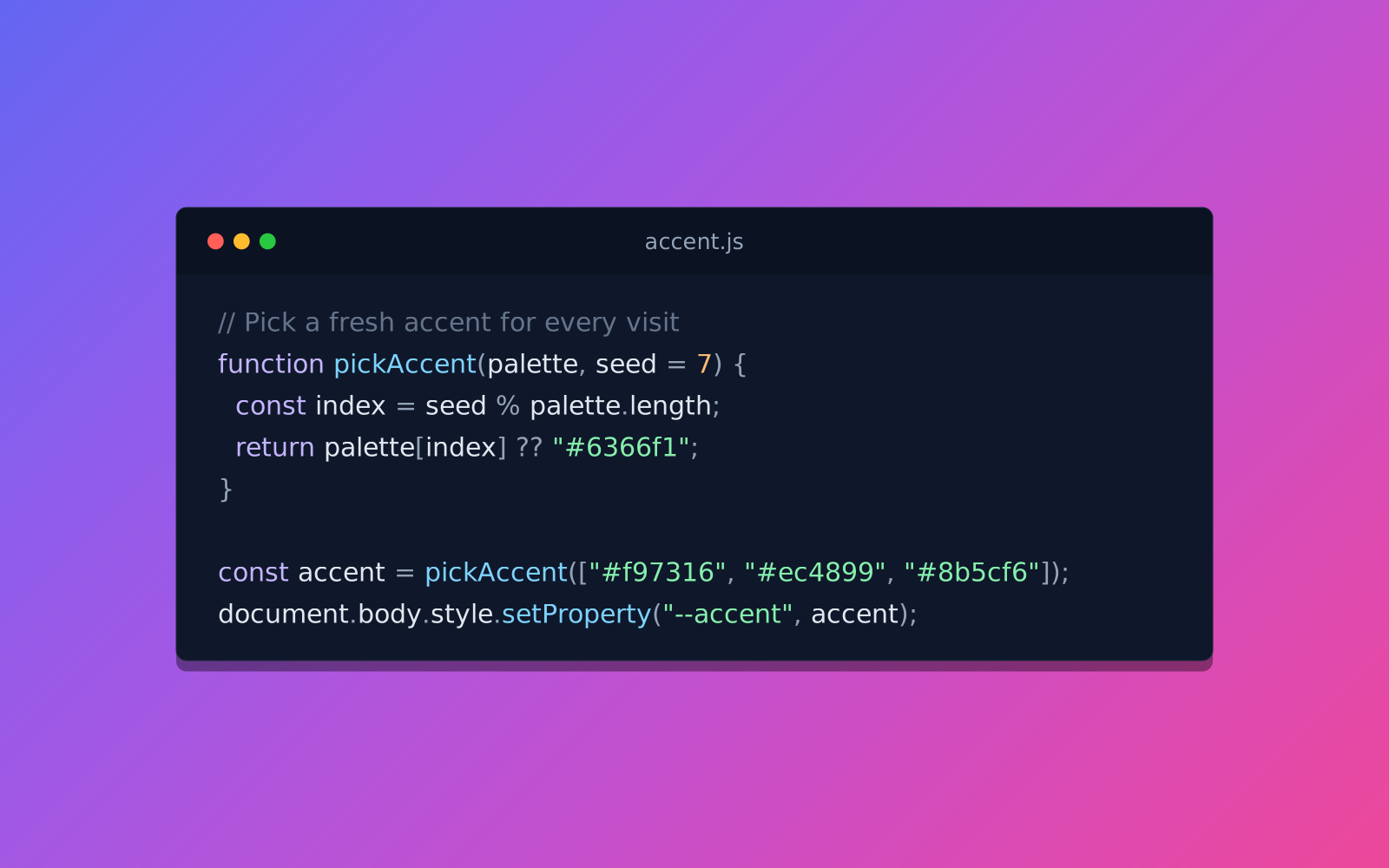
Turn code into a beautiful image: syntax colors, an editor window and a gradient background. For posts, slides and docs, as PNG or SVG.
Open in editor